Go back
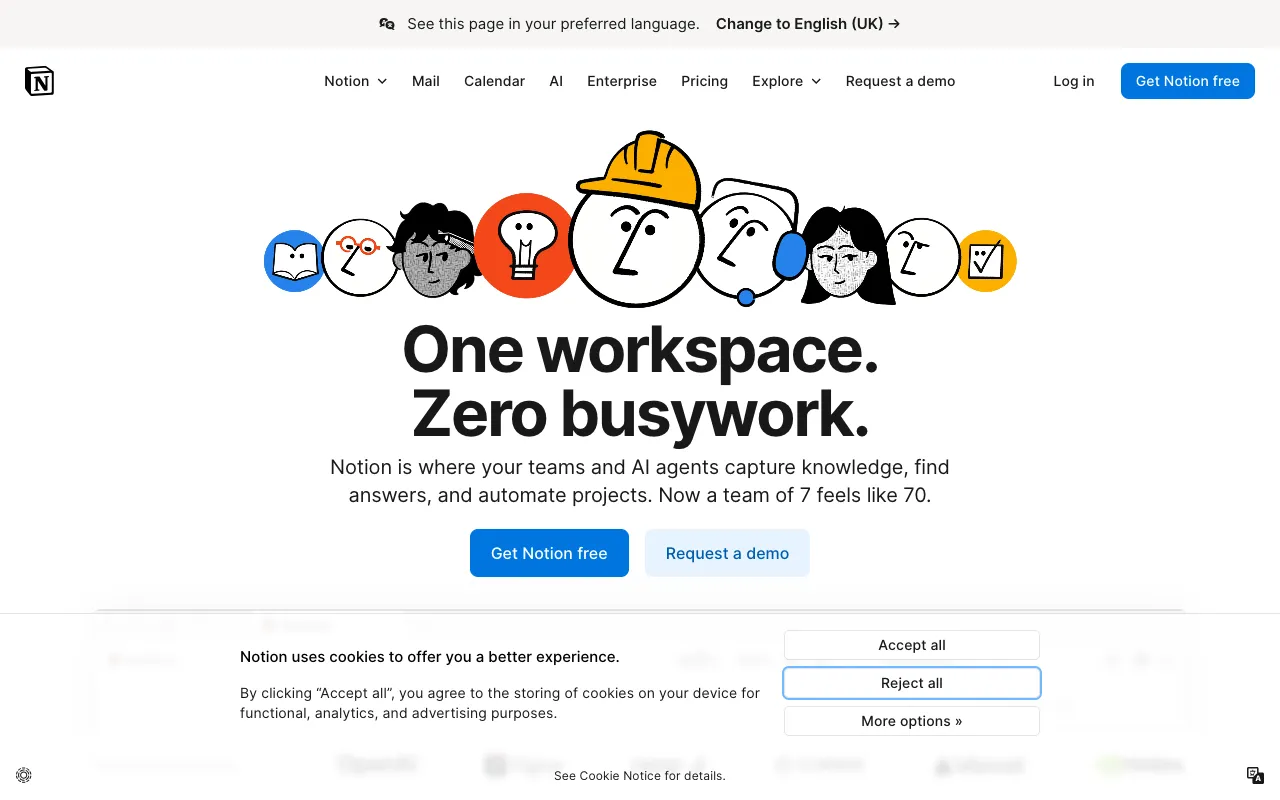
Image of Notion – The Best All-in-One Workspace for Bloggers

Notion – The Best All-in-One Workspace for Bloggers

For bloggers juggling ideas, drafts, schedules, and tasks, Notion provides the unified digital workspace you've been searching for. More than just a note-taking app, Notion empowers content creators to build custom systems for their entire blogging workflow—from initial brainstorms to published posts and promotional tracking—all within one incredibly flexible, free-to-use platform. It’s the organizational backbone for solo bloggers and content teams aiming for consistency and clarity.

What is Notion for Bloggers?

Notion is a powerful, modular workspace that combines the functions of a note-taking app, a project management tool, and a database into one seamless interface. For bloggers, this translates to a single hub where you can capture fleeting ideas, outline long-form articles, maintain a dynamic editorial calendar, track publishing progress, and store research—all without switching between disparate apps. Its unique 'block-based' editor and database views (like tables, boards, and calendars) allow you to design a content management system tailored precisely to your blogging style and needs.

Key Features of Notion for Bloggers

Customizable Editorial Calendar

Build a living editorial calendar using Notion's database views. Visualize your content pipeline in a Kanban board (Idea, Writing, Editing, Scheduled, Published), a monthly calendar, or a simple table. Link each piece to its notes, outlines, and research for complete context.

Linked Databases for Content Management

Create master databases for Blog Posts, Topics, Keywords, or Sources. Link records across databases. For example, link a 'Blog Post' to multiple 'Topics' and 'Keywords,' creating a powerful, relational content repository that surfaces connections and gaps in your strategy.

Flexible Note-Taking & Outlining

Use toggle lists, nested pages, and the drag-and-drop block editor to create detailed outlines and drafts. Embed images, videos, web bookmarks, and code snippets directly into your notes, keeping all research and content in one place.

Templates for Rapid Setup

Jumpstart your blogging system with pre-built templates for content calendars, article briefs, SEO planners, and publication trackers. Customize any template to fit your unique workflow, saving hours of setup time.

Collaboration & Sharing

Invite editors, writers, or virtual assistants to specific pages or databases. Use comments and @mentions for feedback. Publish any page to the web with a clean, readable link to share drafts with clients or as public resource pages.

Who Should Use Notion for Blogging?

Notion is ideal for content creators who feel overwhelmed by scattered tools. It's perfect for: Solo bloggers seeking a centralized system for ideas and scheduling; Content teams needing a shared source of truth for calendars and assignments; SEO-focused bloggers who must organize keywords, track rankings, and link them to content; Newsletter writers managing subscriber lists and issue planning; and Affiliate marketers tracking product reviews, links, and promotional schedules. If your process involves planning, writing, and managing content, Notion can streamline it.

Notion Pricing and Free Tier

Notion offers a robust free plan that is more than sufficient for most individual bloggers. The free tier includes unlimited pages and blocks, sharing with up to 10 guests, and basic API access. For bloggers needing advanced features like unlimited file uploads, version history beyond 7 days, or larger guest limits, affordable paid plans (Plus and Business) are available. This makes Notion an exceptionally accessible and powerful tool with no financial barrier to entry for starting bloggers.

Common Use Cases

Key Benefits

Pros & Cons

Pros

  • Extremely flexible and customizable to any blogging workflow
  • Powerful free plan covers core needs for individual bloggers
  • Excellent for relational data management (linking posts, topics, keywords)
  • Reduces subscription clutter by replacing multiple single-purpose apps

Cons

  • Steeper learning curve than simple note-taking apps due to its flexibility
  • Can be over-engineered if you don't start with a clear system in mind
  • Offline functionality is limited compared to dedicated desktop apps

Frequently Asked Questions

Is Notion free for bloggers?

Yes, Notion offers a free plan that is perfectly suited for individual bloggers. It includes unlimited pages, basic collaboration features, and several database views, allowing you to build a comprehensive content management system at no cost.

Is Notion good for managing a blog editorial calendar?

Absolutely. Notion is one of the best tools for creating a dynamic editorial calendar. You can build it as a database and view it as a calendar, Kanban board, or table. You can attach notes, outlines, and checklists directly to each calendar entry, making it a fully integrated planning hub.

Can I use Notion templates for blogging?

Yes, Notion has a vast template gallery with many designed specifically for bloggers and content creators. You can find templates for editorial calendars, content briefs, SEO planners, and publication trackers to instantly structure your workspace.

How does Notion compare to Trello or Asana for bloggers?

Notion is more comprehensive. While Trello and Asana excel at task management, Notion combines task management with powerful note-taking, database creation, and document storage. For a blogger, this means your calendar, article drafts, and research can all live in a connected system within Notion, whereas other tools often require separate apps for these functions.

Conclusion

For the modern blogger, organization is not a luxury—it's a necessity for sustainable growth. Notion stands out as a uniquely powerful solution because it adapts to you, rather than forcing you into a rigid system. Its ability to consolidate note-taking, project management, and database functions into a single, customizable, and free workspace makes it an indispensable tool in any content creator's arsenal. Whether you're planning your first ten posts or managing a complex, multi-author blog, Notion provides the structure and flexibility to bring clarity and efficiency to your entire content creation process.