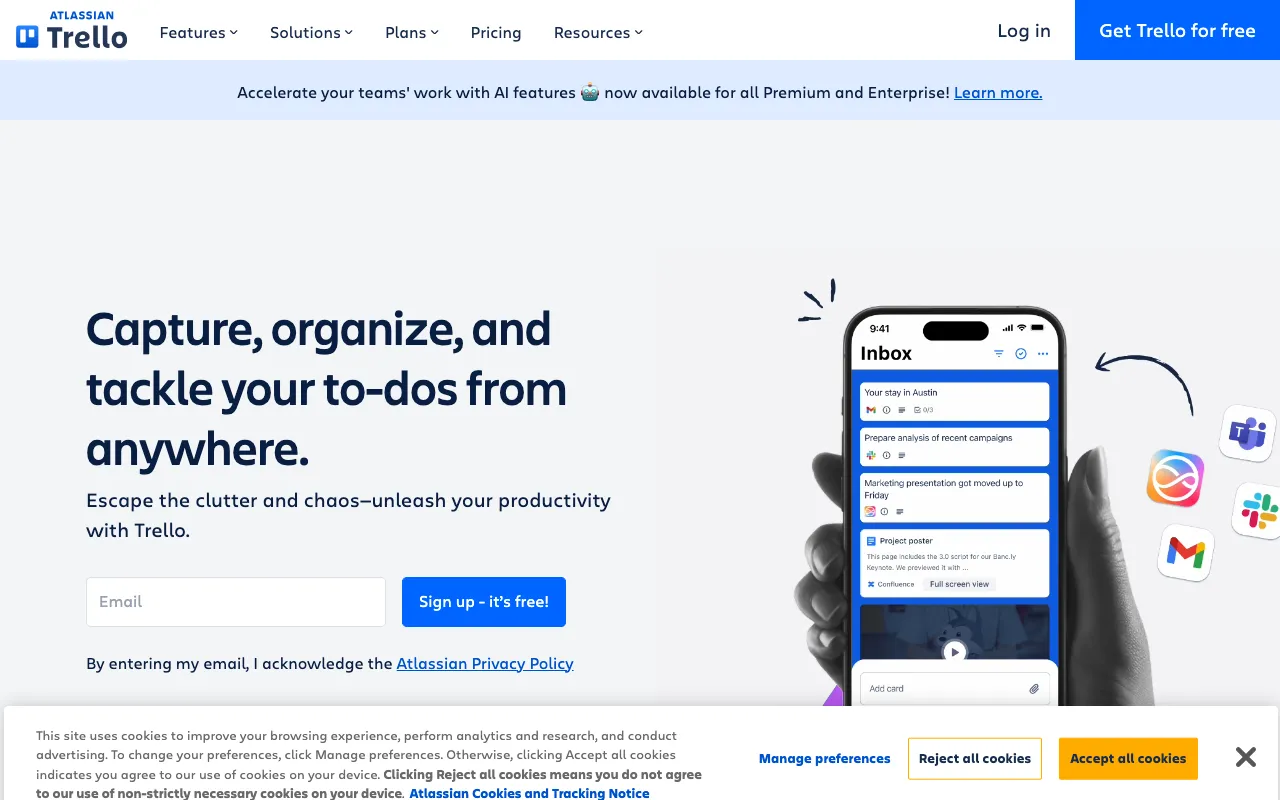
Trello – The Best Visual Project Management Tool for Bloggers
For bloggers juggling ideas, drafts, deadlines, and collaborations, Trello transforms chaos into a clear, visual workflow. This powerful yet intuitive tool uses the Kanban method—with boards, lists, and cards—to give you a bird's-eye view of your entire content pipeline. From initial brainstorming to published post, Trello helps you organize your editorial calendar, track progress, and ensure nothing falls through the cracks, all within a flexible and collaborative environment.
What is Trello for Bloggers?
Trello is a visual collaboration platform that empowers bloggers to manage their content creation process from start to finish. At its core, it uses a system of boards (representing projects or content categories), lists (representing stages like 'Ideas', 'Writing', 'Editing', 'Scheduled'), and cards (representing individual blog posts or tasks). This visual approach makes it exceptionally easy for bloggers, whether solo creators or part of a team, to see the status of every piece of content at a glance, prioritize work, and maintain a consistent publishing schedule without relying on complex spreadsheets or disjointed notes.
Key Features of Trello for Content Planning
Customizable Kanban Boards
Create dedicated boards for your editorial calendar, specific blog series, or marketing campaigns. Drag and drop cards between lists to visually track a post's progress from 'Backlog' to 'Published', providing instant clarity on your workflow's status.
Power-Ups for Extended Functionality
Supercharge your boards with Power-Ups—integrations with tools like Google Calendar (for scheduling), Dropbox (for attaching images), or Slack (for notifications). Bloggers can connect their favorite apps to create a centralized content hub.
Detailed Cards for Each Blog Post
Each card can hold a wealth of information: checklists for outlining, due dates for deadlines, attachments for images and drafts, comments for feedback, and labels for categorizing by topic, priority, or writer. It becomes the single source of truth for every article.
Team Collaboration & Guest Access
Invite editors, writers, or virtual assistants to your boards. Assign cards, leave comments, and use @mentions to streamline communication. You can control permissions, making Trello ideal for both solo bloggers and content teams.
Automation with Butler
Save time by automating repetitive tasks. Use Trello's built-in automation, Butler, to create rules like 'When a card is moved to 'Ready to Publish', set a due date for tomorrow and notify the editor.' This minimizes manual work and reduces errors.
Who Should Use Trello for Blogging?
Trello is ideal for bloggers at any stage. Solo bloggers benefit from its visual organization to combat overwhelm and maintain consistency. Niche site owners managing multiple content streams can use separate boards for each site or topic. Content teams and agencies use it to assign tasks, track writer progress, and manage client approvals. It's especially powerful for bloggers who thrive on visual organization, those building a content calendar from scratch, or creators looking to scale their process collaboratively.
Trello Pricing and Free Tier for Bloggers
Trello offers a robust 'Free' plan that is more than sufficient for most individual bloggers and small teams. It includes unlimited cards, up to 10 boards per Workspace, unlimited Power-Ups (1 per board), and basic automation. For advanced needs like unlimited boards, advanced automation (Butler), custom fields, or enhanced admin controls, paid plans (Standard, Premium, Enterprise) start at $5 per user/month. The generous free tier makes it a risk-free, top-tier choice for bloggers to organize their content strategy.
Common Use Cases
- Building a visual editorial calendar for a niche blog
- Managing a collaborative content creation workflow with guest writers
- Tracking blog post ideas and research from inspiration to outline
- Planning and executing a 30-day blog challenge or content series
Key Benefits
- Gain a clear, visual overview of your entire content pipeline, reducing mental clutter and missed deadlines.
- Increase publishing consistency and output by having a structured, actionable plan for your blog.
- Streamline collaboration with team members or clients, centralizing feedback and task assignments.
- Adapt your workflow easily as your blog grows, scaling from a simple to-do list to a sophisticated production system.
Pros & Cons
Pros
- Exceptionally intuitive and visual interface with a shallow learning curve.
- Powerful free plan covers all essential features for individual bloggers.
- Highly flexible and customizable to fit any blogging style or workflow.
- Strong ecosystem of integrations (Power-Ups) to connect with other tools.
Cons
- Can become visually cluttered with very complex, high-volume workflows.
- Advanced features like timeline views and dashboard require a paid plan.
- Primarily task-focused; not a native writing or SEO optimization tool.
Frequently Asked Questions
Is Trello free for bloggers?
Yes, Trello offers a completely free plan that is perfect for most bloggers. It includes unlimited cards, up to 10 boards, unlimited lists, and one Power-Up per board, which is ample for managing a personal or small team blog's editorial calendar.
Is Trello good for content planning and blogging?
Absolutely. Trello is one of the best tools for visual content planning. Its board and card system is ideal for mapping out a content calendar, tracking post ideas through different stages (research, writing, editing, publishing), and collaborating with others, making it a top choice for bloggers seeking organization and clarity.
How do you use Trello for a blog editorial calendar?
Create a board titled 'Editorial Calendar'. Add lists for each stage of your workflow (e.g., 'Ideas', 'Assigned', 'In Progress', 'Editing', 'Scheduled', 'Published'). Create a card for each blog post, add due dates for deadlines, use labels for categories or priority, and attach outlines or drafts. Move cards across lists as work progresses.
Can Trello replace other project management tools for bloggers?
For core content planning and task management, Trello is often sufficient and preferred due to its simplicity. However, bloggers with needs for deep time-tracking, complex Gantt charts, or built-in word processing may use Trello alongside specialized tools, leveraging its strength as the central visual command center.
Conclusion
Trello stands out as an indispensable, visual command center for bloggers who value clarity and organization. Its intuitive drag-and-drop interface, combined with the powerful flexibility of boards and cards, makes managing a content calendar—from fleeting idea to published post—both simple and effective. With a generous free tier that meets the needs of most creators, Trello offers a risk-free way to bring order to your blogging workflow, boost productivity, and ensure your content strategy is always on track. For any blogger looking to systemize their process visually, Trello is a top-tier recommendation.