Go back
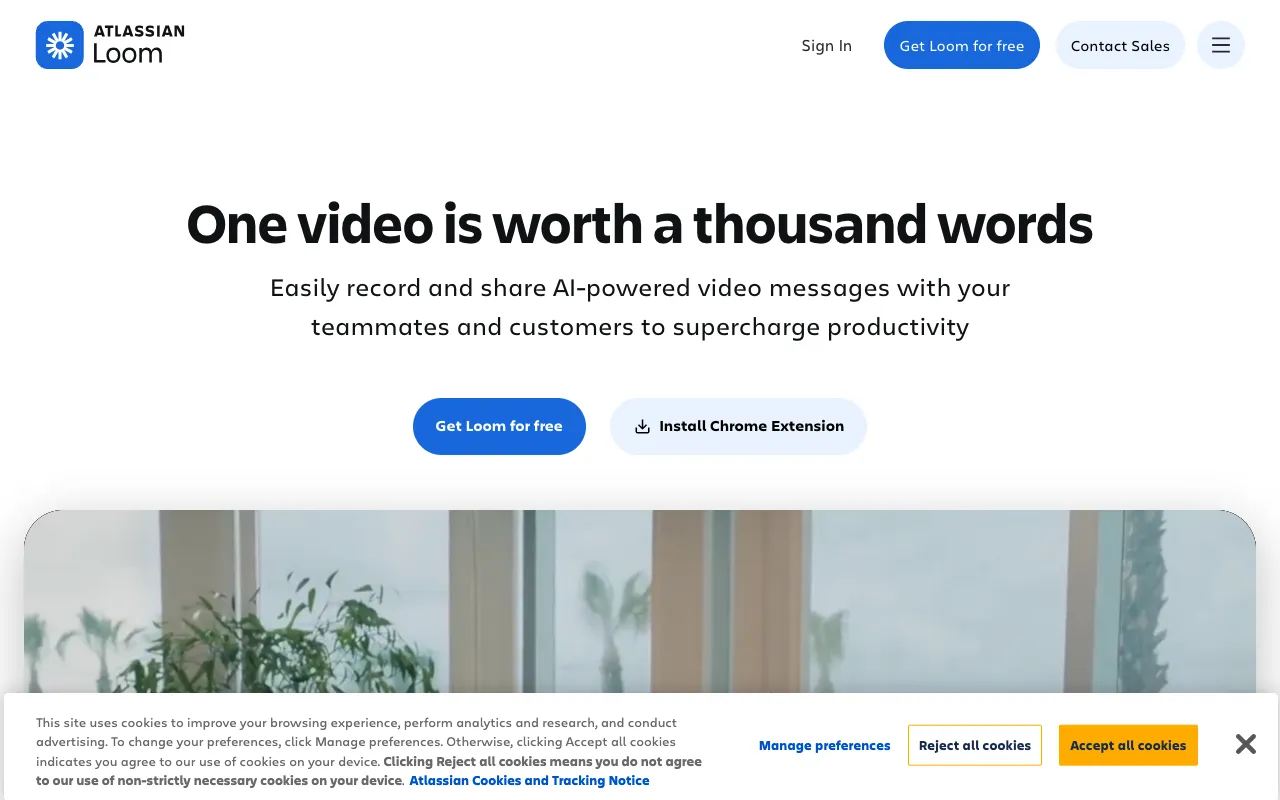
Image of Loom – The #1 Video Messaging Tool for Content Marketers

Loom – The #1 Video Messaging Tool for Content Marketers

Loom revolutionizes content marketing communication by turning complex ideas into simple, shareable videos. As a leading screen recording tool, it allows marketers to capture their screen, voice, and face simultaneously, creating personal and engaging explainer content that drives higher engagement than text alone. Whether you're producing quick tutorials, internal training, or customer onboarding videos, Loom's intuitive platform makes professional video creation accessible to every team member.

What is Loom?

Loom is a versatile video messaging platform designed for asynchronous communication. It functions as a desktop application, browser extension, and mobile app, allowing users to record their screen, webcam, and microphone with a single click. Unlike traditional video editing software, Loom focuses on speed and simplicity, enabling content marketers to produce and share videos in real-time. Its core purpose is to replace lengthy emails and meetings with concise, visual explanations that improve clarity and retention for both internal teams and external audiences.

Key Features of Loom for Content Marketing

Instant Screen & Camera Recording

Record your entire screen, a specific application window, or just your webcam. The simultaneous picture-in-picture view lets you show your face alongside your screen, adding a personal touch that builds trust and connection with your audience, crucial for tutorial and product demo content.

Cloud-Based Sharing & Management

Every recording is instantly uploaded to Loom's secure cloud. Share videos via a simple link without large file transfers. The centralized video library allows you to organize, search transcripts, and manage all your marketing content in one place, streamlining your content workflow.

Interactive Viewer Engagement Tools

Boost engagement with built-in features like emoji reactions, comments pinned to specific timestamps, and detailed viewer analytics. See who watched your video and for how long, providing valuable data to refine your content marketing strategy and message effectiveness.

Automatic Transcripts & Captions

Loom automatically generates accurate transcripts for every video, enhancing SEO and accessibility. Viewers can read along, search the content, and captions make your videos consumable in sound-off environments, expanding your content's reach and compliance.

Who Should Use Loom?

Loom is indispensable for content marketers, social media managers, product educators, and SaaS teams. It's ideal for creating product demo videos, step-by-step tutorials, internal process documentation, personalized outreach campaigns, and feedback on design or copy. Agencies use it to present work to clients, while solo creators leverage it to build authentic audience connections. Any professional who needs to explain concepts clearly and save time on repetitive communication will benefit from integrating Loom into their toolkit.

Loom Pricing and Free Tier

Loom offers a robust free forever plan perfect for individuals and small teams starting with video content. The free tier includes up to 25 videos per person on the Starter plan, with a 5-minute recording limit per video, basic editing tools, and viewer insights. For growing marketing teams, paid plans (Business, Enterprise) unlock unlimited videos, custom branding, advanced analytics, HD quality, longer recording limits, and enhanced security controls, providing scalable solutions for professional content production.

Common Use Cases

Key Benefits

Pros & Cons

Pros

  • Extremely user-friendly interface with minimal learning curve for new users
  • Powerful free plan with generous features for solo content creators
  • Excellent video quality and reliable cloud storage with fast sharing
  • Strong integrations with Slack, Notion, Asana, and other marketing tools

Cons

  • Advanced features like custom thumbnails and longer videos require a paid subscription
  • Mobile app functionality is slightly more limited compared to the desktop experience

Frequently Asked Questions

Is Loom free to use?

Yes, Loom offers a free forever plan that includes core recording features, a library for 25 videos, basic editing, and viewer insights. It's an excellent starting point for content marketers exploring video creation.

Is Loom good for content marketing?

Absolutely. Loom is one of the best tools for content marketers needing to create explainer videos, tutorials, and personalized communications quickly. Its ease of use, engagement analytics, and shareability make it ideal for boosting content strategy effectiveness and audience connection.

Can I edit videos in Loom?

Yes, Loom provides essential editing tools like trimming, custom thumbnails (on paid plans), and drawing/pointer effects added during recording. For complex multi-clip edits, you may need dedicated editing software, but Loom is perfect for quick, polished single-take videos.

How does Loom compare to other screen recorders?

Loom stands out for its seamless cloud-based workflow, exceptional viewer engagement features (comments, reactions, analytics), and strong focus on asynchronous communication. While tools like Camtasia offer deeper editing, Loom excels in speed, sharing, and collaboration, making it superior for daily content marketing tasks.

Conclusion

For content marketers seeking to enhance their strategy with video, Loom is a non-negotiable tool. It successfully bridges the gap between simple screen capture and complex video production, offering a perfect balance of power and simplicity. The ability to quickly create personal, engaging videos that explain, teach, and connect can transform how you communicate with your audience and team. With its generous free tier and scalable paid plans, Loom provides immediate value for any marketer ready to leverage the power of video messaging.