VeraCrypt – The Best Free Disk Encryption Software for Cybersecurity Experts
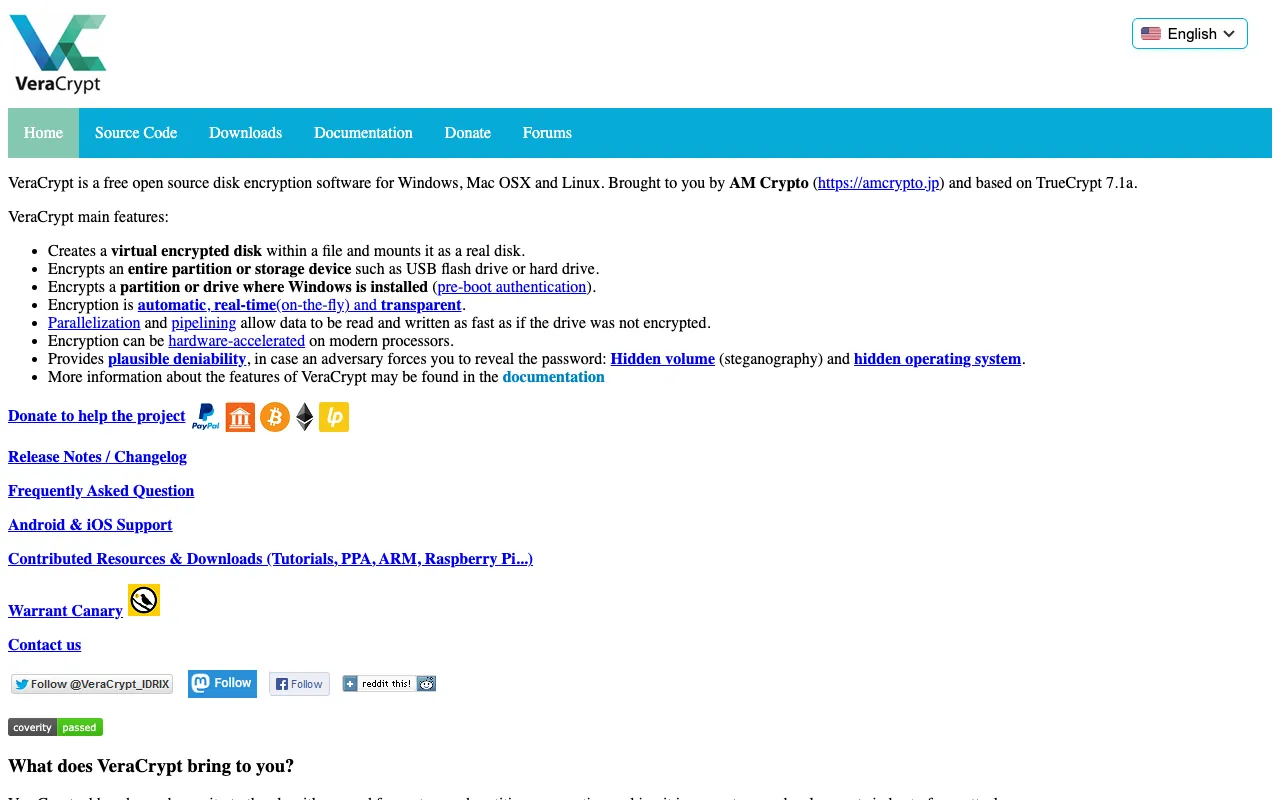
VeraCrypt stands as the premier free and open-source disk encryption solution for cybersecurity professionals, ethical hackers, and IT administrators. As the successor to TrueCrypt, it delivers powerful on-the-fly encryption for Windows, macOS, and Linux, creating secure virtual encrypted disks and encrypting entire partitions or storage devices. With its advanced security features and transparent development process, VeraCrypt has become the industry-standard tool for protecting sensitive data against unauthorized access.
NutterTools: Curated Gallery of Premium Image & Video Generation Models 🎨
Explore NutterTools, a carefully curated gallery showcasing the best AI image and video generation models available today — from Stable Diffusion and DALL-E to Sora, Runway, Pika, Midjourney, and beyond.
Discover, compare, and generate stunning visuals and dynamic videos with the most advanced image and video generation models in one place
What is VeraCrypt?
VeraCrypt is a powerful disk encryption software application that provides robust security by encrypting data on your computer in real-time. As an open-source project, its code is publicly auditable, ensuring no backdoors or vulnerabilities are hidden from the security community. The tool creates encrypted virtual disks that function like regular drives but require authentication to access, making it ideal for protecting confidential files, system partitions, and removable storage devices. Its cross-platform compatibility and continuous security updates make it an essential tool for anyone serious about data protection.
Key Features of VeraCrypt
On-the-Fly Encryption (OTFE)
VeraCrypt employs real-time encryption and decryption without user intervention. Data is automatically encrypted before being written to disk and decrypted when read, ensuring continuous protection without impacting workflow. This transparent operation means users can work with encrypted files as if they were unencrypted, while the underlying data remains secure from physical theft or unauthorized access.
Cross-Platform Compatibility
Unlike many security tools limited to specific operating systems, VeraCrypt provides consistent encryption capabilities across Windows, macOS, and Linux distributions. This universal compatibility ensures security policies and encrypted volumes can be shared and accessed across different environments, making it perfect for mixed-OS organizations and security professionals who work across platforms.
Multiple Encryption Algorithms
VeraCrypt supports industry-standard encryption algorithms including AES, Serpent, Twofish, and their cascaded combinations. Users can select their preferred algorithm based on security requirements and performance needs. The software also offers enhanced security modes with increased iteration counts for password derivation, providing stronger protection against brute-force attacks compared to its predecessor.
Hidden Volumes and Plausible Deniability
One of VeraCrypt's most advanced features is the ability to create hidden volumes within encrypted containers. This provides plausible deniability, allowing users to maintain an outer volume with less sensitive data while concealing a protected inner volume. This feature is particularly valuable for journalists, activists, and security professionals operating in high-risk environments where forced decryption might be demanded.
System Partition Encryption
VeraCrypt can encrypt entire system partitions, including the operating system drive. This full-disk encryption protects against data theft from stolen devices and ensures that all system files, temporary files, and swap space remain encrypted. The pre-boot authentication process requires a password before the operating system loads, providing comprehensive protection from the moment a device is powered on.
Who Should Use VeraCrypt?
VeraCrypt is essential for cybersecurity professionals, ethical hackers, IT security administrators, and anyone handling sensitive data. It's particularly valuable for penetration testers who need to secure their tools and findings, security researchers protecting confidential data, organizations complying with data protection regulations like GDPR or HIPAA, journalists safeguarding sources, and individuals concerned about personal privacy. Its free and open-source nature makes it accessible to students learning about cryptography and security professionals building their toolkit without budget constraints.
VeraCrypt Pricing and Free Tier
VeraCrypt is completely free and open-source software with no paid tiers, subscriptions, or feature limitations. As a community-driven project, it receives funding through donations rather than commercial licensing, ensuring its development remains independent and focused on security rather than profit. This zero-cost model makes professional-grade disk encryption accessible to everyone while maintaining the transparency and auditability that security experts demand from critical security software.
Common Use Cases
- Securing confidential client data and research findings for cybersecurity consultants
- Creating encrypted containers for penetration testing tools and vulnerability reports
- Protecting sensitive documents and communications for investigative journalists
- Encrypting system drives on security testing laptops used in the field
- Securing backup drives containing sensitive organizational data and logs
- Creating hidden volumes for whistleblowers and human rights activists
Key Benefits
- Enterprise-grade encryption available completely free with no license restrictions
- Transparent open-source code that can be audited by security experts worldwide
- Cross-platform compatibility ensuring consistent security policies across Windows, macOS, and Linux
- Advanced security features like hidden volumes and plausible deniability for high-risk scenarios
- Continuous security updates and improvements from an active developer community
- No telemetry, tracking, or data collection ensuring complete privacy while using the software
Pros & Cons
Pros
- Completely free and open-source with no hidden costs or limitations
- Extensive encryption options including cascaded algorithms for maximum security
- Cross-platform support for Windows, macOS, and Linux environments
- Advanced features like hidden volumes and system partition encryption
- Regular security updates and active community development
- No internet connection required, ensuring complete offline operation
Cons
- Steeper learning curve compared to commercial encryption solutions with simpler interfaces
- Limited official technical support compared to paid enterprise security products
- Some advanced features require understanding of cryptographic concepts to implement properly
- Performance impact varies based on encryption algorithm and hardware specifications
Frequently Asked Questions
Is VeraCrypt free to use for commercial purposes?
Yes, VeraCrypt is completely free for both personal and commercial use. As open-source software released under the Apache License 2.0, it can be used, modified, and distributed without any licensing fees, making it ideal for businesses, organizations, and security professionals who need enterprise-grade encryption without budget constraints.
Is VeraCrypt good for cybersecurity professionals?
VeraCrypt is considered essential software for cybersecurity experts. Its open-source nature allows security professionals to audit the code, its advanced features like hidden volumes support operational security needs, and its strong encryption protects sensitive tools and findings. Many security certifications and training programs include VeraCrypt as a recommended tool for data protection.
How does VeraCrypt compare to BitLocker for Windows encryption?
While BitLocker is convenient for Windows users, VeraCrypt offers several advantages for cybersecurity experts: cross-platform compatibility, open-source transparency, hidden volume capability, more encryption algorithm options, and no Microsoft account or TPM requirements. VeraCrypt also provides plausible deniability features that BitLocker lacks, making it superior for high-security scenarios.
Can VeraCrypt encrypted drives be accessed on multiple operating systems?
Yes, VeraCrypt volumes created on one operating system can be mounted and accessed on any other supported platform. This cross-platform compatibility is crucial for security professionals who work across Windows, macOS, and Linux environments, ensuring encrypted data remains accessible regardless of the system being used.
What makes VeraCrypt more secure than its predecessor TrueCrypt?
VeraCrypt addresses security vulnerabilities identified in TrueCrypt's final audit, uses stronger key derivation with increased iteration counts, fixes boot loader issues, and implements numerous security enhancements. The active development community continuously reviews and improves the code, whereas TrueCrypt development was abandoned, making VeraCrypt the secure successor recommended by security experts.
Conclusion
For cybersecurity professionals seeking reliable, transparent, and powerful disk encryption, VeraCrypt represents the gold standard in free security software. Its combination of open-source transparency, advanced security features, cross-platform compatibility, and zero-cost accessibility makes it an indispensable tool in any security expert's arsenal. Whether you're protecting sensitive client data, securing penetration testing tools, or ensuring regulatory compliance, VeraCrypt provides enterprise-grade encryption without enterprise pricing. As threats to data security continue to evolve, having a trusted, auditable encryption solution like VeraCrypt is no longer optional—it's essential for anyone serious about protecting digital assets in today's threat landscape.