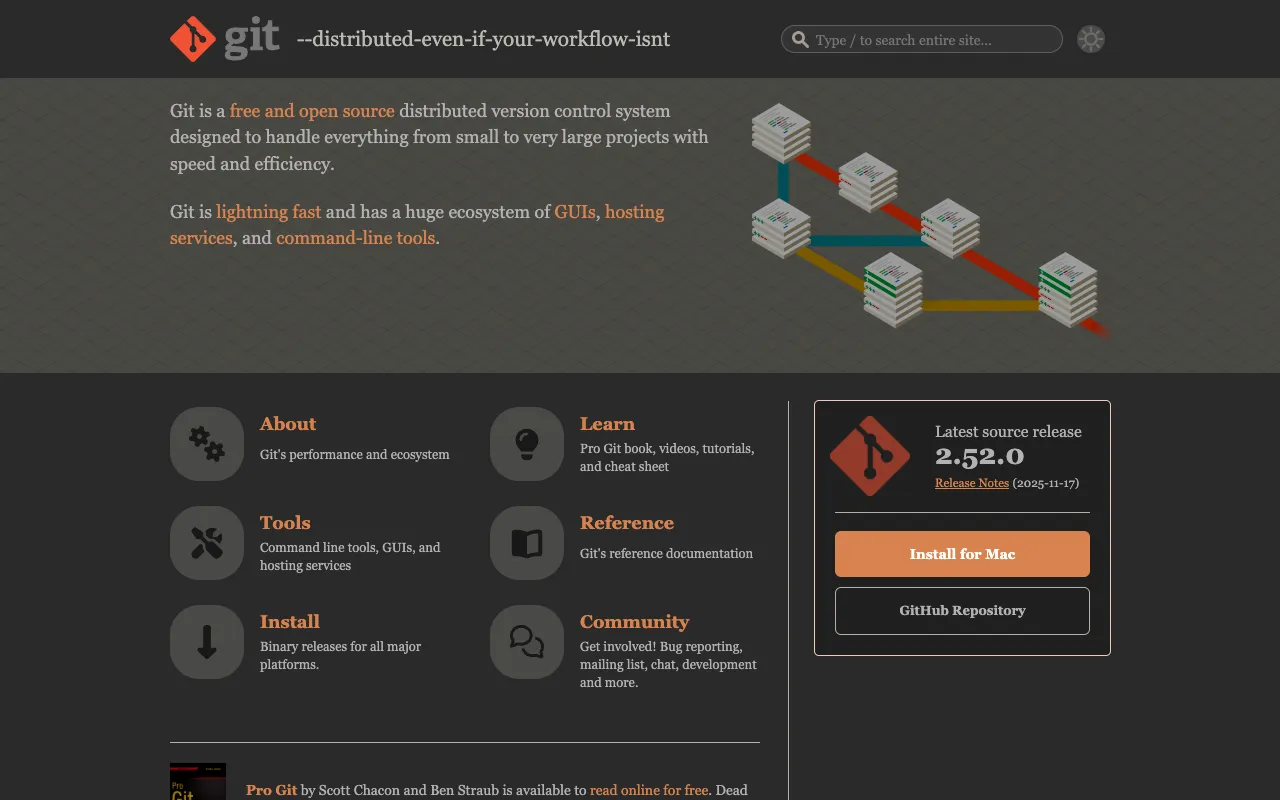
Git – The Essential Version Control System for Data Science
Git is the foundational tool for managing complexity and collaboration in data science. More than just code versioning, Git empowers data scientists and ML engineers to track experiments, manage datasets, reproduce results, and collaborate effectively on projects ranging from exploratory analysis to large-scale machine learning pipelines. Its distributed architecture, speed, and powerful branching model make it the industry-standard solution for maintaining order and integrity in data-driven workflows.
What is Git for Data Science?
Git is a free, open-source distributed version control system (DVCS) that has become the backbone of modern software and data science development. For data scientists, it transcends simple code backup. Git provides a systematic framework for versioning not only Python/R scripts but also Jupyter notebooks, configuration files, model architectures, and even references to specific dataset versions. It creates a complete historical record of your project's evolution, answering critical questions like 'Which data version trained this model?' or 'What code change broke the pipeline?' This capability is fundamental for achieving reproducible research and robust, auditable machine learning operations (MLOps).
Key Features of Git for Data Scientists
Distributed Version Control
Every team member has a full copy of the project history, enabling offline work and robust collaboration. This is crucial for data science teams where experiments can be run locally or on remote servers without constant network dependency.
Powerful Branching and Merging
Git's lightweight branching model is perfect for data science workflows. Create isolated 'experiment' branches to test new algorithms, features, or hyperparameters without affecting the main 'production' model code. Merge successful experiments back seamlessly.
Efficient Handling of Large Projects
Designed for performance, Git efficiently manages projects with extensive histories and numerous files. This is essential as data science projects grow to include multiple notebooks, scripts, large configuration files, and documentation.
Staging Area (Index)
The staging area gives you precise control over what changes get committed. You can commit only the cleaned dataset script while keeping exploratory analysis code separate, leading to cleaner, more logical project history.
Who Should Use Git?
Git is non-negotiable for any professional or aspiring data scientist, machine learning engineer, or researcher. It is essential for solo practitioners needing reproducibility, academic researchers requiring a verifiable trail of their work, and enterprise teams building collaborative ML pipelines. If your work involves iterative coding, model experimentation, or collaboration, Git is the foundational tool that organizes your process and safeguards your intellectual output.
Git Pricing and Free Tier
Git itself is completely free and open-source software (FOSS) under the GNU General Public License. You can download and use it indefinitely at no cost for any project, personal or commercial. While Git is the core tool, many teams use hosting platforms like GitHub, GitLab, or Bitbucket (which offer free tiers for public and limited private repositories) for remote collaboration, issue tracking, and CI/CD—forming the complete ecosystem for modern data science development.
Common Use Cases
- Version controlling Jupyter notebooks and Python scripts for machine learning
- Managing and tracking different versions of datasets and model weights
- Collaborating on data science projects with team members using branching strategies
- Maintaining reproducibility in research and experimental machine learning
Key Benefits
- Ensures full reproducibility of data analysis and model training experiments
- Enables seamless collaboration and code review within data science teams
- Protects against data loss and allows easy recovery of previous working states
- Forms the foundation for implementing MLOps and continuous integration pipelines
Pros & Cons
Pros
- Completely free and open-source with a massive community and ecosystem
- Extremely powerful and flexible for complex project histories and branching
- Industry standard skill that is essential for a data science career
- Lightweight, fast, and efficient even with large project histories
Cons
- Has a steeper learning curve compared to simpler version control systems
- Command-line interface can be intimidating for beginners (though GUI tools exist)
- Not designed to version very large binary files (like massive datasets) efficiently without extensions
Frequently Asked Questions
Is Git free to use for data science?
Yes, Git is 100% free and open-source software. You can download, install, and use it for any data science project, commercial or personal, at no cost. The core version control functionality has no licensing fees.
Why is Git important for data scientists?
Git is crucial for data scientists because it provides reproducibility, collaboration, and organization. It allows you to track every change in your code, data, and experiments, answer how results were produced, work effectively in teams, and recover from mistakes—all essential for professional, reliable data science work.
Can Git handle large data files common in data science?
While Git can track any file, it is optimized for text (code, configs). Storing large binary files (like multi-gigabyte datasets) directly in Git is inefficient. Best practice is to use Git to version the code and scripts, while using Git LFS (Large File Storage), DVC (Data Version Control), or external storage with version references for the large data itself.
What's the difference between Git and GitHub for data science?
Git is the core version control software you run locally. GitHub is a cloud-based hosting service that uses Git for version control and adds collaboration features like pull requests, issue tracking, and Actions for CI/CD. You use Git commands to manage your local repository and interact with remote repositories on GitHub, GitLab, or similar platforms.
Conclusion
For any serious data scientist, Git is not just a tool—it's a fundamental practice. It transforms chaotic, one-off analyses into structured, reproducible, and collaborative projects. While the initial learning investment is real, the payoff in terms of professional credibility, team efficiency, and personal organization is immense. As the backbone of modern software and data science development, mastering Git is an essential step in advancing your data science capabilities and career. Start by versioning your next analysis, and you'll quickly understand why it's considered indispensable.