Go back
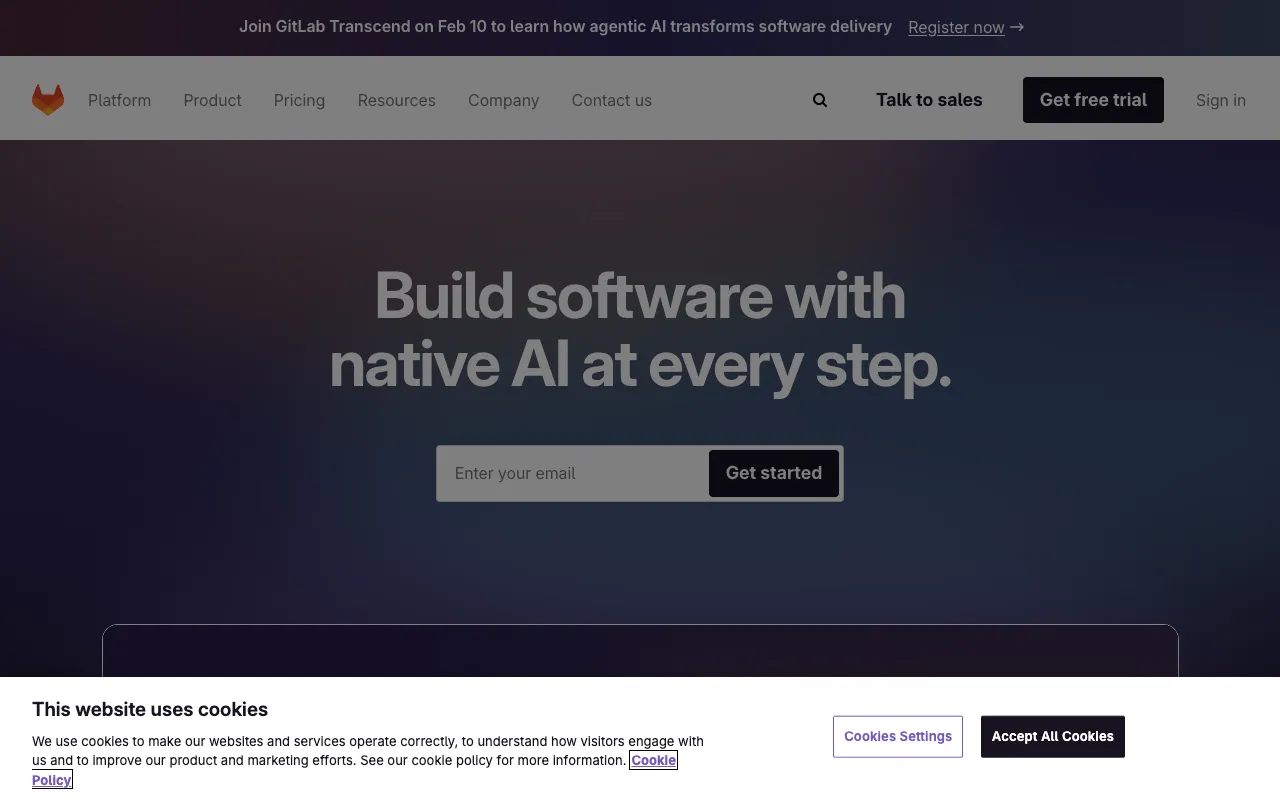
Image of GitLab – The Ultimate DevOps Platform for Data Science & MLOps

GitLab – The Ultimate DevOps Platform for Data Science & MLOps

For data scientists and ML engineers, managing code, experiments, models, and deployments across disparate tools creates friction and slows innovation. GitLab solves this by delivering a comprehensive, unified DevOps platform within a single application. It integrates everything from version control and CI/CD to container registry and security scanning, specifically tailored to streamline the entire data science lifecycle—from exploratory analysis to production model deployment.

What is GitLab for Data Scientists?

GitLab is far more than just a Git repository. It's an end-to-end DevOps platform designed to bring order and efficiency to complex data science projects. It provides a centralized hub for code collaboration, experiment tracking, automated testing of data pipelines and models, continuous integration and delivery (CI/CD) for machine learning (MLOps), and secure deployment. By consolidating these critical functions, GitLab eliminates toolchain sprawl, enhances reproducibility, and accelerates the journey from research to production-ready AI solutions.

Key Features of GitLab for Data Science

Integrated Git Repository & Version Control

Manage not only your Python, R, or Julia code but also version your datasets, model artifacts, Jupyter notebooks, and configuration files. GitLab's robust branching, merging, and code review tools ensure collaboration is seamless and every change is tracked, making experiments fully reproducible.

CI/CD Pipelines for MLOps

Automate your entire machine learning workflow with GitLab CI/CD. Define pipelines to automatically train models on new data, run validation tests, package models into containers, and deploy them to staging or production. This enables true continuous delivery for machine learning, reducing manual errors and deployment time from days to minutes.

Built-in Container Registry

Securely store and manage Docker images containing your model environments and dependencies directly within GitLab. This tight integration simplifies the packaging and deployment process, ensuring your models run consistently across any environment.

Issue Tracking & Agile Planning

Plan, track, and discuss your data science projects using built-in issue boards, milestones, and epics. Link code commits and merge requests directly to specific tasks or experiments, providing full traceability from a business question to the deployed model.

Who Should Use GitLab?

GitLab is ideal for data scientists, machine learning engineers, MLops specialists, and data engineering teams who are tired of juggling multiple platforms. It's particularly valuable for teams building and deploying models at scale, those requiring strict reproducibility and audit trails, and organizations implementing MLOps practices to industrialize their AI efforts. From solo researchers to large enterprise AI teams, GitLab scales to meet the collaboration and automation needs of any data-driven project.

GitLab Pricing and Free Tier

GitLab offers a generous and fully-featured Free tier that includes unlimited private repositories, 400 CI/CD pipeline minutes per month, issue tracking, and a built-in container registry. This is more than sufficient for individual data scientists, academic projects, and small teams. For advanced needs, paid tiers (Premium, Ultimate) add features like advanced CI/CD, security scanning, compliance tooling, and dedicated support, making it a scalable solution for enterprise MLOps.

Common Use Cases

Key Benefits

Pros & Cons

Pros

  • Unified platform eliminates context-switching between multiple dev tools
  • Powerful, customizable CI/CD is natively built-in, perfect for automating data pipelines
  • Strong free tier with unlimited private repos is excellent for individuals and small teams
  • Excellent for implementing and scaling MLOps practices

Cons

  • The vast array of features can have a learning curve for new users
  • Self-managed installation requires dedicated DevOps resources for maintenance

Frequently Asked Questions

Is GitLab free for data science projects?

Yes, GitLab offers a robust Free tier that includes unlimited private repositories, CI/CD pipeline minutes, issue tracking, and container registry, making it an excellent cost-free starting point for data scientists and small teams.

How is GitLab better than GitHub for data science?

While both offer Git hosting, GitLab provides a fully integrated DevOps platform. For data scientists, the key advantage is having CI/CD, container registry, and security scanning natively built-in, which is essential for automating MLOps pipelines without relying on third-party integrations.

Can GitLab handle large datasets?

GitLab itself is not designed as a primary storage solution for massive raw datasets (use object storage like S3 for that). However, it excels at versioning code, configuration, model artifacts, and processed data samples. It integrates with external data sources within your CI/CD pipelines for training.

Conclusion

GitLab stands out as a premier, all-in-one DevOps platform that directly addresses the operational challenges of modern data science. By integrating version control, CI/CD, and project management into a single application, it empowers teams to build, test, and deploy models with unprecedented speed, collaboration, and reliability. For any data scientist or team serious about moving beyond notebooks and into production-grade MLOps, GitLab is an indispensable tool that streamlines complexity and drives tangible results.