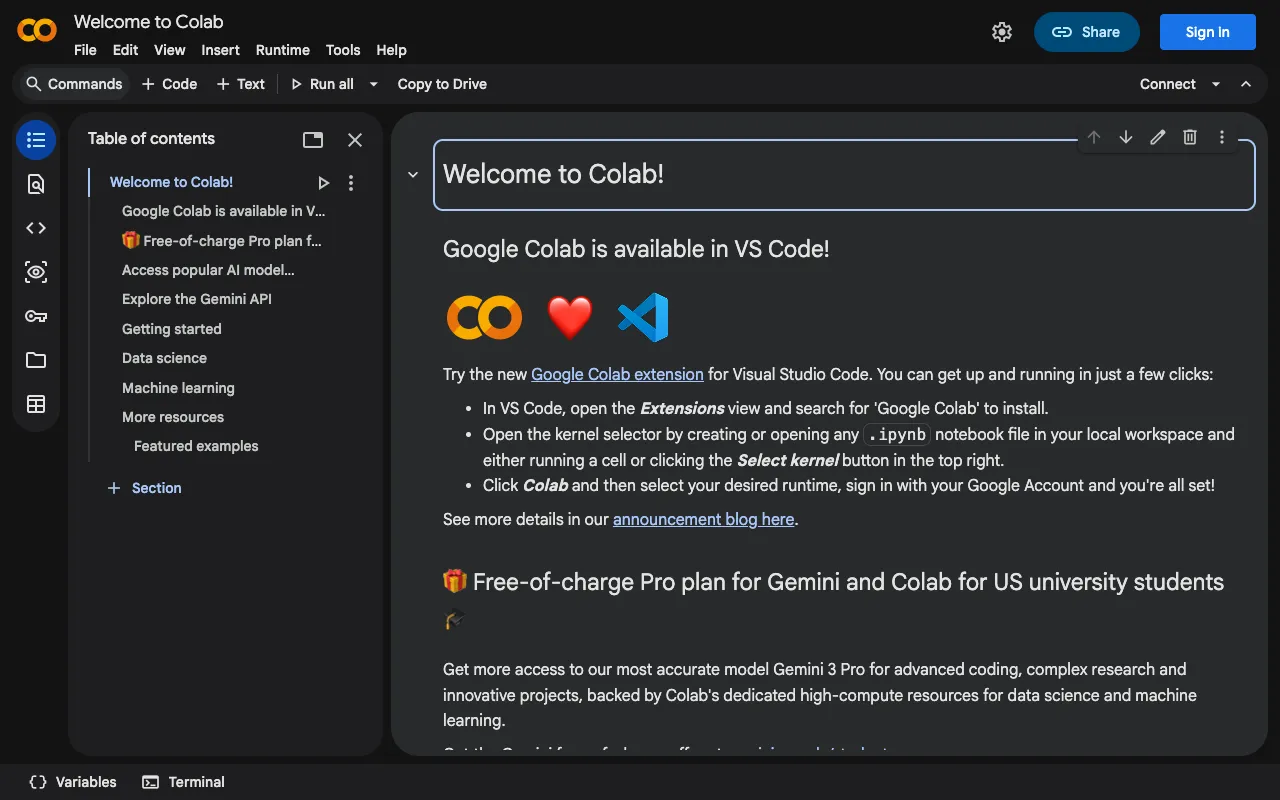
Google Colab – Best Free Cloud Jupyter Notebook for Data Scientists
Google Colab is a powerful, free Jupyter notebook environment that runs entirely in your browser. It eliminates local setup hassles by providing instant access to a cloud-based Python workspace, complete with free GPU and TPU resources for training machine learning models. Whether you're a student, researcher, or professional data scientist, Colab enables rapid prototyping, data analysis, and collaboration directly from your web browser.
What is Google Colab?
Google Colab, short for Colaboratory, is a cloud-hosted Jupyter notebook service provided by Google Research. Its core purpose is to democratize machine learning and data science by offering a fully-featured Python development environment with no installation required. It is designed for individuals and teams who need to write and execute code, visualize data, and train models using significant computational power, all within a collaborative, web-based interface. Colab seamlessly integrates with Google Drive for storage and sharing, making it a central hub for data science workflows.
Key Features of Google Colab
Free Access to GPUs and TPUs
Colab provides complimentary access to NVIDIA GPUs (like T4, P100) and Google's custom TPUs. This feature removes the financial barrier to high-performance computing, allowing users to train complex neural networks and run intensive data processing tasks without investing in expensive hardware.
Zero-Configuration Cloud Environment
Start coding immediately in a pre-configured environment with popular data science libraries like TensorFlow, PyTorch, Pandas, and Matplotlib pre-installed. There's no need to manage dependencies, virtual environments, or system updates on your local machine.
Real-Time Collaboration
Like Google Docs, multiple users can edit the same notebook simultaneously. You can share notebooks via a link, comment on specific cells, and collaborate on data analysis or model development in real time, enhancing team productivity.
Deep Integration with Google Drive and GitHub
Automatically save and load notebooks from your Google Drive. You can also directly import notebooks from GitHub, publish your work back to repositories, and version your code with ease, creating a seamless pipeline between development, storage, and version control.
Who Should Use Google Colab?
Google Colab is the ideal tool for students learning data science, academic researchers prototyping ML models, data analysts performing exploratory data analysis, and professionals who need a reliable, shareable computational environment without administrative overhead. It is exceptionally well-suited for anyone starting with machine learning who lacks access to powerful local hardware, or for teams that require a standardized, collaborative platform for code and analysis.
Google Colab Pricing and Free Tier
Google Colab operates on a generous free tier model. All users get access to the core notebook environment, standard cloud runtime (with occasional GPU/TPU availability), and substantial storage linked to Google Drive. For users requiring more consistent, high-performance resources or longer runtimes, Google offers Colab Pro and Colab Pro+ subscription plans, which provide priority access to faster GPUs, more memory, and extended background execution times.
Common Use Cases
- Training deep learning models with free GPU access for computer vision projects
- Teaching Python and data science in an accessible, cloud-based classroom environment
- Collaborative data analysis and visualization for remote research teams
Key Benefits
- Eliminates the cost and complexity of setting up a local data science workstation
- Accelerates machine learning experimentation with on-demand, high-performance computing
- Facilitates reproducible research and seamless sharing of analytical workflows
Pros & Cons
Pros
- Completely free to start with powerful compute resources
- No software installation or environment configuration required
- Excellent for collaboration and sharing results instantly
- Pre-loaded with essential data science and ML libraries
Cons
- Free tier resources are limited and sessions may time out after inactivity
- Less control over the computing environment compared to a local or dedicated cloud server
- File storage is tied to Google Drive, which may have space limitations
Frequently Asked Questions
Is Google Colab free to use?
Yes, Google Colab is fundamentally free. It provides a full-featured Jupyter notebook environment with complimentary, albeit limited, access to GPUs and TPUs. Paid 'Pro' tiers are available for users who need guaranteed, higher-performance resources.
Is Google Colab good for machine learning?
Absolutely. Google Colab is one of the best free platforms for machine learning. It provides direct access to the hardware accelerators (GPUs/TPUs) essential for training models and comes pre-installed with major ML frameworks like TensorFlow and PyTorch, making it a top choice for ML education and prototyping.
How does Google Colab compare to a local Jupyter installation?
Google Colab offers the advantage of accessibility, collaboration, and free compute power without any local resource consumption. A local Jupyter installation provides more control, offline access, and consistent performance. Colab is best for collaborative projects and compute-intensive tasks, while local installs suit sensitive data or fully customized environments.
Conclusion
Google Colab stands as a foundational tool in the modern data scientist's toolkit. By removing barriers to entry for high-performance computing and fostering collaboration, it empowers individuals and teams to focus on solving problems rather than managing infrastructure. For anyone involved in data analysis, machine learning, or teaching these disciplines, Google Colab is an indispensable, free resource that accelerates innovation and democratizes access to cutting-edge computational tools.