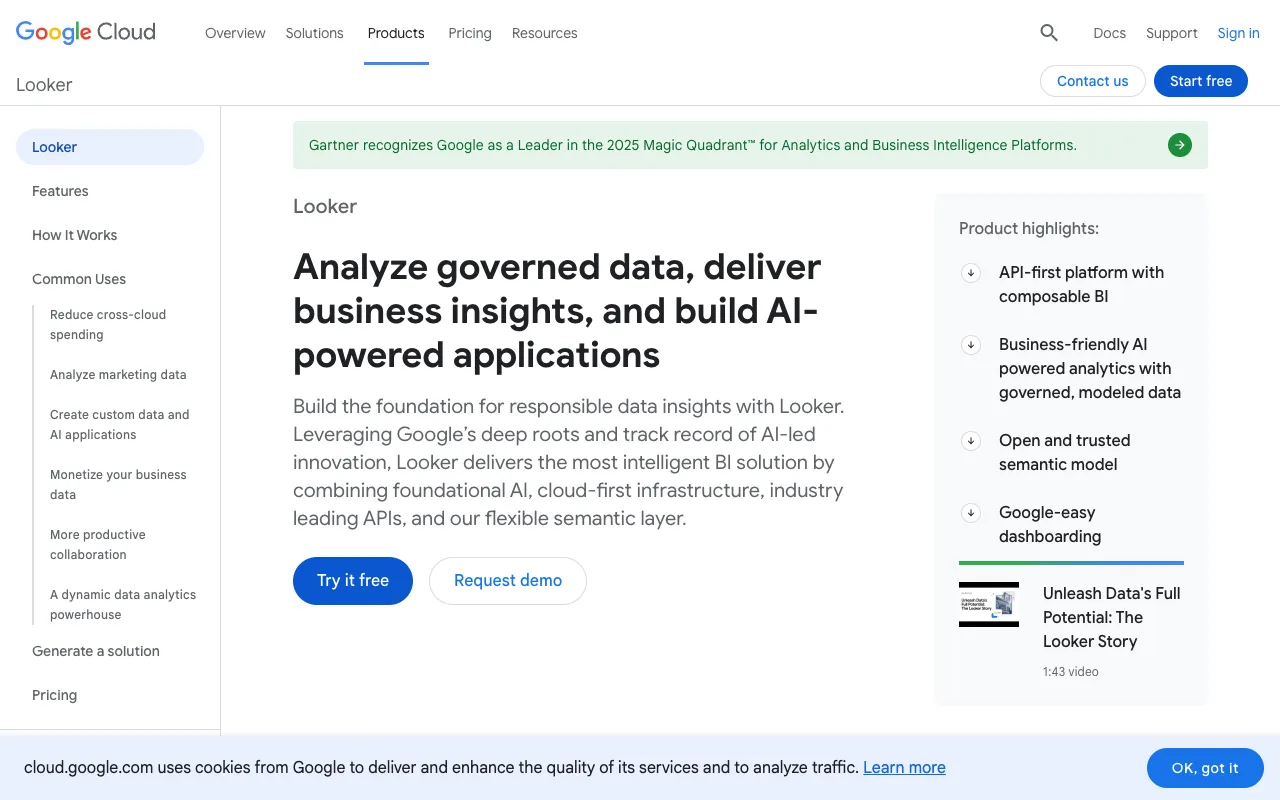
Looker – The Premier Business Intelligence Platform for Data Scientists
Looker stands as a cornerstone in the modern data stack, providing data scientists with a powerful, code-friendly platform for business intelligence and analytics. Unlike traditional BI tools, Looker connects directly to your data warehouse, offering a single source of truth where you can explore data, build interactive dashboards, and embed analytics anywhere. It empowers data teams to move beyond static reports and deliver real-time, actionable insights that drive strategic decisions across the entire organization.
What is Looker?
Looker is a cloud-based business intelligence and big data analytics platform acquired by Google. Its core innovation is LookML, a proprietary modeling language that allows data teams to define business metrics and relationships directly in the database layer. This 'single source of truth' model ensures consistency across all analyses and dashboards. For data scientists, Looker is less about drag-and-drop reporting and more about a governed, scalable environment for data exploration, self-service analytics, and operationalizing machine learning insights. It bridges the gap between complex data infrastructure and business stakeholders, making data accessible and trustworthy.
Key Features of Looker for Data Science
LookML Semantic Modeling Layer
The heart of Looker is LookML, a SQL-based modeling language. Data scientists use it to define dimensions, measures, aggregates, and data relationships. This creates a curated, business-friendly data layer that hides SQL complexity from end-users while giving data teams full control over logic and governance, ensuring accurate and consistent metrics company-wide.
Real-Time Data Exploration
Connect directly to your data warehouse (like BigQuery, Snowflake, or Redshift) for live querying. Explore billions of rows in real-time, drill down into granular details, and create ad-hoc analyses without moving or copying data, keeping insights fresh and performance high.
Interactive Dashboards & Data Visualizations
Build and share fully interactive dashboards with a wide array of visualizations. Users can filter, pivot, and drill into the underlying data based on the permissions and model you've built, fostering a true self-service analytics culture.
Embedded Analytics & APIs
Seamlessly embed Looker visualizations, explores, or entire dashboards into other applications, customer portals, or internal tools using robust APIs and iFrame embeds. This allows data scientists to productize analytics and deliver data-driven features directly within workflows.
Git-Integrated Version Control
All LookML model files are stored in a Git repository, enabling modern development workflows like version control, branching, peer review, and CI/CD pipelines. This is critical for data teams collaborating on complex data models.
Advanced Scheduling & Alerts
Automate report delivery and set up data-driven alerts. Schedule PDF/CSV exports to be emailed or sent to cloud storage, and configure alerts to notify teams when key metrics hit predefined thresholds.
Who Should Use Looker?
Looker is ideally suited for mid-to-large-sized organizations with established data teams. It's a powerful fit for Data Scientists and Analytics Engineers who need to build governed, scalable data models for company-wide consumption. Business Intelligence Analysts use it for deep-dive analysis and dashboard creation, while Product Managers and Operations teams leverage the embedded analytics and self-service features. Companies invested in the modern data stack (cloud data warehouses, dbt) will find Looker integrates seamlessly into their workflow. It is less ideal for small teams or individuals seeking simple, inexpensive, drag-and-drop charting tools.
Looker Pricing and Free Tier
Looker operates on a custom enterprise pricing model. It does not offer a publicly listed, self-service pricing page or a traditional permanent free tier. Pricing is typically based on a combination of factors including the number of users, deployment scale (platform viewer vs. developer licenses), and data volume. Prospective customers must contact Google Cloud sales for a quote. They may offer trial periods or proof-of-concept engagements for qualified enterprises. For individuals or small teams, exploring Google's Looker Studio (formerly Data Studio) may be a more accessible free alternative for basic visualization, though it lacks Looker's semantic modeling and enterprise capabilities.
Common Use Cases
- Building a centralized metrics layer for consistent company KPIs
- Embedding customer-facing analytics into a SaaS product dashboard
- Enabling self-service data exploration for business teams with governed data models
- Operationalizing machine learning outputs by exposing model predictions in live dashboards
Key Benefits
- Centralized data governance ensures everyone uses the same accurate metrics, reducing reporting errors.
- Real-time connection to data warehouses delivers instant insights without stale data extracts.
- Empowers business users with self-service while maintaining control and security for the data team.
- Scalable architecture supports from dozens to thousands of users across the enterprise.
Pros & Cons
Pros
- Powerful LookML modeling layer for defining a single source of truth.
- Deep integration with modern cloud data warehouses and Git.
- Excellent for embedding analytics into other applications.
- Strong version control and collaboration features for data teams.
- Real-time data exploration on live datasets.
Cons
- No transparent, self-service pricing; requires enterprise sales engagement.
- Steeper learning curve, especially for mastering LookML.
- Less focused on drag-and-drop ease for non-technical users compared to some BI tools.
- Can be cost-prohibitive for small businesses or individual practitioners.
Frequently Asked Questions
Is Looker free to use?
No, Looker is not free. It is an enterprise-grade business intelligence platform with custom pricing based on users and deployment scale. You must contact Google Cloud sales for a quote. For free tools, consider Google Looker Studio for basic visualization.
Is Looker good for data scientists?
Yes, Looker is highly regarded by data scientists in organizations that need a governed, scalable BI layer. Its code-based LookML modeling, Git integration, and ability to embed analytics make it a powerful tool for translating complex data and models into actionable business insights. It shifts their role from creating one-off reports to building reusable data infrastructure.
What is the difference between Looker and Looker Studio?
Looker (now part of Google Cloud) is a full BI platform with a semantic modeling layer (LookML) for governed analytics. Looker Studio (formerly Google Data Studio) is a free, standalone data visualization and dashboarding tool that is easier to use but lacks the centralized modeling, governance, and embedded analytics power of the full Looker platform.
Does Looker require coding?
Using Looker effectively, especially for building the core data model, requires knowledge of LookML (a SQL-derived language) and typically SQL. End-users exploring pre-built models and dashboards may not need to code. However, to unlock its full potential for a data team, coding skills are essential.
Conclusion
For data scientists operating in an enterprise environment, Looker represents a powerful and strategic choice. It goes beyond dashboarding to provide a foundational layer for data governance and metric definition. By investing in Looker's semantic model, teams can ensure data consistency, accelerate insight delivery, and scale self-service analytics securely. While its cost and learning curve place it out of reach for casual users, organizations serious about building a robust, scalable, and embedded analytics culture will find Looker to be a top-tier solution that effectively bridges the gap between data infrastructure and business impact.