Go back
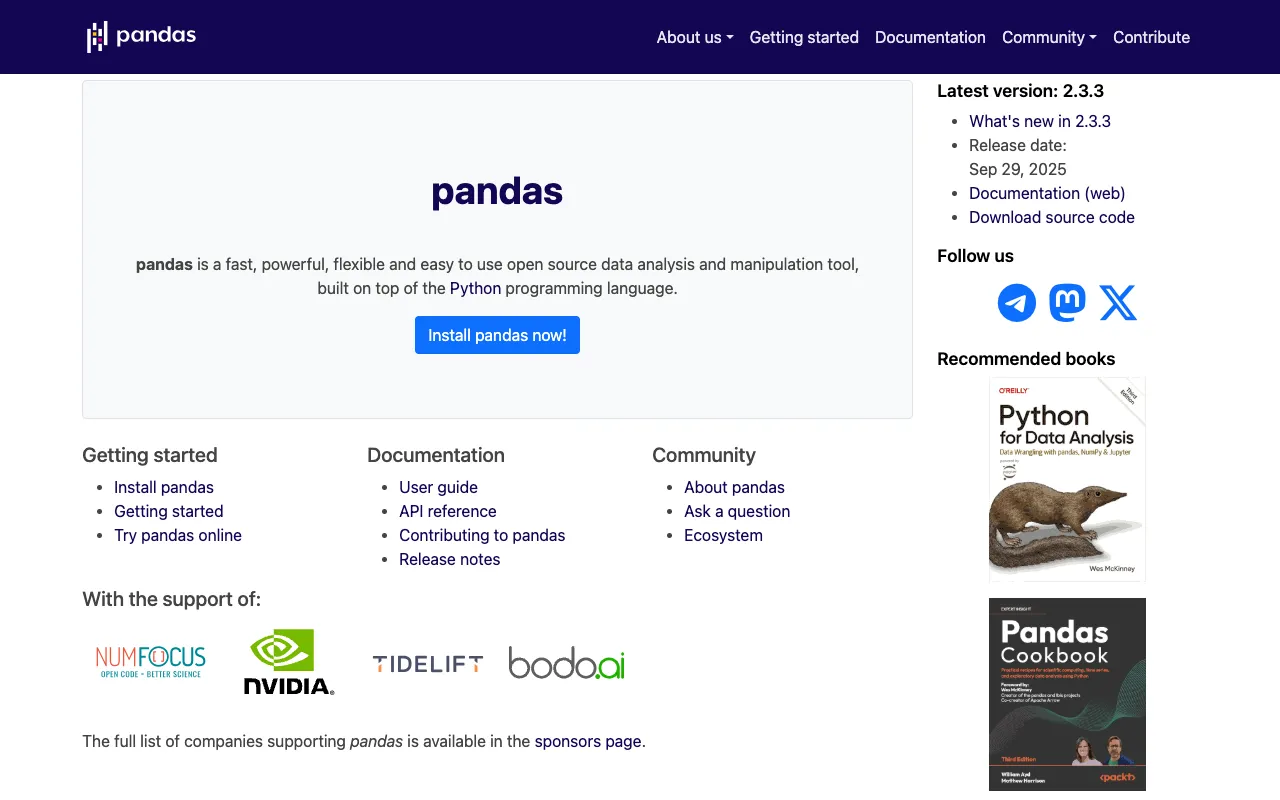
Image of Pandas – The Essential Python Library for Data Science

Pandas – The Essential Python Library for Data Science

Pandas is the foundational open-source Python library that has become synonymous with data analysis. Built for efficiency and ease of use, it provides the high-level data structures and intuitive tools needed to clean, transform, manipulate, and analyze structured data at speed. Whether you're a data scientist, analyst, researcher, or engineer, mastering Pandas is a non-negotiable skill for turning raw data into actionable insights.

What is Pandas?

Pandas is a cornerstone library in the Python data science ecosystem, specifically designed for working with structured or tabular data (like spreadsheets or SQL tables). It introduces two powerful data structures: Series (1-dimensional) and DataFrame (2-dimensional), which provide a robust, flexible, and intuitive framework for data manipulation. By abstracting complex operations into simple, readable commands, Pandas dramatically accelerates the data wrangling and exploratory data analysis (EDA) process, making it the go-to tool for data preparation before machine learning, statistical modeling, or visualization.

Key Features of Pandas

DataFrame & Series Structures

The core of Pandas' power lies in its DataFrame—a 2D, size-mutable, and potentially heterogeneous tabular data structure with labeled axes (rows and columns). It allows for SQL-like operations, merging, and reshaping of data with exceptional ease. The Series object handles 1D labeled arrays, perfect for time series or single columns of data.

Intuitive Data Cleaning & Wrangling

Handle missing data with functions like `dropna()` and `fillna()`, filter rows/columns, merge and join datasets from different sources, and reshape data using pivot tables and melting. Pandas turns hours of manual data preparation into a few lines of code.

Powerful Data Aggregation & Grouping

Perform split-apply-combine operations on datasets with the `groupby` functionality. Easily calculate summary statistics (mean, sum, count, etc.) for different groups within your data, enabling deep, segmented analysis.

Seamless Time Series Functionality

Pandas has best-in-class support for working with time series data. It includes tools for date range generation, frequency conversion, moving window statistics, date shifting, and lagging—essential for financial, sensor, or any temporal data analysis.

High-Performance I/O Operations

Read from and write to a vast array of file formats and data sources effortlessly. Pandas supports CSV, Excel, SQL databases, JSON, HTML, Parquet, HDF5, and more, making it the universal hub for your data pipeline.

Who Should Use Pandas?

Pandas is indispensable for any professional or student working with data in Python. It is the primary tool for **Data Scientists** and **Machine Learning Engineers** preparing datasets for modeling. **Data Analysts** and **Business Intelligence Professionals** use it for reporting and exploratory analysis. **Researchers** and **Academics** across scientific domains rely on it for experimental data processing. **Software Developers** building data-intensive applications and **Financial Analysts** working with time-series data also find it critical. In short, if your work involves tabular data, Pandas is for you.

Pandas Pricing and Free Tier

Pandas is completely free and open-source, released under the BSD 3-Clause license. There is no paid tier, subscription, or enterprise version. Its development is supported by a vibrant community of contributors and sponsors. You can install it via pip (`pip install pandas`) or conda (`conda install pandas`) at zero cost and use it for any purpose, including commercial projects, without restriction.

Common Use Cases

Key Benefits

Pros & Cons

Pros

  • Completely free and open-source with a permissive license.
  • Extremely mature, stable, and trusted by a massive global community.
  • Unmatched ease of use for common data manipulation tasks.
  • Excellent documentation with a vast number of tutorials and examples.
  • The de facto standard for data analysis in Python, ensuring skill transferability.

Cons

  • Can have a steep initial learning curve for those new to programming or Python.
  • Memory usage can be high with extremely large datasets (billions of rows), where specialized tools like Dask or Spark might be needed.
  • Some advanced, custom operations may require dropping down to NumPy for optimal performance.

Frequently Asked Questions

Is Pandas free to use?

Yes, absolutely. Pandas is 100% free and open-source software. You can use it for personal, academic, or commercial projects without any cost or licensing fees.

Is Pandas good for data science?

Pandas is not just good—it is fundamental for data science in Python. It is the industry-standard tool for the data wrangling and exploratory analysis phase, which typically consumes 80% of a data scientist's time. Its integration with machine learning libraries like Scikit-learn makes it an essential part of the data science workflow.

What is the difference between Pandas and NumPy?

NumPy provides the foundation for efficient numerical computation on multi-dimensional arrays. Pandas is built on top of NumPy and adds high-level data structures (DataFrames/Series) and tools specifically designed for working with labeled, tabular, and heterogeneous data. Think of NumPy as the engine for math, and Pandas as the specialized chassis and controls for data analysis.

How do I install Pandas?

The easiest way is using the Python package installer, pip. Simply run `pip install pandas` in your terminal or command prompt. If you use the Anaconda distribution, you can run `conda install pandas`. It's recommended to install it within a virtual environment.

Conclusion

For anyone serious about data analysis in Python, learning Pandas is an investment with an immediate and substantial return. It transforms the tedious, error-prone task of data manipulation into a streamlined, logical, and powerful process. As the undisputed leader in its category, supported by a vast ecosystem and community, Pandas is more than just a library—it's the essential toolkit that empowers data professionals to focus on finding meaning in their data, not wrestling with it. Start using this free, powerful tool today to unlock the full potential of your datasets.