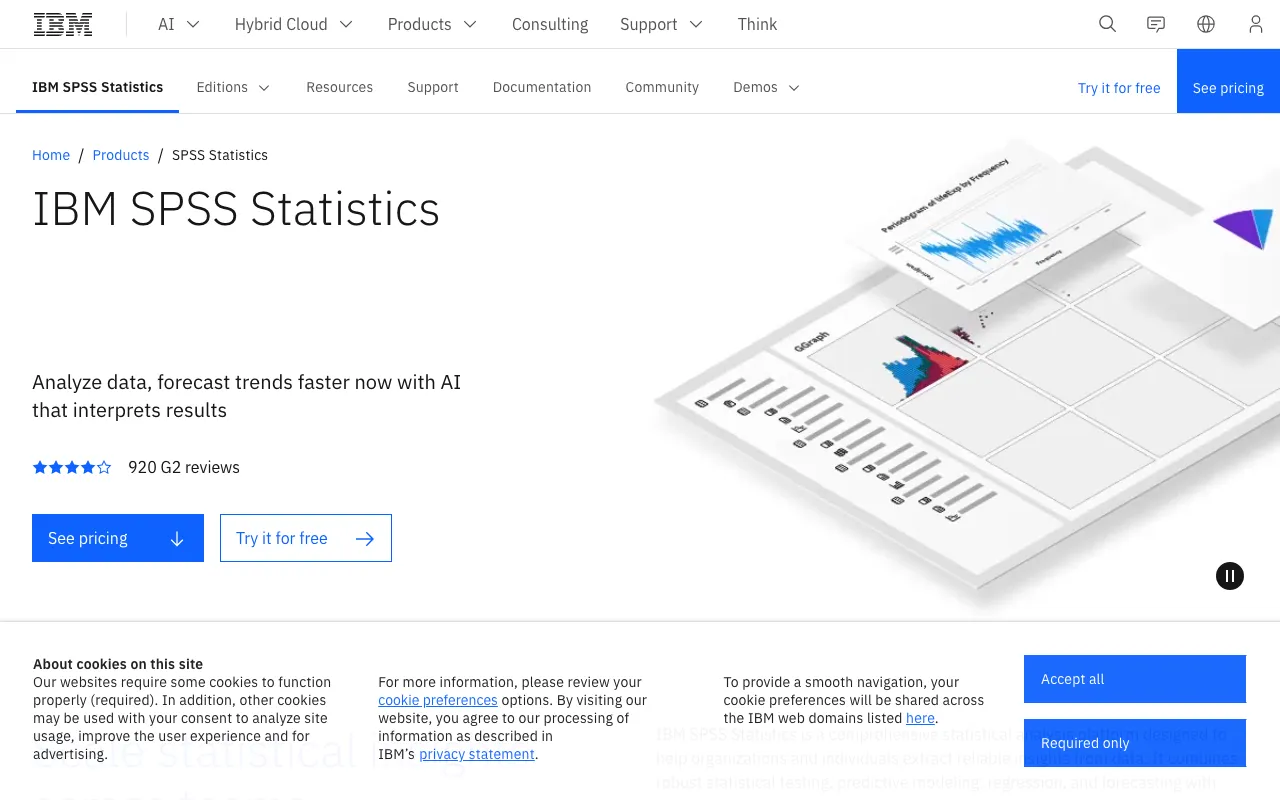
SPSS Statistics – Premier Statistical Analysis Software for Data Scientists
IBM SPSS Statistics is a powerful desktop application designed for sophisticated statistical analysis, data management, and documentation. Trusted by researchers, analysts, and data scientists across social sciences, healthcare, and commercial sectors, SPSS provides an intuitive interface for both interactive exploration and automated, batched processing of complex datasets. Its blend of a point-and-click GUI and a robust syntax language makes it accessible for beginners while remaining powerful for experts.
What is SPSS Statistics?
SPSS Statistics is a flagship statistical software package developed by IBM. It is engineered to handle the entire analytical process from data preparation and management to advanced statistical modeling and reporting. Unlike many modern data science tools built on programming languages, SPSS offers a unique combination of a graphical user interface (GUI) and a command syntax, allowing users to perform intricate analyses like linear regression, factor analysis, and cluster analysis without writing extensive code. This makes it a cornerstone tool in fields requiring rigorous, reproducible statistical methodology, such as academic research, psychology, market research, and public health.
Key Features of SPSS Statistics
Comprehensive Statistical Library
SPSS offers one of the most extensive libraries of statistical procedures available. This includes foundational tests (t-tests, ANOVA), advanced techniques (logistic regression, survival analysis), and specialized modules for complex modeling, ensuring you have the right tool for any analytical challenge.
Intuitive Visual Interface
The software's point-and-click interface guides users through complex analyses with dialog boxes and drop-down menus. This dramatically lowers the barrier to entry for non-programmers, enabling them to execute sophisticated statistical tests and generate publication-ready charts and tables efficiently.
Powerful Syntax and Automation
For advanced users and reproducible research, SPSS provides a full-featured command syntax language. All GUI actions generate syntax code, which can be saved, edited, and re-run to automate repetitive analyses, ensuring consistency and auditability in long-term projects.
Advanced Data Management
Beyond analysis, SPSS excels at data preparation. It includes robust tools for recoding variables, merging files, handling missing data, and restructuring datasets, streamlining the often time-consuming 'data wrangling' phase of a project.
Who Should Use SPSS Statistics?
SPSS Statistics is ideally suited for professionals and students in fields where statistical rigor and ease of use are paramount. Primary users include academic researchers in psychology, sociology, and education; healthcare analysts conducting clinical trials or epidemiological studies; market researchers analyzing survey data; and government agencies requiring standardized, auditable statistical reporting. It is particularly valuable for teams with mixed skill levels, allowing statisticians to build automated syntax scripts that less technical colleagues can execute via the GUI.
SPSS Statistics Pricing and Free Tier
IBM SPSS Statistics is a commercial, licensed desktop application and does not offer a permanent free tier. IBM typically provides subscription-based pricing (monthly or annual) or perpetual licenses. They often offer a free, limited-time trial version for users to evaluate the software's full capabilities. Educational institutions and students can usually access discounted pricing or campus-wide licenses. For the most accurate and current pricing plans, including potential academic discounts, visit the official IBM website.
Common Use Cases
- Analyzing survey data for market research segmentation and trends
- Conducting clinical trial data analysis for healthcare and pharmaceutical research
- Performing predictive modeling for academic social science studies
Key Benefits
- Accelerate research workflows with an interface designed specifically for statistical procedures, reducing time from data to insight.
- Ensure methodological rigor and reproducibility in analysis, which is critical for peer-reviewed publications and regulatory compliance.
- Democratize data analysis within organizations by enabling subject-matter experts with limited coding skills to perform complex tests.
Pros & Cons
Pros
- Unmatched ease of use for complex statistics via its graphical interface.
- Extremely well-documented with vast resources, tutorials, and a large user community.
- Produces publication-ready output and charts directly within the software.
- Strong reputation and acceptance in academic and regulated industries.
Cons
- Licensing costs can be high compared to open-source alternatives like R or Python.
- Less flexible for cutting-edge machine learning or big data applications than modern programming ecosystems.
- Primarily a desktop application, with less native support for cloud-based collaborative workflows.
Frequently Asked Questions
Is SPSS Statistics free to use?
No, IBM SPSS Statistics is not free. It is a commercial software package available through paid subscription or perpetual licenses. However, IBM frequently offers a full-featured free trial for a limited period, and significant discounts are often available for students and academic institutions.
Is SPSS Statistics good for data science?
Yes, SPSS Statistics is an excellent tool for data science, particularly in research-oriented and applied social science domains. Its strength lies in traditional inferential statistics, survey analysis, and hypothesis testing. While it may not be the primary tool for large-scale machine learning engineering, it remains a top choice for data scientists focused on statistical modeling, explanatory analysis, and fields requiring rigorous, reproducible methodology.
What is the difference between SPSS and R or Python?
The core difference is interface versus programming. SPSS provides a guided graphical interface and syntax for statistics, making it highly accessible. R and Python are full programming languages, offering greater flexibility, a vast ecosystem of cutting-edge packages (especially for ML), and are free/open-source. SPSS is often favored in industries valuing standardization and ease of use, while R/Python are preferred for custom, scalable, and innovative data science pipelines.
Conclusion
IBM SPSS Statistics stands as a time-tested, authoritative solution for statistical analysis. For data scientists, researchers, and analysts working in fields like social science, healthcare, and market research, its combination of an intuitive interface, comprehensive statistical procedures, and robust data management tools is unparalleled. While the investment in a license is required, the gains in productivity, methodological accuracy, and output quality make it a compelling choice for any professional seeking a dedicated, powerful platform for statistical discovery and reporting.