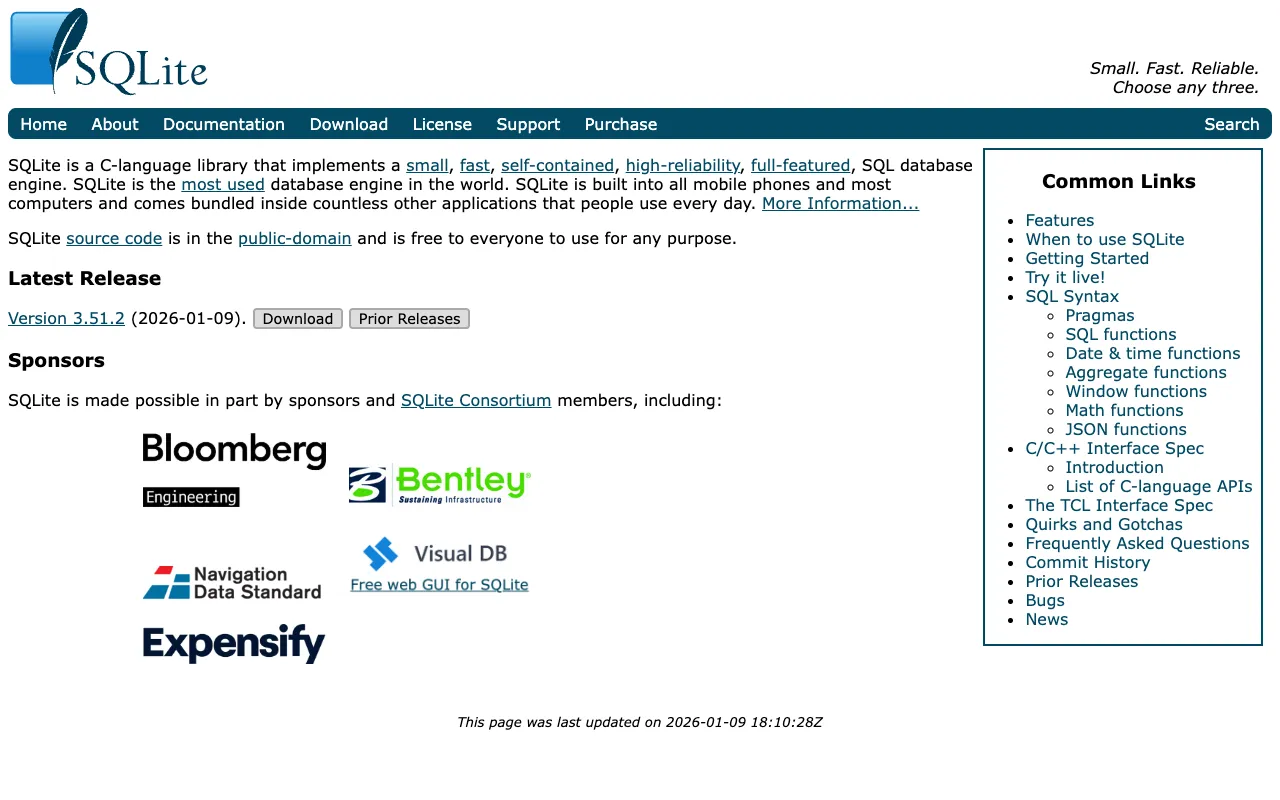
SQLite – The Definitive Embedded Database for Data Scientists
SQLite is not just another database; it's the most deployed and used database engine in the world. As a self-contained, serverless, zero-configuration SQL database engine, SQLite provides data scientists and developers with a powerful, file-based storage solution that requires no separate server process. Its simplicity for local development, coupled with full ACID compliance and a rich SQL feature set, makes it the go-to choice for prototyping data pipelines, analyzing datasets locally, embedding in applications, and managing configuration data. For data professionals who need reliable, portable, and lightweight relational data management, SQLite is an indispensable tool.
What is SQLite?
SQLite is a C-language library that implements a complete, standalone SQL database engine. Unlike client-server database systems like MySQL or PostgreSQL, SQLite is serverless—the database is a single ordinary file on disk that your application reads and writes directly. This architecture eliminates configuration overhead, making it exceptionally easy to set up, use, and distribute. It's transactional, supports most of the SQL-92 standard, and is renowned for its stability, reliability, and minimal footprint. It's built into every mobile phone, most computers, and countless applications, making it arguably the most ubiquitous database in existence.
Key Features of SQLite for Data Science
Serverless & Zero-Configuration
SQLite requires no separate server process or system setup. Your application interacts with the database file directly. This eliminates installation hassles, permissions management, and network latency, making it perfect for rapid prototyping, local data analysis scripts, and embedded use cases where simplicity is paramount.
Single File Database
The entire database—tables, indexes, triggers, and views—is stored in a single cross-platform file. This makes SQLite databases incredibly portable. You can easily copy, email, or version-control the database file, simplifying data sharing, backup, and deployment workflows for data science projects.
Full ACID Compliance & Transactional
SQLite transactions are fully ACID-compliant (Atomic, Consistent, Isolated, Durable). Even during system crashes or power failures, your data remains consistent. This reliability is critical for data science applications that perform complex, multi-step data transformations or updates.
Rich SQL Support
Despite its small size, SQLite supports a comprehensive subset of SQL-92, including complex queries, joins, subqueries, triggers, and views. It also supports JSON functions and window functions (as of recent versions), providing data scientists with powerful tools for data manipulation and analysis directly within the database.
Widely Supported & Embedded
SQLite has bindings for virtually every programming language (Python, R, Java, C#, JavaScript, etc.). It's the default database in frameworks like Django for development and is built into operating systems and applications worldwide. This universal support ensures you can use SQLite in almost any data science tech stack.
Who Should Use SQLite?
SQLite is ideal for data scientists, machine learning engineers, data analysts, application developers, and students. It's perfect for scenarios requiring local data storage without the overhead of managing a database server: prototyping data models and ETL pipelines, performing ad-hoc data analysis on local datasets, developing desktop or mobile applications, storing application configuration and cache, creating data-driven dashboards with tools like Datasette, and for educational purposes to learn SQL and database concepts. It's less suitable for high-concurrency web applications with many simultaneous writers, but excels in read-heavy analytics, local development, and embedded systems.
SQLite Pricing and Free Tier
SQLite is an open-source software library released to the public domain. It is completely free to use for any purpose—commercial or private—without any licensing fees, royalties, or restrictions. There is no 'free tier' because the entire product is free. Its source code is in the public domain, making it one of the most liberally licensed pieces of software available. This makes it an exceptionally cost-effective choice for startups, individual data scientists, and large enterprises alike.
Common Use Cases
- Local data analysis and prototyping for Python and R data science projects
- Embedded database for desktop applications and mobile apps in data science tools
- Server-side database for low-to-medium traffic websites and data APIs
Key Benefits
- Accelerate development and prototyping by eliminating database server setup and management
- Ensure data portability and simplify sharing of analysis-ready datasets in a single file
- Reduce infrastructure costs and complexity for applications with local storage needs
Pros & Cons
Pros
- Zero configuration and server management overhead
- Unmatched portability with single-file storage
- Extremely reliable and ACID-compliant for data integrity
- Vast language support and deeply embedded in the software ecosystem
- Completely free and public domain with no licensing concerns
Cons
- Not designed for high-concurrency write scenarios (e.g., large-scale web apps)
- Lacks some advanced features of client-server RDBMS like stored procedures
- Network access requires file-sharing protocols, not a native client-server socket
Frequently Asked Questions
Is SQLite free to use?
Yes, absolutely. SQLite is open-source and released to the public domain. This means it is completely free for any use—personal, commercial, or distribution—without any licensing costs, fees, or restrictions.
Is SQLite good for data science?
SQLite is excellent for many data science tasks. It's perfect for local data storage, rapid prototyping of data models, analyzing medium-sized datasets, and embedding within data analysis tools and applications. Its simplicity, portability, and full SQL support make it a favorite for workflows that don't require massive, distributed databases.
What is the difference between SQLite and MySQL?
The primary difference is architecture: SQLite is serverless and file-based, while MySQL is a client-server database. SQLite is simpler for local use and embedding, whereas MySQL is designed for networked, multi-user applications handling higher concurrent workloads. Choose SQLite for simplicity and portability; choose MySQL for scalable web applications.
Can SQLite handle large datasets?
SQLite can technically handle databases up to 281 terabytes in size. Performance for very large, complex queries or high-volume concurrent writes may not match dedicated client-server databases. However, for most analytical workloads on multi-gigabyte datasets with efficient indexing, SQLite performs remarkably well.
Conclusion
For data scientists and developers seeking a robust, simple, and universally available relational data storage solution, SQLite is in a class of its own. Its unique serverless architecture removes barriers to entry, allowing you to focus on analysis and application logic rather than database administration. Whether you're prototyping a new machine learning feature pipeline, analyzing local survey data, or building a lightweight analytical application, SQLite provides the reliability, portability, and power you need. It's the silent workhorse of the data world, and mastering it is a valuable skill for any data professional's toolkit.