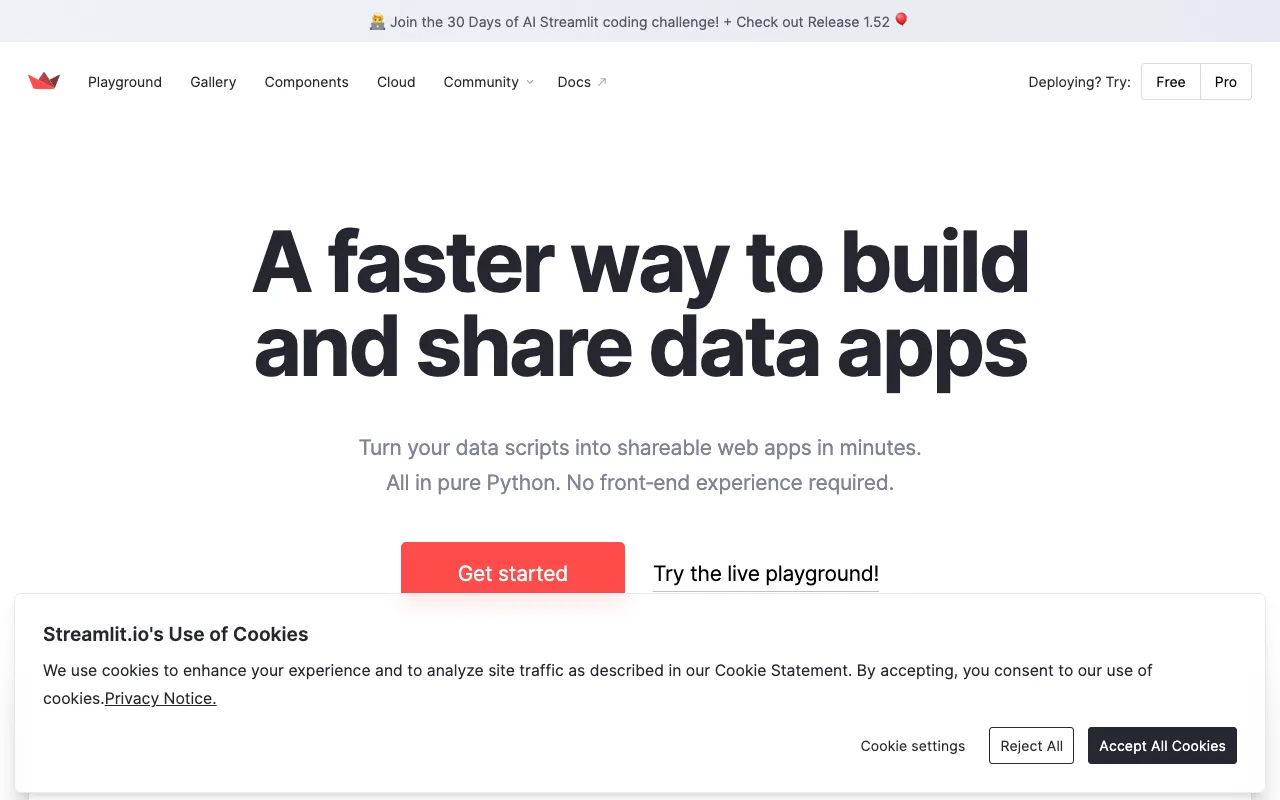
Streamlit – Best Tool for Building Data Science Web Apps
Streamlit revolutionizes how data scientists and machine learning engineers share their work. This powerful open-source Python library transforms data scripts into interactive, shareable web applications in minutes, not weeks. Eliminate the traditional barrier between complex Python analysis and stakeholder-friendly dashboards. Whether you're visualizing datasets, demonstrating a machine learning model, or building an internal tool, Streamlit provides the fastest path from idea to interactive app.
What is Streamlit?
Streamlit is a purpose-built, open-source Python framework designed specifically for the data science workflow. Its core mission is to remove the friction of web development for technical teams. Instead of writing HTML, CSS, and JavaScript, you write pure Python. Streamlit's reactive execution model means your app updates live as you interact with widgets, making it feel like a notebook but with the power and polish of a dedicated web application. It's the definitive tool for creating custom data dashboards, model demos, and internal tools directly from your existing Python codebase.
Key Features of Streamlit
Instant App Development
Go from a Python script to a deployed web app in under a minute. Streamlit's simple API uses intuitive commands like `st.write()`, `st.dataframe()`, and `st.plotly_chart()` to render content. There's no callback hell or complex state management—just write your script top-to-bottom.
Rich Interactive Widgets
Add sliders, buttons, text inputs, file uploaders, and select boxes with single lines of code. These widgets are fully interactive and automatically trigger a re-run of your script with new values, creating a dynamic, app-like experience for exploring data parameters and model inputs.
Seamless Data & Visualization Integration
Natively display pandas DataFrames, Matplotlib, Plotly, Altair, and Bokeh charts. Streamlit intelligently renders these objects as interactive components. It also supports caching (`@st.cache_data`) to accelerate apps that load large datasets or run expensive computations.
Built-in Deployment & Sharing
Share your apps effortlessly via Streamlit Community Cloud or deploy them on any platform that supports Python. The framework includes features for multi-page apps, theming, and layout customization, allowing you to build production-grade data applications.
Who Should Use Streamlit?
Streamlit is the ideal solution for data professionals who need to communicate insights or operationalize models. Primary users include **Data Scientists** building interactive model demos and exploratory dashboards; **Machine Learning Engineers** creating internal tools for model monitoring and A/B testing; **Analysts and Researchers** who need to share dynamic reports with non-technical stakeholders; and **Academic Teams** prototyping and publishing interactive research findings. If your work involves Python and data, and you need a better way to share it, Streamlit is for you.
Streamlit Pricing and Free Tier
The core Streamlit library is completely **free and open-source** under the Apache 2.0 license. You can install it via pip (`pip install streamlit`) and use it indefinitely to build and run apps locally or on your own infrastructure. For managed hosting and easy sharing, Streamlit (now part of Snowflake) offers **Streamlit Community Cloud**, which provides free public hosting for apps. For teams requiring private apps, advanced security, and collaboration features, Snowflake offers paid enterprise plans through their platform.
Common Use Cases
- Build an interactive machine learning model demo to showcase to clients or management
- Create a live dashboard for monitoring real-time business KPIs and data pipelines
- Develop an internal tool for data labeling, model parameter tuning, or report generation
Key Benefits
- Dramatically reduce the time from data analysis to stakeholder presentation from weeks to hours
- Empower data teams to own the full stack of their work without depending on software engineering resources
- Increase the impact and adoption of data science work by making it interactive and accessible to anyone with a web browser
Pros & Cons
Pros
- Extremely low learning curve for anyone proficient in Python
- Massively accelerates prototyping and sharing of data insights
- Vibrant open-source community with extensive components and examples
- Seamlessly integrates with the entire PyData ecosystem (pandas, NumPy, scikit-learn, etc.)
Cons
- Best for apps where the core logic is in Python; complex user journeys may require workarounds
- Community Cloud free tier is for public apps only; private deployment requires your own infrastructure or a paid plan
- While highly customizable, achieving a completely bespoke UI design requires more effort compared to traditional web frameworks
Frequently Asked Questions
Is Streamlit free to use?
Yes, the Streamlit Python library is 100% free and open-source. You can use it to build and run applications locally or on your own servers at no cost. Streamlit Community Cloud also offers free hosting for publicly shared apps.
Is Streamlit good for production data science applications?
Absolutely. While excellent for prototyping, Streamlit is robust enough for many production use cases, especially internal tools, dashboards, and model interfaces. Its caching, session state, and deployment options allow teams to build stable, performant applications. For large-scale public-facing apps, careful architecture and deployment planning are recommended.
Do I need to know web development (HTML, JavaScript) to use Streamlit?
No. Streamlit is specifically designed so that data scientists do not need any front-end web development skills. You build the entire application interface and logic using only Python. This is its primary advantage, allowing you to focus on data and models instead of web technology.
How does Streamlit compare to Dash or Flask for data apps?
Streamlit prioritizes developer speed and simplicity for a specific use case: turning data scripts into apps. Dash offers more granular control and is built on React, but has a steeper learning curve. Flask is a general-purpose web framework requiring full-stack setup. For most data scientists who want the fastest path to an interactive app, Streamlit is the superior choice.
Conclusion
For data scientists and ML practitioners, Streamlit is not just a tool—it's a paradigm shift in productivity. It successfully bridges the gap between advanced analytical work and actionable, interactive software. By empowering data professionals to become full-stack app developers in their domain, it unlocks new potential for innovation and impact. If your goal is to share your Python-based work more effectively, build tools faster, and make data interactive, Streamlit is the definitive, must-learn framework in your toolkit.