Go back
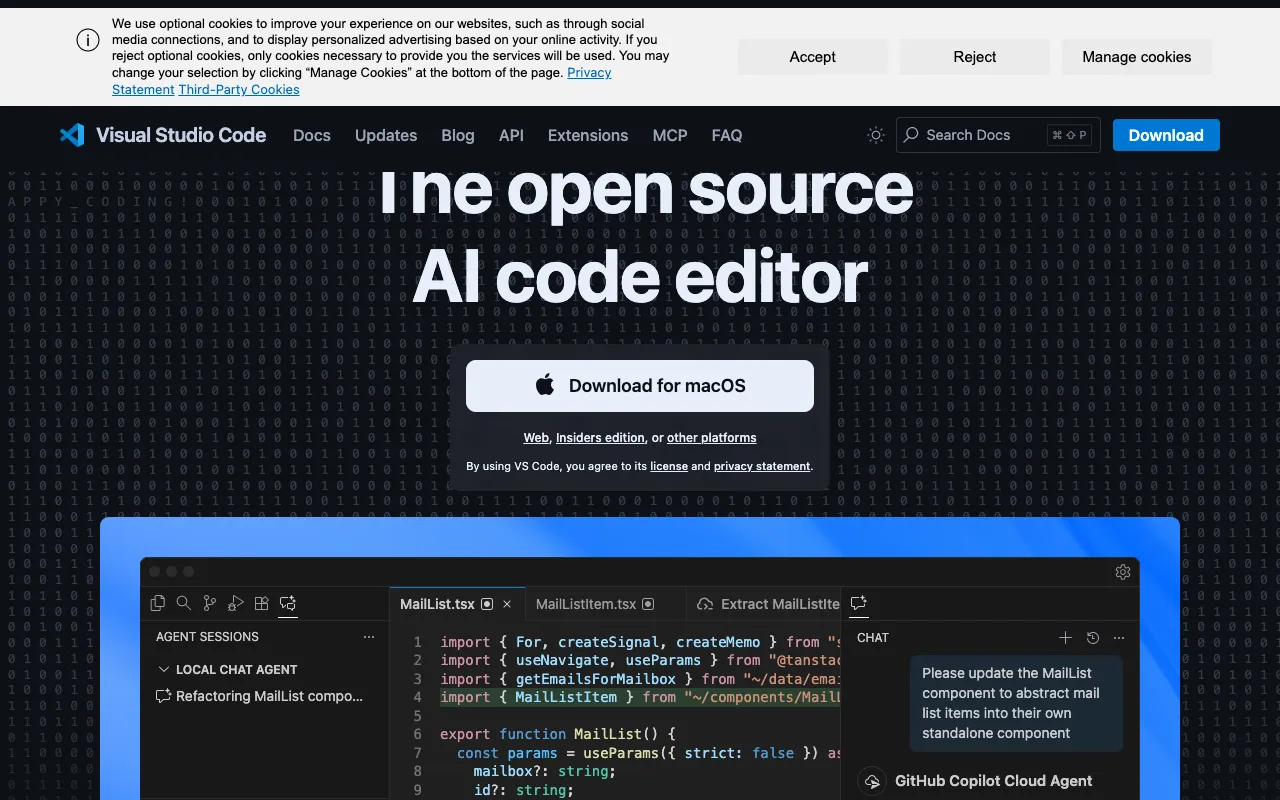
Image of VS Code – The Best Free Code Editor for Data Scientists

VS Code – The Best Free Code Editor for Data Scientists

Visual Studio Code (VS Code) has emerged as the dominant code editor for data scientists worldwide. This free, open-source tool from Microsoft transcends basic editing by offering a deeply integrated environment tailored for data analysis, machine learning, and scientific computing. With its native support for debugging, embedded Git control, intelligent syntax highlighting, and a massive extension ecosystem, VS Code transforms into a lightweight yet powerful Integrated Development Environment (IDE) specifically for data workflows.

What is VS Code for Data Science?

VS Code is a free, cross-platform source-code editor developed by Microsoft. For data scientists, it's far more than a text editor—it's a customizable hub for the entire data workflow. It provides a seamless experience for writing Python, R, or Julia scripts, interacting with Jupyter Notebooks directly within the editor, version controlling code with Git, debugging models step-by-step, and visualizing data. Its modular design via extensions allows every data scientist to build their perfect, purpose-built environment without the bloat of traditional IDEs.

Key Features of VS Code for Data Scientists

Integrated Jupyter Notebooks

Run Jupyter Notebooks (.ipynb files) natively inside VS Code. Edit cells, execute code, and visualize plots and dataframes without leaving the editor. This eliminates context switching and combines the exploratory power of notebooks with the robust tooling of a professional editor.

Intelligent Code Editing for Python/R/Julia

Get autocomplete (IntelliSense), syntax highlighting, linting, and error checking powered by language servers. VS Code understands your codebase, suggests functions, methods, and variables, and helps you write cleaner, error-free code faster.

Built-in Debugger and Git Control

Debug Python scripts and models interactively by setting breakpoints, inspecting variables, and stepping through code. The integrated Git panel allows you to stage changes, commit, push, pull, and view diffs directly, streamlining version control for collaborative projects.

Extensive Extension Marketplace

Tailor VS Code precisely to your stack. Install extensions for Python (Pylance, Python), R (R LSP Client), data visualization, database management (SQLite), Docker, remote SSH development, and hundreds of themes and productivity tools.

Terminal and Remote Development

Launch an integrated terminal (PowerShell, bash, zsh) to run shell commands, pip install packages, or start servers without switching windows. The Remote Development extension lets you work seamlessly inside Docker containers or on remote servers/cloud VMs.

Who Should Use VS Code for Data Science?

VS Code is ideal for data scientists, machine learning engineers, researchers, and analysts at all levels. It's perfect for professionals transitioning from Jupyter Lab or heavy IDEs to a faster, more flexible tool. It suits academics writing research code, industry engineers building production models, and analysts creating reproducible data pipelines. Its low barrier to entry (free) and high ceiling (via extensions) make it suitable for beginners and experts alike.

VS Code Pricing and Free Tier

VS Code is completely free and open-source (MIT license). There is no paid tier, subscription, or premium version. Microsoft provides the core editor free of charge, including all its built-in features like the debugger, Git integration, and IntelliSense. The extensions in the marketplace are also predominantly free, often developed and maintained by open-source communities and companies.

Common Use Cases

Key Benefits

Pros & Cons

Pros

  • Completely free with no feature restrictions
  • Lightning-fast performance and low memory footprint compared to full IDEs
  • Unmatched extensibility allows perfect customization for any data science stack
  • Excellent cross-platform support (Windows, macOS, Linux)

Cons

  • Requires extension setup to become a full data science IDE, which can be overwhelming for absolute beginners
  • Advanced features like remote development have a learning curve
  • Not a dedicated statistical software package like RStudio (but can closely replicate it with extensions)

Frequently Asked Questions

Is VS Code free to use for data science?

Yes, absolutely. VS Code is 100% free and open-source. You can download it, use all its core features (debugging, Git, IntelliSense), and install free data science extensions without any cost.

Is VS Code good for Python data science?

VS Code is one of the best editors for Python data science. With the Python and Pylance extensions, you get a top-tier development experience including Jupyter notebook support, debugging, linting, and IntelliSense that rivals dedicated Python IDEs.

Can VS Code run Jupyter Notebooks?

Yes. VS Code has native support for Jupyter Notebooks. You can open .ipynb files, edit and run cells, visualize plots, and manage kernels directly within the editor, creating a unified environment for both scripting and exploratory analysis.

How does VS Code compare to PyCharm for data science?

VS Code is lighter, faster, and free, while PyCharm Professional is a full-featured, paid IDE. VS Code, through extensions, can match most of PyCharm's data science features. VS Code excels in customization and flexibility, while PyCharm offers more out-of-the-box depth for Python. Most data scientists prefer VS Code for its balance of power and agility.

Conclusion

For data scientists seeking a powerful, customizable, and completely free coding environment, VS Code stands as the definitive choice. It successfully bridges the gap between a simple text editor and a bulky IDE, providing the essential tools—debugging, Git, terminals, and extensions—right where you need them. By transforming to fit your specific workflow, whether it's deep learning with Python, statistical analysis with R, or report generation with Julia, VS Code empowers you to work more efficiently and collaboratively. It's not just an editor; it's the modern data scientist's core workstation.