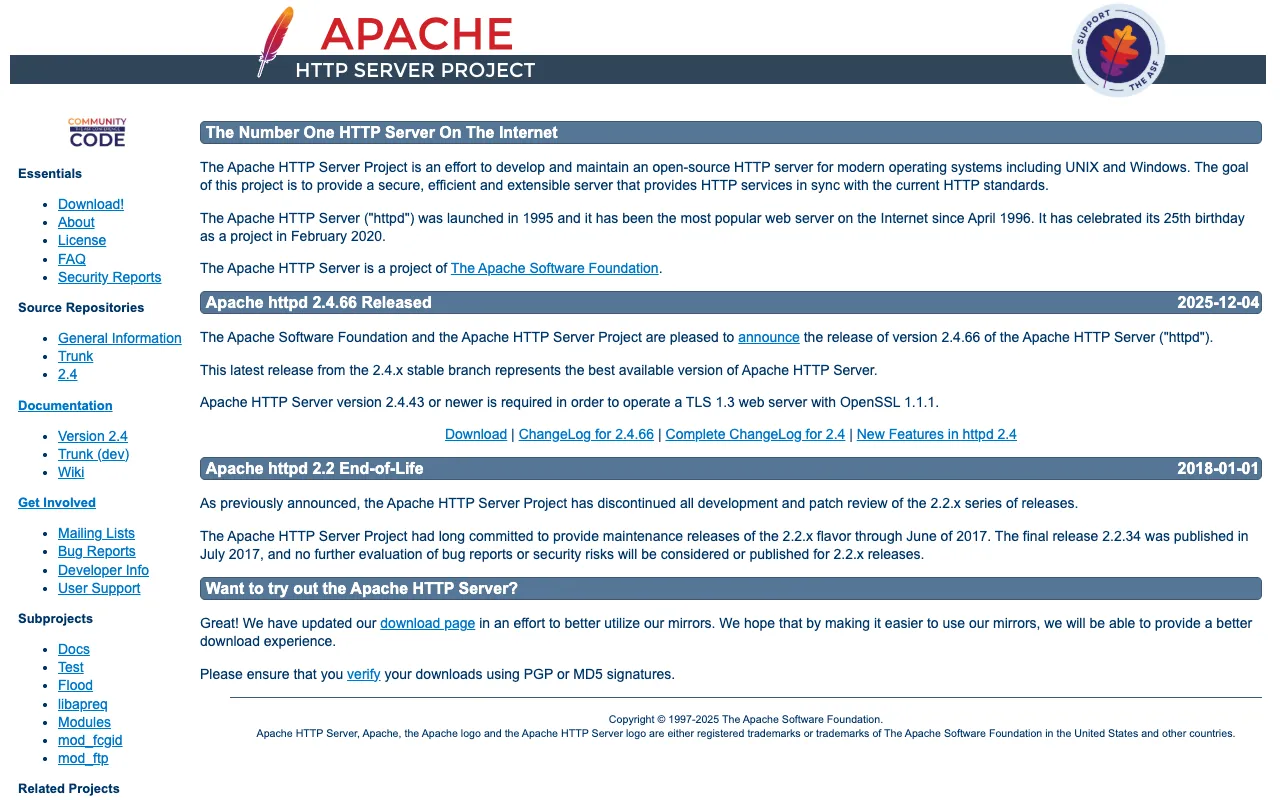
Apache HTTP Server – The Best Open-Source Web Server for DevOps
The Apache HTTP Server, often simply called Apache, is the cornerstone of modern web infrastructure and a critical tool in every DevOps engineer's toolkit. As a robust, open-source HTTP server, it powers millions of websites globally, offering unparalleled reliability, extensive customization through modules, and proven performance for serving static and dynamic content. For DevOps teams, Apache provides the stable, configurable foundation needed to build, deploy, and scale web applications efficiently.
What is the Apache HTTP Server?
The Apache HTTP Server is a free and open-source web server software developed and maintained by the Apache Software Foundation. It's one of the most popular and widely deployed web servers in the world, renowned for its role in the early expansion of the internet. Its core purpose is to listen for incoming network requests (typically on port 80 for HTTP or 443 for HTTPS) and serve web content—like HTML pages, images, and application data—to client browsers or applications. For DevOps engineers, Apache is more than just a server; it's a highly configurable platform that integrates seamlessly into CI/CD pipelines, container orchestration, and complex, multi-tier application architectures.
Key Features of Apache HTTP Server
Modular Architecture (.htaccess & Modules)
Apache's greatest strength is its modular design. Core functionality is extended through dynamically loadable modules (mod_rewrite, mod_ssl, mod_proxy). This allows DevOps engineers to customize the server for specific needs—URL rewriting, load balancing, security headers, compression—without bloat. The per-directory configuration via `.htaccess` files provides granular control over web application behavior, a feature deeply valued for shared hosting and application-specific rules.
Robust Security and Access Control
Security is paramount in DevOps, and Apache delivers with extensive features. It supports TLS/SSL encryption, granular access control based on IP, hostname, or user authentication, and integrates with security modules for mitigating common threats. Its detailed logging capabilities provide essential audit trails for monitoring and incident response, making it a trustworthy component in secure application delivery.
High Performance and Scalability (MPM)
Apache handles high traffic loads through its Multi-Processing Modules (MPMs) like `prefork`, `worker`, and `event`. DevOps engineers can choose and tune the MPM to match their workload—whether it's stability with non-thread-safe libraries or high concurrency for modern, asynchronous applications. This flexibility ensures Apache can scale from a small development server to a large-scale production cluster.
Extensive Logging and Monitoring
Comprehensive, customizable logging is built-in. Apache provides detailed access logs, error logs, and the ability to define custom log formats. This data is gold for DevOps monitoring stacks (like ELK or Grafana), enabling performance analysis, debugging, user behavior tracking, and security auditing directly from the web server layer.
Who Should Use the Apache HTTP Server?
Apache is ideal for a wide range of professionals and use cases within the DevOps and web development ecosystem. It's perfect for DevOps Engineers and SREs building reliable, configurable web infrastructure. Web Developers benefit from its `.htaccess` flexibility for application deployment. System Administrators appreciate its stability and deep integration with enterprise Linux distributions. It's also a foundational tool for anyone running WordPress, Drupal, or other LAMP/LEMP stack applications, as well as teams requiring a proven reverse proxy or load balancer in front of application servers.
Apache HTTP Server Pricing and Free Tier
The Apache HTTP Server is completely free and open-source software released under the Apache License 2.0. There is no cost for download, use, modification, or distribution, even in commercial environments. This true 'free tier' with enterprise-grade capabilities makes it an unbeatable value proposition. Commercial support, managed hosting, and advanced features are available through various third-party vendors and cloud providers, but the core server itself imposes no licensing fees.
Common Use Cases
- Deploying and hosting a high-traffic WordPress or Drupal website with custom URL rules
- Setting up a secure reverse proxy to load balance between multiple Node.js or Python application servers
- Serving static assets and media files with gzip compression and caching headers for optimal performance
Key Benefits
- Eliminates web server licensing costs with a battle-tested, open-source solution
- Accelerates deployment and troubleshooting with unparalleled configuration flexibility and community support
- Enhances application security and performance through a mature, modular ecosystem of add-ons
Pros & Cons
Pros
- Mature, stable, and extremely well-documented with decades of community knowledge
- Highly flexible and customizable via modules and `.htaccess` files
- Excellent security features and a strong track record
- Runs on virtually every operating system (Linux, Windows, macOS)
Cons
- Can have higher memory usage per connection compared to some newer, event-driven servers like Nginx in certain high-concurrency scenarios
- Configuration syntax can be complex for beginners compared to more modern declarative formats
Frequently Asked Questions
Is Apache HTTP Server free to use?
Yes, absolutely. Apache is 100% free and open-source software (FOSS) released under the Apache License 2.0. You can download, use, modify, and distribute it for any purpose, including commercial use, without any cost.
Is Apache a good web server for DevOps engineers?
Apache is an excellent and often essential tool for DevOps engineers. Its modularity, deep configurability, and stability make it perfect for automating deployments, integrating into infrastructure-as-code pipelines, and building reproducible, secure web server configurations. Its widespread use ensures compatibility and extensive community support.
What is the difference between Apache and Nginx?
Apache uses a process-driven or thread-driven architecture (via MPMs) and is highly configurable per-directory. Nginx uses an event-driven, asynchronous architecture, often making it more efficient for serving static files and handling many concurrent connections with lower memory use. Many modern DevOps stacks use both: Nginx as a reverse proxy/load balancer and Apache for dynamic content processing, leveraging the strengths of each.
How do I configure Apache for better security?
Key security steps include: keeping Apache updated, disabling unnecessary modules, using `mod_security` as a web application firewall, configuring TLS/SSL properly with `mod_ssl`, setting restrictive file permissions, using security headers, and regularly auditing logs. The extensive Apache documentation and DevOps security guides provide detailed configurations.
Conclusion
The Apache HTTP Server remains a foundational, powerful, and indispensable tool for DevOps professionals. Its unparalleled flexibility, proven stability, and robust feature set—all available at zero cost—make it a top-tier choice for building web infrastructure. While newer servers have emerged, Apache's deep configurability and modular ecosystem ensure it continues to excel in scenarios requiring granular control, such as complex application hosting, reverse proxy setups, and environments where per-directory configuration (.htaccess) is crucial. For any DevOps engineer building reliable, scalable, and secure web services, mastering Apache is a highly valuable skill.