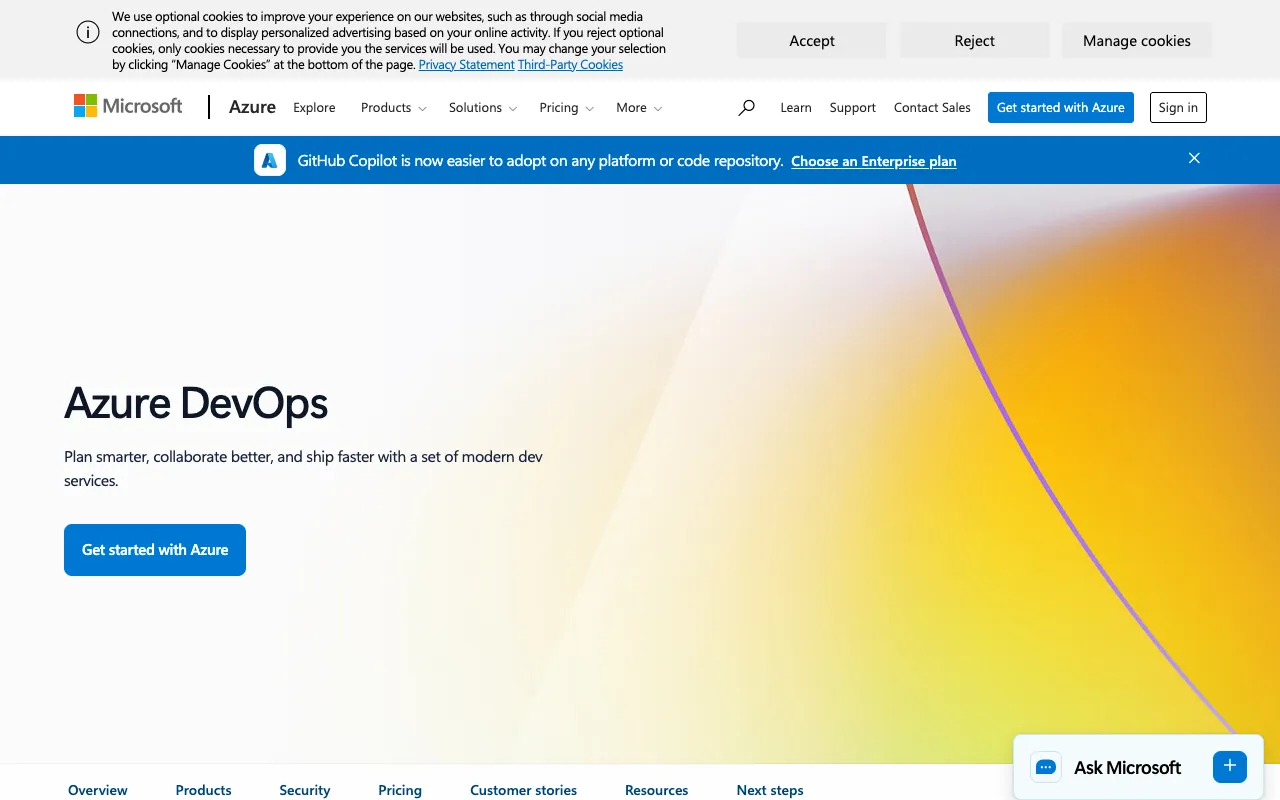
Azure DevOps – The Complete Platform for DevOps Engineers
Azure DevOps is Microsoft's integrated suite of services designed to empower DevOps teams to plan, build, test, and ship high-quality software faster and more reliably. It combines Agile planning tools, enterprise-grade Git repositories, CI/CD pipelines, comprehensive testing suites, and universal package management into a single, cohesive platform. Whether you're developing on Azure, AWS, or on-premises, Azure DevOps provides the toolchain and automation needed to implement modern DevOps practices at scale.
What is Azure DevOps?
Azure DevOps is not a single tool but a unified platform comprising several integrated services that cover the entire application lifecycle. It provides everything development teams need to adopt DevOps principles: from initial project planning and task tracking with Azure Boards, to source code management with Azure Repos (Git), automated build and release pipelines with Azure Pipelines, manual and exploratory testing with Azure Test Plans, and universal artifact hosting with Azure Artifacts. This integrated approach eliminates toolchain fragmentation, reduces context switching, and provides end-to-end traceability from work item to deployment.
Key Features of Azure DevOps
Azure Boards (Agile Planning)
Plan, track, and discuss work across your teams using powerful Agile tools like Kanban boards, backlogs, team dashboards, and custom reporting. Supports Scrum, Kanban, and custom processes with rich work item tracking, sprint planning, and capacity management.
Azure Repos (Source Control)
Host unlimited private Git repositories with advanced features like branch policies, pull requests with required reviewers, semantic code search, and webhooks. Get enterprise-grade code collaboration and security with fine-grained permissions and 99.9% SLA.
Azure Pipelines (CI/CD)
Build, test, and deploy to any platform or cloud, including Azure, AWS, and Google Cloud. This cloud-hosted CI/CD service supports any language, platform, and cloud. It offers parallel jobs, YAML-based pipeline-as-code, extensive marketplace extensions, and native container and Kubernetes support.
Azure Test Plans (Testing)
Manage manual, exploratory, and user acceptance testing with a browser-based tool. Create test plans and suites, track test progress, and capture rich data with screen recordings and image annotations during exploratory testing sessions.
Azure Artifacts (Package Management)
Create, host, and share packages (like Maven, npm, NuGet, and Python) from public and private sources. Azure Artifacts integrates with your CI/CD pipeline, enabling you to publish and consume packages as part of your build and release process.
Who Should Use Azure DevOps?
Azure DevOps is ideal for software development teams of all sizes seeking an integrated, enterprise-ready platform. It's particularly powerful for: .NET development teams deeply integrated with the Microsoft ecosystem; Enterprises requiring robust security, compliance, and audit capabilities; Teams practicing Agile and Scrum who need sophisticated planning tools; Organizations implementing multi-cloud or hybrid deployments; and Open-source projects that can leverage its generous free tier for public projects. It scales from a single developer to the largest enterprises.
Azure DevOps Pricing and Free Tier
Azure DevOps offers one of the most generous free tiers in the industry. It includes: Free for up to 5 users with access to all core services (Boards, Repos, Pipelines, Test Plans, Artifacts); Unlimited private Git repositories; 2,000 minutes of pipeline run time per month for CI/CD (free for public projects); and 1 parallel job. For larger teams, pricing is based on a per-user, per-month model for additional users beyond the first five, with additional pipeline parallel jobs and minutes available as paid add-ons. This makes it extremely cost-effective for startups and small teams.
Common Use Cases
- Implementing end-to-end CI/CD for .NET Core applications on Azure Kubernetes Service
- Managing Agile sprints and backlog for distributed software development teams
- Hosting private npm or NuGet packages for internal enterprise libraries
Key Benefits
- Achieve end-to-end traceability from user story to production deployment, improving accountability and compliance
- Accelerate release cycles with automated build, test, and deployment pipelines that work across any language or cloud
- Reduce toolchain costs and complexity by consolidating planning, code, CI/CD, and artifacts into one managed platform
Pros & Cons
Pros
- Comprehensive, integrated suite covering the entire DevOps lifecycle in one platform
- Native, seamless integration with Microsoft Azure cloud services and Visual Studio
- Highly scalable and enterprise-grade with strong security, compliance, and governance features
- Extremely generous and fully-featured free tier for small teams and open-source projects
- Extensible via a vast marketplace of integrations for Jira, Slack, SonarCloud, and hundreds more
Cons
- The user interface can feel complex and overwhelming for new users compared to simpler, point solutions
- While powerful, it is perceived by some as more aligned with Microsoft-centric development stacks
- Advanced enterprise features and pipeline scale require moving beyond the free tier, which can increase costs for large teams
Frequently Asked Questions
Is Azure DevOps free to use?
Yes, Azure DevOps has a robust free tier. It is free for the first 5 users with access to all core services (Boards, Repos, Pipelines with 1,800 monthly minutes, Test Plans, Artifacts). Public projects for open-source are completely free with unlimited users and more pipeline minutes. Paid plans start when you need more than 5 users or additional pipeline capacity.
Is Azure DevOps good for non-Microsoft or non-.NET projects?
Absolutely. While it integrates beautifully with .NET and Azure, Azure DevOps is a polyglot platform. Azure Pipelines supports building and deploying Java, Python, Node.js, Go, and containers to any cloud (AWS, GCP) or on-premises. Azure Repos uses standard Git. Teams using Linux, macOS, or any tech stack can fully leverage the platform.
What is the difference between Azure DevOps and GitHub?
Azure DevOps is a comprehensive Application Lifecycle Management (ALM) platform focusing on planning (Boards), CI/CD (Pipelines), testing (Test Plans), and packages (Artifacts). GitHub is primarily a world-leading code hosting (Git) and collaboration platform, with GitHub Actions for CI/CD and GitHub Packages. Azure DevOps offers more built-in, integrated ALM features, while GitHub excels in community and open-source collaboration. Many organizations use both, connecting Azure Boards or Pipelines to GitHub repos.
Can I use Azure DevOps for on-premises deployment?
Yes. While Azure DevOps Services is the cloud-hosted SaaS offering, Microsoft provides Azure DevOps Server (formerly Team Foundation Server) for on-premises installation. This gives organizations with strict data residency or network requirements full control over their DevOps server and data, with the ability to update on their own schedule.
Conclusion
For DevOps engineers and development teams seeking a single, integrated platform to manage the complexities of modern software delivery, Azure DevOps stands out as a top-tier choice. Its strength lies in its comprehensiveness—bringing planning, development, automation, and collaboration into a unified environment with enterprise-grade reliability. The unparalleled integration with the broader Microsoft ecosystem, combined with its polyglot capabilities and industry-leading free tier, makes it an exceptionally powerful and cost-effective solution. Whether you're a startup building your first CI/CD pipeline or an enterprise standardizing DevOps practices across hundreds of teams, Azure DevOps provides the tools, scale, and flexibility to ship better software, faster.