Go back
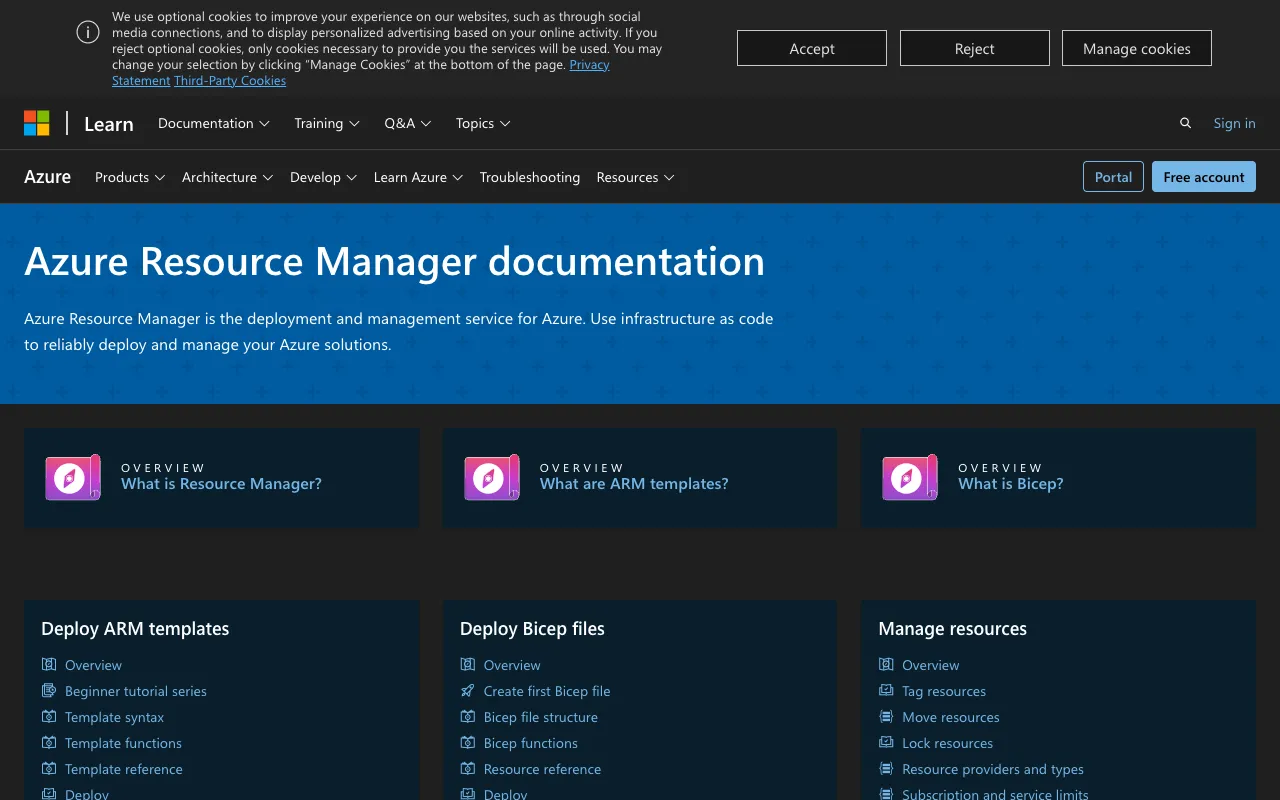
Image of Azure Resource Manager (ARM) – The Definitive Infrastructure as Code Tool for Azure DevOps

Azure Resource Manager (ARM) – The Definitive Infrastructure as Code Tool for Azure DevOps

Azure Resource Manager (ARM) is the foundational deployment and management service for the Microsoft Azure cloud platform. As the core Infrastructure as Code (IaC) engine for Azure, it allows DevOps engineers and cloud architects to define, provision, and manage their entire Azure infrastructure declaratively using JSON templates. ARM transforms infrastructure into manageable, version-controlled code, enabling consistent, repeatable, and scalable deployments that are essential for modern CI/CD pipelines, disaster recovery, and compliance.

What is Azure Resource Manager (ARM)?

Azure Resource Manager (ARM) is the unified control plane and management layer for all services in Microsoft Azure. It's not just a tool but the underlying framework that processes requests to create, update, or delete resources. When you interact with the Azure portal, CLI, PowerShell, SDKs, or REST API, you are ultimately communicating with ARM. Its most powerful feature is ARM templates—declarative JSON files that describe the desired state of your Azure environment. By treating infrastructure as code, ARM enables DevOps principles like idempotency, versioning, peer review, and automation for cloud resources, making it indispensable for professional Azure DevOps workflows.

Key Features of Azure Resource Manager

Declarative ARM Templates

Define your entire Azure infrastructure—from virtual networks and VMs to databases and app services—in human-readable JSON files. ARM templates specify the 'what' (desired state) not the 'how', allowing the service to handle dependencies and orchestration automatically for reliable deployments.

Resource Group Management

Organize related resources for an application into logical containers called Resource Groups. This provides a crucial management boundary for applying role-based access control (RBAC), policies, tags, and billing, and allows for lifecycle management where deleting a group removes all contained resources.

Dependency Resolution & Orchestration

ARM intelligently analyzes dependencies between resources (e.g., a VM must be created in a subnet that exists within a VNet) and orchestrates their creation, update, or deletion in the correct order, preventing deployment failures and ensuring consistency.

Incremental & Complete Deployment Modes

Choose between incremental deployments (only add/update resources specified in the template) and complete deployments (the resource group is made to match the template, deleting unspecified resources). This flexibility supports different operational scenarios, from safe updates to full environment resets.

Template Specs & Linked Templates

Promote reusability and modularity by creating library-like Template Specs (published, versioned templates) or by breaking down complex deployments into smaller, focused linked templates. This is key for managing large-scale, enterprise-grade infrastructure.

Who Should Use Azure Resource Manager?

Azure Resource Manager is essential for any professional working with Azure infrastructure. Primarily, it is the cornerstone tool for **Azure DevOps Engineers** and **Site Reliability Engineers (SREs)** building automated CI/CD pipelines. **Cloud Architects** use it to design standardized, compliant landing zones and reference architectures. **Development Teams** adopting DevOps practices benefit from having consistent, self-service environments. **IT Operations and Security Teams** rely on ARM to enforce governance through Azure Policy and Blueprints. Essentially, if your work involves provisioning, configuring, or managing Azure services in a repeatable and auditable way, mastering ARM is non-negotiable.

Azure Resource Manager Pricing and Free Tier

Azure Resource Manager itself is a **free management service** provided by Microsoft Azure. There are no direct licensing costs for using ARM, its REST API, or for authoring and processing ARM templates. You only pay for the Azure resources (like VMs, storage, databases) that you provision and run through ARM. This makes it an incredibly cost-effective core tool for infrastructure automation. The free tier is effectively unlimited for the management layer, allowing teams of any size to adopt Infrastructure as Code practices without additional overhead.

Common Use Cases

Key Benefits

Pros & Cons

Pros

  • Native, first-party service with deep integration into all Azure services and the Azure portal.
  • Mature and stable with extensive documentation, community support, and a vast library of Quickstart templates.
  • Enables true declarative Infrastructure as Code, managing complex dependencies automatically.
  • Central to the Azure ecosystem, required for advanced services like Blueprints, Bicep, and Deployment Stacks.

Cons

  • The native JSON template syntax can be verbose and complex for very large deployments, though Bicep (a transpiled language) addresses this.
  • Primarily focused on Azure; for multi-cloud IaC, tools like Terraform might be more appropriate.
  • Learning curve exists for understanding template functions, deployment modes, and idempotent design patterns.

Frequently Asked Questions

Is Azure Resource Manager free to use?

Yes, Azure Resource Manager (ARM) is a completely free management layer. Microsoft charges only for the Azure compute, storage, and other cloud resources you provision using ARM, not for the deployment service itself. This makes it a zero-cost essential for Azure infrastructure automation.

Is Azure Resource Manager a good Infrastructure as Code (IaC) tool for DevOps?

Absolutely. For DevOps teams committed to the Azure ecosystem, ARM is the foundational and most integrated IaC tool. It enables the core DevOps practices of automation, consistency, and version control for infrastructure. Its tight coupling with Azure security (RBAC), policy, and CI/CD services like Azure DevOps and GitHub Actions makes it a best-in-class choice for Azure-focused DevOps pipelines.

What is the difference between ARM templates and Terraform?

ARM templates are Azure's native, declarative IaC format, offering deep and immediate support for new Azure features. Terraform by HashiCorp uses its own language (HCL) and is a multi-cloud tool, able to manage resources across Azure, AWS, Google Cloud, and others. ARM is often preferred for pure-Azure environments due to its seamless integration, while Terraform is chosen for multi-cloud strategies or teams familiar with its workflow.

Should I use ARM JSON or Bicep?

Bicep is a newer, domain-specific language that transpiles down to ARM template JSON. It offers a cleaner, more concise syntax, better modularity, and improved developer experience (like type safety and IntelliSense). Microsoft recommends Bicep for new Azure IaC projects, as it's easier to write and read while providing the full power of ARM. You can also decompile existing JSON templates to Bicep.

Conclusion

Azure Resource Manager is not merely a tool; it is the essential framework that enables professional-grade cloud operations on Microsoft Azure. For DevOps engineers, its value is immeasurable—turning infrastructure into auditable, deployable, and recoverable code. While alternatives like Terraform exist for multi-cloud scenarios, ARM's native integration, zero-cost model, and continuous evolution (with enhancements like Bicep and Template Specs) solidify its position as the top-tier Infrastructure as Code solution for any team building, deploying, and managing applications on Azure. Mastering ARM is a critical step towards achieving robust, automated, and scalable cloud infrastructure management.