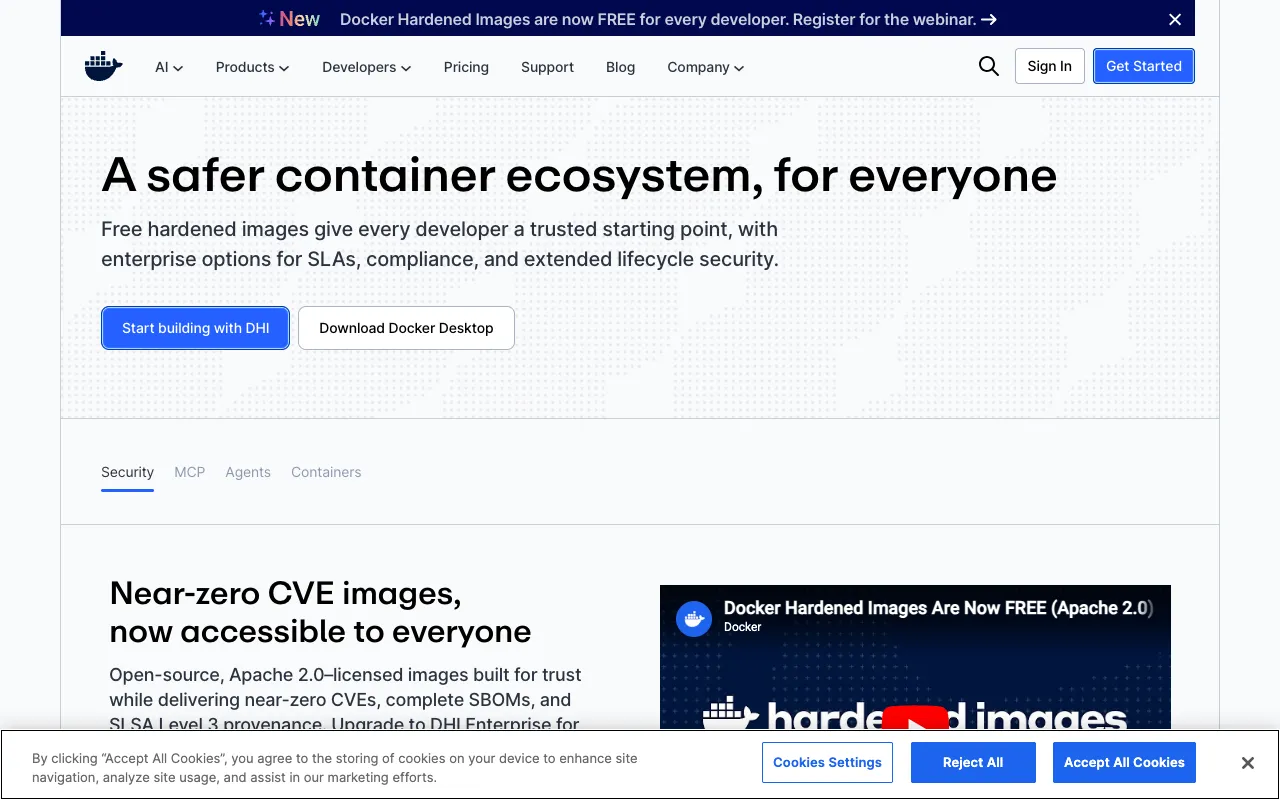
Docker – The Essential Container Platform for DevOps Engineers
Docker is the industry-standard containerization platform that revolutionized how DevOps teams build, ship, and run applications. By packaging applications and their dependencies into lightweight, portable containers, Docker ensures consistency across development, testing, and production environments. For DevOps engineers, Docker isn't just a tool—it's the foundational technology that enables faster deployments, improved scalability, and seamless collaboration between development and operations teams.
What is Docker?
Docker is an open-source containerization platform that allows developers and DevOps engineers to package applications and their dependencies into standardized units called containers. These containers are isolated, lightweight, and portable, ensuring that software runs reliably when moved from one computing environment to another. Unlike traditional virtualization, Docker containers share the host system's kernel, making them more efficient and faster to start. It provides a complete ecosystem for managing the container lifecycle, from building images with Dockerfiles to orchestrating multi-container applications with Docker Compose and Swarm.
Key Features of Docker for DevOps
Containerization & Portability
Docker containers encapsulate an application's code, runtime, system tools, libraries, and settings. This 'build once, run anywhere' capability eliminates the 'it works on my machine' problem, a critical advantage for DevOps teams managing complex deployments across diverse infrastructure.
Dockerfile & Image Management
Define your application environment as code using a simple Dockerfile. Docker builds reproducible images from these files, which can be stored, versioned, and shared via registries like Docker Hub. This declarative approach is fundamental to Infrastructure as Code (IaC) and GitOps practices.
Docker Compose for Multi-Container Apps
Orchestrate complex applications consisting of multiple services (like a web app, database, and cache) using a single `docker-compose.yml` file. This simplifies local development and testing of microservices architectures, a core pattern in modern DevOps.
Integration with CI/CD Pipelines
Docker seamlessly integrates with CI/CD tools like Jenkins, GitLab CI, and GitHub Actions. Building and testing inside containers ensures pipeline consistency and enables advanced patterns like building Docker images within pipelines for deployment.
Vast Ecosystem & Docker Hub
Access millions of pre-built, official, and community images on Docker Hub. This accelerates development by providing trusted bases for languages and services, reducing setup time and standardizing environments across your engineering organization.
Who Should Use Docker?
Docker is indispensable for DevOps Engineers, SREs (Site Reliability Engineers), Cloud Engineers, and full-stack developers working in modern software delivery. It's perfect for teams adopting microservices, implementing robust CI/CD pipelines, migrating to cloud-native architectures, or seeking to standardize development and production environments. Organizations of all sizes, from startups to large enterprises, leverage Docker to achieve deployment agility and operational efficiency.
Docker Pricing and Free Tier
Docker offers a robust and fully-featured free tier for individual developers, open-source projects, and small teams. Docker Desktop (for Mac and Windows) and the Docker Engine for Linux are free for personal use, education, and non-commercial open-source projects. For professional and business use, Docker provides paid subscriptions (Docker Pro, Team, or Business) that include advanced features like enhanced image management, secure software supply chain tools (SBOM, vulnerability scanning), centralized management, and commercial support. The free tier provides more than enough power for learning, prototyping, and running many production workloads.
Common Use Cases
- Standardizing development environments for new team members onboarding
- Building and deploying microservices applications with consistent dependencies
- Creating reproducible build environments for continuous integration pipelines
- Packaging legacy applications for easier migration to cloud platforms
Key Benefits
- Eliminates environment inconsistencies between development, testing, and production
- Accelerates development cycles and simplifies dependency management
- Improves resource utilization compared to traditional virtual machines
- Facilitates the adoption of microservices and cloud-native architectures
Pros & Cons
Pros
- Industry standard with massive community support and extensive documentation
- Lightweight and fast, leading to efficient resource use and quick startup times
- Excellent tooling ecosystem for the entire container lifecycle
- Seamless integration with virtually all modern DevOps, cloud, and orchestration tools
Cons
- Containers share the host OS kernel, which can present security considerations requiring careful configuration
- Learning curve for advanced networking, storage, and multi-host orchestration concepts
- While great for stateless applications, managing persistent data (state) requires additional planning
Frequently Asked Questions
Is Docker free to use?
Yes, Docker offers a powerful free tier suitable for individual developers, learning, and many production use cases. Paid plans (Docker Pro, Team, Business) are available for organizations requiring advanced security, management, and support features.
Is Docker good for DevOps engineers?
Absolutely. Docker is considered a foundational tool for modern DevOps. It directly addresses core DevOps challenges like environment consistency, rapid deployment, and infrastructure as code, making it essential for building efficient CI/CD pipelines and managing cloud-native applications.
What is the difference between Docker and Kubernetes?
Docker is a platform for creating and running individual containers. Kubernetes is an orchestration system for managing many containers across a cluster of machines. They are complementary: Docker is used to build and package applications into containers, and Kubernetes is used to deploy, scale, and manage those containers at scale.
Can I use Docker for local development?
Yes, local development is one of Docker's primary use cases. Docker Desktop allows you to run containers on your local machine, ensuring your development environment matches production. Tools like Docker Compose make it easy to spin up multi-service applications locally.
Conclusion
For any DevOps engineer or team committed to modern, agile software delivery, Docker is not an optional tool—it's a core component of the technology stack. Its ability to create consistent, portable, and isolated application environments solves critical pain points in the software lifecycle. From simplifying local development to forming the backbone of enterprise CI/CD pipelines, Docker's impact on productivity and deployment reliability is profound. Whether you're starting your containerization journey or managing a fleet of microservices, mastering Docker remains one of the highest-return investments for your DevOps career and your organization's technical infrastructure.