Go back
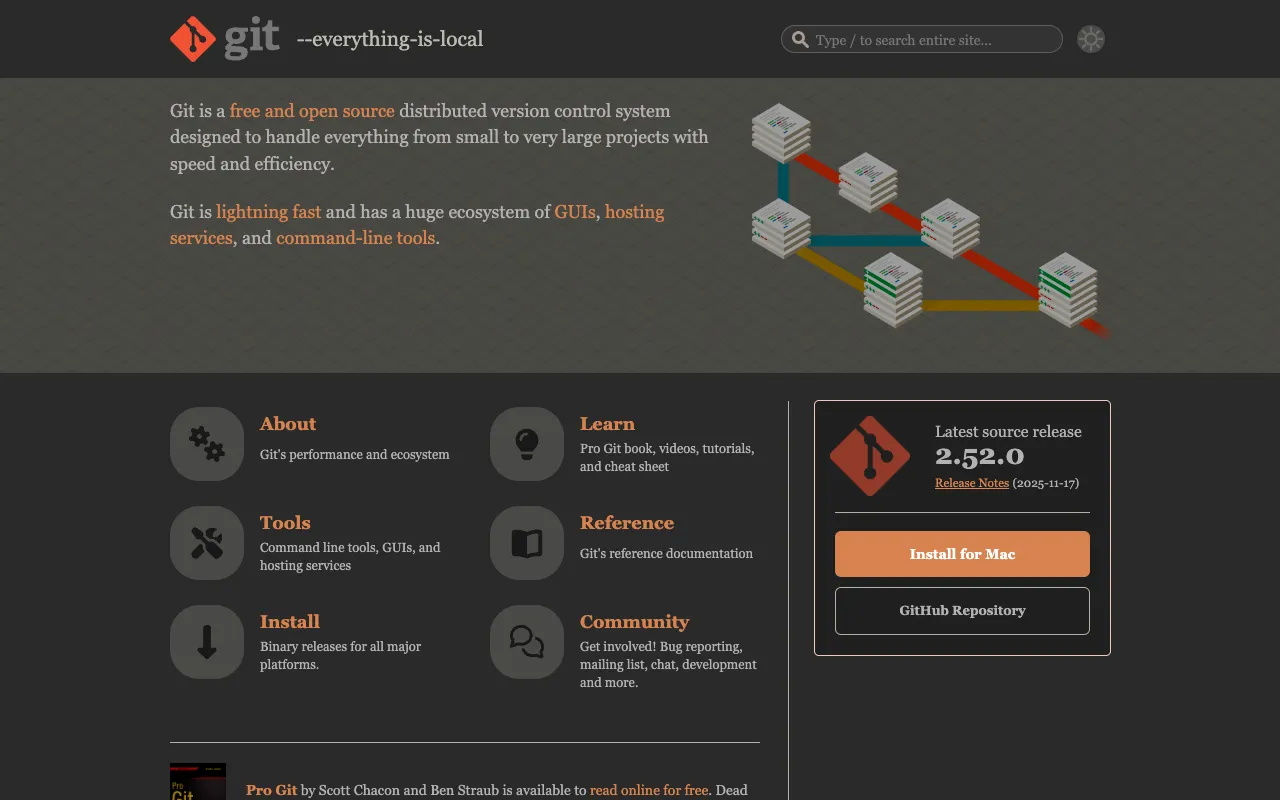
Image of Git – The Essential Version Control Tool for DevOps Engineers

Git – The Essential Version Control Tool for DevOps Engineers

Git is the foundational distributed version control system that powers modern software development and DevOps workflows. As the de facto standard for source code management, Git enables development and operations teams to track every change, collaborate seamlessly across distributed environments, and maintain a complete history of their project's evolution. Its speed, data integrity, and support for non-linear workflows make it indispensable for implementing CI/CD pipelines, infrastructure as code, and collaborative DevOps practices.

What is Git?

Git is a free, open-source distributed version control system (DVCS) created by Linus Torvalds. Unlike centralized systems, Git gives every developer a full local copy of the entire project history, allowing for fast branching, merging, and offline work. Its primary purpose is to track changes in any set of files, making it the core tool for source code management in software development. For DevOps engineers, Git is not just for application code; it's also critical for managing configuration files, infrastructure as code (IaC) scripts, CI/CD pipeline definitions, and documentation, forming the single source of truth for the entire software delivery lifecycle.

Key Features of Git for DevOps

Distributed Architecture

Every clone of a Git repository is a full-fledged repository with complete history and version-tracking capabilities. This architecture provides redundancy, enables high-performance local operations, and allows DevOps teams to work effectively without a constant network connection to a central server, crucial for distributed teams and resilient workflows.

Powerful Branching and Merging

Git's lightweight branching model is ideal for DevOps workflows like GitFlow, trunk-based development, and feature flag management. Creating, merging, and deleting branches is fast and efficient, facilitating parallel development, experimentation, and safe deployment strategies like blue-green or canary deployments managed through code.

Data Integrity and Non-Linear History

Git uses a cryptographically secure SHA-1 hash to identify and store every file and commit. This ensures the entire history is traceable and tamper-proof. Its non-linear development history, visualized as a directed acyclic graph (DAG), perfectly models the complex, branching realities of modern DevOps collaboration and release management.

Staging Area (Index)

The staging area, or index, allows DevOps engineers to precisely craft commits by selecting specific changed files or even specific hunks of code. This promotes atomic commits, cleaner history, and more effective code reviews, which are essential for maintaining high-quality infrastructure and deployment code.

Who Should Use Git?

Git is the mandatory core tool for anyone involved in software creation and delivery. This includes DevOps Engineers, Site Reliability Engineers (SREs), Platform Engineers, Software Developers, and System Administrators. It is used for versioning application source code, infrastructure as code (Terraform, Ansible, CloudFormation), CI/CD pipeline configurations (Jenkinsfiles, GitHub Actions, GitLab CI), Kubernetes manifests, system configuration files, and documentation. Any team practicing Agile, DevOps, or CI/CD methodologies relies on Git as the backbone of their collaborative workflow.

Git Pricing and Free Tier

Git itself is completely free and open-source software (FOSS), released under the GNU General Public License v2. There is no paid tier or premium version of the core Git software; it is 100% free to download, use, and modify. Commercial services are built *around* Git, such as hosted repository platforms like GitHub (free public repos, paid private/teams), GitLab, and Bitbucket, which offer free tiers and paid plans for collaboration features, project management, and DevOps integrations. The core tool remains free forever.

Common Use Cases

Key Benefits

Pros & Cons

Pros

  • Free, open-source, and universally adopted with massive community support
  • Extremely fast performance for local operations due to distributed design
  • Unmatched data integrity ensures project history is permanent and verifiable
  • Highly flexible and supports a wide variety of workflows and branching strategies

Cons

  • The command-line interface has a steep initial learning curve for beginners
  • Understanding complex history and resolving advanced merge conflicts can be challenging
  • Primarily designed for text-based source code; binary file handling is less efficient

Frequently Asked Questions

Is Git free to use?

Yes, Git is completely free and open-source software. You can download, use, modify, and distribute it at no cost. The core version control system itself will always be free. Paid services typically involve hosted platforms (GitHub, GitLab) that add collaboration and DevOps features on top of Git.

Is Git good for DevOps engineers?

Absolutely. Git is not just good; it is essential for DevOps engineers. It is the primary tool for version controlling not just application code, but also infrastructure as code, configuration files, deployment scripts, and CI/CD pipeline definitions. Mastery of Git is a fundamental requirement for implementing modern DevOps practices like CI/CD, GitOps, and collaborative infrastructure management.

What is the difference between Git and GitHub?

Git is the distributed version control system software you install locally. GitHub is a commercial web-based hosting service for Git repositories that adds features like pull requests, issue tracking, project management, and CI/CD integrations. Think of Git as the engine, and GitHub (or GitLab, Bitbucket) as the car built around it with extra amenities.

How does Git support DevOps and CI/CD?

Git is the central hub for CI/CD pipelines. Every code change is committed to Git, which then triggers automated builds, tests, and deployments. Branching strategies like GitFlow enable parallel development and release staging. GitOps takes this further by using Git as the single source of truth for declarative infrastructure and applications, where merging to a specific branch can automatically trigger environment updates.

Conclusion

For DevOps engineers, Git is far more than a version control system; it is the operational backbone of the software delivery lifecycle. Its distributed nature, robust data integrity, and powerful branching model make it the indispensable tool for managing the complexity of modern infrastructure and application code. While the initial learning curve exists, the payoff in collaboration efficiency, deployment safety, and workflow automation is immense. For any professional building, deploying, or maintaining software systems, proficiency with Git is not optional—it's a core competency. Start with the free, open-source Git CLI to build a solid foundation, then leverage the powerful ecosystem of platforms and tools built around it to supercharge your DevOps capabilities.