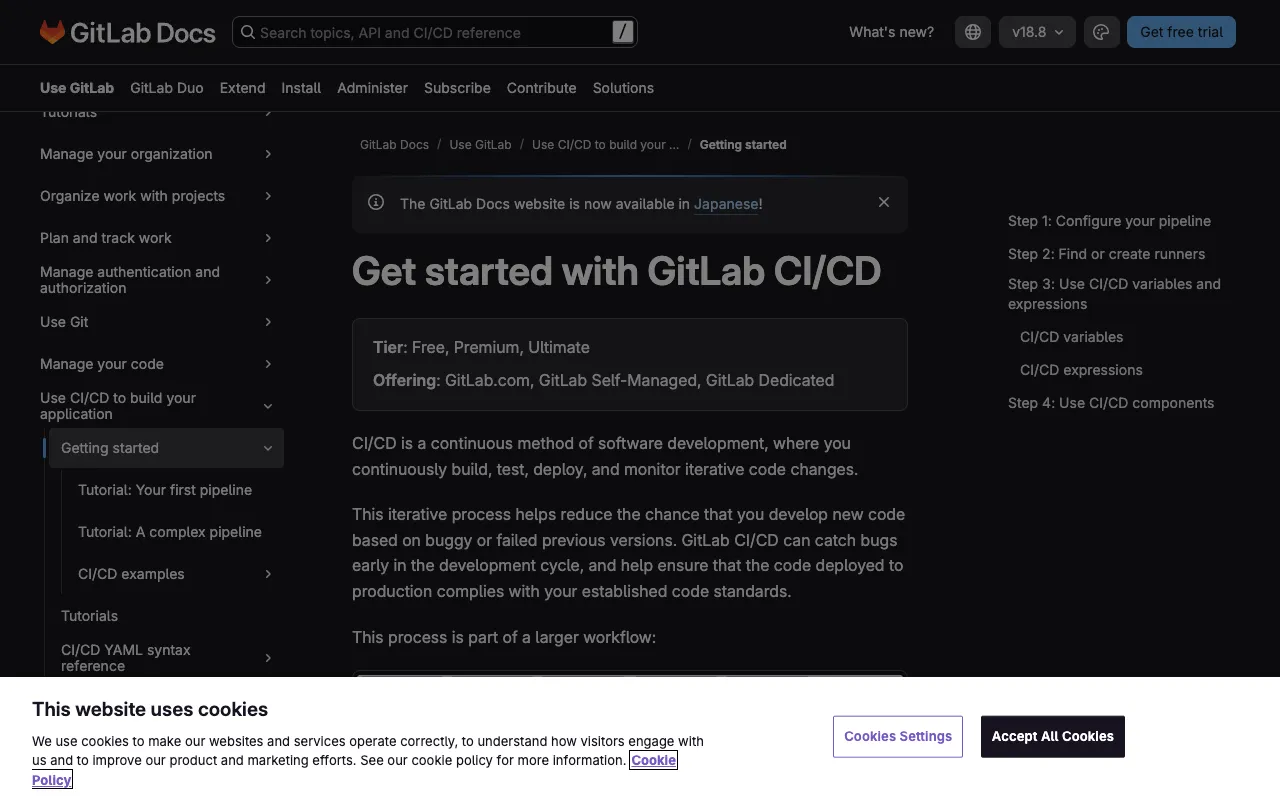
GitLab CI/CD – The Integrated DevOps Automation Platform
GitLab CI/CD is the native, end-to-end automation engine built directly into the GitLab platform, eliminating the need for third-party pipeline tools. It provides DevOps engineers and development teams with a unified solution for source code management, continuous integration, continuous delivery, and deployment. By defining your build, test, and deployment workflows in a simple `.gitlab-ci.yml` file, you can automate your entire software delivery process from commit to production, ensuring faster releases, higher code quality, and improved collaboration.
What is GitLab CI/CD?
GitLab CI/CD is the integrated continuous integration and continuous deployment service that is a core component of the GitLab DevOps platform. Unlike standalone CI/CD tools, it operates natively within your GitLab repositories, offering a seamless experience from code commit to deployment. Its primary purpose is to automate the software development lifecycle—automatically building applications, running tests, checking code quality, and deploying to various environments. It's designed for DevOps teams seeking a single application for the entire DevSecOps lifecycle, reducing toolchain complexity and context switching.
Key Features of GitLab CI/CD
Native GitLab Integration
The tight integration with GitLab SCM means your CI/CD pipelines are triggered directly by Git events (pushes, merge requests). This provides seamless visibility, with pipeline statuses, logs, and artifacts directly accessible in merge requests, enabling faster reviews and deployments.
Pipeline-as-Code with .gitlab-ci.yml
Define your entire CI/CD workflow as code in a YAML file stored in your repository. This ensures version control, reproducibility, and easy collaboration. You can configure stages, jobs, dependencies, and artifacts declaratively.
Auto DevOps
GitLab's Auto DevOps feature provides pre-configured CI/CD pipelines that automatically detect, build, test, deploy, and monitor your application. It's perfect for getting started quickly or standardizing deployments across projects with minimal configuration.
Built-in Container Registry & Package Registry
Store Docker images and package dependencies (npm, Maven, etc.) directly within your GitLab project. This tight integration streamlines the pipeline, allowing build jobs to push images and subsequent jobs to pull them without external configuration.
Advanced Pipelines with DAG & Parent-Child
Go beyond linear stages with Directed Acyclic Graph (DAG) pipelines for complex job dependencies and parent-child pipelines for breaking down monolithic configurations. This enables highly efficient, parallelized, and modular workflows.
Security & Compliance Testing
Integrate SAST, DAST, dependency scanning, and license compliance checks directly into your CI/CD pipelines. GitLab CI/CD can automatically scan code for vulnerabilities as part of the build process, shifting security left in the development cycle.
Who Should Use GitLab CI/CD?
GitLab CI/CD is ideal for DevOps engineers, platform teams, and development organizations already using or considering GitLab for source control. It's particularly powerful for teams wanting to consolidate their toolchain into a single DevOps platform. It suits startups needing a quick, integrated solution, enterprises standardizing on a secure, compliant pipeline, and any team practicing Agile or DevOps methodologies who values automation, visibility, and collaboration from planning to monitoring.
GitLab CI/CD Pricing and Free Tier
GitLab CI/CD is available across all GitLab tiers, including a robust free tier. The free plan offers 400 monthly CI/CD pipeline minutes for private projects, allowing individuals and small teams to build, test, and deploy applications at no cost. Paid tiers (Premium, Ultimate) offer increased pipeline minutes, advanced features like merge request approvals, enterprise security scanning, and dedicated support, scaling with team and organizational needs.
Common Use Cases
- Automated testing and deployment for microservices architecture
- Implementing DevSecOps with integrated security scanning in CI/CD pipelines
- Building and deploying containerized applications to Kubernetes
Key Benefits
- Reduces toolchain sprawl by providing an all-in-one DevOps platform, lowering costs and complexity.
- Accelerates software delivery cycles through complete automation from code commit to production deployment.
- Enhances code quality and security by embedding testing and scanning directly into the development workflow.
Pros & Cons
Pros
- Unified platform reduces integration headaches and context switching for developers.
- Extensive configuration-as-code support provides flexibility and version control for pipelines.
- Strong security features are baked into the CI/CD process, supporting compliance requirements.
- Excellent visibility with pipeline status, logs, and artifacts integrated into merge requests.
Cons
- Can become a vendor lock-in if heavily reliant on GitLab's entire ecosystem.
- The learning curve for advanced pipeline features (DAG, child pipelines) can be steep for beginners.
- Pipeline performance and speed are dependent on GitLab.com shared runners or the cost/maintenance of self-hosted runners.
Frequently Asked Questions
Is GitLab CI/CD free to use?
Yes, GitLab CI/CD offers a generous free tier with 400 pipeline minutes per month for private projects, which is sufficient for many small to medium projects. All core CI/CD features are available in the free plan.
Is GitLab CI/CD good for Kubernetes deployment?
Absolutely. GitLab CI/CD has excellent native support for Kubernetes. You can easily define deployment jobs using the `kubectl` command or leverage the integrated Auto DevOps for automatic Kubernetes deployment, making it a top choice for cloud-native DevOps workflows.
How does GitLab CI/CD compare to Jenkins?
While Jenkins is a highly flexible, plugin-based automation server, GitLab CI/CD is an integrated, opinionated platform. GitLab CI/CD offers a more streamlined, configuration-as-code experience with native Git integration, whereas Jenkins provides ultimate flexibility at the cost of greater setup and maintenance overhead. The choice often depends on whether you prefer a best-of-suite integrated platform (GitLab) or a best-of-breed, assemble-it-yourself approach (Jenkins).
Can I use GitLab CI/CD for mobile app development?
Yes, GitLab CI/CD is well-suited for mobile app development. You can configure pipelines to build iOS (using macOS runners) and Android applications, run tests on emulators, and automatically publish builds to app stores like TestFlight or Google Play, automating the entire mobile CI/CD lifecycle.
Conclusion
GitLab CI/CD stands out as a premier choice for DevOps teams seeking a powerful, integrated automation platform. Its seamless connection with source code management, robust pipeline-as-code model, and comprehensive built-in features for security and deployment make it more than just a CI/CD tool—it's the automation backbone of a complete DevOps platform. For organizations committed to the GitLab ecosystem or those looking to simplify their toolchain without sacrificing capability, GitLab CI/CD delivers a compelling, production-ready solution that scales from free-tier experimentation to enterprise-grade delivery pipelines.