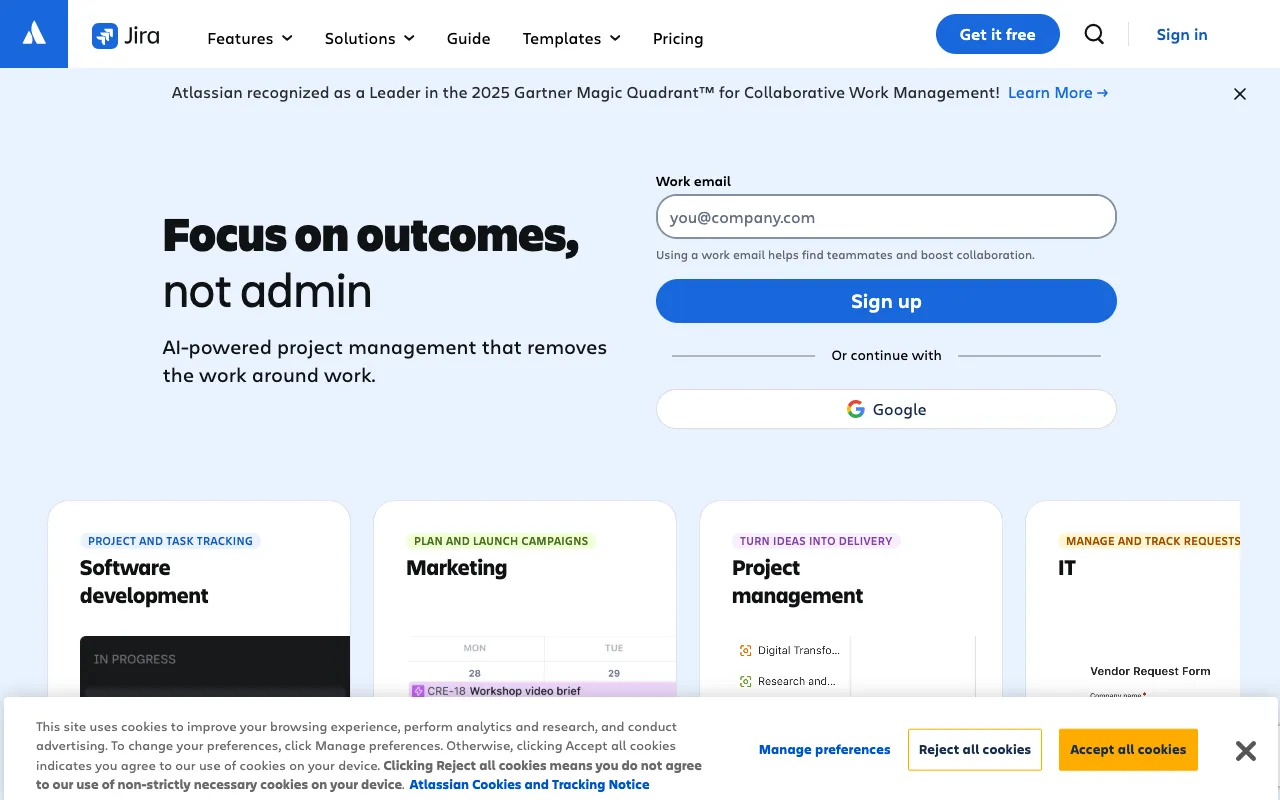
Jira – The Essential Project Management Tool for DevOps Engineers
Jira by Atlassian is the industry-standard project management and issue tracking platform trusted by DevOps teams worldwide. Built specifically for software development, it provides the structured workflow, real-time visibility, and integration capabilities needed to manage complex agile projects, track bugs from discovery to resolution, and streamline the entire software delivery lifecycle. For DevOps engineers seeking to align development and operations, improve release velocity, and maintain operational clarity, Jira offers an unparalleled centralized command center.
What is Jira?
Jira is a powerful, flexible project management application designed for software teams practicing agile methodologies like Scrum and Kanban. At its core, Jira is an advanced issue and bug tracking system that allows DevOps engineers to create user stories, plan sprints, log defects, and manage tasks across the entire development pipeline. It serves as the single source of truth for project status, team capacity, and release progress, enabling seamless collaboration between developers, QA, IT operations, and product managers. More than just a ticketing system, Jira provides the framework for implementing DevOps principles by connecting planning, building, and monitoring activities.
Key Features of Jira for DevOps
Advanced Agile Boards (Scrum & Kanban)
Visualize your workflow with customizable Scrum and Kanban boards. Drag and drop issues across columns to reflect their status, manage sprint backlogs, and monitor work-in-progress (WIP) limits. These boards provide real-time visibility into what the team is working on, what's blocked, and what's ready for deployment, which is critical for maintaining DevOps flow and continuous delivery.
Comprehensive Issue & Bug Tracking
Log, prioritize, and track every bug, task, and story with detailed issue types. Attach logs, screenshots, and environment details, assign severity levels, and link related issues. DevOps engineers can trace a bug from its initial report through investigation, fix, code review, deployment, and verification, ensuring nothing falls through the cracks and fostering accountability.
Powerful Workflow Automation
Automate repetitive processes and enforce governance with customizable workflows. Automatically transition issues, assign tasks, update fields, or trigger notifications based on defined rules. For example, automatically assign a bug to the on-call engineer when marked 'Critical' or move a story to 'Ready for Deployment' once all code reviews are approved, reducing manual overhead and accelerating cycle times.
Deep Third-Party Integrations
Connect Jira to your entire DevOps toolchain. Native integrations with CI/CD tools like Jenkins, Bamboo, and GitLab, version control systems like GitHub and Bitbucket, monitoring tools like Datadog and New Relic, and communication platforms like Slack and Microsoft Teams create a unified ecosystem. This breaks down silos, providing context and traceability from commit to production incident.
Robust Reporting & Insights
Gain actionable insights with built-in reports and dashboards. Track velocity, burn-down charts, cumulative flow diagrams, and control charts to measure team performance and predictability. Monitor release health, bug trends, and mean time to resolution (MTTR) to identify bottlenecks in your DevOps processes and drive continuous improvement.
Who Should Use Jira?
Jira is indispensable for DevOps engineers, Site Reliability Engineers (SREs), release managers, and development teams operating in agile environments. It's ideal for organizations that need to manage complex software projects, coordinate between multiple teams (Dev, Ops, QA), and maintain strict audit trails for compliance. Startups scaling their engineering processes, enterprises managing large-scale digital transformations, and any team practicing CI/CD will find Jira's structure and scalability essential for maintaining alignment and velocity as they grow.
Jira Pricing and Free Tier
Jira offers a generous free tier perfect for small teams or projects, supporting up to 10 users with core project management and agile features. For growing teams, paid plans (Standard, Premium, Enterprise) unlock advanced permissions, admin controls, increased automation limits, 24/7 support, and enhanced security features. This scalable pricing model allows teams to start for free and upgrade as their DevOps maturity and collaboration needs expand, ensuring the tool grows with the organization.
Common Use Cases
- Managing agile sprints and backlogs for DevOps feature teams
- Tracking production incidents and post-mortem action items for SREs
- Orchestrating cross-team dependencies for major software releases
Key Benefits
- Increases release velocity by providing clear visibility into sprint progress and blockers
- Reduces mean time to resolution (MTTR) for production incidents through structured tracking and automation
- Improves alignment between development and operations teams with a shared system of record
Pros & Cons
Pros
- Unmatched flexibility and customization for complex DevOps workflows
- Vast ecosystem of integrations with essential DevOps tools
- Powerful reporting for data-driven process improvement
- Strong access controls and permission schemes for enterprise security
Cons
- Can have a steep learning curve and require initial configuration for optimal use
- May be perceived as overly complex for very small or simple projects
Frequently Asked Questions
Is Jira free to use for DevOps teams?
Yes, Jira offers a robust free tier that supports up to 10 users, which is excellent for small DevOps teams or side projects. It includes core features like Scrum and Kanban boards, backlog management, and basic reporting, allowing teams to manage agile workflows and track issues without cost.
Is Jira good for DevOps and agile project management?
Absolutely. Jira is considered one of the best tools for DevOps and agile project management. It is purpose-built for software development workflows, providing the structure needed for sprint planning, issue tracking, and release management while offering the integrations and automation required to connect development and operations activities seamlessly.
Can Jira integrate with CI/CD pipelines?
Yes, Jira offers deep integrations with all major CI/CD tools like Jenkins, GitLab CI, CircleCI, and Atlassian's own Bamboo. These integrations allow you to automatically update Jira issues with build statuses, link commits and pull requests to stories, and trigger deployments—creating full traceability from code commit to production deployment.
Conclusion
For DevOps engineers tasked with bridging the gap between rapid development and stable operations, Jira provides the foundational platform necessary for success. Its unparalleled capabilities in agile planning, granular issue tracking, and ecosystem integration make it more than a project management tool—it's the operational backbone for modern software delivery. While it demands thoughtful setup, the payoff in team alignment, process transparency, and accelerated delivery is substantial. If your goal is to implement disciplined, visible, and efficient DevOps practices, Jira remains a top-tier, essential investment.