Selenium – The Essential Web Automation Tool for DevOps Engineers
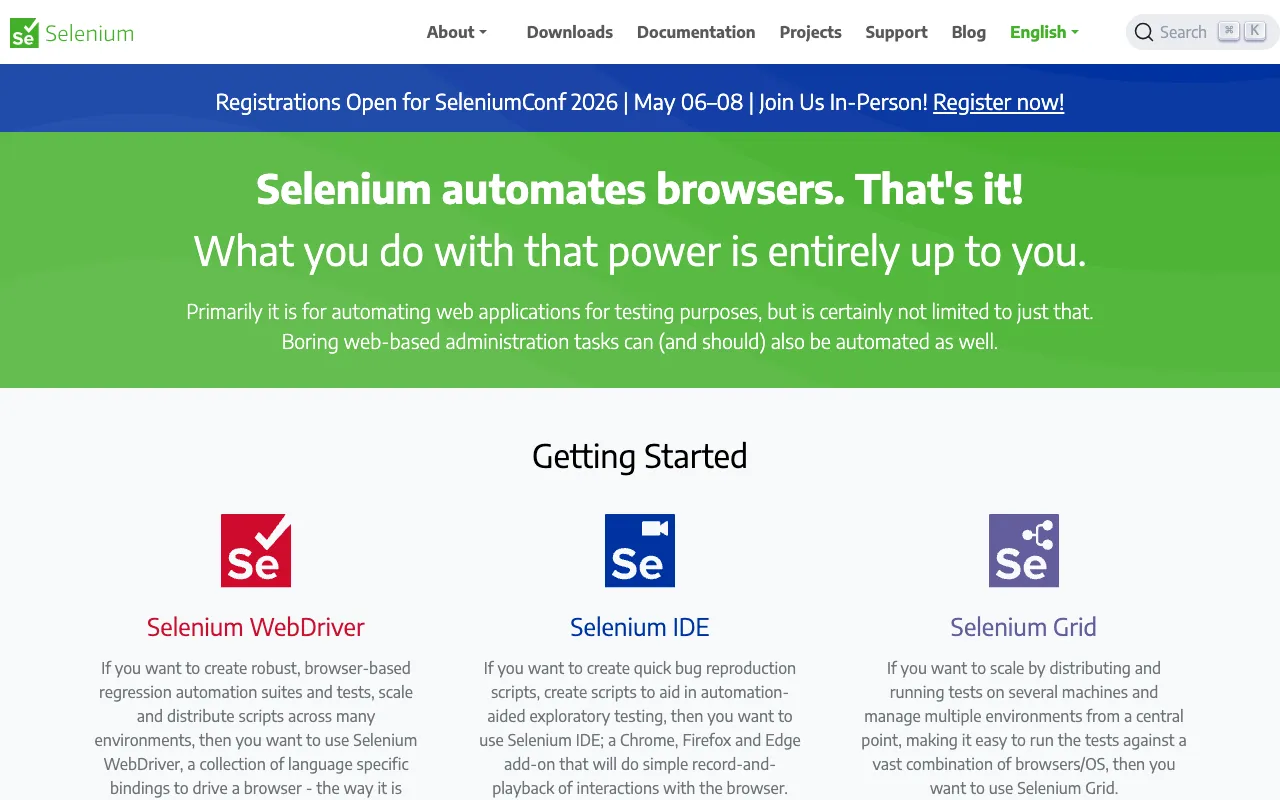
Selenium is the industry-standard, open-source framework for automating web browsers, empowering DevOps engineers to build robust, scalable, and repeatable testing pipelines. By simulating real user interactions across various browsers and platforms, Selenium transforms manual testing bottlenecks into automated, high-velocity workflows. It's not just a testing tool; it's a critical component for achieving continuous integration and delivery (CI/CD), ensuring application quality and stability with every deployment.
What is Selenium?
Selenium is a powerful collection of open-source software tools designed specifically for automating web browsers. At its core, it provides a way to write scripts that can control a browser—like Chrome, Firefox, or Edge—just as a human would: clicking buttons, filling forms, navigating pages, and validating content. For DevOps engineers, Selenium is the bridge between development and operations, enabling the automation of acceptance, regression, and functional testing. This automation is then seamlessly integrated into CI/CD pipelines (like Jenkins, GitLab CI, or GitHub Actions) to run tests automatically with every code commit, providing immediate feedback on build health and preventing bugs from reaching production.
Key Features of Selenium
Selenium WebDriver
Selenium WebDriver is the heart of the framework, providing a programming interface to create and execute test cases. It communicates directly with the browser's native support for automation, offering precise control. DevOps teams can write tests in popular languages like Java, Python, C#, JavaScript, and Ruby, allowing for seamless integration into existing tech stacks and development workflows.
Cross-Browser & Cross-Platform Testing
Ensure your web application works flawlessly for all users. Selenium allows you to run the same test scripts across different browsers (Chrome, Firefox, Safari, Edge) and operating systems (Windows, macOS, Linux). This is crucial for DevOps to guarantee consistent user experience and catch browser-specific bugs before deployment.
Integration with DevOps Toolchains
Selenium tests are designed for automation. They integrate effortlessly with CI/CD servers (Jenkins, CircleCI, Travis CI), build tools (Maven, Gradle), and testing frameworks (TestNG, JUnit, pytest). This enables DevOps engineers to trigger automated test suites as part of the build process, making testing a continuous, non-blocking activity.
Selenium Grid for Parallel Execution
Scale your test execution and reduce feedback time dramatically. Selenium Grid allows you to run multiple tests across different machines and browsers in parallel. This is a game-changer for DevOps pipelines, enabling rapid test execution for large test suites and facilitating faster release cycles.
Rich Ecosystem & Community Support
Benefit from a massive, active open-source community. Selenium is supported by a vast ecosystem of plugins, wrappers (like SeleniumBase), and cloud services (like BrowserStack, Sauce Labs). This means extensive documentation, solved problems on Stack Overflow, and pre-built solutions for common DevOps testing challenges.
Who Should Use Selenium?
Selenium is indispensable for DevOps Engineers, QA Automation Engineers, and Full-Stack Developers focused on building reliable software delivery pipelines. It's perfect for teams practicing Agile or DevOps methodologies who need to automate regression testing for web applications, integrate testing into their CI/CD workflows, and ensure rapid, high-quality releases. Companies ranging from startups to large enterprises use Selenium to maintain quality at scale without sacrificing deployment speed.
Selenium Pricing and Free Tier
Selenium is completely free and open-source, released under the Apache 2.0 license. There are no licensing costs, subscription fees, or tiered plans. The entire suite—including Selenium WebDriver, IDE, and Grid—is available for download and use at no charge. This makes it an incredibly cost-effective foundation for building enterprise-grade test automation frameworks. Operational costs are primarily related to the infrastructure (machines, browsers) used to run the tests, which can be optimized using cloud providers or containerization (Docker).
Common Use Cases
- Automated regression testing for web applications in CI/CD pipelines
- Cross-browser compatibility testing before production deployment
- Automating repetitive manual QA tasks for web form submissions and user flows
- Load and performance testing preparation by automating user scenario scripts
- Visual regression testing when integrated with screenshot comparison libraries
Key Benefits
- Accelerates software release cycles by automating critical testing phases
- Dramatically reduces human error and increases test coverage compared to manual testing
- Improves application quality and stability, leading to fewer production incidents
- Enables true continuous testing, a core pillar of modern DevOps practices
- Provides a scalable, programmable framework that grows with your application's complexity
Pros & Cons
Pros
- 100% free and open-source with a massive supportive community
- Unmatched flexibility—write tests in multiple programming languages
- Excellent for integration into existing DevOps and CI/CD toolchains
- Powerful parallel execution capabilities with Selenium Grid for faster feedback
- Widely adopted industry standard with extensive learning resources
Cons
- Primarily designed for web applications; not for desktop or mobile app testing (requires Appium)
- Can have a steeper initial learning curve compared to codeless record-and-playback tools
- Requires maintenance of test scripts as the underlying web application changes
- Setting up and maintaining a robust, scalable Grid infrastructure requires DevOps expertise
Frequently Asked Questions
Is Selenium free to use?
Yes, Selenium is completely free and open-source. The entire software suite is available under the Apache 2.0 license, meaning you can use, modify, and distribute it without any cost. This makes it an ideal choice for startups and large enterprises alike to build their test automation strategy.
Is Selenium good for DevOps engineers?
Absolutely. Selenium is one of the best tools for DevOps engineers. It directly supports key DevOps principles by enabling test automation, which is critical for continuous integration and continuous delivery (CI/CD). DevOps engineers use Selenium to automate regression tests, integrate them into pipelines (like with Jenkins or GitLab CI), and ensure that every code change is validated automatically, leading to faster and more reliable releases.
What programming languages does Selenium support?
Selenium WebDriver offers official bindings for several popular programming languages, including Java, Python, C#, Ruby, and JavaScript (Node.js). This allows DevOps and development teams to write automation scripts in the language that best fits their existing tech stack and team expertise, promoting better integration and maintenance.
Can Selenium tests run in a headless browser?
Yes, Selenium supports headless browser execution (e.g., Chrome Headless, Firefox Headless). This is a crucial feature for DevOps pipelines, as headless tests run without a graphical user interface, making them faster, more resource-efficient, and perfectly suited for execution in CI/CD environments like containers or virtual machines.
Conclusion
For DevOps engineers committed to building fast, reliable, and automated software delivery pipelines, Selenium is not just a tool—it's a foundational technology. Its powerful ability to automate web browser interactions, combined with its seamless integration into CI/CD workflows and robust parallel execution, makes it the undisputed leader for web application testing automation. While it requires technical investment to set up and maintain, the payoff in accelerated release cycles, improved software quality, and operational efficiency is immense. As a free, open-source solution backed by a vast community, Selenium offers an unmatched return on investment for any team serious about DevOps and continuous delivery.