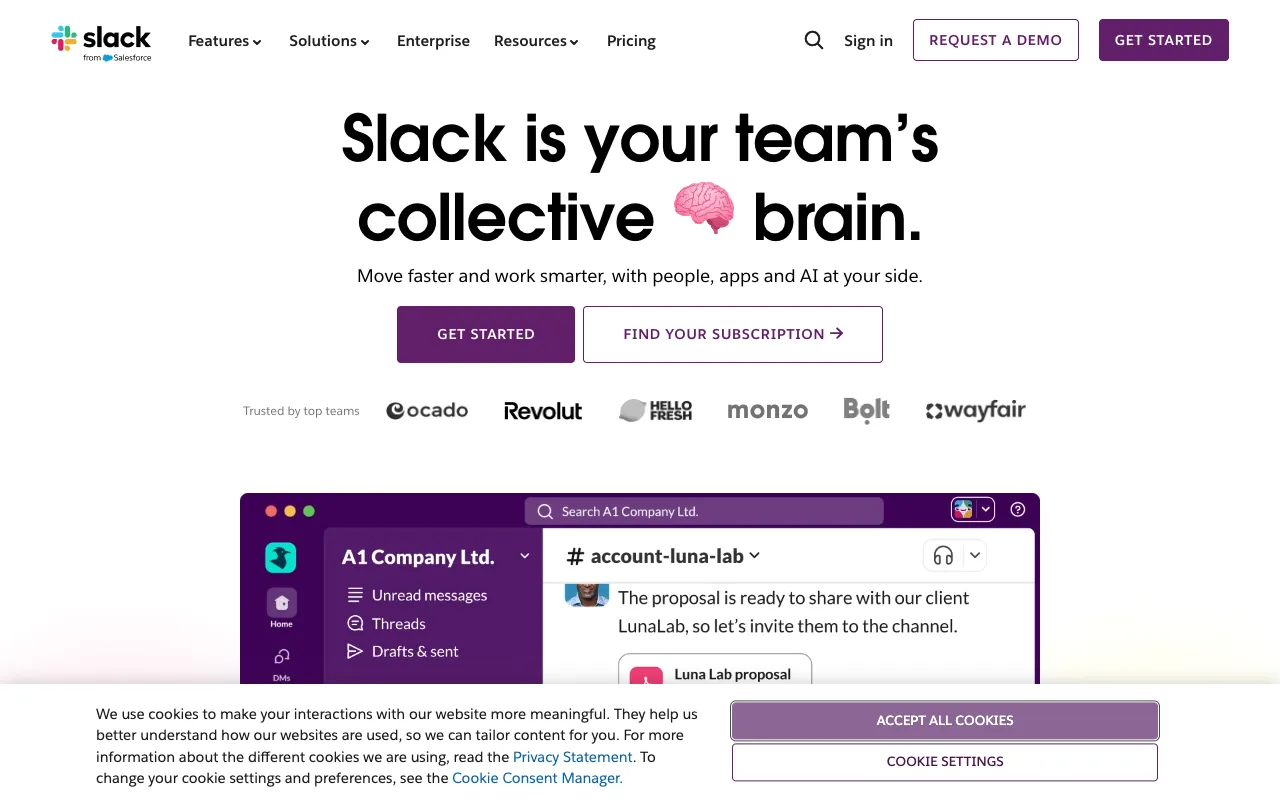
Slack – The Essential Collaboration Hub for DevOps Engineers
Slack is far more than just a messaging app for DevOps teams; it's the central command center for your entire software delivery lifecycle. By seamlessly integrating with over 2,500 tools—from Jenkins and GitHub to Datadog and PagerDuty—Slack transforms scattered alerts and siloed communications into a unified, actionable, and searchable workflow. It's where code deployments are announced, incidents are resolved collaboratively, and automation scripts are triggered, all within context-rich channels designed for speed and clarity.
What is Slack for DevOps?
For DevOps engineers, Slack is the programmable collaboration layer that sits atop your entire toolchain. It consolidates notifications from CI/CD pipelines, infrastructure monitoring, version control, and security scanners into dedicated channels. This eliminates context switching between dozens of tabs and inboxes, providing a single, real-time pane of glass for your team's operational status. Its powerful API and app ecosystem allow you to not only receive alerts but also to take action—like rolling back a deployment or scaling infrastructure—directly from a message.
Key Features of Slack for DevOps
Deep Tool Integrations & Workflow Builder
Connect Slack to every critical system in your stack. Receive granular alerts from AWS CloudWatch, see pull request reviews from GitLab, or trigger a Kubernetes pod restart. The visual Workflow Builder lets you create custom automations without code, routing alerts to the right people, escalating unresolved incidents, or logging actions to a spreadsheet.
Incident Management & War Rooms
Declare an incident directly within Slack to automatically create a dedicated channel, invite key responders, and start a timeline. Integrations with tools like Opsgenie or Jira Service Management can update status pages, assign tasks, and post post-mortems—all synchronized within the incident channel for full auditability and faster resolution.
Enterprise-Grade Security & Compliance
Meet strict DevOps security requirements with features like Enterprise Key Management (EKM), data loss prevention (DLP), and support for compliance standards like SOC 2, ISO 27001, and HIPAA. Control access with SAML SSO and granular channel permissions, ensuring sensitive deployment logs or security alerts are only visible to authorized personnel.
Searchable Knowledge Base & File Sharing
Every conversation, file snippet, and bot response in Slack is instantly indexed and searchable. This turns Slack into a living knowledge base for your DevOps practices. Quickly find that error message from six months ago, the runbook for a specific service, or the configuration file a teammate shared, dramatically reducing mean time to resolution (MTTR).
Who Should Use Slack for DevOps?
Slack is indispensable for any engineering organization practicing DevOps or SRE principles. It is particularly valuable for: Site Reliability Engineers (SREs) managing on-call rotations and incident response; Platform Engineering teams building internal developer portals; Development teams practicing CI/CD who need instant feedback on builds and deployments; and Security teams integrating DevSecOps tools to monitor for vulnerabilities in real-time. It scales from a startup's first engineering hire to global enterprise IT departments.
Slack Pricing and Free Tier for DevOps
Slack offers a robust Free plan perfect for small DevOps teams or startups to begin centralizing their tool alerts. It includes 10k searchable messages, 10 integrations (apps), and 1:1 video calls. For professional DevOps teams, the Pro plan ($7.25/user/month) unlocks unlimited message history, unlimited apps, and group video calls. The Business+ and Enterprise Grid plans add advanced security, compliance, and administration features required for large-scale, regulated deployments, including SAML-based SSO and data exports for all messages.
Common Use Cases
- Automating deployment notifications from Jenkins or GitHub Actions to a #deployments channel
- Creating a centralized security alert channel from tools like Snyk, Aqua Security, or AWS GuardDuty
- Building a serverless chatbot to query Kubernetes cluster status or restart services via Slack commands
Key Benefits
- Reduces Mean Time to Resolution (MTTR) by centralizing alerts and enabling collaborative troubleshooting in real-time.
- Increases developer productivity by eliminating constant context switching between disparate monitoring dashboards and email inboxes.
- Strengthens security posture by providing a secure, auditable communication layer for sensitive operational data and incident response.
Pros & Cons
Pros
- Unmatched ecosystem of native integrations with virtually every popular DevOps and developer tool.
- Powerful search functionality turns chat history into a valuable, actionable knowledge repository.
- Flexible API and platform capabilities allow for deep customization and workflow automation.
Cons
- Can become a source of notification overload without proper channel discipline and notification management.
- Advanced security and compliance features are locked behind higher-tier Enterprise Grid plans.
- The free plan's 10k message limit can be restrictive for active teams, causing loss of historical context.
Frequently Asked Questions
Is Slack free for DevOps teams?
Yes, Slack offers a feature-rich Free plan that is excellent for small DevOps teams to get started. It supports up to 10 app integrations, 10k searchable messages, and 1:1 video calls, which is sufficient for centralizing key alerts from tools like GitHub, Jenkins, or Datadog.
Is Slack a good tool for DevOps collaboration?
Absolutely. Slack is considered the industry standard for DevOps collaboration because it acts as the connective tissue between all other tools. It transforms passive monitoring into active collaboration by bringing code deployments, system alerts, and team discussion into a single, actionable, and auditable context, which is fundamental to DevOps culture.
How does Slack compare to Microsoft Teams for DevOps?
While both are collaboration hubs, Slack is often preferred in DevOps environments for its superior third-party integration ecosystem and developer-centric UX. Slack's App Directory and API are more mature for connecting to niche DevOps tools, and its channel-based organization is highly regarded for managing projects, incidents, and services. Teams has deeper native integration with the Microsoft Azure and Office 365 suite.
Can you run commands or scripts from within Slack?
Yes, through Slack's Slash Commands and interactive messages. You can configure commands like `/kubectl get pods` or `/deploy service-name to production` that trigger actions in your backend systems. This allows engineers to perform common operational tasks without leaving the collaboration interface, significantly speeding up workflows.
Conclusion
For DevOps engineers, choosing a collaboration tool is a strategic infrastructure decision. Slack excels in this role by being highly programmable and integration-first, effectively becoming the conversational interface to your entire stack. Its ability to reduce noise, accelerate incident response, and create a searchable institutional memory makes it more than a utility—it's a force multiplier for engineering velocity and reliability. Whether you're leveraging the generous free tier for a new project or deploying Enterprise Grid across a global organization, Slack provides the foundational communication layer that modern, agile DevOps practices require to succeed.