Go back
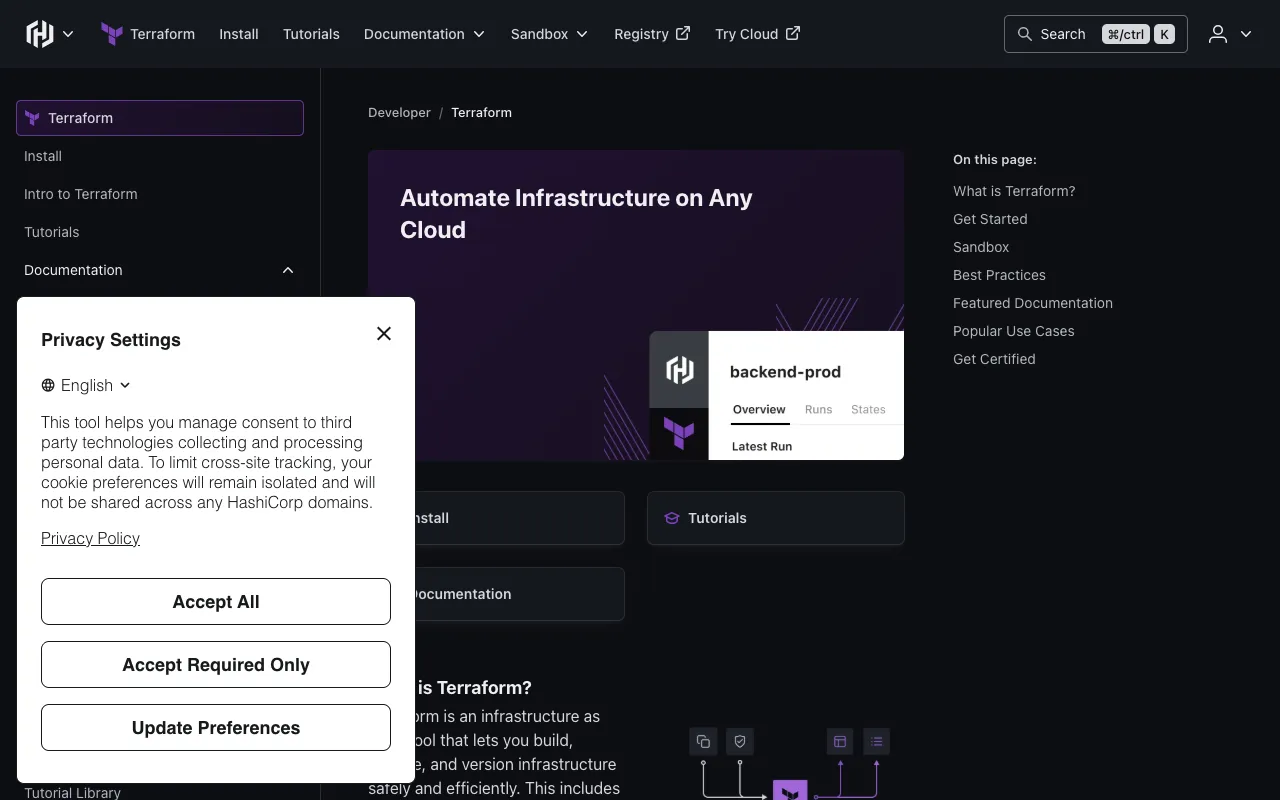
Image of Terraform – Best Infrastructure as Code (IaC) Tool for DevOps Engineers

Terraform – Best Infrastructure as Code (IaC) Tool for DevOps Engineers

Terraform by HashiCorp is the industry-standard Infrastructure as Code (IaC) tool that empowers DevOps engineers and platform teams to define, provision, and manage cloud and on-premises resources in a safe, repeatable, and efficient manner. Using a declarative configuration language, Terraform automates the entire lifecycle of infrastructure—from servers and networks to databases and SaaS applications—turning manual processes into version-controlled code. This enables teams to build consistent environments, enforce security and compliance policies, and accelerate deployment cycles across AWS, Azure, Google Cloud, and hundreds of other providers.

What is Terraform?

Terraform is an open-source Infrastructure as Code (IaC) tool that allows you to define both cloud and on-premises resources in human-readable configuration files that you can version, reuse, and share. Instead of manually clicking through a cloud console or writing imperative scripts, you describe your desired end-state infrastructure (e.g., '5 web servers, a load balancer, and a PostgreSQL database'). Terraform then generates an execution plan, shows you what changes will occur, and builds the infrastructure in the correct order, respecting dependencies. Its core innovation is the ability to manage a wide array of services through a single workflow using a unified syntax, making it the central tool for modern cloud provisioning and management.

Key Features of Terraform

Declarative Configuration with HCL

Terraform uses HashiCorp Configuration Language (HCL), a purpose-built language that is both human-readable and machine-friendly. You declare the desired state of your infrastructure, and Terraform figures out the steps to achieve it. This simplifies complex deployments and makes configurations self-documenting and easy for teams to understand and collaborate on.

Execution Plans & Change Automation

Before making any changes, Terraform generates a detailed execution plan (via `terraform plan`). This plan shows exactly what will be created, updated, or destroyed. This 'plan and apply' workflow provides a safety net, preventing unexpected changes and allowing for peer review before infrastructure is modified, which is critical for production environments.

Resource Graph & Dependency Management

Terraform builds a graph of all your resources and parallelizes the creation and modification of non-dependent resources for maximum efficiency. It automatically understands dependencies (e.g., a subnet must exist before a server is placed in it), ensuring resources are provisioned in the correct order without manual intervention.

State Management

Terraform maintains a state file that maps your real-world resources to your configuration. This state is used to track metadata and manage dependencies. For team collaboration, Terraform Cloud and Enterprise offer remote state storage with locking, preventing conflicts when multiple engineers are making changes simultaneously.

Extensive Provider Ecosystem

With over 3,000 providers in the Terraform Registry, you can manage not just major clouds (AWS, Azure, GCP), but also Kubernetes, DNS services, databases, monitoring tools (like Datadog), and even SaaS applications (like GitHub or PagerDuty). This creates a single workflow for your entire stack.

Who Should Use Terraform?

Terraform is essential for DevOps Engineers, Site Reliability Engineers (SREs), Cloud Architects, and Platform Teams. It's ideal for organizations practicing cloud adoption, multi-cloud strategy, or seeking to automate and standardize their infrastructure. Use cases include: teams managing dynamic cloud environments that require frequent scaling; startups needing to quickly replicate staging and production environments; enterprises enforcing security and compliance through codified policies; and anyone tired of manual, error-prone infrastructure provisioning. If you manage more than a handful of servers or cloud services, Terraform will save time and reduce risk.

Terraform Pricing and Free Tier

The core Terraform CLI is 100% open-source and free to use (Open Source license). You can download it and manage infrastructure at any scale without cost. For team collaboration, security, and governance features, HashiCorp offers Terraform Cloud (free for small teams) and Terraform Enterprise (paid). The Free Tier of Terraform Cloud supports up to 5 users, includes remote state storage, and allows a limited number of concurrent runs, which is perfect for small projects and getting started. Paid plans unlock advanced features like Sentinel policy-as-code, single sign-on (SSO), private module registries, and enhanced run management for large organizations.

Common Use Cases

Key Benefits

Pros & Cons

Pros

  • Industry leader with massive community support, extensive documentation, and a rich ecosystem of modules.
  • True multi-cloud and hybrid-cloud management from a single tool and configuration language.
  • The 'plan' feature provides unparalleled visibility and safety for making infrastructure changes.
  • Powerful state management enables tracking of complex infrastructure relationships over time.

Cons

  • The learning curve for HCL and understanding Terraform's state management model can be steep for beginners.
  • Managing state files in team environments requires careful planning (often needing Terraform Cloud/Enterprise for best results).
  • While declarative, some complex orchestration or conditional logic can be less intuitive than in imperative scripting tools.

Frequently Asked Questions

Is Terraform free to use?

Yes, the core Terraform CLI tool is completely free and open-source. You can use it to manage infrastructure at any scale. HashiCorp also offers a free tier of Terraform Cloud for team features like remote state and execution plans.

Is Terraform a good tool for DevOps engineers?

Absolutely. Terraform is considered a foundational tool for modern DevOps. It embodies key DevOps principles: automation, consistency, and version control for infrastructure. It bridges the gap between development and operations by enabling infrastructure to be treated as code, which is essential for CI/CD pipelines, rapid provisioning, and reliable operations.

What's the difference between Terraform and Ansible?

Terraform is primarily a provisioning tool (Infrastructure as Code) focused on creating and managing the lifecycle of cloud resources (servers, networks, etc.). Ansible is a configuration management and application deployment tool focused on configuring the software *on* those servers. They are often used together: Terraform builds the servers, and Ansible configures them.

Can Terraform manage existing infrastructure?

Yes, through a process called 'import.' Terraform can import existing resources into its state file, allowing you to start managing them with IaC without having to rebuild them. This is crucial for adopting Terraform in established environments.

Conclusion

For DevOps engineers and cloud practitioners, Terraform is not just a tool; it's a paradigm shift towards reliable, scalable, and automated infrastructure management. Its declarative approach, powerful planning capabilities, and vast provider ecosystem make it the undisputed leader in the Infrastructure as Code space. Whether you're a solo developer managing a small project or part of an enterprise platform team governing thousands of resources, Terraform provides the control, safety, and efficiency needed to succeed in the modern cloud-native world. Start with the free CLI or the Terraform Cloud free tier to experience how it transforms infrastructure from a manual chore into a streamlined, codified process.