Go back
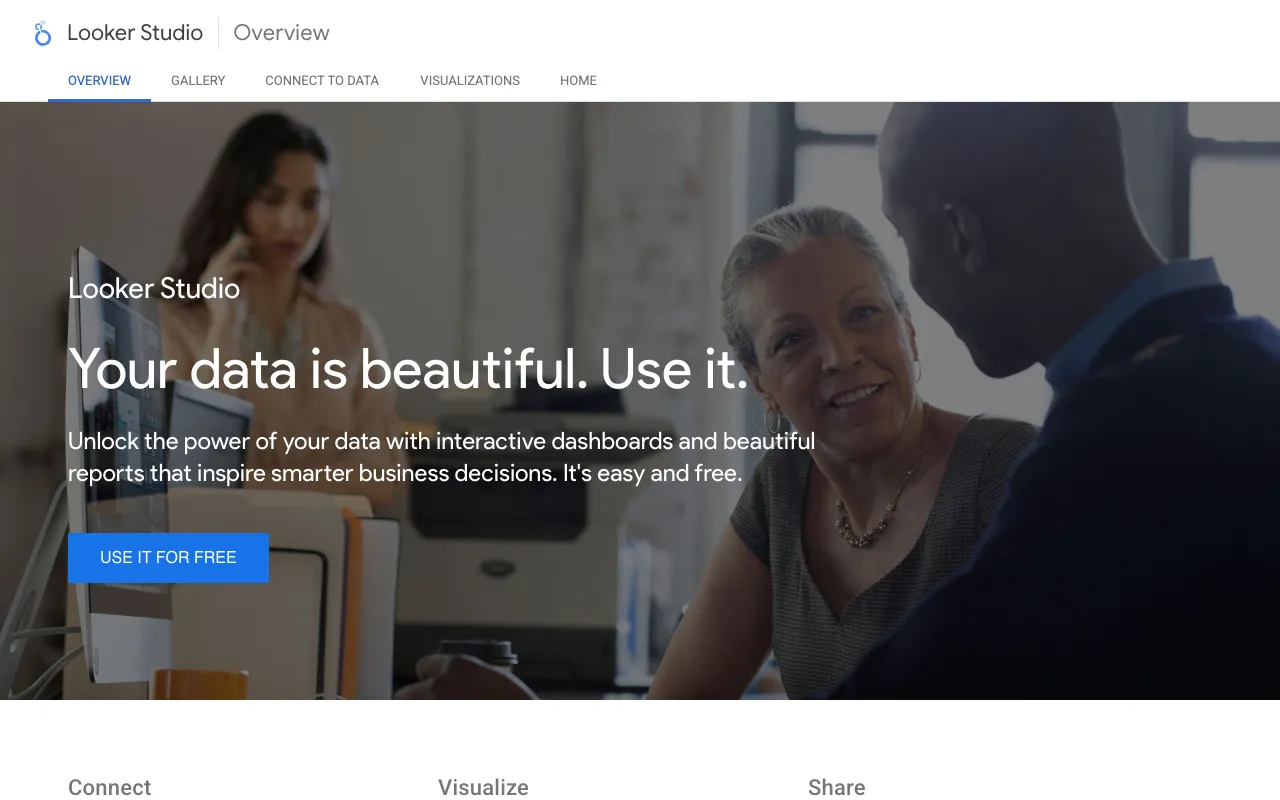
Image of Google Data Studio (Looker Studio) – The Best Free Data Dashboard Tool for Digital Marketers

Google Data Studio (Looker Studio) – The Best Free Data Dashboard Tool for Digital Marketers

Google Data Studio, now known as Looker Studio, is the definitive free business intelligence (BI) platform for digital marketers. It transforms disconnected data from Google Analytics, Ads, social platforms, and databases into cohesive, visually compelling dashboards and reports. Designed for accessibility without sacrificing power, it empowers marketing teams, agencies, and freelancers to visualize KPIs, track campaign performance, and share insights that drive strategic decisions—all without a subscription fee.

What is Google Data Studio (Looker Studio)?

Google Data Studio (Looker Studio) is a free, cloud-based data visualization and reporting tool developed by Google. It acts as a central hub where marketers can connect to hundreds of data sources—from Google's own suite (Analytics, Search Console, Ads) to social media APIs, SQL databases, and CSV files. Its core purpose is to democratize data analysis by enabling users to build custom, interactive dashboards without needing to code. This bridges the gap between raw data and actionable insights, making it an indispensable asset for data-driven marketing strategies.

Key Features of Looker Studio

Unified Multi-Source Data Connectors

Seamlessly blend data from over 800+ connectors, including Google Marketing Platform, Facebook Ads, LinkedIn, BigQuery, and Sheets. This feature eliminates manual data exports and provides a single source of truth for all your marketing channels.

Fully Customizable & Interactive Dashboards

Drag-and-drop charts, graphs, tables, and scorecards to design reports tailored to your specific needs. Add date range controls, filter buttons, and drill-down capabilities so stakeholders can explore the data interactively.

Real-Time Collaboration & Sharing

Work on dashboards simultaneously with team members, just like Google Docs. Easily share reports via a link with view or edit permissions, or schedule automated email delivery to keep clients and executives updated.

Advanced Calculated Fields & Blending

Create custom metrics and dimensions using formulas to analyze data exactly how you need. Perform data blending across sources to generate insights like cost-per-lead across Google Ads and your CRM.

Professional Branding & White-Labeling

Agencies can fully customize reports with their own logos, color schemes, and fonts, delivering a polished, professional product to clients directly from the free platform.

Who Should Use Google Data Studio?

Looker Studio is ideal for any digital marketing professional or team that needs to report on performance. This includes PPC specialists consolidating ad spend data, SEO analysts tracking organic traffic and rankings, social media managers measuring campaign ROI, and marketing agencies building client reports. It's equally valuable for in-house marketing directors who need to present results to leadership and freelancers who require a cost-effective way to demonstrate value to their clients.

Looker Studio Pricing and Free Tier

Google Data Studio (Looker Studio) offers a robust, completely free tier with no user limits, dashboard caps, or hidden costs. All core visualization, data connection, and collaboration features are included at no charge. For enterprise organizations requiring enhanced governance, data freshness SLAs, and team workspaces, Google offers Looker Studio Pro as part of the Google Cloud Platform, but the standard version remains free and fully-featured for the vast majority of marketing use cases.

Common Use Cases

Key Benefits

Pros & Cons

Pros

  • Completely free with no restrictions on users, reports, or data volume
  • Extensive library of native connectors to popular marketing platforms
  • Intuitive drag-and-drop interface with a shallow learning curve
  • Superior real-time collaboration features for teams and agencies
  • Highly customizable for branding and specific analytical needs

Cons

  • Advanced data transformations require knowledge of calculated fields
  • Dashboard performance can slow with extremely large or complex blended datasets
  • Limited formatting options compared to some premium BI tools

Frequently Asked Questions

Is Google Data Studio (Looker Studio) really free to use?

Yes, absolutely. The standard version of Looker Studio is 100% free with no trial period, user limits, or charges for creating and sharing dashboards. All core features for data visualization and reporting are included.

Is Google Data Studio good for digital marketing reporting?

It is arguably the best free tool for digital marketing reporting. Its direct integrations with Google Analytics, Ads, and Search Console, combined with connectors for social media and other platforms, make it uniquely positioned to unify all marketing data into actionable, client-ready dashboards.

What's the difference between Google Data Studio and Looker Studio?

Google Data Studio was rebranded to Looker Studio in 2022 as part of Google's integration of the Looker platform. The core product, features, and free access remain the same. It's the same tool with a new name and a broader vision within Google's data ecosystem.

Can I use Looker Studio for social media analytics?

Yes. Through community-built connectors or data pipelines via Google Sheets, you can pull in data from Facebook, Instagram, LinkedIn, Twitter (X), and TikTok to create comprehensive social media performance dashboards.

Conclusion

For digital marketers seeking a powerful, scalable, and completely free solution to conquer data chaos, Google Data Studio (Looker Studio) is the undisputed leader. It transforms the tedious task of reporting into a strategic advantage, enabling clearer insights, faster decisions, and more impactful client communications. Whether you're a solo consultant or part of a large agency, integrating Looker Studio into your workflow is a essential step towards becoming truly data-driven.