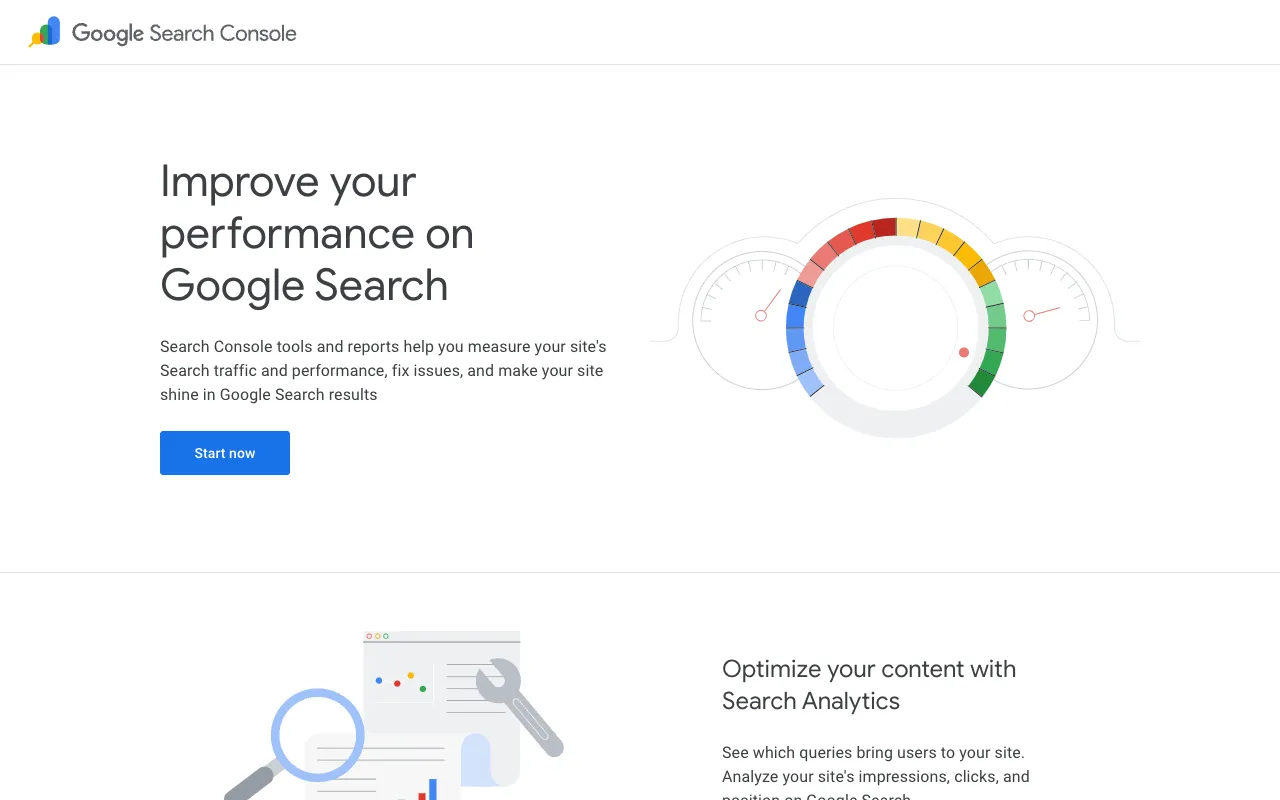
Google Search Console – The Essential Free SEO Tool for Digital Marketers
Google Search Console (GSC) is the definitive, free tool from Google that provides unparalleled insight into how your website performs in organic search. It's the bridge between your site and Google Search, offering critical data on indexing, search queries, clicks, and technical health. For digital marketers, SEO specialists, and website owners, it's not just a tool—it's a foundational component of any successful search strategy, enabling data-driven decisions to improve visibility, drive qualified traffic, and fix issues before they impact rankings.
What is Google Search Console?
Google Search Console is a free web service offered directly by Google. Its core purpose is to help you understand how Google views your website. It provides reports and tools that show your site's search traffic, indexing status, and alerts you to critical problems like crawl errors, security issues, or manual penalties. Think of it as a direct line to Google's search index, giving you the data and controls needed to ensure your site is properly discovered, indexed, and ranked. It's essential for anyone serious about SEO and organic search performance.
Key Features of Google Search Console
Performance Reports
The Performance report is the heart of GSC, showing how your site appears in Google Search. You can analyze total clicks, impressions, average click-through rate (CTR), and average position for specific queries, pages, countries, and devices over time. This data is invaluable for identifying high-performing content, uncovering new keyword opportunities, and measuring the impact of your SEO efforts.
Index Coverage Report
This report details which of your pages Google has tried to index and the status of each. It highlights critical errors (pages Google can't index), warnings (pages with issues), and valid pages. It's your primary tool for diagnosing indexing problems, ensuring your most important content is discoverable, and submitting sitemaps for efficient crawling.
URL Inspection Tool
This powerful tool lets you inspect the indexing status of any specific URL on your site. You can see the last time Google crawled the page, the rendered HTML, any indexing blocks, and test a live URL. It's perfect for debugging individual page issues and requesting immediate re-indexing after making updates.
Core Web Vitals & Experience Reports
GSC provides detailed reports on Core Web Vitals (loading performance, interactivity, visual stability) and general page experience metrics. These are direct signals for Google's ranking algorithms, allowing you to identify and fix pages with poor user experience that may be hindering your SEO performance.
Security & Manual Actions
Google Search Console proactively alerts you to security issues like hacking or malware on your site. It also notifies you of any 'manual actions'—human-applied penalties for violating Google's Webmaster Guidelines. Addressing these alerts is crucial for maintaining your site's health and search standing.
Who Should Use Google Search Console?
Google Search Console is indispensable for a wide range of professionals focused on digital presence. SEO specialists and consultants rely on it for audit data and performance tracking. Digital marketers and content strategists use it to understand what content resonates in search. Website owners and developers need it to monitor technical health and fix critical errors. E-commerce managers utilize it to ensure product pages are indexed and driving traffic. Essentially, if your success depends on organic traffic from Google, you need Google Search Console.
Google Search Console Pricing and Free Tier
Google Search Console is completely free. There is no paid tier, subscription fee, or usage limit. All features, from performance reports to URL inspection and security alerts, are available at no cost. You simply need to verify ownership of your website (via DNS record, HTML file upload, or other methods) to gain full access. This makes it one of the most powerful and accessible tools in any digital marketer's toolkit.
Common Use Cases
- Identifying high-potential keywords driving impressions but not clicks to improve meta titles and descriptions
- Diagnosing and fixing sudden drops in organic traffic due to indexing errors or manual penalties
- Monitoring mobile usability and Core Web Vitals to improve page experience SEO scores
- Submitting new or updated sitemaps to ensure Google crawls important pages quickly after a site redesign
Key Benefits
- Gain direct, unfiltered data from Google on how your site performs in search results
- Proactively identify and resolve technical SEO issues that hurt rankings and user experience
- Make informed content and optimization decisions based on real search query and performance data
- Protect your site's reputation and traffic by receiving immediate alerts for security issues or policy violations
Pros & Cons
Pros
- Completely free with no feature restrictions
- Provides direct data from Google, the most authoritative source
- Essential for diagnosing technical SEO and indexing problems
- Offers immediate alerts for critical site issues
Cons
- Data is not real-time; there is typically a 2-3 day delay
- The interface can be complex for beginners to navigate initially
- Only provides data for Google Search, not other search engines
Frequently Asked Questions
Is Google Search Console free to use?
Yes, Google Search Console is completely free. There is no cost associated with using any of its features, tools, or reports. It is a free service provided by Google to help website owners and marketers.
Is Google Search Console good for digital marketers?
Absolutely. Google Search Console is a foundational tool for digital marketers. It provides critical insights into organic search performance, keyword opportunities, and website health—data that is essential for planning SEO strategy, optimizing content, and improving overall digital marketing ROI.
What's the difference between Google Search Console and Google Analytics?
Google Search Console focuses on your site's relationship with Google Search (indexing, search queries, impressions, technical SEO). Google Analytics focuses on user behavior on your site (sessions, bounce rate, conversions, demographics). They are complementary tools; for a complete picture, you should use both and link them together.
How do I set up Google Search Console for my website?
To set up Google Search Console, visit the website, sign in with a Google account, click 'Add Property', and enter your website URL. You'll then need to verify site ownership using one of Google's recommended methods, such as adding an HTML tag to your site's header or uploading a file via FTP. Once verified, you'll have full access.
Conclusion
For digital marketers, ignoring Google Search Console is akin to flying blind in the world of SEO. As the only free tool that provides a direct window into Google's search index, it offers irreplaceable insights for optimizing visibility, diagnosing problems, and capitalizing on opportunities. While it has a learning curve, its value in driving informed, data-backed marketing decisions is unparalleled. Integrating Google Search Console into your daily workflow is not a recommendation—it's a requirement for anyone committed to achieving and sustaining organic search success.