Go back
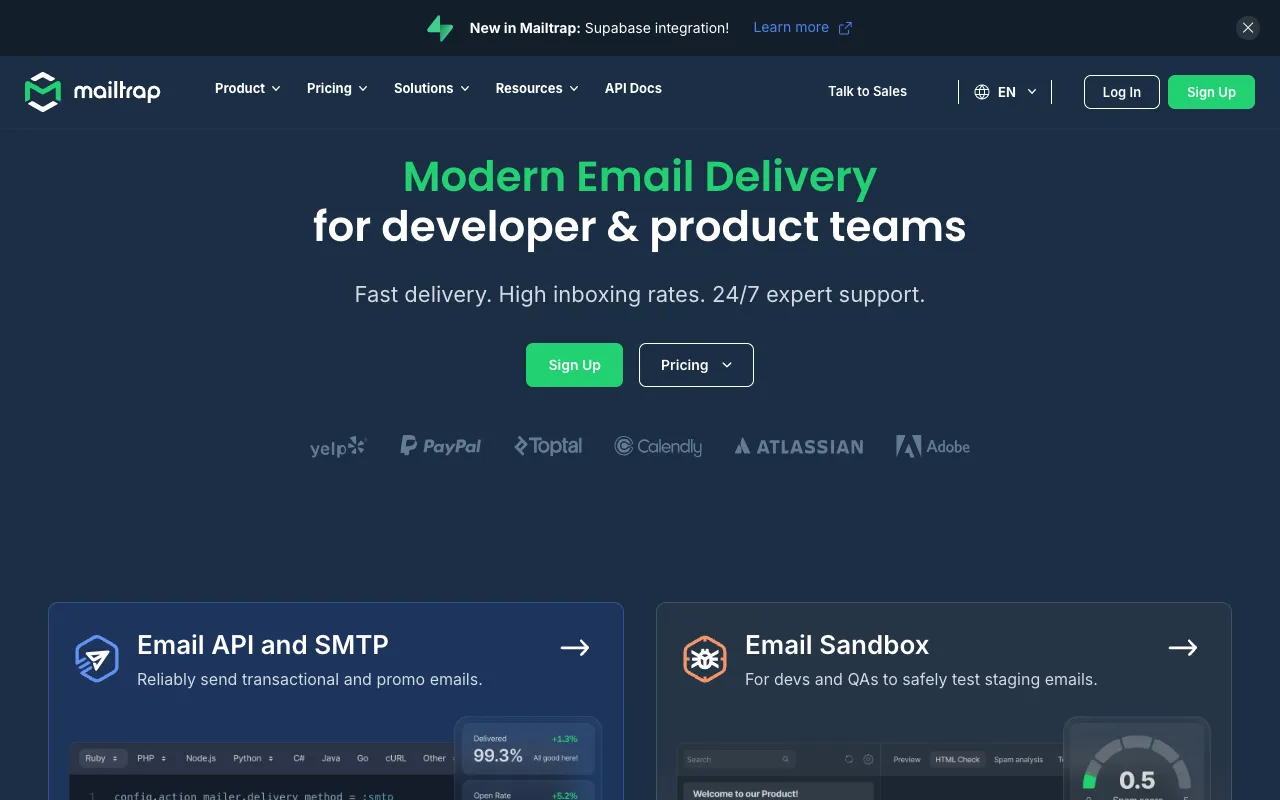
Image of Mailtrap – The Best Email Testing Tool for Developers & Email Marketers

Mailtrap – The Best Email Testing Tool for Developers & Email Marketers

Mailtrap is the definitive email testing platform for developers, QA engineers, and email marketing teams. It acts as a safe sandbox—a fake SMTP server—that captures all outgoing emails from your application in development and staging. This prevents accidental email sends to real users, protects your sender reputation, and provides a powerful suite of tools for inspecting HTML/CSS, testing spam scores, and validating deliverability. For email marketers, it's an essential tool to preview campaigns before they go live.

What is Mailtrap?

Mailtrap is a specialized email testing service designed for software development and marketing workflows. Its core function is to intercept emails sent from applications during testing phases, redirecting them to a secure, virtual inbox instead of delivering them to actual recipient addresses. This eliminates the risk of spamming customers with test data, forgotten password emails, or incomplete campaign blasts. It provides a controlled environment to debug email functionality, analyze content, and ensure perfect rendering across clients before any email touches a production server.

Key Features of Mailtrap

Fake SMTP Server

Integrate in minutes by simply swapping your production SMTP credentials with Mailtrap's. All outbound emails are captured instantly, providing a foolproof method to test email-sending logic without any risk.

Email Preview & HTML/CSS Inspection

View exactly how your emails will render. The built-in HTML inspector allows you to check code, test responsive design, and identify rendering issues across a wide range of email clients directly in your browser.

Spam Analysis & Deliverability Checks

Run automatic spam score analysis using SpamAssassin. Mailtrap highlights potential issues that could land your emails in spam folders, such as missing headers, problematic links, or blacklisted IPs, helping you optimize for inbox placement.

Team Collaboration & Email Forwarding

Share email captures with team members for review and feedback. You can also forward specific test emails to real addresses (like your own Gmail) for final approval on real devices, bridging the gap between testing and production.

Automated Testing & CI/CD Integration

Use Mailtrap's API to automate email testing within your continuous integration and delivery pipelines. Verify that the correct emails are triggered by user actions, ensuring reliability with every code deployment.

Who Should Use Mailtrap?

Mailtrap is indispensable for software development teams building applications that send transactional emails (welcome emails, password resets, notifications). It's equally critical for email marketing professionals and agencies who need to preview and test campaign templates for design, links, and spam score before launching to a full list. QA engineers, DevOps professionals, and solo developers also rely on it to maintain clean separation between development and production environments, protecting brand reputation and ensuring flawless email delivery.

Mailtrap Pricing and Free Tier

Mailtrap offers a generous free plan perfect for individual developers and small projects, including 500 test emails per month, a single inbox, and basic features. Paid plans start with the Individual tier, offering more inboxes, higher email limits, advanced spam testing, and team features. Business and Enterprise plans provide unlimited testing, priority support, and dedicated infrastructure, scaling with the needs of large development and marketing teams.

Common Use Cases

Key Benefits

Pros & Cons

Pros

  • Zero-risk environment completely prevents accidental email sends
  • User-friendly interface with powerful debugging and inspection tools
  • Essential for modern CI/CD pipelines and automated testing workflows
  • Generous free plan is perfect for getting started

Cons

  • Primarily focused on testing; not a platform for sending production emails
  • Advanced features like detailed analytics and multiple team seats require a paid plan

Frequently Asked Questions

Is Mailtrap free to use?

Yes, Mailtrap offers a fully-featured free plan that includes 500 test emails per month, one inbox, and access to core features like the fake SMTP server and HTML preview. This makes it an excellent starting point for developers and small teams.

Is Mailtrap good for email marketing?

Absolutely. While developers use it to test transactional emails, email marketers rely on Mailtrap to preview campaign templates, check spam scores, and ensure links and designs render perfectly across all major email clients before sending to a live audience, preventing costly mistakes.

How does Mailtrap prevent accidental email sends?

Mailtrap provides you with fake SMTP server credentials. When you configure your application to use these, all emails are routed to Mailtrap's secure virtual inboxes instead of being sent through a real provider like SendGrid or Amazon SES, creating a 100% safe testing environment.

Conclusion

For any team or professional where email functionality is critical—from SaaS developers to email marketing agencies—Mailtrap is not just a useful tool; it's a necessary component of a responsible workflow. It provides the safety net, diagnostic power, and collaborative features required to ensure every email sent is intentional, well-designed, and deliverable. Starting with its robust free tier, Mailtrap establishes itself as the top-tier solution for secure email testing and validation.