Go back
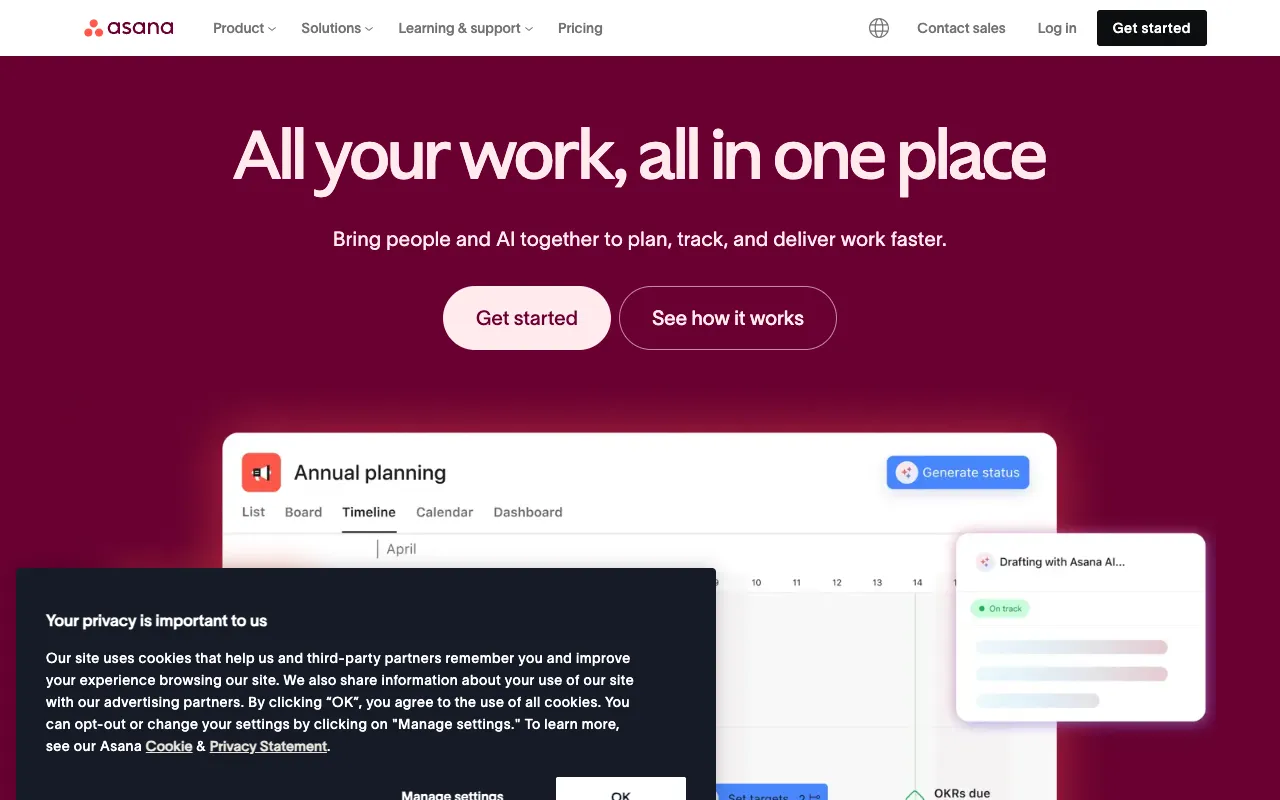
Image of Asana – Best Task Management Tool for Freelance Writers

Asana – Best Task Management Tool for Freelance Writers

Asana is the definitive project management solution for freelance writers juggling multiple clients, deadlines, and complex editorial workflows. More than just a to-do list, Asana provides a centralized workspace to visualize your entire writing pipeline—from pitch to publication. It transforms chaotic schedules into organized, actionable plans, helping you meet deadlines consistently, communicate effectively with editors, and scale your freelance business without the stress.

What is Asana for Freelance Writers?

Asana is a versatile work management platform that freelance writers use as a command center for their business. It goes beyond basic task tracking to manage the entire lifecycle of writing projects. Writers can create projects for different clients or publications, break down assignments into actionable steps (research, draft, edit, submit), set clear deadlines, and attach relevant files and briefs. Its intuitive interface and powerful collaboration features make it ideal for solo writers managing their own workload or teams collaborating with editors and other contributors.

Key Features of Asana for Writers

Visual Project Boards & Lists

Organize your writing workflow using Kanban-style boards (To-Do, Writing, In Review, Published) or simple task lists. This visual system provides instant clarity on your workload's status, preventing articles from falling through the cracks and helping you prioritize what to work on next.

Editorial Calendar View

Asana's Timeline, Calendar, and Portfolio views act as a dynamic editorial calendar. See all your deadlines across every client in one unified calendar, plan your writing schedule weeks in advance, and identify potential conflicts before they become missed deadlines.

Task Dependencies & Subtasks

Break complex articles into manageable phases using subtasks (e.g., 'Interview Source,' 'Write First Draft,' 'Fact-Check'). Set dependencies so you can't start editing until the draft is complete, ensuring a logical, efficient workflow that mirrors professional editorial processes.

Client & Collaboration Hub

Share specific projects or tasks with clients or editors for seamless collaboration. Use comment threads directly on tasks for feedback, attach final drafts or source materials, and set approval tasks to formalize the submission and review process.

Who Should Use Asana?

Asana is perfect for freelance writers at any stage who feel overwhelmed by managing deadlines and client communications. It's especially valuable for content writers juggling 5+ monthly articles, journalists tracking multiple story pitches, copywriters managing campaign deliverables, and nonfiction authors structuring book chapters. If you use scattered sticky notes, overloaded email inboxes, or basic apps that can't handle complex projects, Asana provides the professional-grade structure you need.

Asana Pricing and Free Tier for Writers

Asana offers a robust **free forever plan** that is exceptionally powerful for individual freelance writers. The free tier includes unlimited tasks, projects, messages, file storage (up to 100MB per file), and basic search. For writers needing advanced features like Timeline view for editorial planning, custom fields for tracking word count or publication status, and advanced search, the Premium plan starts at a reasonable monthly fee. This scalable model makes Asana a cost-effective choice, allowing you to start for free and upgrade only when your business complexity demands it.

Common Use Cases

Key Benefits

Pros & Cons

Pros

  • The free plan is exceptionally generous and fully functional for solo writers
  • Intuitive, clean interface reduces the learning curve compared to complex tools like Jira
  • Excellent mobile apps allow you to manage tasks and check deadlines on the go

Cons

  • Advanced reporting and portfolio views require a paid subscription
  • Can feel overwhelming for writers who only have a handful of simple, recurring tasks

Frequently Asked Questions

Is Asana free for freelance writers?

Yes, Asana offers a powerful free forever plan perfect for individual freelance writers. It includes unlimited tasks and projects, basic list, board, and calendar views, and collaboration features, making it more than sufficient for most solo writing businesses.

Is Asana better than Trello for writing projects?

For complex writing workflows involving multiple stages, strict deadlines, and client collaboration, Asana often outperforms Trello. While Trello is excellent for visual kanban boards, Asana provides superior calendar views, timeline planning, task dependencies, and formalized approval processes—features critical for professional editorial management.

How do freelance writers use Asana?

Writers typically create a 'Project' for each client or publication. Within each project, every article becomes a 'Task' with a deadline. Writers then break the task into 'Subtasks' (Outline, Draft, Edit, Submit), attach briefs or research, and use the Calendar view to see all upcoming deadlines across clients in one place, creating a master editorial calendar.

Conclusion

For the freelance writer seeking to transition from reactive task-juggling to proactive business management, Asana is an indispensable tool. It provides the structure and clarity needed to handle a high-volume writing career professionally. By centralizing deadlines, clarifying next steps, and streamlining client communication, Asana doesn't just help you organize your work—it helps you scale it. Start with the comprehensive free plan to systematize your editorial process and experience the confidence that comes from knowing exactly what to write and when it's due.