Go back
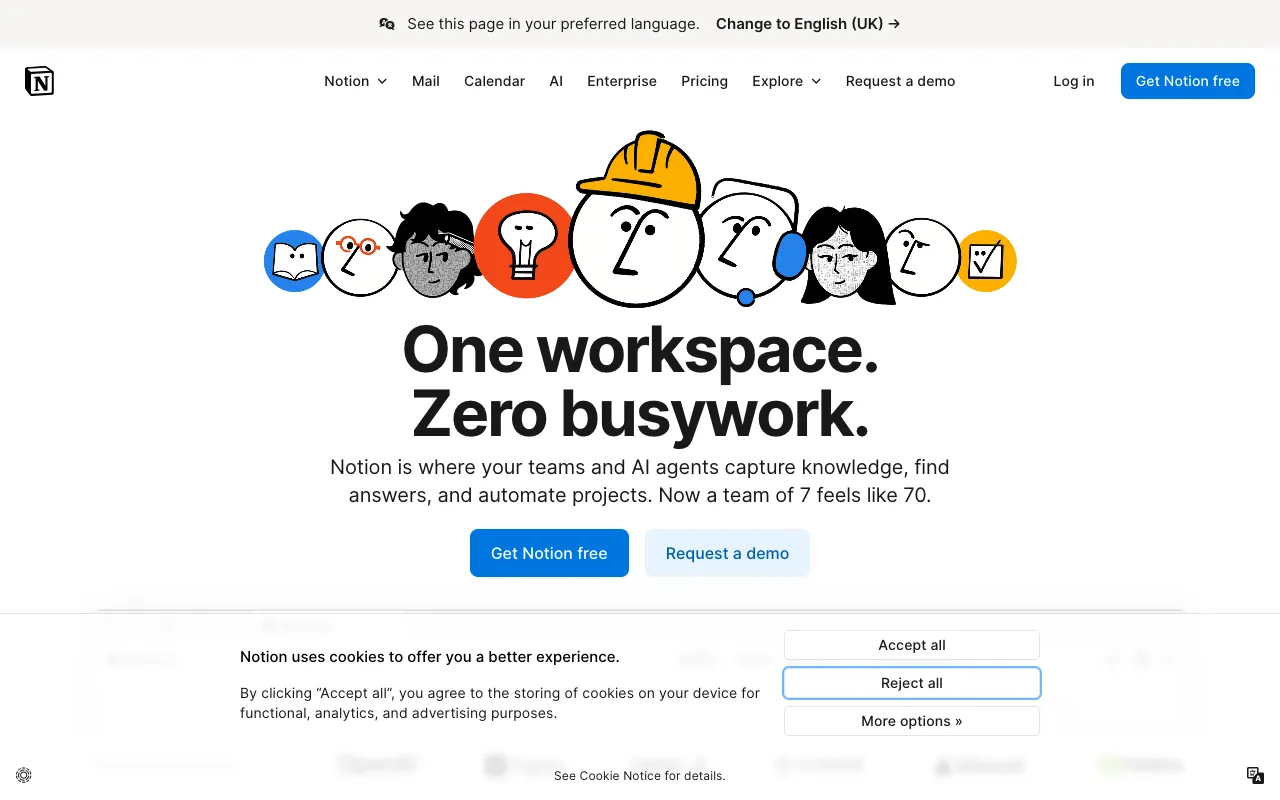
Image of Notion – The Best All-in-One Workspace for Freelance Writers

Notion – The Best All-in-One Workspace for Freelance Writers

Notion is the ultimate digital workspace that replaces dozens of scattered apps for freelance writers. It combines the power of a note-taking app, a project manager, a relational database, and a personal wiki into one intuitive, customizable platform. Whether you're tracking article pitches, managing editorial calendars, organizing research, or collaborating with clients, Notion provides the flexible structure to run your entire writing business from a single, unified hub.

What is Notion for Freelance Writers?

For freelance writers, Notion is more than just a note-taking app—it's a central command center for your business. It eliminates the friction of switching between a word processor, a task manager, a spreadsheet, and a file cabinet. You can create dedicated workspaces for each client, build databases to track submissions and payments, maintain a repository of writing samples and pitches, and even publish simple client-facing wikis or progress reports. Its block-based editor and 'everything is a database' philosophy give you unprecedented control to mold the tool to your specific workflow, not the other way around.

Key Features of Notion for Writers

Flexible Databases & Kanban Boards

Turn your editorial pipeline into a visual Kanban board. Create databases for articles, pitches, clients, and invoices. Filter, sort, and view your data as a board (To-Do, Writing, Editing, Submitted, Paid), a table, a calendar, or a gallery. Link related items—like connecting an article to a client and a due date—for a holistic view of your projects.

Powerful Note-Taking & Docs

Write, edit, and format long-form articles, research notes, and interview transcripts in Notion's rich text editor. Use toggle lists for outlines, embed images and files directly, and @mention other pages or dates to create a living, interconnected web of your writing work. Publish any page to the web with a clean, shareable link for client review.

Customizable Templates & Workspaces

Hit the ground running with pre-built templates for freelance writers, like content calendars, pitch trackers, and client portals. Duplicate and customize them to fit your brand and process. Build a master 'Writer's Hub' dashboard that surfaces your week's tasks, active projects, and pending invoices at a glance.

Seamless Collaboration

Share specific pages or entire workspaces with editors or clients. Use comments for feedback, @mentions to assign tasks, and see live edits. Maintain version history to track changes over time, perfect for iterative editing processes and ensuring you never lose a previous draft.

Who Should Use Notion?

Notion is ideal for freelance writers of all specializations—content marketers, copywriters, journalists, technical writers, and ghostwriters—who feel constrained by disjointed tools. It's especially powerful for writers managing multiple clients and complex projects, those who need to systematize their pitching and submission process, and solopreneurs looking to create a scalable, organized business foundation without expensive, overlapping software subscriptions.

Notion Pricing and Free Tier

Notion offers a generous free plan that is more than sufficient for most individual freelance writers. The Free plan includes unlimited pages and blocks, share with up to 10 guests, and basic page history. For writers needing more advanced features like unlimited file uploads, unlimited guests for collaboration, and a 30-day version history, the Plus plan is available for a monthly fee. Team and Enterprise plans are geared towards larger organizations.

Common Use Cases

Key Benefits

Pros & Cons

Pros

  • Unmatched flexibility to build a workspace tailored to your exact writing workflow
  • Powerful free tier that covers the core needs of most solo writers
  • Reduces app fatigue by combining notes, tasks, databases, and wikis

Cons

  • Steeper learning curve than simple, single-purpose apps due to its vast capabilities
  • Can be overwhelming initially; requires some time investment to set up effectively
  • Offline functionality on mobile can be limited compared to dedicated note apps

Frequently Asked Questions

Is Notion free for freelance writers?

Yes, Notion offers a robust free plan perfect for individual freelance writers. It includes unlimited pages, basic collaboration features, and core tools like databases and kanban boards, allowing you to manage your entire writing business at no cost.

Is Notion good for organizing writing projects?

Absolutely. Notion excels at project organization for writers. You can create databases for articles, track their status on a Kanban board, link them to client pages and deadlines, and store all related research and drafts in one interconnected workspace, providing unparalleled clarity and control over your projects.

Can I use Notion as my primary writing editor?

While Notion's editor is excellent for drafting, outlining, and storing finished pieces, many professional writers prefer a dedicated word processor like Google Docs or Microsoft Word for final drafting and formatting due to more advanced typographical controls and industry-standard collaboration features with editors outside Notion. Notion is best used as the central hub that contains links to these final drafts.

Conclusion

For the freelance writer seeking order from chaos, Notion is not just another tool—it's a foundational platform. Its unique ability to adapt to your specific needs makes it the best all-in-one workspace for consolidating the disparate elements of a writing business. While it demands an initial setup investment, the long-term payoff in organization, efficiency, and peace of mind is substantial. If you're ready to move beyond a folder of scattered documents and into a truly integrated system for your craft, Notion is the premier choice.