Go back
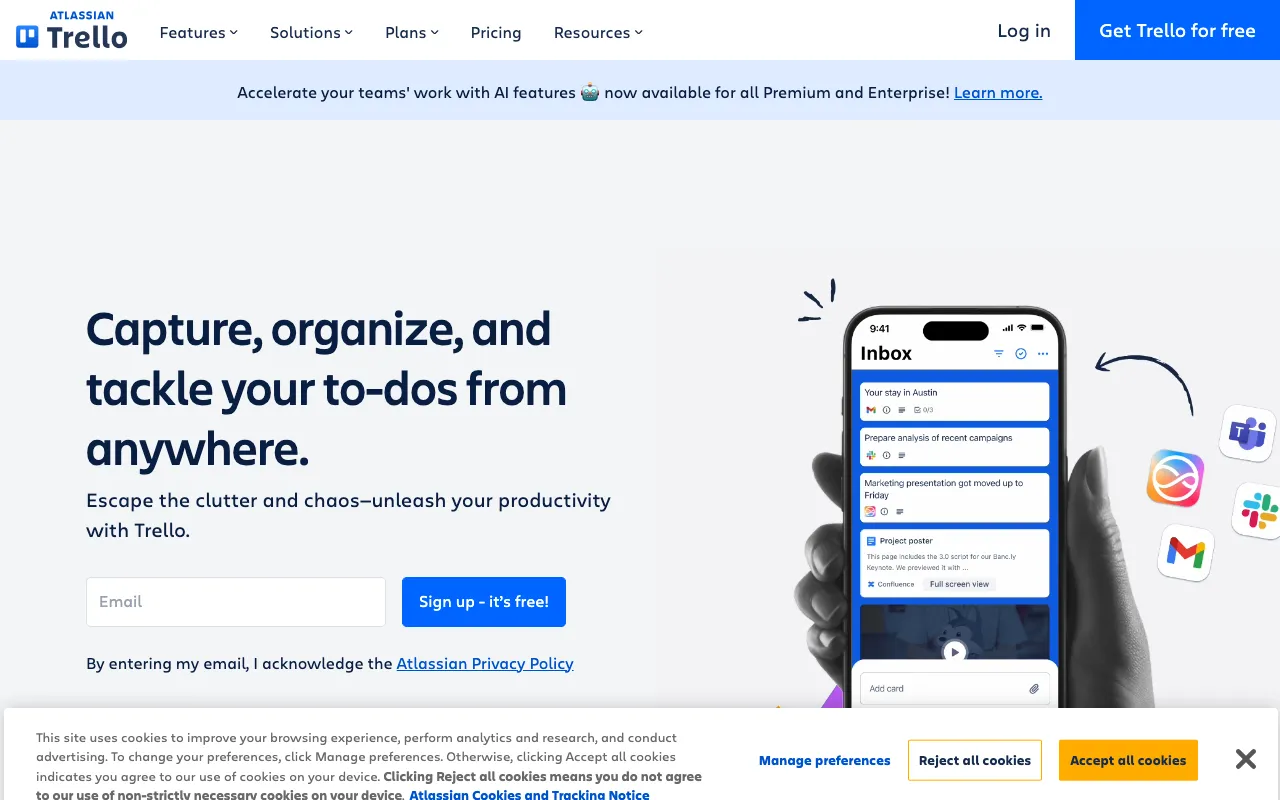
Image of Trello – The Ultimate Project Management Tool for Freelance Writers

Trello – The Ultimate Project Management Tool for Freelance Writers

For freelance writers juggling multiple clients, pitches, and deadlines, staying organized isn't just helpful—it's essential for success. Trello transforms chaotic writing workflows into a clear, visual system. Using its signature boards, lists, and cards, you can map out every stage of your content creation process, from initial idea to final delivery. This visual approach makes Trello one of the best tools for freelance writers who need to manage their business efficiently without getting overwhelmed.

What is Trello?

Trello is a highly visual and flexible project management platform built around the Kanban methodology. At its core, Trello uses 'boards' to represent projects, 'lists' to define workflow stages (like 'To Pitch,' 'Writing,' 'Editing,' 'Submitted'), and 'cards' for individual tasks (like specific articles or client assignments). This structure provides freelance writers with an at-a-glance overview of their entire workload. It's more than a to-do list; it's a dynamic workspace where you can attach research notes, set deadlines, create checklists, and collaborate with editors or clients, all within a simple, drag-and-drop interface.

Key Features of Trello for Writers

Visual Kanban Boards

See your entire writing pipeline on one screen. Create a 'Freelance Writing' board with lists for 'Article Ideas,' 'Pitches Sent,' 'Approved & Writing,' 'Ready for Edit,' and 'Invoiced/Paid.' Move article cards through these stages to visually track progress and identify bottlenecks instantly.

Customizable Cards for Each Article

Each article or assignment gets its own card. Add detailed descriptions, attach research files or style guides, create a word count checklist, set a due date, and assign labels for client name, content type, or priority. This keeps all relevant information tied directly to the task.

Power-Ups & Integrations

Supercharge your Trello board with Power-Ups. Connect Google Calendar to see deadlines on your calendar, sync with Dropbox or Google Drive for file management, use the 'Butler' automation to create recurring cards for regular columns, or integrate with time-tracking apps to log hours per article.

Collaboration & Client Sharing

Invite editors or clients to specific boards or cards. They can leave comments, approve drafts, or track progress without needing lengthy email threads. This creates a transparent and professional workflow for client projects.

Who Should Use Trello?

Trello is ideal for freelance writers at any level who manage more than one project or client. It's perfect for content writers, copywriters, journalists, and bloggers who need to track pitches, manage editorial calendars, and ensure no deadline is missed. Writers who feel overwhelmed by scattered notes, endless email reminders, or complex project management software will find Trello's visual simplicity transformative.

Trello Pricing and Free Tier

Trello offers a robust free plan that is more than sufficient for most solo freelance writers. The free tier includes unlimited personal boards, cards, and lists, along with 10 Power-Ups per board and basic automation. For writers needing more advanced features like unlimited Power-Ups, larger file attachments, or more sophisticated automation rules, paid plans (Standard, Premium, Enterprise) are available at a monthly subscription. Most writers can effectively manage their business entirely on the free plan.

Common Use Cases

Key Benefits

Pros & Cons

Pros

  • Exceptionally intuitive and easy to learn with a gentle learning curve
  • Highly flexible and customizable to fit any writing workflow or niche
  • Powerful free plan covers all core needs for individual freelance writers
  • Excellent cross-platform availability (Web, Desktop, iOS, Android)

Cons

  • Can become visually cluttered if not organized thoughtfully with many projects
  • Advanced reporting and timeline views are locked behind paid tiers
  • May lack the deep word-processing integration some writers desire for drafting within the tool itself

Frequently Asked Questions

Is Trello free for freelance writers?

Yes, Trello offers a comprehensive free plan that is perfectly suited for solo freelance writers. It includes unlimited boards, lists, and cards, allowing you to manage your entire writing business at no cost.

Is Trello good for managing a freelance writing business?

Absolutely. Trello is one of the best tools for freelance writers to manage their business. Its visual system is ideal for tracking pitches, deadlines, and project stages across multiple clients, turning a complex workload into an organized, manageable process.

How do freelance writers use Trello?

Freelance writers use Trello to create visual workflows. A typical board has lists like 'Ideas & Pitches,' 'Approved & Writing,' 'In Review,' and 'Completed/Paid.' Each article is a card moved through these lists, containing details, deadlines, checklists, and attached files, creating a clear editorial pipeline.

Can I use Trello as an editorial calendar?

Yes, Trello functions excellently as a visual editorial calendar. You can create a board for your content schedule, use lists for months or weeks, and use cards for planned articles. Set due dates on cards and use the Calendar Power-Up to view your schedule in a traditional calendar format.

Conclusion

For freelance writers seeking to replace chaos with clarity, Trello stands out as a top-tier organizational tool. Its strength lies in its simplicity and powerful visual metaphor, which aligns perfectly with the creative yet structured mind of a writer. By providing a free, flexible, and intuitive platform to map your entire business workflow, Trello empowers you to focus less on administration and more on what you do best: writing. If you need a central hub to manage pitches, deadlines, and client work without a steep learning curve, Trello is an outstanding choice.