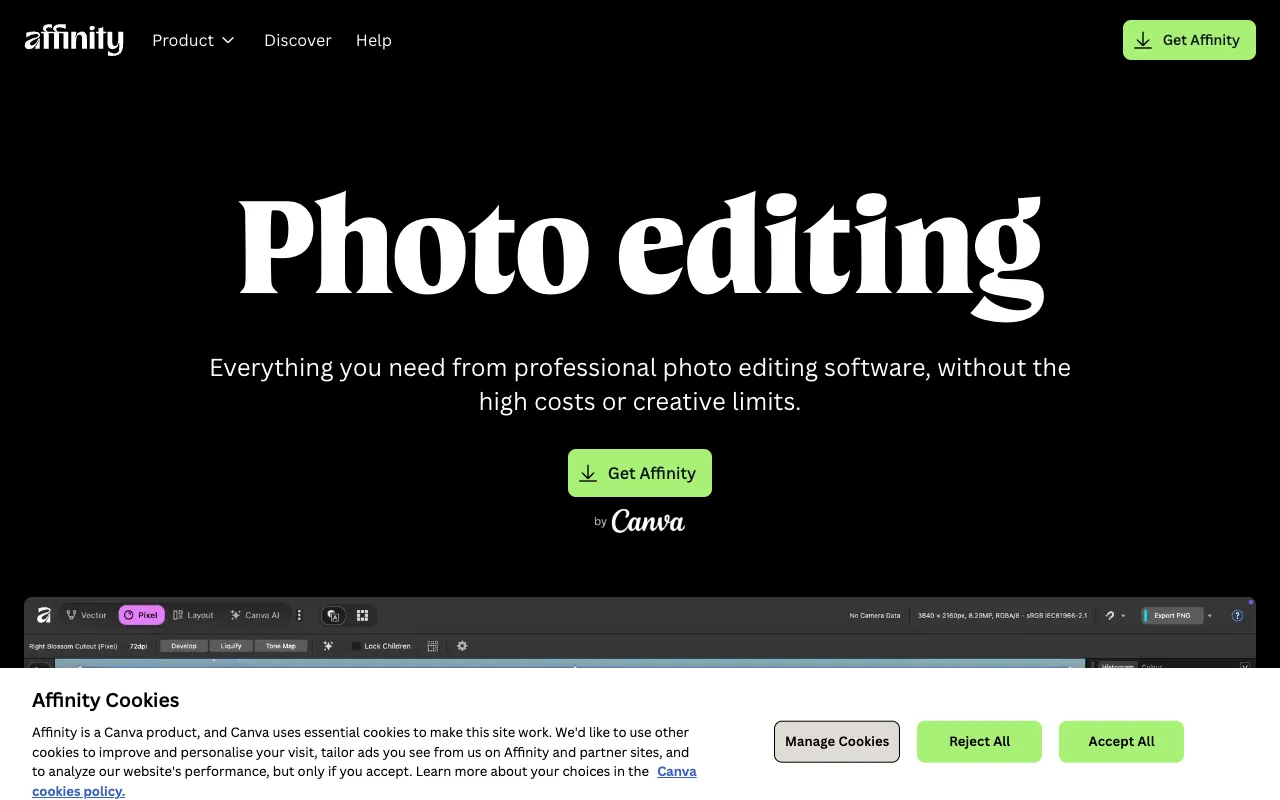
Affinity Photo – The Ultimate Professional Photo Editor for Designers
Affinity Photo is a professional-grade raster graphics editor built for photographers, digital artists, and graphic designers who demand high performance without ongoing subscription fees. As a direct and powerful alternative to Adobe Photoshop, it delivers industry-leading tools for photo editing, retouching, and complex compositing with a streamlined, one-time purchase model. Whether you're retouching portraits, creating digital paintings, or preparing assets for web and print, Affinity Photo provides the precision and speed required for professional workflows.
What is Affinity Photo?
Affinity Photo is a dedicated professional raster graphics editor developed by Serif. It is engineered to handle the most demanding photo editing and digital art tasks, positioning itself as a robust, cost-effective competitor to Adobe Photoshop. Unlike subscription-based software, Affinity Photo offers a perpetual license, making it an attractive choice for freelancers, studios, and hobbyists seeking professional capabilities without recurring costs. Its core purpose is to provide a comprehensive suite of non-destructive editing tools, advanced selection capabilities, and full support for PSD files, ensuring seamless integration into existing creative pipelines.
Key Features of Affinity Photo
Live Filter Layers and Non-Destructive Editing
Apply blurs, lighting effects, distortions, and more as live, editable layers. This non-destructive workflow allows you to tweak or remove effects at any time without degrading the original image data, offering unparalleled flexibility and creative control.
Advanced Selection and Masking Tools
Utilize incredibly precise selection tools, including a dedicated Selection Brush, Refinement options for hair and fine details, and intelligent masking. These features make isolating subjects and creating complex composites faster and more accurate than ever.
Full PSD File Compatibility
Open, edit, and save Adobe Photoshop (PSD) files with full layer support, including layer effects, adjustment layers, and smart objects. This ensures smooth collaboration and project migration between different software environments.
Professional RAW Development and HDR Merge
Process RAW camera files with exceptional detail and color accuracy in a dedicated Develop Persona. Merge multiple exposures into stunning high dynamic range (HDR) images or focus stacks for ultimate clarity and depth.
Inpainting and Healing Brushes
Effortlessly remove unwanted objects, blemishes, and sensor dust with powerful inpainting and healing tools. The software intelligently samples surrounding pixels for seamless, natural-looking repairs.
Who Should Use Affinity Photo?
Affinity Photo is ideal for professional photographers, digital illustrators, UI/UX designers, marketing agencies, and serious hobbyists. It perfectly suits freelancers and small studios looking to reduce software overhead, Photoshop users seeking a non-subscription alternative, and creatives who need a powerful, focused tool for photo retouching, digital painting, banner ad creation, social media graphics, and print design. Its balance of professional features and one-time cost makes it a cornerstone tool for any graphic designer's toolkit.
Affinity Photo Pricing and Free Tier
Affinity Photo operates on a one-time purchase model with no subscription required. You pay a single, upfront fee for a perpetual license, which includes all future updates for the current version (e.g., Version 2). There is no traditional free tier, but Serif offers a fully-featured, free trial that allows you to test all capabilities before buying. The software is frequently available at a discount, making it an exceptionally cost-effective professional tool compared to annual subscription plans.
Common Use Cases
- Professional portrait retouching and skin smoothing for photographers
- Creating complex digital art and matte paintings for illustrators
- Designing high-impact social media graphics and marketing banners
- Preparing product photos and images for e-commerce websites
- Restoring and colorizing old or damaged historical photographs
Key Benefits
- Eliminate recurring software subscription fees with a single, affordable purchase.
- Achieve Photoshop-level results with a faster, more modern and responsive interface.
- Maintain complete creative freedom with fully non-destructive editing workflows.
- Streamline collaboration with full support for industry-standard PSD file formats.
Pros & Cons
Pros
- One-time purchase model offers exceptional long-term value.
- Extremely powerful performance, optimized for speed and handling large files.
- Comprehensive professional toolset rivals industry-leading applications.
- Excellent compatibility with Photoshop files and common formats.
- Regular, meaningful updates are included with the license.
Cons
- Lacks the deep ecosystem integration of Adobe Creative Cloud applications.
- The learning curve can be steep for users completely new to professional photo editing.
- No built-in cloud storage or asset management system like Adobe's offerings.
Frequently Asked Questions
Is Affinity Photo free to use?
Affinity Photo is not free software, but it offers a generous, fully-featured free trial so you can test it thoroughly. After the trial, it requires a one-time purchase for a perpetual license, which is a significantly different model than free or subscription-based tools.
Is Affinity Photo good for professional graphic designers?
Absolutely. Affinity Photo is a top-tier tool for professional graphic designers. It provides all the essential raster editing capabilities needed for web design, marketing materials, photo manipulation, and digital art. Its precision, power, and non-destructive workflow make it a professional-grade solution, especially for designers prioritizing cost control without sacrificing quality.
Can Affinity Photo replace Adobe Photoshop?
For the vast majority of photo editing, retouching, and digital painting tasks, yes, Affinity Photo is a capable and often preferred replacement for Photoshop. It matches or exceeds Photoshop in many core areas like performance and live filters. The decision often comes down to workflow: if you rely heavily on other Adobe apps or specific plugins, consider integration; if you want a powerful standalone editor, Affinity Photo is an outstanding choice.
Does Affinity Photo work on both Mac and Windows?
Yes, Affinity Photo is available as a native desktop application for both macOS and Windows operating systems. Licenses are purchased per platform, but the feature set and user experience are consistent across both, allowing for flexible team setups.
Conclusion
For graphic designers and photographers seeking professional-grade raster editing power without the burden of a subscription, Affinity Photo stands as a premier choice. It successfully bridges the gap between high cost and high capability, delivering a sophisticated, fast, and reliable toolset that empowers creativity. Whether you're transitioning from Photoshop or building your first professional toolkit, Affinity Photo offers a future-proof solution that respects both your craft and your budget, solidifying its position as an essential tool for modern creative professionals.