Go back
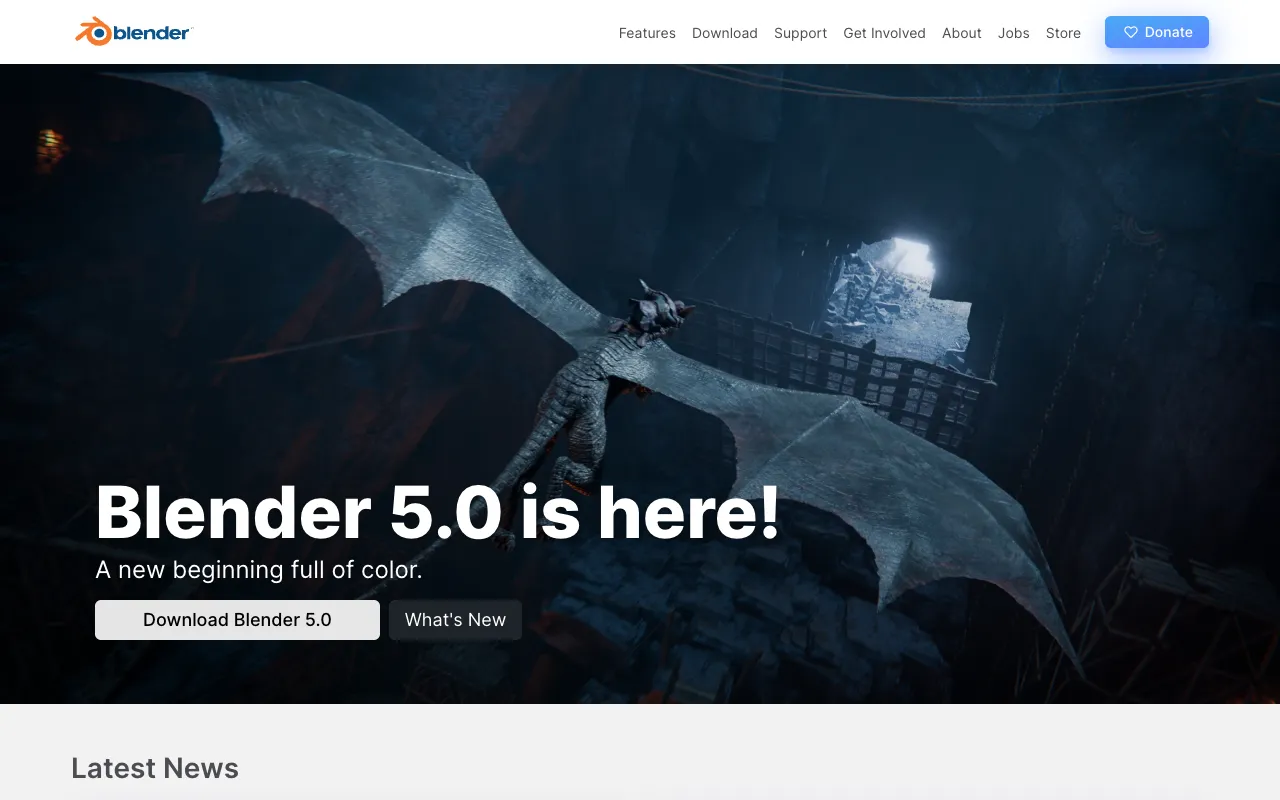
Image of Blender – The Best Free 3D Software for Graphic Designers

Blender – The Best Free 3D Software for Graphic Designers

Blender is the world's leading free and open-source 3D creation suite, offering a complete pipeline for modeling, sculpting, animation, and rendering. For graphic designers looking to expand into 3D, motion graphics, or visual effects, Blender provides professional-grade tools without the prohibitive price tag of commercial software. Its active community and continuous development make it a powerful, versatile, and cost-effective cornerstone for any modern designer's toolkit.

What is Blender?

Blender is a comprehensive, integrated 3D creation platform released under the GNU General Public License. It's not just a viewer or a simple modeler—it's a full-fledged suite that supports the entire 3D pipeline from concept to final output. Unlike subscription-based software, Blender is completely free, forever, making high-end 3D design accessible to freelancers, studios, and hobbyists alike. Its core purpose is to provide a robust alternative for 3D content creation, empowering graphic designers to add dimension, motion, and photorealism to their work.

Key Features of Blender

Photorealistic Cycles & Real-Time Eevee Rendering

Blender includes two powerful rendering engines. Cycles is a path-tracer for achieving stunning, photorealistic results crucial for product visualization and architectural renders. Eevee is a real-time engine that provides fast, high-quality previews and is perfect for motion graphics and animation workflows, allowing designers to iterate quickly.

Advanced Modeling & Sculpting Tools

Move beyond 2D with Blender's complete modeling toolkit. Use polygonal modeling, curves, and NURBS surfaces for hard-surface designs. The digital sculpting system rivals paid software, enabling organic character creation and intricate detail work with dynamic topology and multiresolution modifiers.

Powerful 2D Animation & Grease Pencil

Uniquely, Blender bridges 2D and 3D with Grease Pencil. This feature turns the 3D viewport into a canvas, allowing graphic designers to create 2D animation, storyboards, and annotations directly within the 3D scene, perfect for concept art and motion graphics.

Comprehensive Animation & Rigging System

Create compelling motion graphics and character animations. Blender's rigging tools include automatic skinning, inverse kinematics, and shape keys. Its non-linear animation editor and powerful graph editor give designers precise control over every movement.

Video Editing & VFX Compositing

Blender includes a built-in video sequence editor and a node-based compositor. This allows graphic designers to edit video, combine live-action footage with 3D renders (VFX), and apply color grading—all within the same application, streamlining post-production.

Who Should Use Blender?

Blender is ideal for graphic designers seeking to elevate their work into the third dimension. It's perfect for freelancers wanting to offer 3D product mockups, motion designers creating animated logos and explainer videos, illustrators exploring 3D concept art, and small studios or startups that need professional 3D capabilities without the overhead of expensive software licenses. If your design work involves branding, advertising, UI/UX prototyping, or any visual media that benefits from depth and motion, Blender is an essential tool.

Blender Pricing and Free Tier

Blender's pricing model is its most compelling feature: it is 100% free. There is no free tier because the entire software is free and open-source. There are no subscriptions, no license fees, no trial periods, and no feature limitations. The Blender Foundation develops it, supported by donations and a global community. This makes it the most accessible professional 3D tool available, removing all financial barriers for graphic designers.

Common Use Cases

Key Benefits

Pros & Cons

Pros

  • Completely free with no hidden costs or feature restrictions
  • Incredibly powerful and feature-complete, rivaling paid alternatives
  • Massive, supportive global community and endless learning resources
  • Cross-platform (Windows, macOS, Linux) and regularly updated
  • Integrates the entire 3D pipeline, reducing the need for multiple software packages

Cons

  • The interface and workflow can have a steeper initial learning curve
  • Performance on very complex scenes may require powerful hardware
  • Industry-specific pipeline integration (like for large VFX studios) may be less seamless than paid tools

Frequently Asked Questions

Is Blender really free for commercial use?

Yes, absolutely. Blender is free and open-source software released under the GNU GPL license. You can use it for personal, educational, and commercial projects without paying any fees, royalties, or subscription costs. Your work created in Blender is entirely yours.

Is Blender good for graphic designers?

Blender is excellent for graphic designers. It allows you to expand your services into 3D modeling, animation, and rendering, which are in high demand. Features like Grease Pencil for 2D/3D hybrid work and its powerful rendering engines make it uniquely suited to enhance traditional graphic design with depth, motion, and realism.

What can you create with Blender as a designer?

As a graphic designer, you can use Blender to create 3D logos and typography, product packaging mockups, animated marketing videos, architectural visualizations, UI/UX prototypes in 3D, concept art, and even full music videos or short films. It turns static designs into immersive experiences.

How does Blender compare to paid software like Cinema 4D or Maya?

Blender is now a direct competitor to premium software. It matches or exceeds them in many areas, especially rendering and modeling. The primary differences are cost (free vs. thousands in subscriptions) and specific industry pipelines. For most graphic design applications, Blender offers more than enough power without the financial burden.

Conclusion

For graphic designers ready to explore the vast potential of 3D, Blender is not just an alternative—it's a first-choice solution. It democratizes high-end 3D creation, removing cost as a barrier to entry. While it demands investment in learning, the payoff is a versatile, powerful skill set that can significantly expand your creative offerings and market value. Whether you're animating a logo, visualizing a product, or creating an entire animated scene, Blender provides the professional tools to bring your vision to life, entirely for free. It is the definitive tool for forward-thinking designers building the future of visual media.