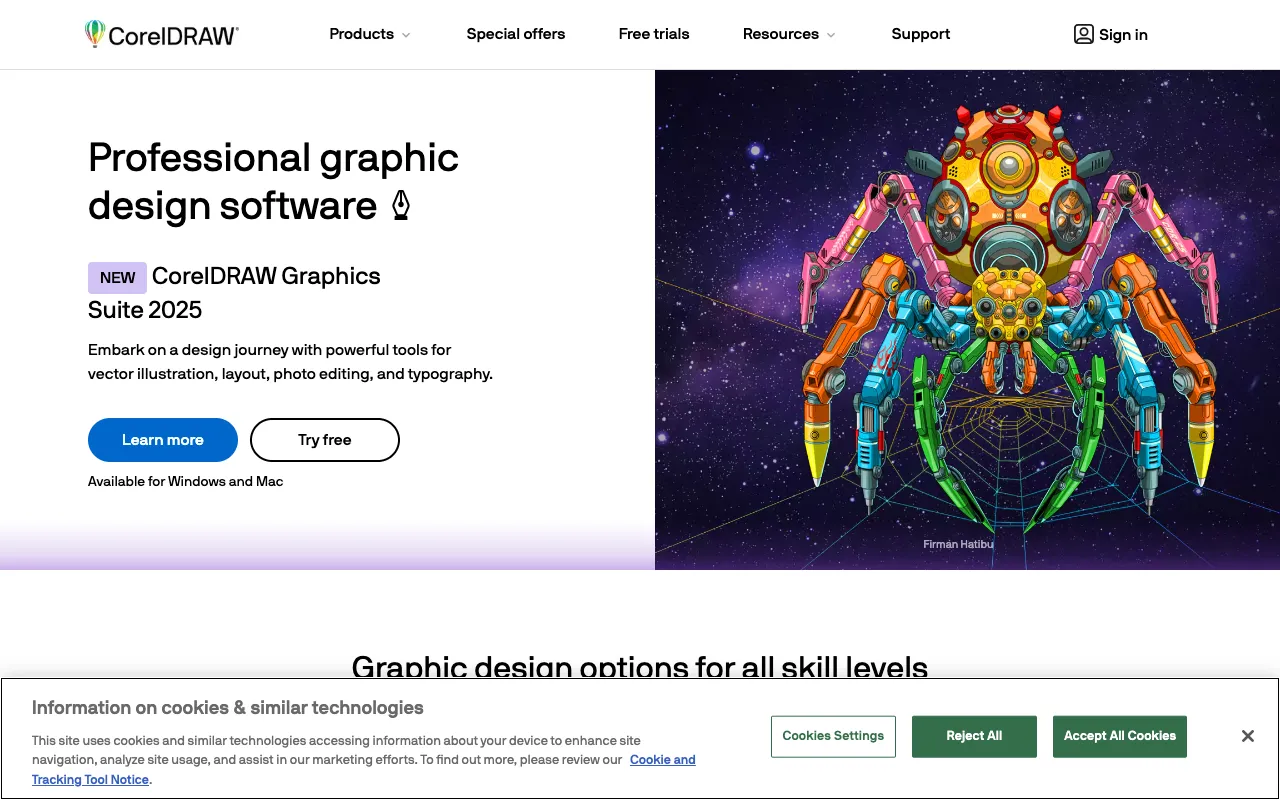
CorelDRAW Graphics Suite – The Ultimate Professional Design Software
CorelDRAW Graphics Suite is the definitive professional design software for graphic artists, illustrators, and creative studios. This comprehensive desktop application combines powerful vector illustration, intuitive page layout, and advanced photo editing in one integrated package. For over three decades, CorelDRAW has been the trusted choice for designers creating logos, brand identities, marketing materials, publications, and web graphics. Its blend of precision tools, creative freedom, and professional workflow efficiency makes it an essential tool for any serious design professional.
What is CorelDRAW Graphics Suite?
CorelDRAW Graphics Suite is an all-in-one professional design software solution developed by Corel Corporation. It is a desktop application built specifically for the complex needs of graphic designers, offering a robust set of tools for vector-based illustration (CorelDRAW), bitmap photo editing (Corel PHOTO-PAINT), font management (Corel Font Manager), and multi-page layout. Unlike subscription-only models, it is available as a perpetual license, giving professionals long-term control over their software investment. It is designed to handle everything from initial concept sketches to final, print-ready or web-optimized artwork, making it a central hub for the entire design process.
Key Features of CorelDRAW Graphics Suite
Advanced Vector Illustration Tools
CorelDRAW provides unparalleled control over vector graphics with its powerful Bézier and Pen tools, dynamic effects, and non-destructive editing capabilities. Designers can create precise logos, intricate illustrations, and scalable artwork with ease. Features like PowerTRACE convert bitmaps to editable vectors accurately, while the Object Docker offers granular control over every design element.
Professional Page Layout & Typography
Built for multi-page projects like brochures, magazines, and reports, CorelDRAW includes sophisticated layout tools. It offers advanced typography controls with OpenType support, text wrapping, and paragraph formatting. The interactive typography tools allow for real-time text manipulation, making it ideal for creating compelling marketing materials and publications.
Integrated Photo Editing with Corel PHOTO-PAINT
The suite includes Corel PHOTO-PAINT, a dedicated bitmap photo editor. It provides professional-grade retouching, compositing, and painting tools. Designers can enhance photos, create masks, apply adjustments, and seamlessly integrate edited imagery into their CorelDRAW layouts without leaving the suite.
Comprehensive File Format Support & Collaboration
CorelDRAW supports a vast range of file formats, including native AI, PSD, PDF, SVG, and DWG. This ensures smooth collaboration with clients and teams using other Adobe or CAD software. Features like asset management, templates, and cloud document storage streamline workflow and project handoff.
Who Should Use CorelDRAW Graphics Suite?
CorelDRAW Graphics Suite is engineered for professional graphic designers and creatives who require a powerful, standalone design solution. It is the ideal choice for logo designers, branding specialists, marketing agencies, print production studios, sign makers, and textile designers. Its precision and power also make it valuable for technical illustrators and small to medium-sized businesses managing their own design in-house. If your work demands high-fidelity vector graphics, complex multi-page layouts, and professional photo retouching without a mandatory monthly subscription, CorelDRAW is a top-tier solution.
CorelDRAW Graphics Suite Pricing and Free Tier
CorelDRAW Graphics Suite operates on a traditional software licensing model. It is available for purchase as a perpetual license, granting you ownership of that version indefinitely. Corel also offers subscription plans that include the latest updates, cloud services, and exclusive content. A fully-functional free trial is available for a limited time, allowing designers to test all features before committing. While there is no permanent free tier, the one-time purchase option provides long-term value and cost predictability for established professionals and studios.
Common Use Cases
- Designing professional logos and brand identity systems from scratch
- Creating multi-page marketing materials like brochures, catalogs, and annual reports
- Producing vector-based artwork for signage, apparel, and large-format printing
Key Benefits
- Achieve precise, scalable vector designs for any print or digital medium
- Streamline your entire design workflow from concept to final output in one integrated suite
- Maintain software cost control with a perpetual license option, avoiding ongoing subscription fees
Pros & Cons
Pros
- Powerful, all-in-one solution for vector, layout, and photo editing
- Perpetual license option provides excellent long-term value
- Superior file format compatibility for seamless collaboration
- Intuitive interface and workflow tailored for professional designers
Cons
- No permanent free version available, only a time-limited trial
- Industry standard status in some regions is shared with Adobe Illustrator
- Steeper learning curve for absolute beginners compared to simpler tools
Frequently Asked Questions
Is CorelDRAW Graphics Suite free to use?
CorelDRAW Graphics Suite is professional, paid software. However, Corel offers a full-featured free trial for a limited period so you can evaluate all its capabilities. After the trial, you can choose between a perpetual license purchase or a subscription plan. There is no permanent free version.
Is CorelDRAW good for professional graphic design?
Yes, CorelDRAW Graphics Suite is an industry-standard tool for professional graphic design, particularly renowned for vector illustration and page layout. It is trusted by design agencies, print shops, and independent professionals worldwide for creating logos, marketing collateral, publications, and technical illustrations due to its precision, power, and comprehensive toolset.
Can CorelDRAW open Adobe Illustrator (AI) files?
Yes, CorelDRAW Graphics Suite has excellent file compatibility. It can natively open, edit, and save Adobe Illustrator (AI) and Photoshop (PSD) files, as well as PDFs, SVGs, and many other formats. This makes collaboration with teams using Adobe Creative Cloud smooth and efficient.
Conclusion
For graphic designers seeking a powerful, self-contained, and cost-effective professional design solution, CorelDRAW Graphics Suite stands as a premier choice. Its unmatched combination of vector prowess, layout capabilities, and photo editing, available through a flexible licensing model, provides the tools needed to execute any design project with confidence and precision. Whether you're building a brand identity from the ground up or producing complex multi-page documents, CorelDRAW delivers the professional-grade performance that serious creatives demand.