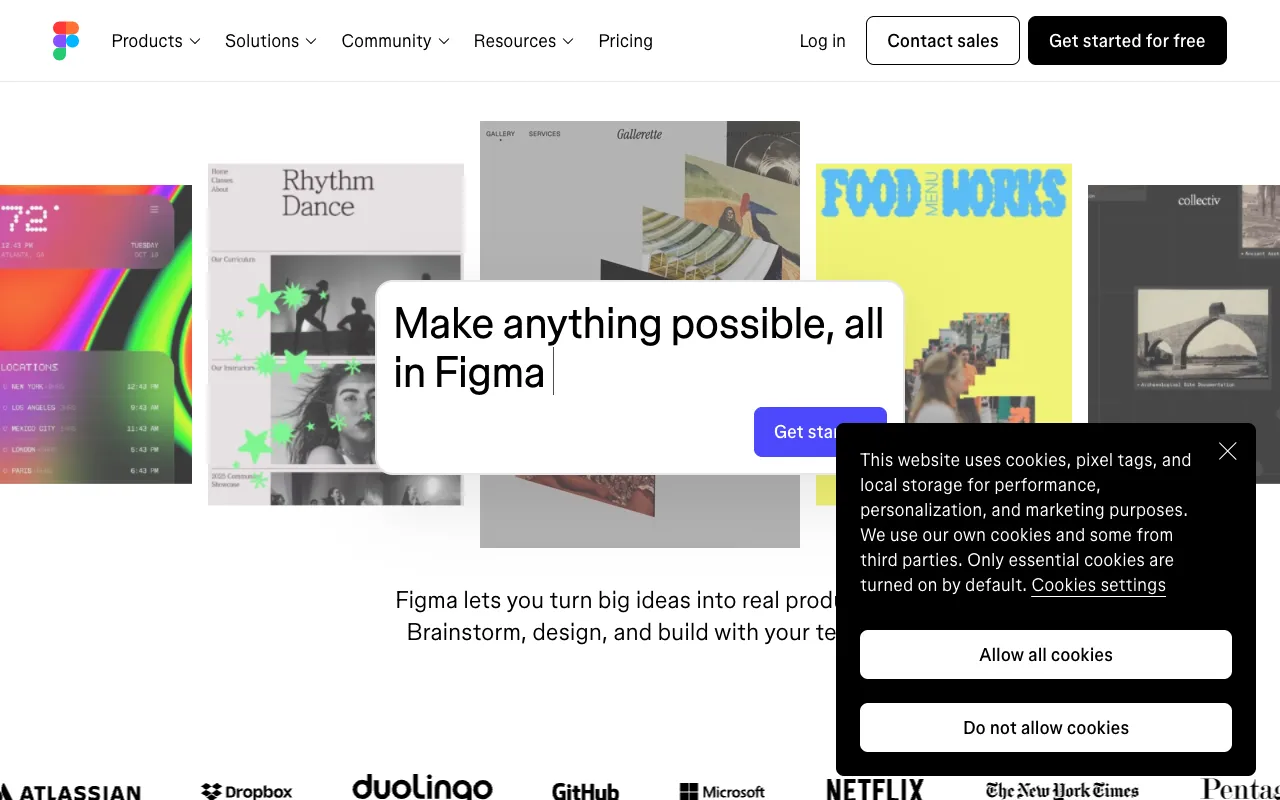
Figma – The Leading Collaborative UI/UX Design Platform
Figma is the definitive cloud-based design platform that has revolutionized how product teams build digital experiences. It combines powerful UI/UX design tools, interactive prototyping, and real-time collaboration into a single, browser-based workspace. Unlike traditional design software, Figma enables designers, developers, and stakeholders to work together simultaneously on the same file from anywhere in the world. It's the essential tool for modern product design workflows, from initial wireframes to developer handoff.
What is Figma?
Figma is a collaborative interface design platform built for the web. At its core, it's a professional-grade vector graphics editor optimized for designing user interfaces, websites, and mobile applications. What truly sets Figma apart is its cloud-first, multiplayer architecture. It eliminates the friction of file sharing, version control, and feedback loops by allowing an entire team to design, prototype, and iterate together in real time within a single, shared document. This makes Figma the central hub for modern design workflows, bridging the gap between design and development.
Key Features of Figma
Real-Time Multiplayer Collaboration
Multiple designers and stakeholders can work in the same file simultaneously. See cursors, selections, and edits from teammates live. This feature eliminates the need for file exports, email chains, and confusing version histories, making design reviews and brainstorming sessions incredibly efficient.
Interactive Prototyping & Animations
Transform static designs into interactive, clickable prototypes directly within Figma. Create complex user flows, micro-interactions, and animations to test and validate user experience concepts without needing separate prototyping software. Share prototypes with a simple link for instant stakeholder feedback and user testing.
Design Systems with Components & Variants
Build scalable, consistent design systems using master Components and powerful Variants. Update a component in one place and see the change propagate across all instances. This ensures brand consistency, speeds up design work, and simplifies maintenance for large projects and product suites.
Developer Handoff with Code Export
Figma streamlines the design-to-development workflow. Developers can inspect designs, access precise measurements (in pixels, ems, or rems), and copy CSS, iOS, and Android code snippets for colors, text styles, shadows, and auto-layout properties directly from the file.
Cross-Platform & Browser-Based
Access Figma from any modern web browser (Chrome, Firefox, Safari, Edge) on Mac, Windows, Linux, or ChromeOS. Native desktop apps are also available for offline work. This universal access ensures everyone on the team can participate, regardless of their operating system.
Who Should Use Figma?
Figma is the ideal platform for any professional or team involved in creating digital products. UI/UX designers benefit from its powerful vector tools and prototyping capabilities. Product managers use it to visualize ideas and gather feedback. Developers rely on it for accurate specs and assets. Freelancers appreciate the seamless client collaboration. Startups and enterprise teams alike leverage its design systems to scale their products efficiently. From solo creators to global design organizations, Figma adapts to the workflow.
Figma Pricing and Free Tier
Figma offers an incredibly generous free Starter plan, perfect for individuals and small teams. It includes up to 3 Figma and 3 FigJam files, unlimited collaborators, and access to plugins and templates. Paid plans (Professional, Organization, Enterprise) unlock unlimited files, advanced prototyping, team libraries, version history, design system analytics, and enhanced security controls. This tiered approach makes Figma accessible for students and freelancers while scaling to meet the needs of the largest corporations.
Common Use Cases
- Collaborative UI/UX design for mobile apps and websites
- Building and maintaining a scalable design system for product teams
- Creating interactive prototypes for user testing and stakeholder presentations
- Streamlining developer handoff with accurate specs and code export
Key Benefits
- Accelerate product development cycles with real-time team collaboration, reducing feedback loops from days to minutes.
- Maintain perfect design consistency across large projects with reusable components and master design systems.
- Eliminate software compatibility issues and enable universal access with a powerful, browser-based platform.
Pros & Cons
Pros
- Unmatched real-time collaboration features for distributed teams.
- Powerful, all-in-one platform combining design, prototyping, and handoff.
- Extremely robust and perpetually free plan for individuals and small projects.
- Vast ecosystem of community-made plugins, widgets, and templates.
- Excellent performance and reliability as a cloud-native application.
Cons
- Requires a stable internet connection for full collaborative functionality.
- Advanced features like branching and organization-level controls are locked behind higher-tier plans.
- Offline editing capabilities are more limited compared to traditional desktop software.
Frequently Asked Questions
Is Figma free to use?
Yes, Figma offers a powerful free Starter plan that includes up to 3 Figma and 3 FigJam files with unlimited collaborators. This is sufficient for many individual designers, students, and small projects. Paid plans unlock unlimited files, advanced version history, team libraries, and more.
Is Figma good for UI/UX design?
Absolutely. Figma is considered the industry-standard tool for professional UI/UX design. Its vector editing tools are specifically built for interface design, and its integrated prototyping, component systems, and collaboration features create a complete end-to-end workflow for modern digital product design.
Can Figma be used for graphic design?
While Figma is optimized for UI/UX and interface design, its powerful vector tools and layout features are also excellent for many graphic design tasks like social media graphics, presentations, icons, and marketing materials. For advanced print design or photo editing, dedicated software like Adobe Illustrator or Photoshop may be more suitable.
How does Figma compare to Adobe XD or Sketch?
Figma's primary advantage is its cloud-native, collaborative foundation. Unlike Sketch (macOS-only) or Adobe XD (which added collaboration later), Figma was built from the ground up for real-time teamwork. It also operates in the browser, eliminating platform restrictions. This focus on collaboration, combined with a strong free tier, has made it the dominant choice for most teams.
Conclusion
Figma has redefined the design tool landscape by prioritizing collaboration without sacrificing professional power. It is more than just software; it's a connected workspace that brings the entire product team together. For any designer, developer, or product team focused on building better digital experiences efficiently, Figma is not just a recommendation—it's an essential platform. Its generous free tier makes it easy to start, and its scalable paid plans support growth from a freelance project to an enterprise design organization. For modern UI/UX design, prototyping, and team collaboration, Figma stands as the clear, industry-leading solution.