Go back
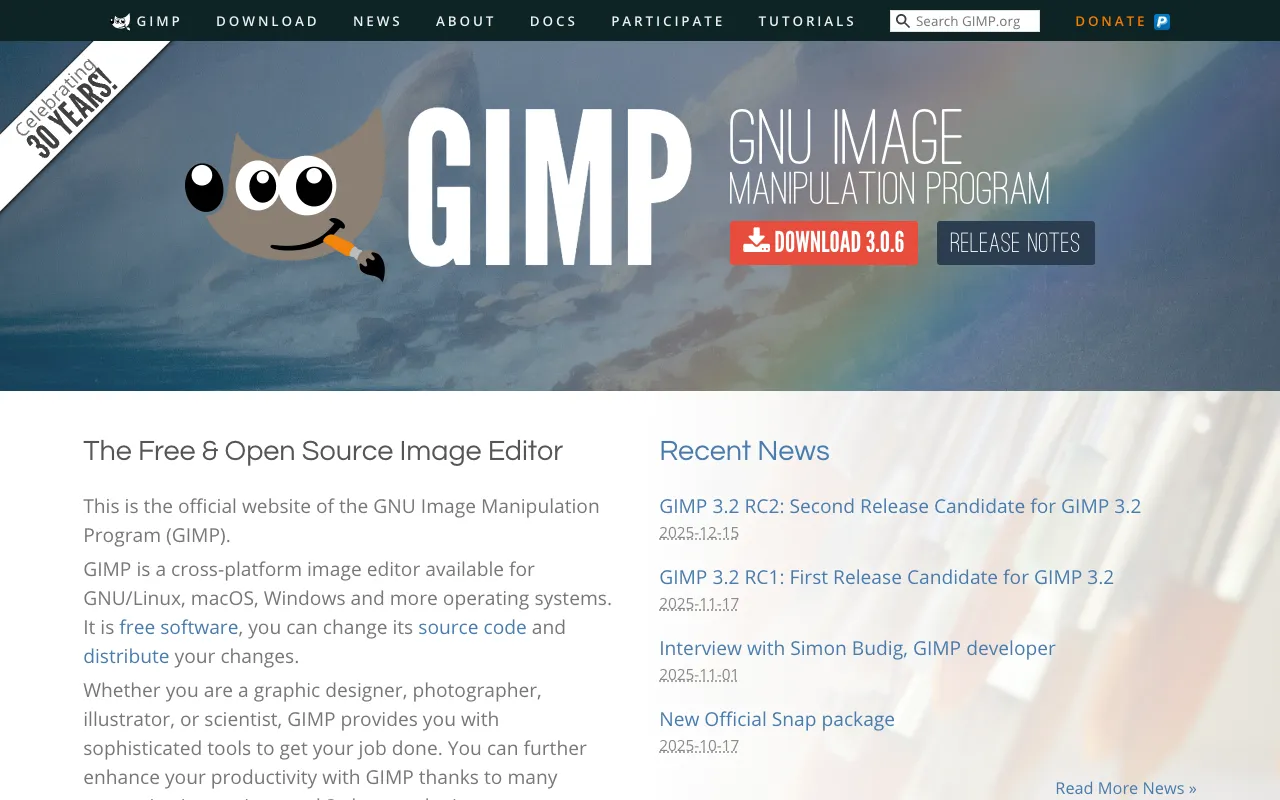
Image of GIMP – The Best Free Graphics Editor for Designers

GIMP – The Best Free Graphics Editor for Designers

GIMP (GNU Image Manipulation Program) is the world's leading free and open-source raster graphics editor, offering professional-grade tools for photo manipulation, digital art creation, and graphic design. As a robust desktop application, it serves as a powerful and cost-effective alternative to premium software like Adobe Photoshop, making advanced image editing accessible to everyone from hobbyists to professional designers.

What is GIMP?

GIMP is a comprehensive, cross-platform desktop application for image editing and creation. It's a raster graphics editor, meaning it works with pixel-based images like photographs and digital paintings. Developed as a free and open-source project, GIMP provides a vast array of tools for tasks ranging from simple photo corrections and retouching to complex multi-layer compositions, digital illustration, and graphic design for web and print. Its open-source nature means it's continuously improved by a global community of developers, ensuring it stays current with the latest design and editing trends.

Key Features of GIMP

Professional Photo Editing Tools

GIMP includes a full suite of photo retouching tools, including advanced color correction, levels and curves, clone stamp, healing brushes, and perspective correction. It supports non-destructive editing with layers and masks, allowing for complex image manipulation without destroying the original data.

Customizable Interface & Workflow

Tailor GIMP to your specific design workflow. The interface features dockable dialogs, allowing you to arrange tools, brushes, layers, and history exactly where you need them. You can create and save custom workspaces for different tasks like photo editing, digital painting, or UI design.

Extensive Format Support & File Compatibility

Open and save files in a wide range of formats including JPEG, PNG, GIF, TIFF, PSD (Adobe Photoshop), PDF, and SVG. This high level of compatibility makes GIMP ideal for collaborative projects and integrating into existing professional workflows.

Powerful Scripting & Plugin Architecture

Extend GIMP's functionality infinitely. It supports scripting with Python, Scheme, and other languages, and has a vast library of user-created plugins and filters for tasks like batch processing, special effects, and automation, allowing you to create a truly personalized editing environment.

Who Should Use GIMP?

GIMP is an ideal solution for graphic designers, digital artists, photographers, UI/UX designers, and marketing professionals who need powerful image editing capabilities without the high cost of subscription-based software. It's perfect for freelancers, small businesses, students, educators, and anyone starting their design journey. Its capability also makes it a valuable secondary tool for web developers needing to edit assets or for hobbyists creating content for social media or personal projects.

GIMP Pricing and Free Tier

GIMP is completely free and open-source. There is no paid tier, subscription fee, or premium version. The software is 100% free to download, use, and modify forever. This includes all core features, updates, and access to the vast library of community-created plugins and resources. You can legally use GIMP for both personal and commercial projects without any licensing costs.

Common Use Cases

Key Benefits

Pros & Cons

Pros

  • Completely free with no hidden costs or subscriptions
  • Open-source and highly customizable with scripts and plugins
  • Professional-grade toolset comparable to expensive commercial software
  • Lightweight and runs well on older or less powerful computers
  • Active community providing extensive tutorials and support

Cons

  • The interface can feel less polished or intuitive compared to some commercial alternatives
  • Some very advanced or niche features found in high-end paid software may be missing or implemented differently
  • Learning curve for users completely new to professional image editing concepts

Frequently Asked Questions

Is GIMP free to use?

Yes, GIMP is completely free and open-source. You can download, install, and use it for any purpose—personal, educational, or commercial—without ever paying a license fee or subscription. All its features are available at no cost.

Is GIMP good for professional graphic design?

Absolutely. GIMP is a professional-grade tool used by many freelancers, designers, and studios worldwide. It handles complex tasks like photo retouching, digital painting, and graphic design for both web and print. While it may have a different workflow than some commercial tools, its capabilities make it a powerful and cost-effective solution for professional work.

Can GIMP open Photoshop PSD files?

Yes, GIMP has strong support for the PSD file format. It can open and edit layered Photoshop files, preserving layer structures, blend modes, and text layers in most cases. This makes collaboration with users of Adobe Photoshop seamless and practical.

What's the difference between GIMP and Photoshop?

The core difference is that GIMP is free and open-source, while Photoshop is a paid, proprietary subscription service from Adobe. Both are powerful raster graphics editors. Photoshop may have an edge in certain high-end, industry-specific features and a more polished UI, but GIMP provides the vast majority of tools needed for professional design at zero cost, with the added benefits of customization and no recurring fees.

Conclusion

For graphic designers seeking a powerful, professional, and completely free image editing solution, GIMP stands as the definitive choice. It delivers an exceptional depth of features for photo manipulation, digital art, and design work, rivaling expensive commercial software. Its open-source nature fosters continuous improvement and a supportive global community. Whether you're a freelancer managing costs, a student learning the craft, or a professional needing a robust secondary tool, GIMP provides the capability and freedom to bring your creative vision to life without compromise. Download GIMP today and experience professional-grade design on your own terms.