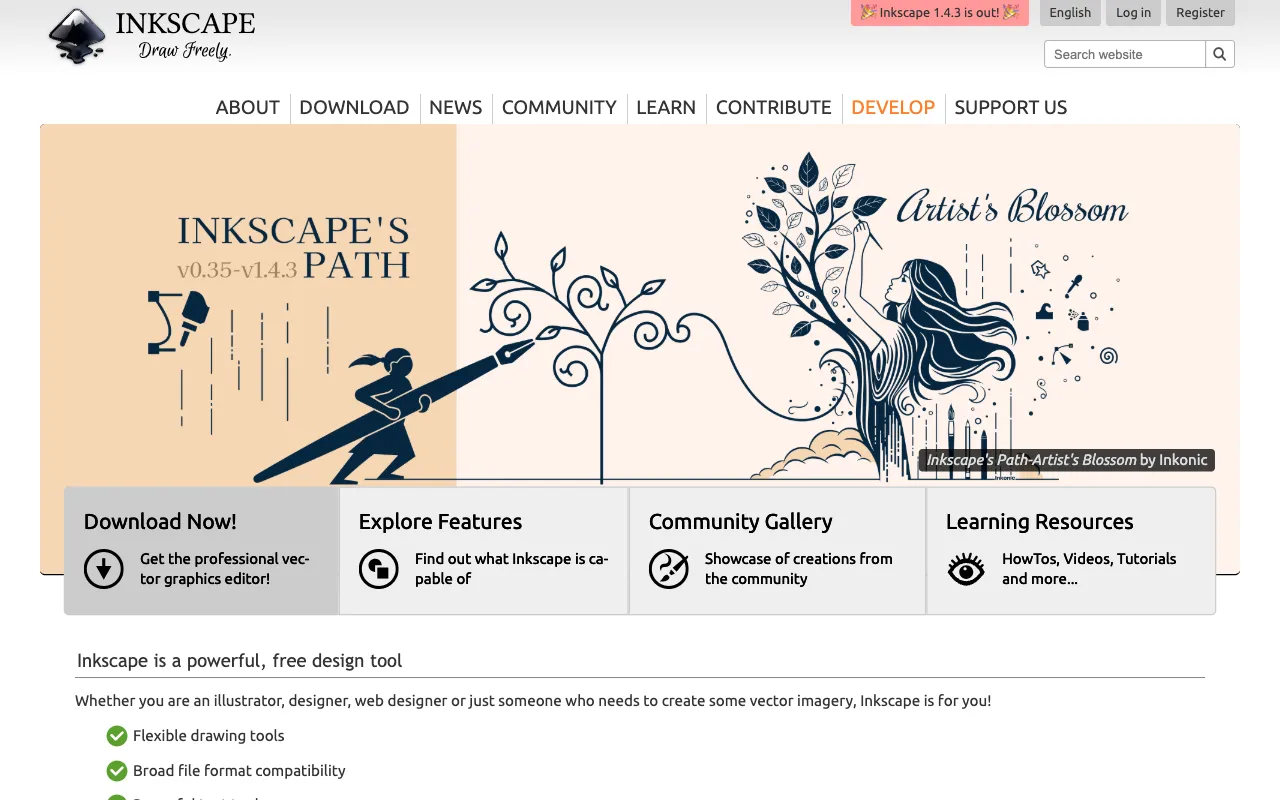
Inkscape – The Best Free Vector Graphics Editor for Designers
Inkscape is a professional-grade vector graphics editor that stands out by offering powerful design capabilities completely free of charge. As an open-source desktop application, it provides graphic designers, illustrators, and digital artists with a robust toolset for creating scalable logos, detailed icons, technical diagrams, and stunning illustrations. For designers seeking Adobe Illustrator alternatives or cost-effective design software, Inkscape delivers exceptional value without compromising on core vector editing functionality.
What is Inkscape?
Inkscape is a free and open-source vector graphics editor used by millions of professional and amateur designers worldwide. Built on the W3C standard Scalable Vector Graphics (SVG) format, it allows users to create artwork that can be scaled to any size without losing quality. Unlike raster-based programs like Photoshop, Inkscape uses mathematical paths, making it the ideal software for logo design, branding materials, technical drawings, and any project requiring crisp, scalable output. Its cross-platform compatibility (Windows, macOS, Linux) and active community development make it a cornerstone of accessible graphic design tools.
Key Features of Inkscape
Comprehensive Drawing Tools
Create precise vector paths with the Pen and Pencil tools, design complex shapes with the Shape tools (rectangles, ellipses, stars, polygons), and craft custom calligraphy or brush strokes. The Node tool allows for meticulous editing of paths, giving you complete control over every curve and anchor point in your design.
Powerful Object Manipulation
Manage complex designs with ease using layers, groups, and alignment/distribution tools. Apply transformations (scale, rotate, skew), advanced path operations (union, difference, intersection), and clone objects for efficient pattern creation. The built-in XML editor provides deep, technical control over your SVG file's structure.
Sophisticated Text Support
Add and manipulate text on a path or within shapes, use a wide range of system fonts, and convert text to editable vector paths. This feature is essential for custom typography in logo design and headline creation, offering flexibility comparable to paid software.
Flexible Color and Filling
Apply solid colors, gradients (linear and radial), and patterns to fills and strokes. Use the color picker, swatches, and the advanced Fill and Stroke dialog for precise color management. Support for alpha transparency and different color models (RGB, HSL, CMYK) ensures your designs are ready for both screen and print.
Broad File Format Support
While SVG is its native format, Inkscape can import common formats like PDF, EPS, AI (basic), PNG, and JPEG. It exports to PNG, PDF, PS, EPS, and more, facilitating seamless workflows with other design and publishing software.
Who Should Use Inkscape?
Inkscape is an ideal vector graphics solution for freelance graphic designers, startup founders, marketing teams on a budget, students, educators, and hobbyists. It's perfect for creating business logos, marketing icons, website graphics, technical illustrations, infographics, and custom artwork for print-on-demand services. Developers and UX/UI designers also use it for creating scalable assets and interface mockups. If your work requires clean, resolution-independent graphics but you need to minimize software costs, Inkscape is a top-tier choice.
Inkscape Pricing and Free Tier
Inkscape is completely free and open-source. There is no paid tier, subscription, or premium version. The software is funded through donations, grants, and community support. Users can download and use Inkscape for any purpose—commercial or personal—without any licensing fees, making it one of the most accessible professional design tools available. This zero-cost model removes the financial barrier to entry for high-quality vector design.
Common Use Cases
- Designing a professional business logo and brand identity package
- Creating scalable icons and user interface assets for web and mobile apps
- Developing detailed technical diagrams, scientific illustrations, and infographics
- Producing custom vector artwork for t-shirts, stickers, and print-on-demand merchandise
Key Benefits
- Eliminate recurring software subscription costs with a powerful, permanently free tool
- Create infinitely scalable graphics that remain crisp at any size for print and digital media
- Gain access to a professional feature set for path editing, typography, and color management
- Join a supportive global community with extensive tutorials, documentation, and shared resources
Pros & Cons
Pros
- Completely free with no hidden costs or feature limitations
- Open-source nature ensures transparency, security, and community-driven improvements
- Exports to a wide range of formats including SVG, PNG, PDF, and EPS
- Cross-platform compatibility works on Windows, macOS, and Linux systems
- Powerful enough for professional logo design and complex illustrations
Cons
- The interface can feel less polished compared to premium commercial software
- Performance may lag with extremely complex documents containing thousands of objects
- Some advanced print-prep features found in paid tools (like specific CMYK separation) are more limited
- Learning curve for users completely new to vector-based design concepts
Frequently Asked Questions
Is Inkscape really free to use for commercial work?
Yes, absolutely. Inkscape is released under the GNU General Public License (GPL). You can use it for any purpose—personal, educational, or commercial—without paying any licensing fees. You can even modify and redistribute it, following the terms of the GPL.
Is Inkscape good for professional graphic designers?
Yes, Inkscape is a capable tool for professional graphic design work, especially for vector-based tasks like logo creation, icon design, and illustration. While the industry standard for high-end print and agency work is often Adobe Illustrator, Inkscape provides a robust, cost-effective alternative for freelancers, startups, and designers who prioritize a powerful free tool. Its support for SVG, a web standard, is also a significant advantage for web and UI designers.
Can Inkscape open Adobe Illustrator (.ai) files?
Inkscape can import basic elements from some Adobe Illustrator (.ai) files, but support is not perfect. For best results, it's recommended to save files from Illustrator in a compatible format like SVG, PDF, or EPS before opening them in Inkscape. This ensures layers, paths, and text are preserved as accurately as possible.
What is the main difference between Inkscape and GIMP?
Inkscape is a vector graphics editor, meaning it creates images using mathematical paths and points, which are ideal for logos and scalable graphics. GIMP is a raster graphics editor, working with pixels, making it better for photo editing, digital painting, and texturing. They are complementary tools; many designers use both for different aspects of a project.
Conclusion
Inkscape is a cornerstone of accessible, professional graphic design. It successfully demystifies vector graphics by providing a comprehensive, free tool that empowers designers at all levels to create high-quality, scalable artwork. For anyone needing to design logos, icons, illustrations, or diagrams without the burden of software subscriptions, Inkscape is not just a viable alternative—it's a first-choice solution. Its commitment to open-source values and the SVG standard ensures it remains a relevant and powerful tool in any designer's digital toolkit. Start your next vector design project with the confidence that you have a professional-grade editor at your fingertips, completely free.