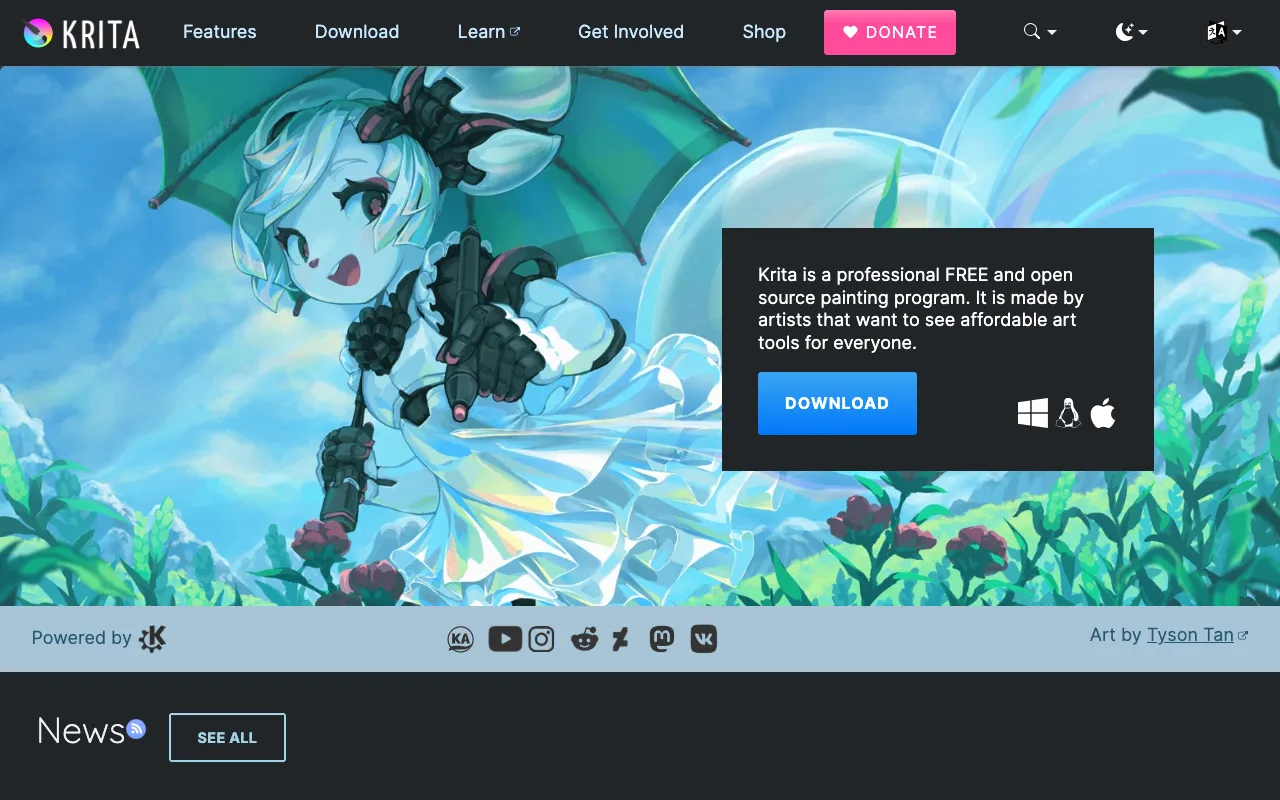
Krita – The Ultimate Free Digital Painting Software for Graphic Designers
Krita stands as a powerhouse in the digital art world, offering professional-grade painting tools completely free of charge. Designed from the ground up for digital artists, illustrators, and graphic designers, this open-source desktop application delivers a comprehensive suite of features that rival premium paid software. With its focus on natural painting workflows, advanced brush engines, and a community-driven development model, Krita empowers creators to produce stunning artwork without financial barriers.
What is Krita?
Krita is a dedicated digital painting and illustration program built by artists for artists. Unlike general-purpose image editors, Krita specializes in simulating natural media and providing tools tailored for creative workflows. Its core mission is to offer a professional, accessible platform for concept art, illustration, comic creation, and texture painting. As a free and open-source project, it benefits from continuous improvements by a global community of developers and artists, ensuring it evolves according to real user needs.
Key Features of Krita
Advanced Brush Engine and Stabilizers
Krita's brush engine is renowned for its versatility and quality. It includes over 100 professionally designed brushes that mimic real-world media like oils, watercolors, charcoal, and ink. The brush stabilizer feature is essential for graphic designers, smoothing shaky hand movements to create clean, confident lines perfect for inking and sketching.
Non-Destructive Layer Management
Work with complete creative freedom using Krita's robust layer system. It supports layer groups, filter layers, and layer masks, allowing for complex compositions. The non-destructive workflow means you can make adjustments at any stage without degrading your original artwork.
Built-In Animation Tools
Expand your graphic design projects into motion with Krita's integrated animation workspace. Create frame-by-frame animations, edit onion skins, and export your work in popular formats, making it a versatile tool for UI designers, illustrators, and content creators.
HDR and PSD Support
Krita offers high dynamic range (HDR) painting and supports the OpenColorIO standard for color-managed workflows. It also provides excellent compatibility with Adobe Photoshop (PSD) files, facilitating seamless collaboration in professional environments.
Customizable Workspace and Resource Manager
Tailor Krita to your specific graphic design workflow. Dockers and panels can be rearranged, and you can save multiple workspace layouts. The resource manager lets you import, export, and organize brushes, gradients, patterns, and textures with ease.
Who Should Use Krita?
Krita is ideal for digital artists, illustrators, concept artists, comic book creators, texture painters, and graphic designers seeking a powerful, cost-free painting solution. It's perfect for freelancers, students, hobbyists, and professional studios looking to reduce software costs without sacrificing capability. Whether you're creating character designs, environmental concepts, digital illustrations, or storyboards, Krita provides the professional tools needed to bring your vision to life.
Krita Pricing and Free Tier
Krita is completely free and open-source software. There is no paid tier, subscription, or premium version—all features are available to every user at no cost. The project is funded through donations and the sale of training materials and artbooks via the Krita Foundation, which supports its ongoing development. This makes it an exceptional value proposition for any graphic designer or digital artist.
Common Use Cases
- Creating digital illustrations and character concept art for client projects
- Designing comic book pages and graphic novel artwork from sketch to final inks
- Painting detailed textures and materials for 3D models and game assets
- Producing storyboards and animatics for animation and video pre-production
Key Benefits
- Eliminate software subscription costs with a fully-featured, professional-grade free tool
- Access a constantly evolving toolset shaped by artist feedback and open-source collaboration
- Maintain full ownership and control over your creative work without vendor lock-in
- Join a supportive global community of artists for learning, resources, and inspiration
Pros & Cons
Pros
- Completely free with no feature limitations or watermarks
- Specialized for painting with superior brush engines and natural media simulation
- Active open-source development ensures regular updates and new features
- Excellent performance and stability for complex, multi-layered projects
Cons
- Primarily focused on painting, with less emphasis on photo manipulation compared to general editors
- Some advanced vector text tools found in dedicated graphic design software are not its core strength
- Learning curve for users transitioning from other digital art applications
Frequently Asked Questions
Is Krita really free for commercial use?
Yes, Krita is completely free for any use, including personal, educational, and commercial projects. There are no licensing fees, subscriptions, or restrictions on how you use artwork created with the software.
Is Krita good for professional graphic design work?
Absolutely. Krita is used by professional illustrators, concept artists, and designers worldwide. Its advanced brush engines, layer system, and color management make it suitable for professional workflows, from freelance commissions to studio production pipelines.
How does Krita compare to Adobe Photoshop for digital painting?
For digital painting and illustration specifically, many artists prefer Krita due to its specialized brush engines, intuitive painting-focused interface, and stabilizer tools. While Photoshop is a more general-purpose editor, Krita is purpose-built for artists and is completely free, making it a top choice for painting-centric graphic design tasks.
Can Krita open and save PSD files?
Yes, Krita has robust PSD file support. It can open layered Photoshop files and save in the PSD format, though with some limitations on very specific, proprietary Photoshop features. This ensures good compatibility when collaborating with Photoshop users.
Conclusion
Krita represents a paradigm shift in accessible professional tools for graphic designers and digital artists. By combining high-end painting capabilities with a commitment to remaining free and open-source, it removes financial barriers to creative expression. For illustrators, concept artists, and designers focused on digital painting, texture creation, and illustrative work, Krita is not just a budget alternative—it's a first-choice professional tool. Its dedicated feature set, passionate community, and ethical development model make it an essential download for any creative professional looking to produce outstanding artwork without ongoing software costs.