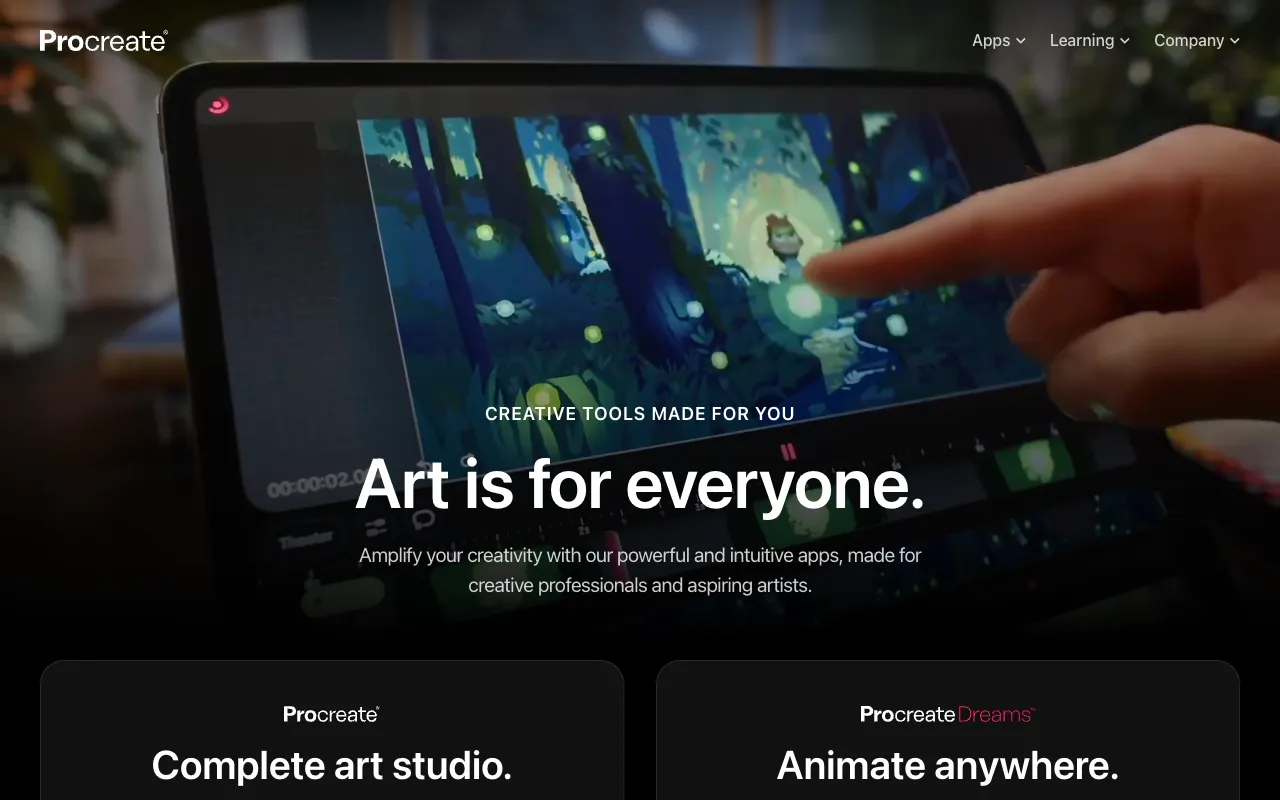
Procreate – The Premier Digital Painting & Illustration App for iPad
Procreate has revolutionized digital art creation by delivering desktop-level painting power to the iPad. Designed specifically for Apple's tablet ecosystem, this raster graphics app combines an intuitive touch interface with a staggering array of professional tools, making it the go-to choice for illustrators, concept artists, graphic designers, and hobbyists worldwide. Whether you're sketching on the go, creating detailed illustrations, or producing frame-by-frame animation, Procreate provides a seamless, responsive, and deeply creative experience unmatched in the mobile art space.
What is Procreate?
Procreate is a high-performance, raster-based digital illustration and painting application developed exclusively for iPad and iPad Pro. Unlike generic drawing apps, Procreate is engineered to leverage the full power of Apple's hardware, including Apple Pencil pressure sensitivity and tilt functionality, to simulate the feel of real-world media with astonishing accuracy. Its core purpose is to provide a complete, portable studio for artists, enabling everything from quick thumbnails and character design to complex, multi-layered paintings and short animations, all within a single, affordable, one-time purchase.
Key Features of Procreate
Advanced Brush Engine & Library
Procreate's custom Brush Studio offers unparalleled control, allowing you to modify hundreds of included brushes or create your own from scratch. With settings for shape, grain, dynamics, and Apple Pencil tilt, artists can replicate everything from oil paint and charcoal to custom texture brushes, providing infinite creative possibilities.
Powerful Layer System with Blending Modes
Manage complex illustrations with a robust layer system supporting multiple blending modes, layer masks, clipping masks, and adjustment layers. This non-destructive workflow is essential for professional illustration and graphic design, allowing for experimentation and refinement without compromising your original artwork.
Procreate Animation Assist
Turn your illustrations into captivating animations with the built-in Animation Assist feature. Create frame-by-frame animations, onion skinning for smooth motion, and export your work as animated GIFs, MP4s, or PNG sequences, making it perfect for storyboarding, social media content, and short motion graphics.
High-Resolution Canvas & Color Management
Work on massive canvases up to 16k by 8k pixels, supporting print-quality artwork. Procreate features advanced color profiles (including P3 and CMYK compatibility for print preparation), a versatile color picker, palettes, and harmony rules to ensure perfect color in every project.
QuickShape & Streamlined Gesture Controls
Speed up your workflow with intuitive gesture controls. QuickShape automatically perfects your drawn shapes, while gestures allow for quick undo, zoom, layer selection, and brush resizing, creating a fluid and distraction-free drawing experience that feels natural.
Who Should Use Procreate?
Procreate is ideal for any creative professional or enthusiast who values portability and power. It's the standard tool for freelance illustrators and concept artists creating client work, graphic designers sketching layouts and logos, comic book artists drafting pages, and hobbyists exploring digital art. Its ease of use also makes it excellent for students and educators in art and design programs. If you create visual content on an iPad and seek a deep, professional toolset without subscription fees, Procreate is your essential app.
Procreate Pricing and Free Tier
Procreate follows a straightforward, one-time purchase model with no recurring subscriptions. It is available for a single, affordable payment on the Apple App Store. While there is no traditional 'free tier,' the app offers a full-featured free trial via TestFlight, allowing users to explore all capabilities before buying. This model provides lifelong access to all current features and future updates, representing exceptional value compared to subscription-based creative software.
Common Use Cases
- Creating professional character design and concept art for games on iPad
- Designing custom logos, illustrations, and social media graphics as a freelance graphic designer
- Producing frame-by-frame animation and motion graphics for digital content
Key Benefits
- Unlocks a complete, portable digital art studio with a single one-time purchase, eliminating costly subscriptions.
- Dramatically accelerates creative workflow with intuitive gestures, QuickShape, and a responsive Apple Pencil experience.
- Empowers artists to produce print-ready, high-resolution illustrations and professional animations entirely on a mobile device.
Pros & Cons
Pros
- Industry-leading performance and brush realism optimized for iPad hardware.
- One-time payment model offers incredible long-term value with free updates.
- Intuitive, gesture-based interface reduces learning curve and boosts productivity.
- Comprehensive feature set rivals many desktop painting applications.
Cons
- Exclusively available on iPadOS, limiting access for Android or desktop-only users.
- Being a raster-based app, it is not suited for vector graphic design or precise scaling work.
Frequently Asked Questions
Is Procreate free to use?
Procreate is not free but is available for a single, affordable purchase on the App Store with no subscription. A full-featured free trial is often available through Apple's TestFlight program, allowing you to test the app thoroughly before buying.
Is Procreate good for professional graphic design?
Absolutely. While primarily a painting and illustration app, Procreate is an excellent tool for graphic designers for sketching concepts, creating custom illustrations and textures, designing logos (as raster art), and crafting social media visuals. Its speed and portability make it perfect for the ideation and asset creation phases of design projects.
Can you use Procreate on iPhone or Mac?
No, the standard Procreate app is designed exclusively for iPad and iPad Pro. However, the developers offer 'Procreate Pocket' for iPhone, which is a separate purchase with a similar feature set optimized for the smaller screen. There is no native Mac version, but you can use Sidecar to mirror your iPad screen to a Mac.
What is the best iPad for Procreate?
Procreate runs well on most modern iPads, but for the best experience, an iPad Pro with an M-series chip and 12.9-inch screen is recommended. The larger canvas, ProMotion display for smoother drawing, and increased RAM allow you to work with more layers on higher-resolution canvases, which is crucial for professional work.
Conclusion
For digital artists and illustrators committed to the iPad ecosystem, Procreate is not just an app—it's the definitive creative platform. Its unmatched combination of a powerful brush engine, intuitive gesture-based workflow, professional animation tools, and a sensible one-time price point solidifies its position as the best-in-class solution for mobile digital art. Whether you're a seasoned professional delivering client work or an aspiring artist honing your craft, Procreate provides all the tools necessary to bring your most ambitious visual ideas to life, anywhere inspiration strikes.