Go back
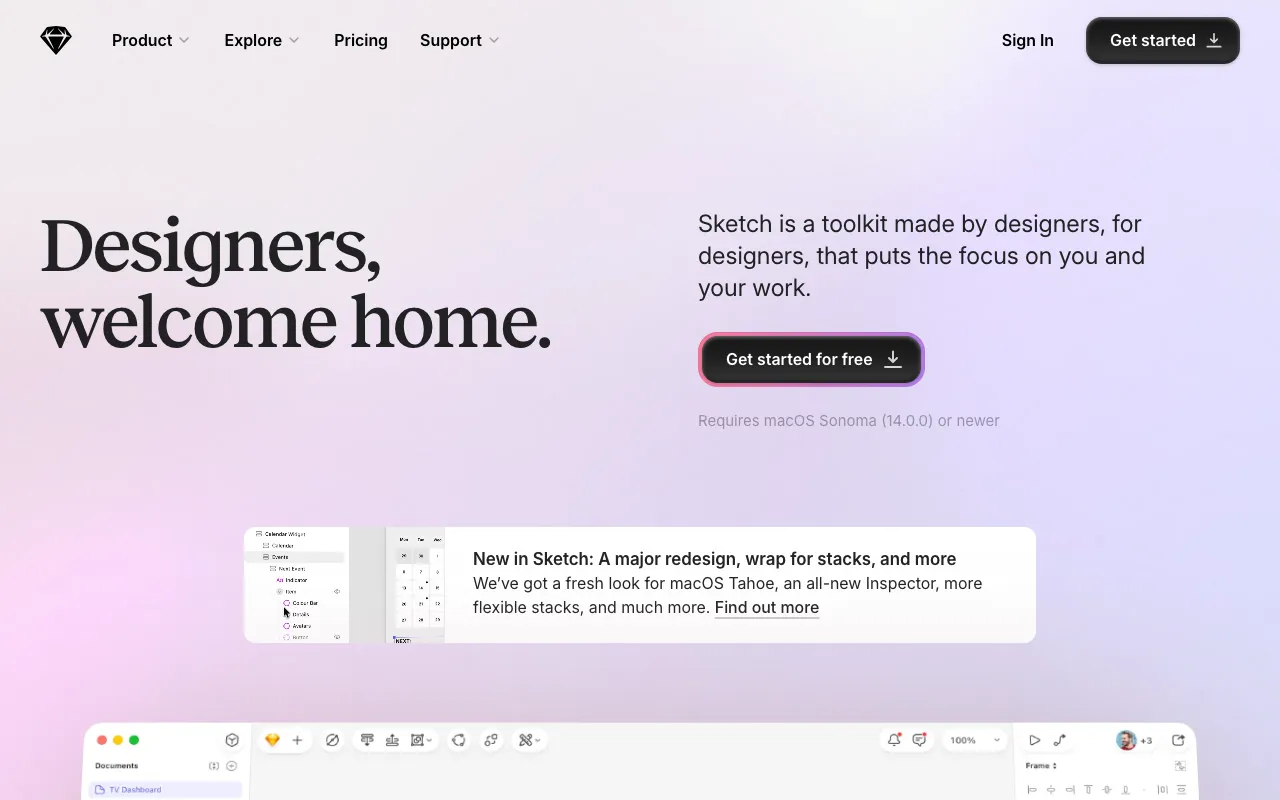
Image of Sketch – The Essential UI/UX Design Tool for macOS

Sketch – The Essential UI/UX Design Tool for macOS

Sketch is the industry-standard vector design application built specifically for macOS, empowering designers to create, prototype, and collaborate on digital products. Trusted by UI/UX professionals globally, Sketch provides a focused, powerful environment for designing websites, mobile apps, and design systems with unparalleled precision and efficiency. Its native Mac performance and extensive plugin ecosystem make it the go-to choice for modern interface design workflows.

What is Sketch?

Sketch is a dedicated, vector-based digital design application exclusively for macOS, engineered from the ground up for user interface (UI) and user experience (UX) design. Unlike general-purpose graphic software, Sketch focuses on the specific needs of designing for screens—web, mobile, and desktop applications. It combines a streamlined, intuitive interface with powerful vector editing tools, making it the preferred platform for creating high-fidelity mockups, interactive prototypes, and scalable design systems. Its single-window workspace and smart layout features allow designers to work faster and maintain consistency across complex projects.

Key Features of Sketch

Vector Editing & Precision

Sketch's core is its powerful, non-destructive vector editing engine. Create crisp, scalable shapes, icons, and interface elements with Boolean operations, advanced pen tools, and pixel-perfect alignment. Export assets at any resolution for any screen, ensuring your designs look perfect from retina displays to standard monitors.

Smart Layout & Responsive Design

Design responsive interfaces effortlessly with Smart Layout. Create components that automatically resize and adapt their content. Define constraints and auto-layout rules to build flexible designs that work across multiple screen sizes and orientations, dramatically speeding up the adaptation process.

Prototyping & Interactions

Turn static designs into interactive prototypes directly within Sketch. Link artboards to create user flows, add micro-interactions, and define transitions. Share clickable prototypes with stakeholders and clients to gather feedback and validate user journeys before development begins.

Libraries & Design Systems

Build and maintain scalable design systems with Shared Libraries. Create a single source of truth for colors, text styles, symbols, and components. Update a master component, and see changes sync instantly across all your documents and team members, ensuring brand and UI consistency.

Real-Time Collaboration

Work simultaneously with your team in the same document using real-time collaboration. See cursor positions, leave comments, and make edits together. Sketch's cloud workspace ensures everyone has access to the latest version, streamlining the design review and iteration process.

Extensive Plugin Ecosystem

Extend Sketch's functionality with thousands of community and official plugins. Automate repetitive tasks, import real data, generate content, connect to other tools in your stack (like Jira, Slack, or Figma), and customize your workflow to fit your team's specific needs.

Who Should Use Sketch?

Sketch is ideal for professional UI/UX designers, product designers, and digital design teams working primarily on macOS. It's perfect for freelancers, agencies, and in-house teams designing websites, mobile applications (iOS & Android), web apps, and software interfaces. If your work focuses on creating user-centric digital experiences, wireframes, high-fidelity mockups, or design systems, Sketch provides the specialized toolkit you need. It's less suited for print design, photo editing, or 3D modeling, as its strengths are deliberately focused on screen-based design.

Sketch Pricing and Free Trial

Sketch operates on a subscription model. They offer a 30-day free trial with full access to all features, allowing you to evaluate the tool thoroughly. After the trial, paid plans start with a Standard license for individual professionals. Team and Organization plans are available for collaboration, featuring shared workspaces, admin controls, and enhanced support. While there is no permanent free tier, the generous trial period and straightforward pricing make it accessible for serious designers to adopt.

Common Use Cases

Key Benefits

Pros & Cons

Pros

  • Native macOS application with excellent performance and integration
  • Focused, intuitive interface optimized specifically for UI/UX workflows
  • Powerful vector editing and smart layout features for responsive design
  • Robust design system management with Shared Libraries
  • Vast ecosystem of plugins to extend functionality

Cons

  • Available only on macOS, limiting cross-platform team accessibility
  • No permanent free plan, only a time-limited trial
  • Real-time collaboration, while good, faces strong competition from web-based tools

Frequently Asked Questions

Is Sketch free to use?

Sketch offers a full-featured 30-day free trial. After the trial period, it requires a paid subscription. There is no permanent free tier, but the trial provides ample time to evaluate if it's the right tool for your design workflow.

Is Sketch good for UI/UX design?

Yes, Sketch is considered one of the best and most established tools specifically for UI/UX design. Its feature set—vector editing, prototyping, design systems, and collaboration—is purpose-built for creating digital interfaces and user experiences, making it a top choice for professionals in the field.

Can I use Sketch on Windows?

No, Sketch is a native application built exclusively for macOS. It does not have a Windows or Linux version. Teams with Windows users often pair Sketch with its web-based collaboration features or consider cross-platform alternatives for broader accessibility.

How does Sketch compare to Figma or Adobe XD?

Sketch pioneered the modern UI design tool category and excels as a powerful, Mac-native application. Figma is browser-based, enabling real-time collaboration across any OS. Adobe XD is tightly integrated with the Creative Cloud. The best choice depends on your platform (macOS-only vs. cross-platform), collaboration needs, and existing software ecosystem.

Conclusion

For macOS-based UI/UX designers seeking a powerful, focused, and mature tool, Sketch remains an exceptional choice. Its deep vector capabilities, intelligent layout features, and robust design system management provide a professional-grade environment for crafting digital products. While the landscape has evolved with web-based competitors, Sketch's performance, extensive plugin library, and dedicated feature set for interface design solidify its position as a top-tier tool for serious design professionals and teams committed to the Apple ecosystem.