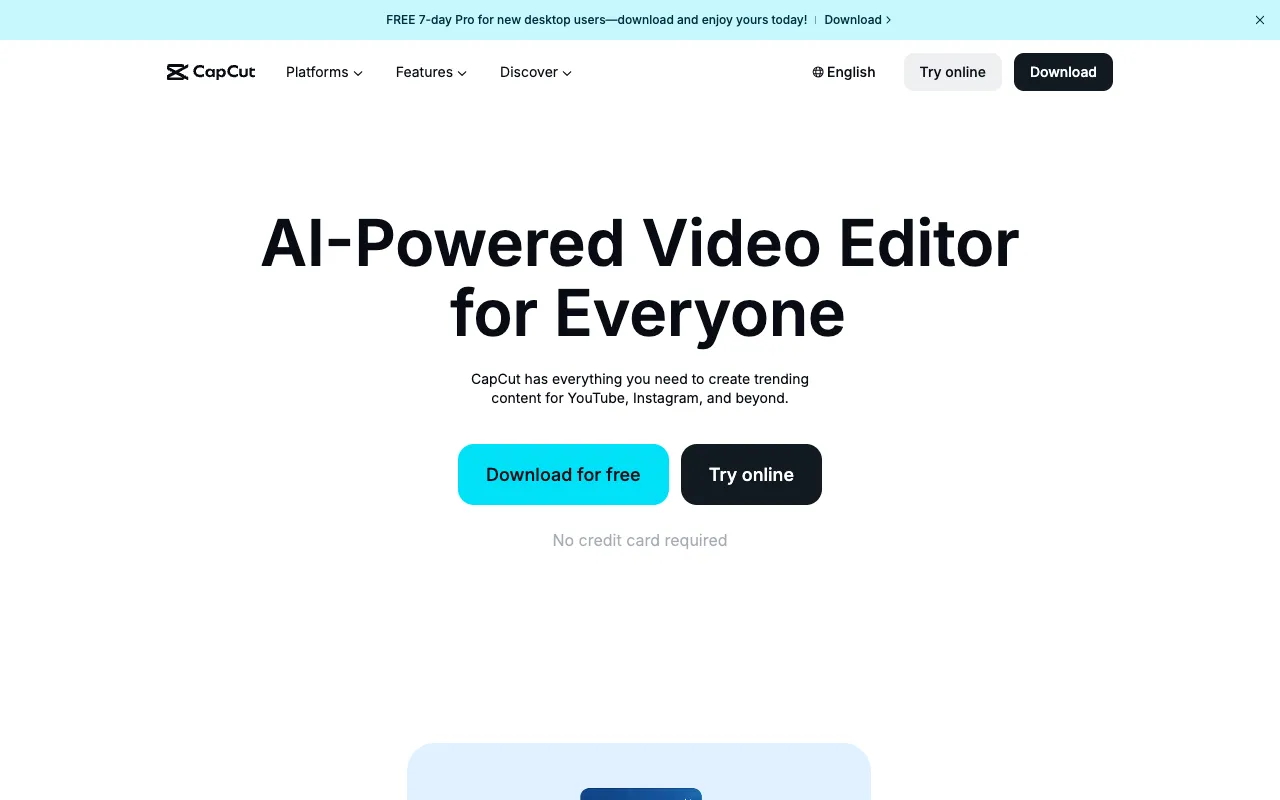
CapCut – The Best Free Video Editor for Instagram Influencers
CapCut is the ultimate free video editing app for Instagram influencers who demand professional-quality Reels and Stories without the cost or complexity. As an all-in-one mobile editing suite, it provides advanced features like keyframe animation, auto-captions, and a vast library of trending templates and effects specifically designed for social media success. Whether you're a budding creator or an established influencer, CapCut empowers you to produce visually stunning, engaging content that captures attention and grows your audience.
What is CapCut?
CapCut is a powerful, free video editing application developed by ByteDance, the creators of TikTok. It is engineered specifically for short-form vertical video content, making it the ideal tool for Instagram influencers focused on Reels and Stories. Unlike basic editors, CapCut offers a professional-grade feature set including multi-layer editing, chroma key (green screen), speed controls, and beat-syncing effects. Its intuitive mobile interface bridges the gap between simplicity for beginners and advanced capabilities for pro creators, all while maintaining a completely free pricing model.
Key Features of CapCut
Vast Template & Effect Library
Jumpstart your creativity with thousands of pre-made templates for Instagram Reels and Stories. These templates are updated with the latest trends, allowing you to quickly produce viral-ready content by simply replacing the media. The extensive effect library includes transitions, filters, stickers, and text animations tailored for social engagement.
Advanced Editing Tools
Go beyond basic cuts with pro features like keyframe animation for smooth object movement, curve speed adjustments for dramatic slow-mo, and chroma key for background removal. CapCut also offers precise audio editing, allowing you to split, fade, and layer soundtracks and voiceovers seamlessly.
Auto-Generated Captions & Subtitles
Boost accessibility and watch time with CapCut's accurate, auto-generated captions. The app can detect speech in multiple languages and create styled subtitles that sync perfectly with your audio, a critical feature for Reels that are often watched on mute.
Direct Social Media Export
Optimize your workflow with exports preset for Instagram Reels, Stories, and other platforms. CapCut ensures your videos are saved in the perfect resolution, aspect ratio, and file size, ready to publish for maximum quality and performance.
Who Should Use CapCut?
CapCut is essential for any content creator whose strategy relies on Instagram. It is perfect for Instagram influencers, social media managers, digital marketers, small business owners, and aspiring creators. If your goal is to produce high-volume, trend-responsive Reels and Stories that look professionally edited without investing in expensive software or desktop setups, CapCut is your ideal solution. Its ease of use lowers the barrier to entry for beginners, while its advanced tools satisfy the needs of expert editors.
CapCut Pricing and Free Tier
CapCut is completely free to download and use, with no hidden fees, watermarks, or trial periods. All core editing features, templates, effects, and export capabilities are available at zero cost. The app monetizes through optional in-app purchases for premium stock assets (like certain music tracks or exclusive effects), but these are not required to access the full professional editing toolkit. This makes it the most cost-effective, high-value video editor on the market for Instagram influencers.
Common Use Cases
- Creating trendy Instagram Reels with viral templates and effects
- Editing professional Instagram Stories with custom text and transitions
- Producing product review videos with smooth cuts and overlays for influencer marketing
Key Benefits
- Produce studio-quality Instagram content directly from your mobile device, saving time and money
- Increase engagement and follower growth with trend-aligned, visually compelling Reels and Stories
Pros & Cons
Pros
- Completely free with no watermarks on exports
- Extensive library of social-media-optimized templates and effects
- Offers advanced editing features like keyframing and chroma key typically found in paid software
- Intuitive mobile-first interface perfect for on-the-go editing
Cons
- As a mobile app, it may lack some ultra-advanced features of desktop editors like Adobe Premiere Pro
- Requires an internet connection to access the full template and asset library
Frequently Asked Questions
Is CapCut free to use for Instagram?
Yes, CapCut is completely free to download and use. All its core video editing features for Instagram Reels and Stories are available without any cost, subscription, or watermark on your final exports.
Is CapCut good for Instagram influencers?
Absolutely. CapCut is one of the best tools for Instagram influencers. It is specifically designed for short-form, vertical video content with features like Reels templates, auto-captions, and trendy effects that are essential for creating engaging, high-quality content that performs well on the platform.
Can I use CapCut on a computer?
While CapCut is primarily a mobile app (iOS/Android), a web-based and desktop version (for Windows and Mac) is also available. This allows for more flexible editing workflows, though the mobile app remains the most popular and feature-complete option for quick, social-media-focused creation.
Conclusion
For Instagram influencers, content quality is non-negotiable, and CapCut delivers professional-grade editing power at the unbeatable price of free. It stands out as the premier mobile editing solution by combining an intuitive interface with genuinely advanced features and a constantly updated asset library tuned for social media trends. If you're serious about growing your Instagram presence through standout Reels and Stories, CapCut is an essential, zero-risk tool that can elevate your content strategy immediately.