Go back
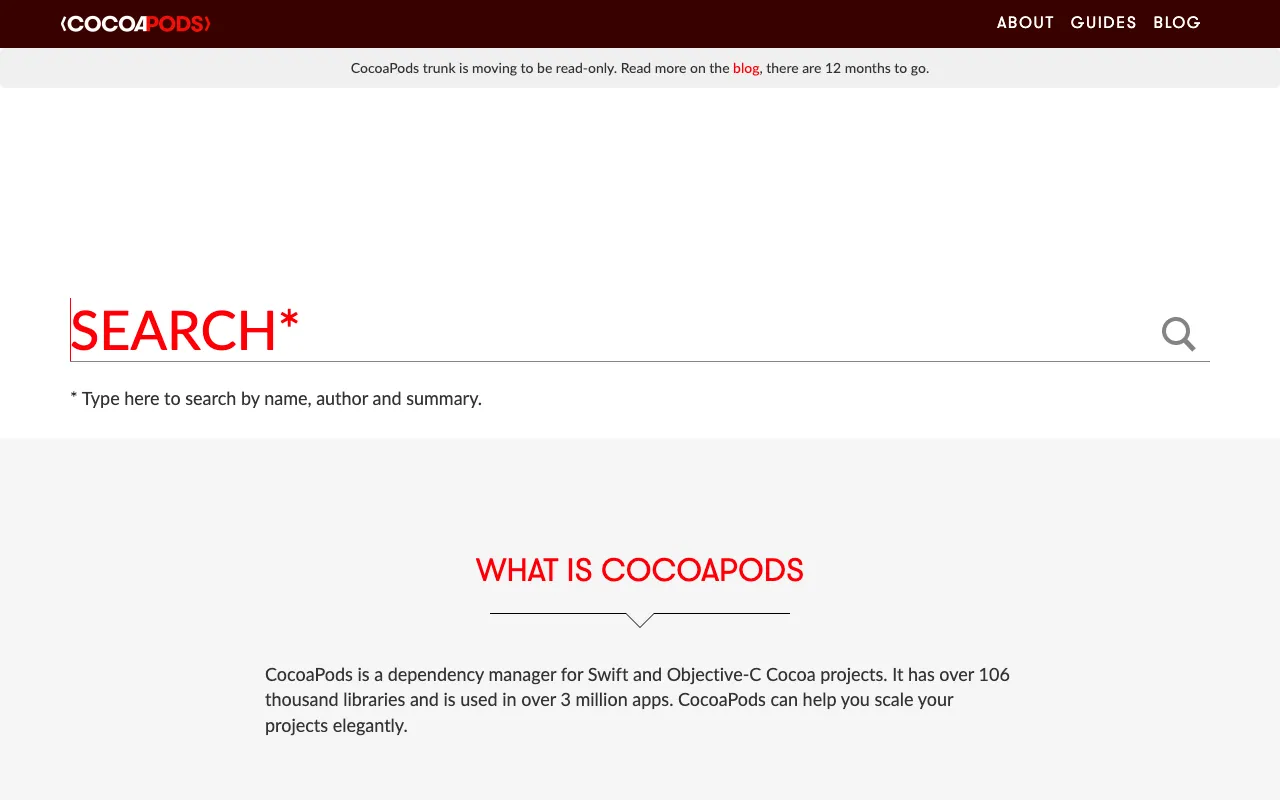
Image of CocoaPods – The Essential Dependency Manager for iOS & macOS Developers

CocoaPods – The Essential Dependency Manager for iOS & macOS Developers

CocoaPods is the cornerstone dependency manager for Apple's development ecosystem, specifically designed for Swift and Objective-C Cocoa projects. It automates the integration of third-party libraries, saving developers countless hours of manual configuration. As an open-source tool trusted by millions of mobile app developers worldwide, CocoaPods streamlines workflows, ensures version consistency, and provides access to a vast repository of pre-built solutions to accelerate iOS and macOS application development.

What is CocoaPods?

CocoaPods is a dedicated dependency manager that automates the process of integrating open-source libraries into Xcode projects for iOS, macOS, and other Apple platforms. It acts as a centralized repository and build tool, allowing developers to declare their project's library dependencies in a simple Podfile. CocoaPods then handles downloading the correct versions, configuring build settings, and linking frameworks, eliminating complex manual setup. It is the de facto standard for managing external code in Swift and Objective-C environments.

Key Features of CocoaPods

Centralized Library Repository

CocoaPods provides a massive, searchable public repository (the 'CocoaPods Specs Repo') containing thousands of open-source libraries. This centralized hub makes discovering, evaluating, and integrating code from Alamofire to SDWebImage fast and reliable.

Simple Podfile Dependency Declaration

Define all your project's external dependencies in a single, human-readable Podfile. Specify library names and version constraints, and CocoaPods resolves and installs the correct versions, managing complex dependency trees automatically.

Automatic Xcode Workspace Integration

CocoaPods generates a dedicated Xcode workspace that seamlessly integrates your project with the installed libraries (pods). It automatically configures header search paths, linker flags, and other build settings, ensuring a smooth build process.

Version Locking and Dependency Resolution

Maintain project stability with precise version control. CocoaPods creates a Podfile.lock file to lock down the specific versions of every pod and its sub-dependencies, ensuring consistent builds across your entire team and CI/CD pipelines.

Who Should Use CocoaPods?

CocoaPods is essential for any developer or team building applications for Apple platforms. It is ideal for iOS and macOS app developers using Swift or Objective-C, from indie developers launching their first app to large enterprise teams managing complex codebases. Mobile app development agencies, open-source contributors, and educators teaching Apple platform development also rely on CocoaPods to standardize workflows and leverage community-driven libraries efficiently.

CocoaPods Pricing and Free Tier

CocoaPods is a 100% free and open-source tool. There is no paid tier, subscription, or premium version. The entire ecosystem—including the dependency manager, command-line tool, and public library repository—is freely available for all developers. This commitment to open-source ensures broad accessibility and fosters a strong community-driven ecosystem for mobile app development.

Common Use Cases

Key Benefits

Pros & Cons

Pros

  • Massive, well-established ecosystem with support for thousands of libraries.
  • Significantly simplifies and standardizes the process of adding dependencies to Xcode projects.
  • Completely free and open-source with strong community support and documentation.

Cons

  • Can increase initial project build times as it integrates and builds all pods.
  • Primarily designed for Cocoa projects, not a cross-platform solution for other ecosystems like Flutter or React Native.

Frequently Asked Questions

Is CocoaPods free to use?

Yes, CocoaPods is completely free and open-source. There are no costs associated with using the tool, its command-line interface, or accessing the public repository of libraries.

Is CocoaPods good for iOS mobile app development?

Absolutely. CocoaPods is considered an industry-standard tool for iOS development. It is specifically designed for the Apple ecosystem (Swift/Objective-C) and is used by a vast majority of professional iOS developers to manage dependencies efficiently, making it an excellent choice for any iOS project.

What is the difference between CocoaPods, Carthage, and Swift Package Manager?

CocoaPods is a high-level dependency manager that integrates libraries directly into your Xcode workspace. Carthage is a decentralized tool that builds frameworks for you to manually link. Swift Package Manager (SPM) is Apple's official, integrated tool that is gaining popularity for its simplicity and direct Xcode support. Many developers use CocoaPods for its vast library support and mature ecosystem, while evaluating SPM for newer projects.

Conclusion

For developers building on Apple's platforms, CocoaPods remains a foundational tool that defines professional workflow. Its ability to tame the complexity of library dependencies in Swift and Objective-C projects is unmatched. While newer tools like Swift Package Manager emerge, CocoaPods' extensive library support, robust feature set, and proven reliability make it the go-to dependency manager for serious iOS and macOS app development. For any project that leverages the rich ecosystem of open-source Cocoa libraries, integrating CocoaPods is a strategic decision that pays dividends in developer productivity and project maintainability.