Go back
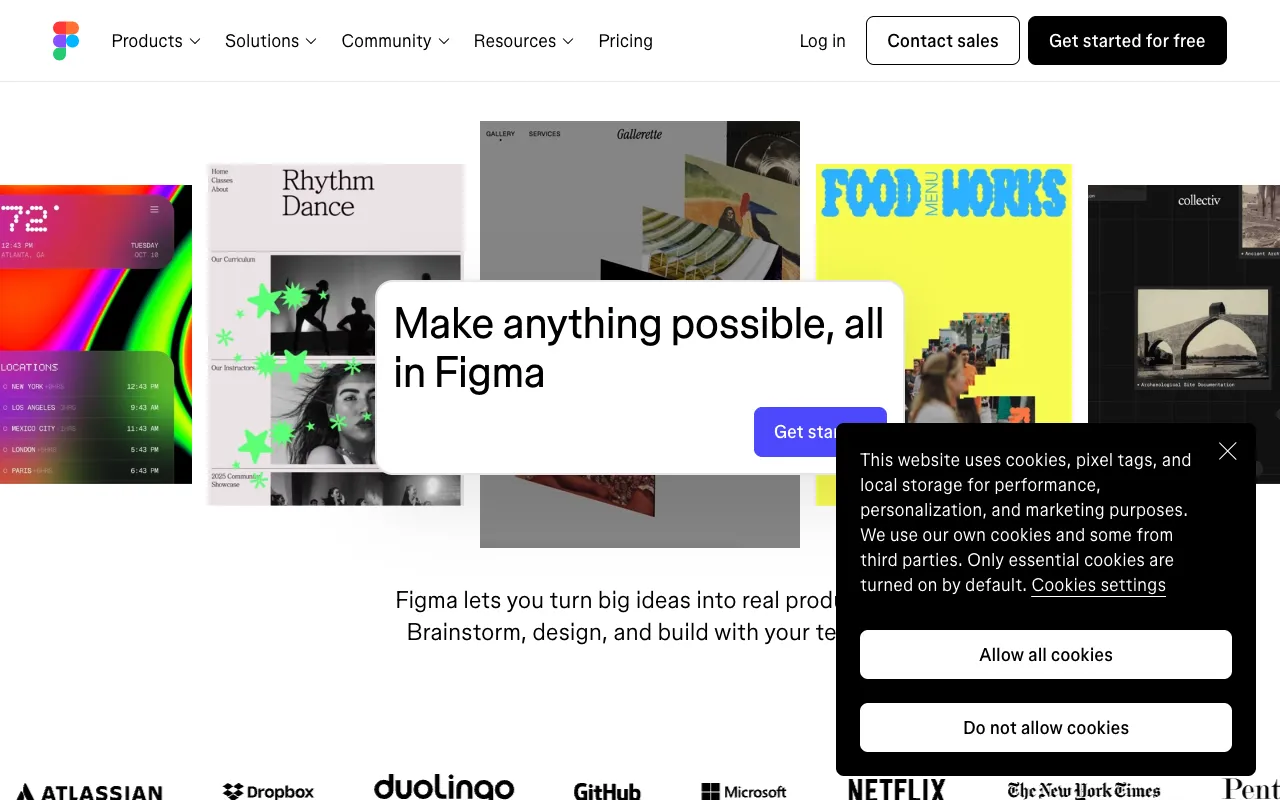
Image of Figma – The Premier Collaborative Design Tool for Mobile App Developers

Figma – The Premier Collaborative Design Tool for Mobile App Developers

Figma is the industry-standard collaborative design platform that empowers mobile app developers and designers to build, prototype, and iterate on user interfaces in real-time. As a cloud-based tool, it eliminates version control headaches and streamlines the entire design-to-development workflow, making it indispensable for modern app creation teams.

What is Figma?

Figma is a powerful, web-based design and prototyping tool built for collaboration. Unlike traditional design software, Figma runs entirely in your browser, allowing mobile app developers, UI/UX designers, and product managers to work simultaneously on the same project. Its core purpose is to bridge the gap between design and development by providing a shared space for creating high-fidelity app interfaces, interactive prototypes, and seamless design handoffs.

Key Features of Figma for Mobile App Development

Real-Time Collaboration

Multiple team members can edit designs, leave comments, and view changes live, just like a Google Doc for design. This eliminates file version confusion and accelerates feedback loops during mobile app development.

Interactive Prototyping

Transform static app designs into clickable, interactive prototypes without writing code. Simulate user flows, transitions, and micro-interactions to test and validate mobile app experiences before development begins.

Design Systems & Components

Create reusable, responsive components (like buttons, nav bars, cards) and build scalable design systems. This ensures visual consistency across your entire mobile application and dramatically speeds up the design process.

Developer Handoff

Figma generates precise CSS, iOS, and Android code snippets, measurements, and asset exports (SVG, PNG, PDF) directly from your designs. This streamlines the handoff from designer to mobile app developer, reducing implementation errors.

Cross-Platform & Cloud-Based

Access and edit your mobile app designs from any computer (Mac, Windows, Linux) via the browser or desktop app. All files are automatically saved to the cloud, ensuring you never lose work and can access the latest version from anywhere.

Who Should Use Figma?

Figma is essential for any professional involved in creating digital products. It's the perfect tool for mobile app developers working closely with designers, UI/UX designers building app interfaces, product managers defining features and flows, and startup founders visualizing their MVP. It's equally valuable for freelancers, in-house corporate teams, and remote development squads that need a single source of truth for their app's design.

Figma Pricing and Free Tier

Figma offers a generous and fully-featured free tier, perfect for individual mobile app developers, freelancers, or small teams starting a new project. The free plan includes up to 3 Figma and 3 FigJam files, unlimited collaborators, and access to all core design and prototyping features. Paid plans (Professional, Organization, Enterprise) unlock unlimited files, advanced collaboration controls, design system analytics, and dedicated support for scaling teams and enterprises.

Common Use Cases

Key Benefits

Pros & Cons

Pros

  • Unmatched real-time collaboration features for distributed teams
  • Powerful, browser-based platform with no installation required
  • Extensive free plan with core functionality for individuals and small projects
  • Superior developer handoff tools with auto-generated code snippets
  • Vast ecosystem of plugins and community resources for extended functionality

Cons

  • Requires a stable internet connection for full functionality (limited offline mode)
  • Advanced features like version history and branching are locked behind higher-tier plans
  • Can have a learning curve for developers new to design-specific tools and terminology

Frequently Asked Questions

Is Figma free to use for mobile app development?

Yes, Figma offers a robust free plan that is more than sufficient for individual mobile app developers, freelancers, or small teams. It includes core design, prototyping, and collaboration features for up to 3 active projects (Figma files), making it an excellent starting point.

Is Figma good for prototyping mobile apps?

Absolutely. Figma is one of the best tools for creating interactive mobile app prototypes. You can link artboards to simulate user navigation, add transitions and animations, and create a realistic feel of the final application, which is crucial for user testing and stakeholder approval.

Can developers use Figma without design skills?

Yes. While Figma is a design-first tool, mobile app developers primarily use it to inspect designs, access precise measurements, copy CSS/Swift/Kotlin code, and export assets. Its intuitive interface makes it easy for developers to navigate and extract the information they need for implementation.

How does Figma compare to Adobe XD or Sketch for app design?

Figma's primary advantage is its native, real-time collaboration and cloud-based platform, unlike Sketch (macOS-only) or Adobe XD (which has added collaboration later). For mobile app teams, especially remote ones, Figma's seamless multiplayer editing and single source of truth often make it the superior choice for efficiency and team alignment.

Conclusion

For modern mobile app development teams, Figma is more than just a design tool—it's a collaboration hub that unites designers and developers. Its powerful prototyping, component-based design systems, and exceptional developer handoff capabilities streamline the entire app creation process from concept to code. Whether you're a solo developer designing your own app or part of a large enterprise team, Figma's blend of a powerful free tier and professional-grade features makes it the definitive choice for building better mobile applications, faster and together.