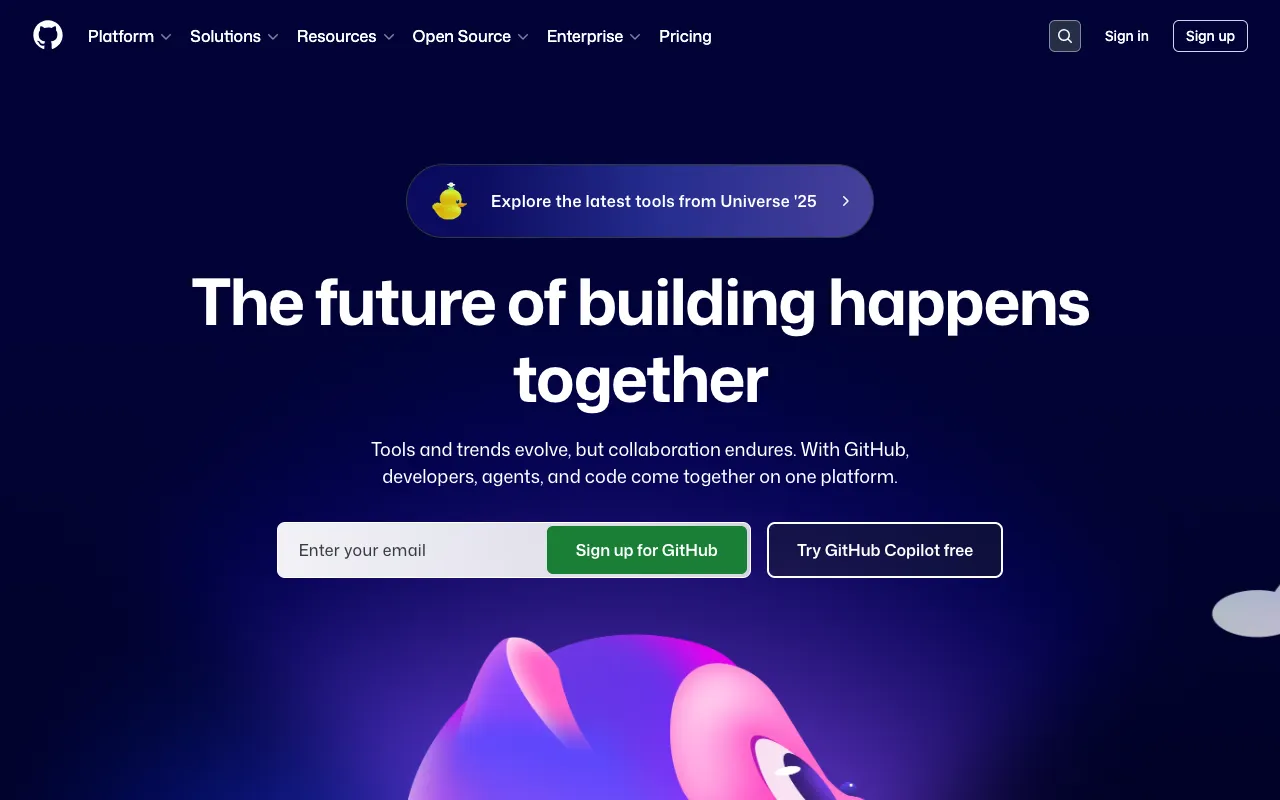
GitHub – The Indispensable Platform for Mobile App Development
For mobile app developers, managing code, collaborating across teams, and automating build and deployment processes is non-negotiable. GitHub stands as the industry-standard platform that integrates version control, powerful collaboration features, and a robust CI/CD solution with GitHub Actions. It's the central hub where code meets automation, enabling developers to build, test, and deploy mobile applications with greater speed, security, and reliability.
What is GitHub for Mobile App Developers?
GitHub is far more than just a Git repository host. For mobile app developers, it's a comprehensive development ecosystem. At its core, it provides distributed version control using Git, allowing teams to track every change, branch for features, and merge code seamlessly. Beyond code hosting, GitHub integrates project management with Issues and Projects, facilitates code review with Pull Requests, and, critically, offers native CI/CD automation through GitHub Actions. This makes GitHub a unified platform to manage the entire lifecycle of iOS and Android applications, from the first commit to production deployment.
Key Features of GitHub for App Development
Git-Based Version Control
GitHub provides a robust, cloud-hosted implementation of Git. This allows mobile dev teams to maintain a single source of truth for their codebase, work on features in isolated branches, and roll back changes instantly if needed. It's foundational for managing complex codebases for both iOS (Swift, Objective-C) and Android (Kotlin, Java) platforms.
GitHub Actions for CI/CD
This integrated automation tool is a game-changer. Developers can create custom workflows to automatically build, test, and deploy their mobile apps on every code push. You can run tests on simulators/emulators, build APKs or IPAs, and even deploy to test services like Firebase App Distribution or TestFlight, saving hours of manual work.
Code Review & Collaboration
Pull Requests are the heart of collaboration on GitHub. They provide a dedicated space for discussing changes, requesting reviews, running automated checks, and iterating on code before it's merged into the main branch. This enforces quality and knowledge sharing within mobile development teams.
Mobile-Focused Project Management
GitHub Issues and Projects help teams track bugs, manage feature roadmaps, and organize sprints. You can link commits and pull requests directly to issues, creating full traceability from a reported bug to the code fix, which is invaluable for maintaining complex mobile applications.
Dependabot & Security
Mobile apps rely on numerous dependencies. GitHub's built-in Dependabot automatically scans your repositories for vulnerabilities in these dependencies and creates pull requests to update them. Combined with secret scanning, it helps secure your app's codebase proactively.
Who Should Use GitHub for Mobile Development?
GitHub is essential for any individual or team building mobile applications. Freelance developers benefit from its free tier for portfolio projects and version control. Startup and enterprise teams rely on its collaboration and automation features to scale their development process. Mobile agencies use it to manage code for multiple client projects securely. Essentially, if you are writing code for iOS or Android and value collaboration, automation, and code quality, GitHub is the platform for you.
GitHub Pricing and Free Tier
GitHub offers an exceptionally generous free tier, perfect for individual developers, students, and small teams. This includes unlimited public and private repositories, 2,000 Actions minutes/month, and 500MB of Packages storage. For advanced needs, Team and Enterprise plans provide enhanced security, compliance, and management features, more Actions minutes, and dedicated support, scaling with your organization's requirements.
Common Use Cases
- Automated CI/CD pipeline for React Native apps using GitHub Actions
- Managing cross-platform Flutter development with team code reviews on GitHub
- Securing native iOS and Android app dependencies with GitHub Dependabot
Key Benefits
- Accelerate release cycles by automating build, test, and deployment workflows directly from your repository.
- Improve code quality and team alignment through structured peer review processes and integrated project management.
- Reduce security risks with automated vulnerability scanning and secret protection for your mobile app code.
Pros & Cons
Pros
- Industry-standard platform with unparalleled ecosystem and community support.
- Deeply integrated CI/CD (GitHub Actions) eliminates context switching between tools.
- Generous free tier makes professional-grade tools accessible to all developers.
- Comprehensive feature set covering version control, collaboration, automation, and security.
Cons
- The learning curve for Git and advanced GitHub features can be steep for absolute beginners.
- Advanced security and compliance features are locked behind higher-tier Enterprise plans.
Frequently Asked Questions
Is GitHub free for mobile app developers?
Yes, GitHub offers a robust free tier that includes unlimited public and private repositories, collaborators, and core features like Issues and Pull Requests. It also includes a monthly allowance of GitHub Actions minutes and storage, which is sufficient for many individual developers and small mobile app projects.
Is GitHub good for CI/CD in mobile app development?
Absolutely. GitHub Actions provides a powerful, flexible, and integrated CI/CD solution specifically valuable for mobile development. You can create workflows to build iOS and Android apps, run tests on various OS versions, and deploy to app stores or testing platforms, automating the entire pipeline from code commit to release.
Can GitHub handle large mobile app teams?
Yes, GitHub is designed to scale from solo developers to massive enterprise organizations. Features like granular repository permissions, required status checks, code owners, and organization-wide security policies make it ideal for managing large, complex mobile app projects with multiple teams contributing code.
Conclusion
For mobile app developers, choosing a development platform is a strategic decision that impacts velocity, quality, and collaboration. GitHub is not just a tool but a complete ecosystem that addresses the core needs of modern app development. Its seamless integration of version control, team collaboration, and native CI/CD automation creates a streamlined workflow that empowers teams to build better software, faster. Whether you're a solo indie developer or part of a large enterprise team, GitHub provides the foundational tools and scalability required to succeed in today's competitive mobile landscape.