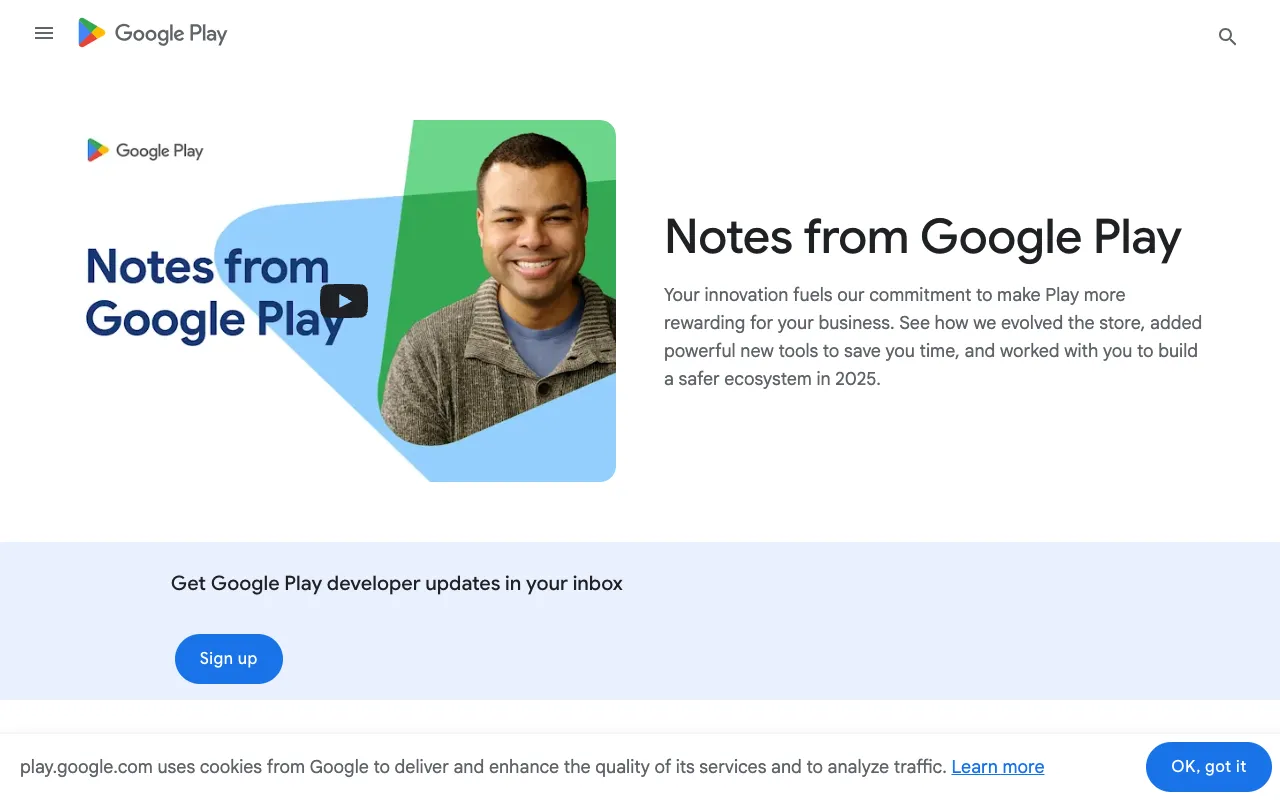
Google Play Console – The Essential Tool for Android App Developers
Google Play Console is the official, non-negotiable platform for any developer building for Android. It’s your central command center for taking an app from concept to publication and beyond, providing the tools needed for release management, user acquisition, performance monitoring, and revenue optimization on the world's largest app marketplace. For mobile app developers, mastering the Play Console is as fundamental as knowing your IDE.
What is Google Play Console?
Google Play Console is a comprehensive web-based dashboard provided by Google for developers and organizations publishing Android applications. It serves as the primary interface for the entire app lifecycle—from uploading your first APK or App Bundle, through store listing creation and pricing setup, to post-launch analytics, user review management, and monetization tracking. It’s the gatekeeper and growth engine for your presence on the Google Play Store, offering deep integration with Google's ecosystem for testing, security, and discovery.
Key Features of Google Play Console
App Publishing & Release Management
Streamline your launch process with robust release tracks (Internal, Closed, Open Testing, Production) and staged rollouts. Manage all your app's assets, store listings, and localized content in one place, ensuring a smooth and controlled deployment to your global audience.
Performance & Quality Insights
Gain actionable data with Android Vitals, which monitor critical metrics like crash rate, ANR (Application Not Responding) rate, and render time. Identify performance bottlenecks, stability issues, and device-specific problems to improve user experience and maintain high store ratings.
User Acquisition & Store Statistics
Track installs, active devices, uninstalls, and user retention across countries and device models. Analyze where your users come from (Google Play search, ads, etc.) and understand conversion rates to optimize your store listing and marketing campaigns.
Monetization & Financial Reports
If your app uses Google Play Billing, the console provides detailed revenue reports, subscription analytics, and forecasts. Track transactions, buyer demographics, and churn rates to refine your pricing strategy and maximize earnings.
User Feedback & Review Management
Centralize management of user ratings and reviews. Respond to feedback directly, track rating trends over time, and use sentiment analysis to prioritize feature updates and bug fixes that matter most to your audience.
Who Should Use Google Play Console?
This tool is mandatory for any individual or team developing for Android, from indie developers and startups to large enterprise studios. It's essential for: developers publishing their first app, product managers overseeing release cycles, QA teams managing test tracks, marketing professionals analyzing acquisition channels, and business owners tracking revenue and subscriptions. Simply put, if your goal is to distribute an app on Google Play, you will use the Play Console.
Google Play Console Pricing and Free Tier
Access to Google Play Console requires a one-time registration fee of $25 to create a developer account. This fee is a lifetime cost for the account, not an annual subscription. Once registered, you gain full access to publish apps and use all core platform features—including analytics, release management, and monetization tools—at no additional ongoing charge. This makes it an incredibly cost-effective essential tool for the Android ecosystem.
Common Use Cases
- Managing staged rollouts for a critical app update to minimize risk
- Analyzing Android Vitals data to diagnose and fix a high crash rate on specific devices
- Optimizing a Play Store listing with A/B testing for screenshots and descriptions to improve conversion
Key Benefits
- Centralized control over the entire Android app lifecycle from a single, official dashboard
- Data-driven decision making with deep performance, acquisition, and monetization analytics directly from Google
- Reduced publishing risk with flexible testing tracks and phased release capabilities
Pros & Cons
Pros
- Official and mandatory platform for Google Play distribution
- Comprehensive, integrated suite of tools covering analytics, releases, and monetization
- Powerful, free performance monitoring via Android Vitals
- Essential for implementing and tracking in-app purchases and subscriptions
Cons
- Steep learning curve due to the depth and breadth of features
- Analytics and reporting can sometimes have a latency of several hours
- Primarily focused on post-build lifecycle; does not replace development or design tools
Frequently Asked Questions
Is Google Play Console free to use?
Yes, after paying a one-time $25 developer account registration fee. There are no recurring subscription costs to use the core publishing, management, and analytics features of the Google Play Console.
Is Google Play Console good for mobile app developers?
It is not just 'good'—it is essential and non-optional for any Android mobile app developer. It is the definitive tool for publishing, managing, and growing an app on the Google Play Store, offering unmatched integration and data directly from the platform owner.
Can I test my app before publishing with Google Play Console?
Absolutely. The console provides robust testing environments: Internal Testing for quick team sharing, Closed Testing for a specific group of testers, and Open Testing for a public beta. This allows you to gather feedback and identify issues before a full production release.
Conclusion
For Android developers, the Google Play Console is far more than just a publishing portal; it's the strategic hub for app lifecycle management. Its combination of mandatory access, deep analytics, and powerful release controls makes it the most critical tool in an Android developer's arsenal after their code editor. While the interface can be complex, the insights and control it provides are invaluable for launching successful, stable, and profitable applications on the world's largest mobile app platform.