Go back
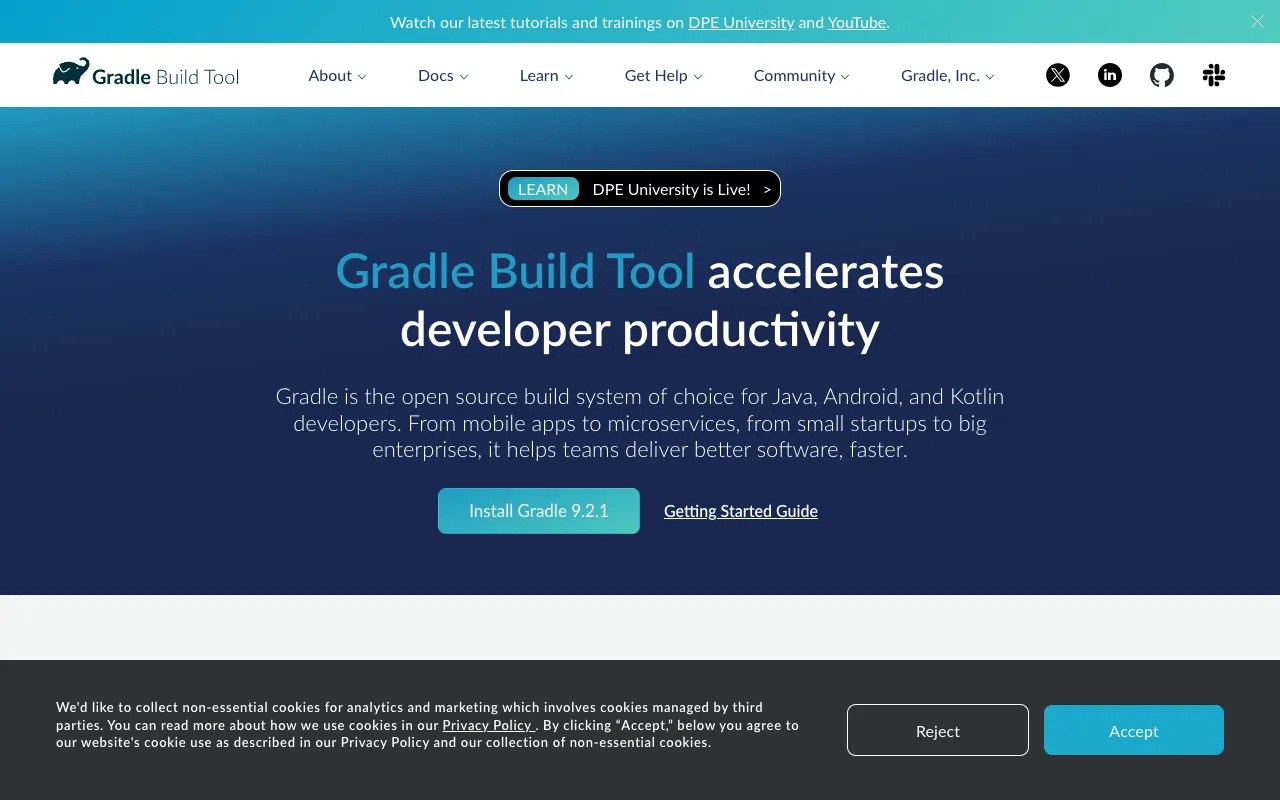
Image of Gradle – The Best Build Automation Tool for Mobile App Developers

Gradle – The Best Build Automation Tool for Mobile App Developers

Gradle is the industry-standard build automation tool powering modern Android development and complex multi-language projects. With its flexible, declarative approach and powerful dependency management, Gradle streamlines the entire build process—from compiling code and managing libraries to running tests and packaging apps. Trusted by developers worldwide, it combines the best of Ant and Maven while introducing incremental builds and a rich plugin ecosystem. Whether you're building a simple Android app or a large-scale enterprise project, Gradle delivers the speed, reliability, and scalability you need.

What is Gradle?

Gradle is an open-source build automation system that uses a Groovy- or Kotlin-based domain-specific language (DSL) for configuration. It was created to overcome the limitations of older tools like Ant and Maven by offering a more expressive, maintainable, and performant build process. While it's the official build tool for Android Studio and the entire Android ecosystem, Gradle's capabilities extend far beyond mobile—supporting Java, Kotlin, C/C++, Scala, Groovy, and other languages through its extensible plugin architecture. Its core philosophy centers on convention-over-configuration, incremental builds, and a dependency management system that resolves conflicts intelligently.

Key Features of Gradle

Incremental Builds

Gradle's incremental build feature dramatically reduces build times by re-executing only the tasks whose inputs have changed since the last run. This is especially valuable in large projects, where rebuilding everything from scratch can take minutes. For mobile developers, this means faster iteration cycles when testing UI changes or fixing bugs.

Powerful Dependency Management

Gradle provides a robust dependency resolution engine that supports transitive dependencies, conflict resolution, and dynamic versioning. It can fetch libraries from Maven, Ivy, and flat directory repositories, caching them locally to avoid redundant downloads. This ensures your Android project always uses compatible library versions without manual intervention.

Multi-Project Builds

Organize large codebases into modular, interdependent subprojects. Gradle handles dependencies between modules efficiently, allowing you to build, test, and publish components independently. This is ideal for mobile apps with shared libraries, SDKs, or multi-platform code.

Extensible Plugin Ecosystem

Extend Gradle's functionality with official and community plugins. The Android Gradle Plugin (AGP) is the most prominent, providing Android-specific tasks like packaging APKs, managing signing keys, and building app bundles. Other plugins add support for Kotlin Multiplatform, Docker, Protobuf, and more.

Build Cache and Daemon

The build cache stores task outputs across builds, even between different machines, while the long-lived Gradle Daemon keeps the JVM warm to eliminate startup overhead. Together, they make repeated builds significantly faster—a game-changer for CI/CD pipelines and developer productivity.

Who Should Use Gradle?

Gradle is essential for Android developers, as it's integrated into Android Studio and required for building any modern Android app. It's equally valuable for Java and Kotlin developers working on server-side applications, libraries, or multi-platform projects. Teams managing complex, multi-module codebases benefit from Gradle's project structuring and dependency management. DevOps engineers appreciate its scripting capabilities for CI/CD integration. Essentially, any developer or team looking for a fast, reliable, and scalable build system beyond simple scripts should consider Gradle.

Gradle Pricing and Free Tier

Gradle Build Tool is completely free and open-source under the Apache License 2.0. There are no usage limits, license fees, or restrictions for individual developers or teams. For enterprise needs, Gradle Inc. offers Gradle Enterprise—a commercial product that provides build caching, test distribution, and analytics for large organizations. However, the core Gradle tool remains free forever, making it accessible to everyone from hobbyists to Fortune 500 companies.

Common Use Cases

Key Benefits

Pros & Cons

Pros

  • Official build tool for Android with deep IDE integration
  • Extremely flexible DSL allows for customized build logic
  • Superior performance over Maven and Ant for medium to large projects
  • Strong community and extensive plugin ecosystem
  • Free and open-source with no vendor lock-in

Cons

  • Steeper learning curve compared to simpler tools like Maven
  • Build files can become complex and difficult to debug in large projects
  • Initial build configuration requires more upfront time

Frequently Asked Questions

Is Gradle free to use?

Yes, Gradle Build Tool is completely free and open-source. There are no charges for downloading, using, or modifying it. Gradle Inc. offers a paid enterprise solution called Gradle Enterprise with additional features, but the core tool remains free.

Is Gradle good for Android development?

Gradle is not just good—it's the standard and official build tool for Android development. Android Studio relies on the Android Gradle Plugin (AGP) to compile code, manage resources, run tests, and generate APKs or App Bundles. Any modern Android app is built with Gradle.

What is the difference between Gradle and Maven?

While both are build tools, Gradle uses a flexible, script-based DSL (Groovy/Kotlin) for configuration, whereas Maven uses a rigid XML format. Gradle supports incremental builds and has a more powerful caching system, leading to faster build times. Maven is simpler for basic projects, but Gradle offers greater flexibility and performance for complex builds.

Can I use Gradle for non-Java projects?

Absolutely. While Gradle excels with JVM languages (Java, Kotlin, Groovy, Scala), its plugin system extends support to C/C++, Swift, JavaScript, Python, and more. It's a versatile choice for polyglot or multi-platform projects.

How do I migrate from Maven to Gradle?

Gradle provides a built-in `init` task that can generate a Gradle build script from an existing Maven POM file. This automates much of the migration. For complex projects, manual adjustments may be needed to leverage Gradle-specific features like incremental builds or custom tasks.

Conclusion

For mobile app developers—especially those in the Android ecosystem—Gradle is the indispensable build automation tool that balances power, performance, and flexibility. Its incremental builds, sophisticated dependency management, and extensible plugin system solve real-world development pain points at scale. While the learning curve is steeper than simpler alternatives, the long-term gains in build speed, maintainability, and team productivity are substantial. Whether you're an indie developer or part of a large engineering organization, adopting Gradle will streamline your development workflow and future-proof your build process. Start with its free, open-source version today to experience why it's the build tool of choice for modern software projects.