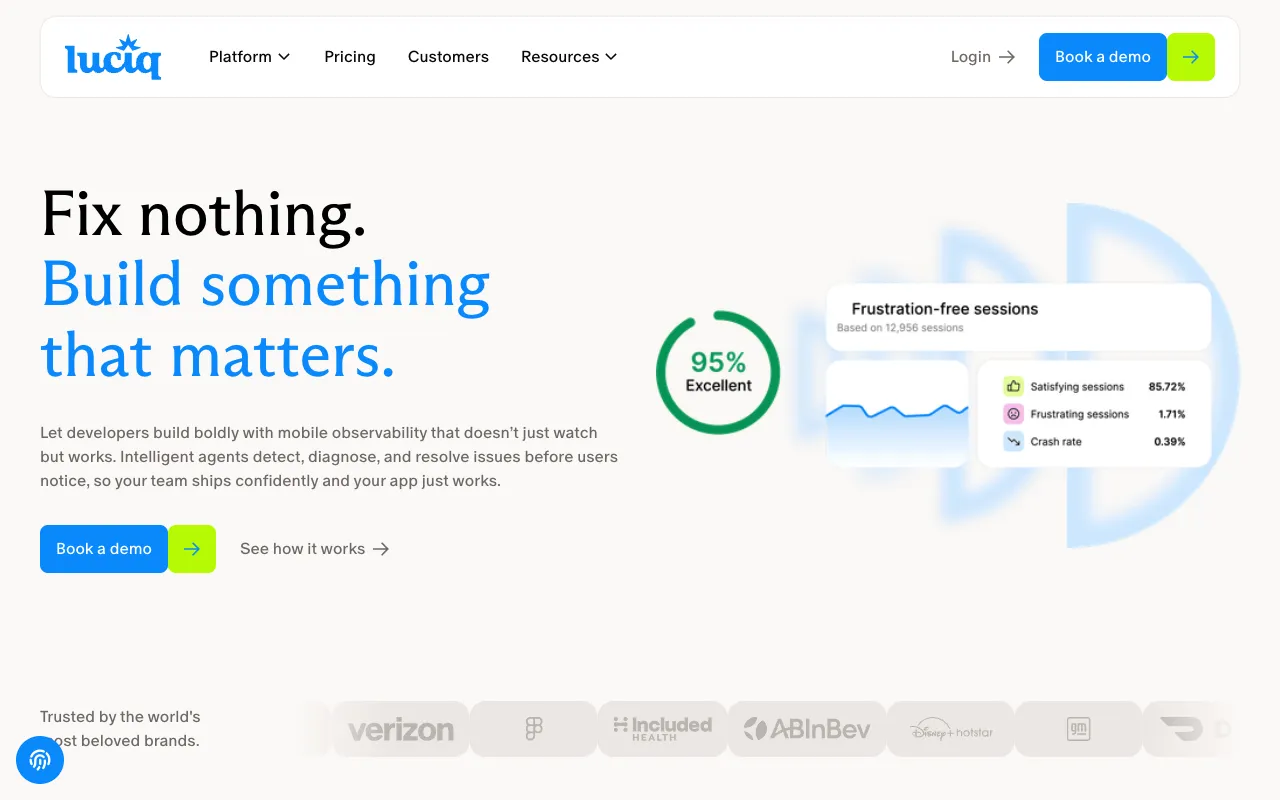
Instabug – The Best In-App Feedback & Bug Reporting Tool for Mobile Developers
Instabug is an essential SDK for modern mobile app development teams. It empowers developers to build higher quality applications by seamlessly embedding bug reporting, user feedback collection, and performance monitoring directly into their iOS and Android apps. With Instabug, beta testers and end-users can report issues in seconds with rich contextual data, drastically reducing the time developers spend on reproducing and fixing bugs. This leads to faster release cycles, improved user satisfaction, and a more stable app overall.
What is Instabug?
Instabug is a comprehensive mobile-focused platform that provides developers with deep insights into their app's performance and user experience. At its core, it is an SDK (Software Development Kit) that integrates into your mobile application, adding a layer for capturing in-the-moment feedback. When users encounter a bug or have a suggestion, they can simply shake their device or use a customizable gesture to trigger the Instabug reporter. This instantly captures a screenshot, screen recording, detailed device logs, network requests, and user steps, compiling everything into a structured, actionable report sent directly to your development dashboard. It bridges the critical gap between user experience and developer insight.
Key Features of Instabug
Shake-to-Report & In-App Chat
The iconic 'shake-to-report' feature makes bug reporting intuitive for users. Coupled with in-app chat, it allows for two-way communication where developers can ask for clarification or provide updates, turning bug reports into collaborative conversations and improving resolution time.
Comprehensive Bug Reporting
Instabug goes beyond simple text descriptions. It automatically attaches vital debugging information with every report, including console logs, network requests, view hierarchy, and detailed environment details (OS version, device model, battery level, etc.), giving developers the full context needed to reproduce and fix issues quickly.
Crash Reporting & Performance Monitoring
Monitor app stability in real-time with automatic crash reporting. Instabug groups similar crashes, provides full stack traces, and highlights the exact lines of code causing the issue. Its performance monitoring tracks app launch time, UI responsiveness, and HTTP network latency to pinpoint performance bottlenecks.
Surveys & Feature Request Collection
Proactively gather user sentiment and ideas through targeted in-app surveys. Deploy NPS (Net Promoter Score), feature satisfaction, or custom surveys to understand user needs and prioritize your product roadmap based on direct feedback.
Session Replay & User Steps
See exactly what users did before encountering an issue. Session replay records touch events and screen changes, while the user steps feature provides a textual log of actions, making it incredibly easy to replicate complex user journeys that lead to a bug.
Who Should Use Instabug?
Instabug is indispensable for any individual or team involved in building, testing, and maintaining mobile applications. It is perfectly suited for mobile app developers, QA engineers, product managers, and customer support teams in startups, mid-sized companies, and large enterprises. Whether you're running a closed beta test, managing a live app with millions of users, or focusing on improving app store ratings by resolving user-reported issues, Instabug provides the tools to streamline the entire feedback lifecycle. Teams that prioritize rapid iteration, data-driven development, and superior user experience will find immense value in integrating Instabug.
Instabug Pricing and Free Tier
Instabug offers a generous free tier designed for individual developers, startups, and small teams. The free plan includes core bug reporting and crash reporting features with a monthly session limit, making it an excellent way to start improving app quality at no cost. For teams requiring advanced features like performance monitoring, surveys, higher session volumes, and priority support, Instabug provides scalable paid plans (Essentials, Pro, and Enterprise). Pricing is based on monthly sessions, and you can request a custom quote directly from their website to match your team's specific scale and needs.
Common Use Cases
- Collecting visual bug reports from beta testers during app development
- Reducing mean time to resolution (MTTR) for customer-reported issues in live mobile apps
- Improving app store ratings by proactively identifying and fixing crashing bugs
Key Benefits
- Accelerate debugging and development cycles by receiving reproducible bug reports with full context.
- Enhance user satisfaction and retention by making it easy for users to report issues and feel heard.
- Make data-driven product decisions based on direct user feedback and in-app survey results.
Pros & Cons
Pros
- Extremely user-friendly for both end-users (simple gesture) and developers (rich data).
- Comprehensive feature set that covers the entire feedback loop from reporting to resolution.
- Powerful free tier allows small teams and indie developers to access essential tools.
- Seamless integration with popular project management tools like Jira, Slack, GitHub, and more.
Cons
- Advanced features like performance monitoring and surveys are locked behind higher-tier plans.
- Pricing for the Pro and Enterprise tiers can become significant for apps with very high monthly session volumes.
Frequently Asked Questions
Is Instabug free to use?
Yes, Instabug offers a robust free forever plan that includes core bug and crash reporting features, perfect for getting started. Paid plans with advanced capabilities are available for growing teams and larger applications.
Is Instabug good for mobile app development?
Absolutely. Instabug is considered a best-in-class tool for mobile app developers. It directly addresses the unique challenges of mobile development by providing deep, contextual insights from the user's device, which is crucial for debugging issues that are difficult to reproduce in a simulated environment.
What platforms does Instabug support?
Instabug provides native SDKs for iOS (Swift & Objective-C) and Android (Java & Kotlin). It also supports cross-platform frameworks like React Native, Flutter, Xamarin, and Cordova, making it a versatile choice for most mobile development stacks.
How does Instabug help with app store ratings?
By making it easy for users to report issues directly to you instead of leaving a negative public review, Instabug helps intercept potential bad ratings. Furthermore, by fixing reported crashes and bugs quickly, you improve overall app stability, which naturally leads to higher user satisfaction and better ratings over time.
Conclusion
For any serious mobile development team, Instabug is more than just a bug reporting tool—it's a critical component of the quality assurance and user feedback infrastructure. Its ability to capture rich, actionable data directly from the user's environment solves one of the most time-consuming problems in mobile dev: reproducing issues. With its powerful free tier and seamless integrations, it provides immediate value. If your goal is to ship more stable apps, respond to user needs faster, and build a product that truly resonates with your audience, integrating Instabug is a strategic decision that will pay dividends throughout your app's lifecycle.