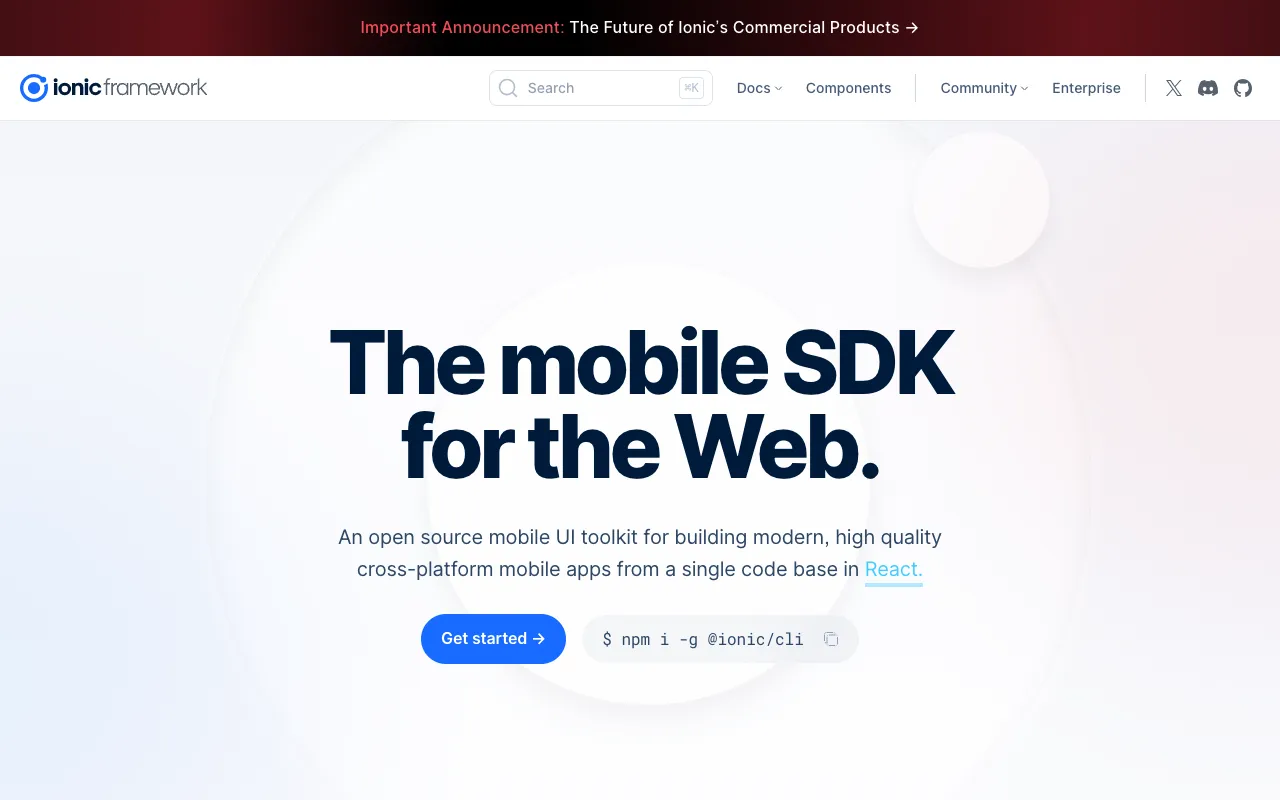
Ionic – The Premier Cross-Platform Mobile App Development Framework
Ionic Framework empowers developers to build native-quality iOS, Android, and Progressive Web Apps (PWAs) using a single codebase of familiar web technologies. By combining HTML, CSS, and JavaScript/TypeScript with a rich library of pre-designed mobile UI components, Ionic drastically reduces development time and cost while delivering polished, performant applications. It's the definitive solution for web developers transitioning to mobile, startups needing a unified product strategy, and enterprises scaling apps across multiple platforms.
What is the Ionic Framework?
Ionic is an open-source SDK and UI component library designed for building cross-platform mobile, desktop, and web applications. At its core, Ionic provides a collection of high-performance, customizable UI components that mimic native iOS and Android design paradigms (Material Design and Cupertino). It acts as a bridge, allowing developers to write their application logic and UI using standard web technologies, which are then compiled and packaged to run natively on iOS and Android via Capacitor (Ionic's native runtime) or Apache Cordova. This 'write once, run anywhere' approach makes it a cornerstone of modern hybrid app development.
Key Features of Ionic Framework
Cross-Platform UI Components
Ionic offers a vast, pre-built library of UI components like buttons, modals, navigation bars, and lists that automatically adapt their appearance to match the platform (iOS or Android) they're running on. This ensures your app delivers a native look-and-feel without manual platform-specific styling, significantly accelerating UI development.
Framework Agnostic & Web-Based
While historically paired with Angular, Ionic is now completely framework-agnostic. You can build Ionic apps using React, Vue, Angular, or even plain JavaScript. This flexibility lets development teams use their preferred front-end stack while leveraging Ionic's mobile-optimized components and tooling.
Capacitor: Modern Native Runtime
Ionic's official native runtime, Capacitor, provides a consistent, modern API for accessing native device features like Camera, GPS, Filesystem, and Notifications. It simplifies the process of deploying web code to native app stores and offers a cleaner, more maintainable alternative to older bridge technologies.
Powerful CLI & Developer Tooling
The Ionic Command Line Interface (CLI) streamlines the entire development workflow. It handles project creation, adding platforms (iOS/Android), running live-reload servers for instant previews, building production-ready app bundles, and deploying to emulators or connected devices.
Who Should Use Ionic?
Ionic is the ideal framework for specific developer profiles and business needs. It's perfect for web developers and teams skilled in HTML, CSS, and JavaScript who want to build mobile apps without learning platform-specific languages (Swift/Kotlin). Startups and SMEs with limited resources benefit immensely from the ability to target iOS, Android, and the web from a single codebase, maximizing reach and ROI. Enterprise teams managing large-scale applications can use Ionic to enforce UI consistency and streamline maintenance across all platforms. It's also excellent for building internal enterprise tools, prototypes, MVPs, and Progressive Web Apps (PWAs) that require a native app wrapper.
Ionic Pricing and Free Tier
The core Ionic Framework, including its extensive UI component library, CLI, and Capacitor runtime, is completely free and open-source under the MIT license. This allows for unlimited use in personal, commercial, and enterprise projects at no cost. Ionic also offers a paid platform called Ionic Appflow, which provides cloud-based build services, live updates, CI/CD automation, and team collaboration features. The free tier of Ionic provides everything needed to build, test, and publish fully-functional mobile applications.
Common Use Cases
- Building a minimum viable product (MVP) for a startup to validate an idea on both iOS and Android quickly
- Creating an internal enterprise dashboard or tool that needs to be accessible on company phones and desktops
- Converting an existing responsive web application into a downloadable mobile app for app stores
- Developing a cross-platform e-commerce or retail app with consistent branding and shopping cart functionality
Key Benefits
- Dramatically reduced development cost and time by maintaining one codebase for all major platforms
- Leverage existing web development skills and talent, reducing the learning curve for mobile development
- Future-proof applications with easy updates and the ability to deploy instantly via PWA or live update services
- Ensure brand and UI consistency across every user touchpoint, from mobile apps to desktop browsers
Pros & Cons
Pros
- Faster development cycle and time-to-market compared to building separate native apps
- Huge ecosystem and community support with extensive documentation and plugins
- True 'write once, run anywhere' capability for iOS, Android, and the web
- Apps can be published as Progressive Web Apps (PWAs) for instant web access
Cons
- Performance for graphics-intensive apps (e.g., high-end games) may not match fully native development
- Access to the very latest native device APIs may sometimes have a slight delay compared to native SDKs
- App size can be slightly larger than a minimal native app due to the embedded WebView
Frequently Asked Questions
Is Ionic free to use?
Yes, absolutely. The core Ionic Framework SDK, UI components, and Capacitor runtime are 100% free and open-source under the permissive MIT license. You can build and publish commercial apps without any licensing fees. Paid services like Ionic Appflow for cloud builds are optional.
Is Ionic good for building production mobile apps?
Yes, Ionic is an excellent choice for production-grade mobile applications. It's used by millions of developers and powers apps for major brands, SMBs, and startups worldwide. With proper optimization and following best practices, Ionic apps can deliver smooth, native-like performance suitable for the public app stores.
What's the difference between Ionic and React Native or Flutter?
Ionic uses web technologies (HTML/CSS/JS) rendered in a WebView, making it ideal for web developers. React Native compiles to native UI components using JavaScript, often requiring more platform-specific knowledge. Flutter uses the Dart language and renders its own UI canvas, offering high performance but a steeper learning curve for web developers. The best choice depends on your team's existing skills and project requirements.
Can I use Ionic with my favorite JavaScript framework?
Yes. Modern Ionic is completely framework-agnostic. Official integrations and full support are provided for React, Vue, and Angular. You can also use Ionic's Web Components with any framework or with no framework at all, using plain JavaScript or TypeScript.
Conclusion
For development teams prioritizing speed, cost-efficiency, and broad market reach, the Ionic Framework stands as a top-tier solution in the cross-platform mobile development landscape. By mastering the universal languages of the web, you gain the power to deploy engaging applications across every major platform. Whether you're a solo developer launching an MVP or an enterprise team standardizing your app portfolio, Ionic provides the robust tooling, performance, and flexibility required for success. Start building your next mobile app today with the proven, powerful, and free Ionic Framework.