Go back
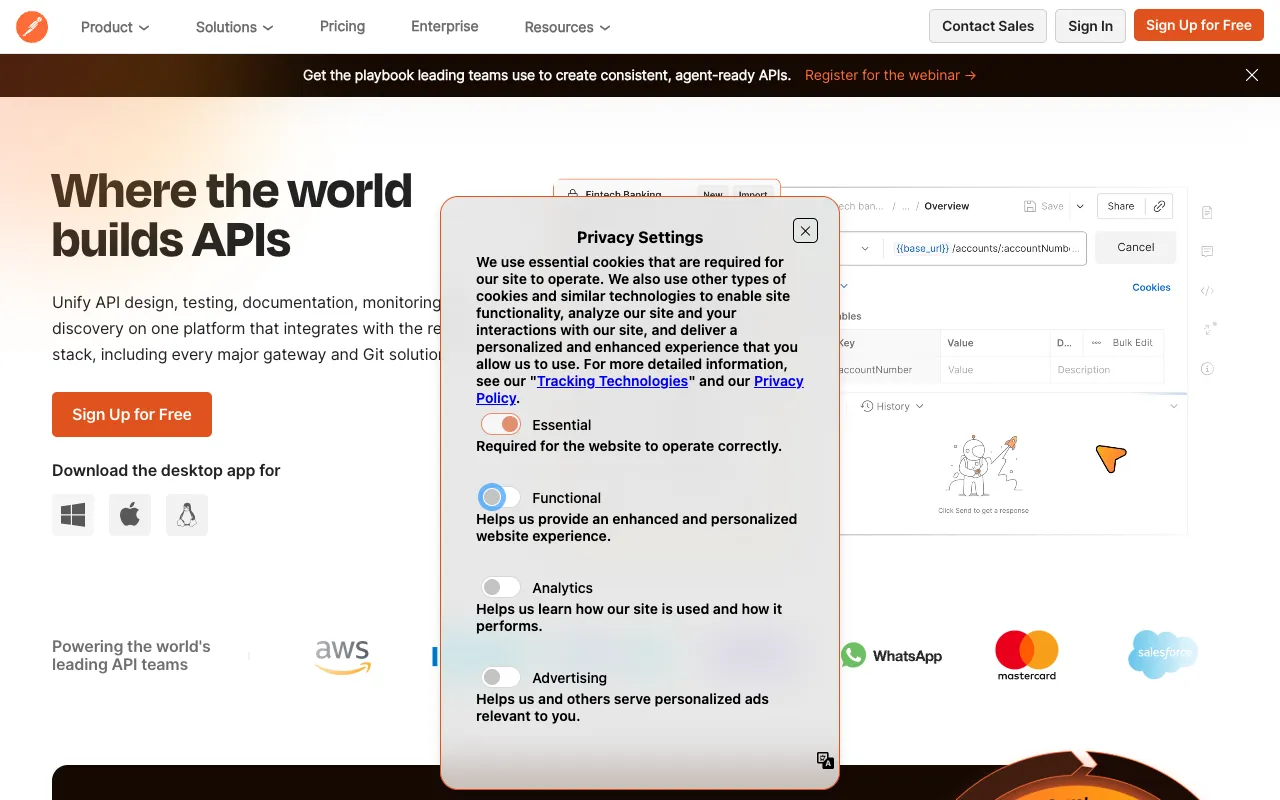
Image of Postman – The Essential API Platform for Mobile App Developers

Postman – The Essential API Platform for Mobile App Developers

Postman is the definitive API platform that empowers mobile app developers to build, test, and document their backend integrations with unprecedented speed and reliability. As mobile applications increasingly rely on complex web services and microservices, Postman provides the unified workspace needed to manage the entire API lifecycle. From prototyping a new endpoint to automating regression tests for your production API, Postman streamlines collaboration between frontend mobile developers and backend API teams, reducing development cycles and ensuring robust, well-documented integrations.

What is Postman?

Postman is a comprehensive API development and testing environment used by millions of developers worldwide. It started as a simple HTTP client but has evolved into a full-featured platform that supports every stage of the API lifecycle. For mobile app developers, it acts as a critical bridge between the app's frontend logic and the backend services it consumes. It allows developers to send requests, inspect responses, write automated tests, mock APIs before they are built, generate documentation, and monitor API performance—all within a single, intuitive interface. This consolidation of tools eliminates context-switching and ensures that APIs are reliable and well-integrated into mobile applications from day one.

Key Features of Postman for Mobile Development

API Request Builder & Client

The core of Postman is its powerful HTTP client. Mobile developers can easily construct requests for GET, POST, PUT, DELETE, and other methods, complete with headers, authentication (OAuth, API keys, Bearer tokens), and complex request bodies (JSON, form-data, GraphQL). This is essential for testing how a mobile app will interact with backend endpoints during development and debugging.

Automated Testing & CI/CD Integration

Write and run JavaScript-based tests for your APIs to validate response status codes, data schemas, and performance. Automate these tests as part of your CI/CD pipeline using Newman (Postman's CLI tool) or integrate with Jenkins, GitHub Actions, and more. This ensures that any change to your backend doesn't break your mobile app's functionality.

API Mock Servers

Develop your mobile app's frontend independently of the backend. Create a mock server in seconds that simulates real API responses based on your defined examples and schemas. This enables parallel development, allowing mobile UI/UX work to proceed without being blocked by unfinished backend services.

Comprehensive Documentation

Automatically generate beautiful, interactive, and always up-to-date API documentation from your Postman collections. This documentation is crucial for onboarding new mobile developers to your project and serves as a single source of truth for how to consume your APIs correctly.

Team Workspaces & Collaboration

Share collections, environments, and mock servers with your team in real-time. Collaborate on API design, track changes, and discuss endpoints directly within Postman. This feature is vital for aligning mobile and backend development teams, reducing miscommunication and integration errors.

Environment & Variable Management

Easily switch between different API configurations (development, staging, production) using environments. Store sensitive data like API keys in variables, keeping them out of your codebase and managing them securely across your team.

Who Should Use Postman?

Postman is indispensable for any professional involved in building modern mobile applications. Frontend and full-stack mobile developers use it daily to integrate and test APIs. Backend engineers use it to prototype and validate their endpoints. QA engineers leverage it for API testing automation. Technical writers generate documentation from it, and engineering managers use its collaboration features to oversee project progress. Whether you're a solo indie developer building a cross-platform app with Flutter or React Native, or part of a large enterprise team developing native iOS and Android applications, Postman scales to meet your API workflow needs.

Postman Pricing and Free Tier

Postman offers a powerful and fully-featured Free plan, making it accessible to individual developers, students, and small teams. The Free tier includes core features like the API client, automated testing, mock servers, and basic documentation. For advanced collaboration, enhanced security, role-based access control, and advanced monitoring features, Postman provides paid Professional, Enterprise, and Business plans. This tiered structure ensures that teams of all sizes can start for free and scale their usage as their mobile app projects grow in complexity and team size.

Common Use Cases

Key Benefits

Pros & Cons

Pros

  • Extremely intuitive and user-friendly interface for developers of all levels.
  • Unmatched feature set covering the entire API lifecycle in one platform.
  • Robust free tier that is sufficient for most individual developers and small projects.
  • Excellent collaboration tools that streamline communication across development teams.
  • Strong ecosystem with extensive integrations, community support, and learning resources.

Cons

  • Advanced features and team collaboration tools require a paid subscription.
  • Can be resource-intensive for very large collections or complex automated test suites.
  • The shift from a simple tool to a full platform has a learning curve for mastering all capabilities.

Frequently Asked Questions

Is Postman free to use for mobile app development?

Yes, Postman offers a comprehensive Free plan that includes all the essential features for individual mobile app developers, such as the API client, basic automated testing, mock servers, and documentation. This makes it an excellent starting point for students, indie developers, and small teams.

Is Postman good for testing mobile app APIs?

Absolutely. Postman is the industry standard for API testing. It allows mobile developers to manually test endpoints, automate complex test suites, simulate different network conditions, and validate API responses—ensuring that the backend services powering a mobile app are reliable, secure, and performant before the app is released.

Can I use Postman to mock an API for my mobile app?

Yes, Postman's Mock Server feature is perfect for mobile development. You can define example requests and responses, and Postman will host a live mock endpoint. This allows mobile developers to build and test the app's UI and logic against realistic data while the real backend API is still under development.

How does Postman help with mobile and backend team collaboration?

Postman provides shared Workspaces where teams can collaborate on API collections, environments, and documentation in real-time. This creates a shared contract for the API, reducing misunderstandings between mobile and backend developers. Features like commenting, version history, and role-based access control make it a central hub for API-related teamwork.

Conclusion

For any serious mobile app developer, Postman is not just a tool—it's a foundational component of the modern development workflow. Its ability to unify API design, testing, documentation, and collaboration addresses the core challenges of integrating mobile frontends with complex backend systems. The generous free tier makes it easy to start, while its enterprise-grade features support the largest development teams. If you're building a mobile app that communicates with any external service or internal API, incorporating Postman into your process will save time, reduce errors, and produce a more stable and well-documented final product.