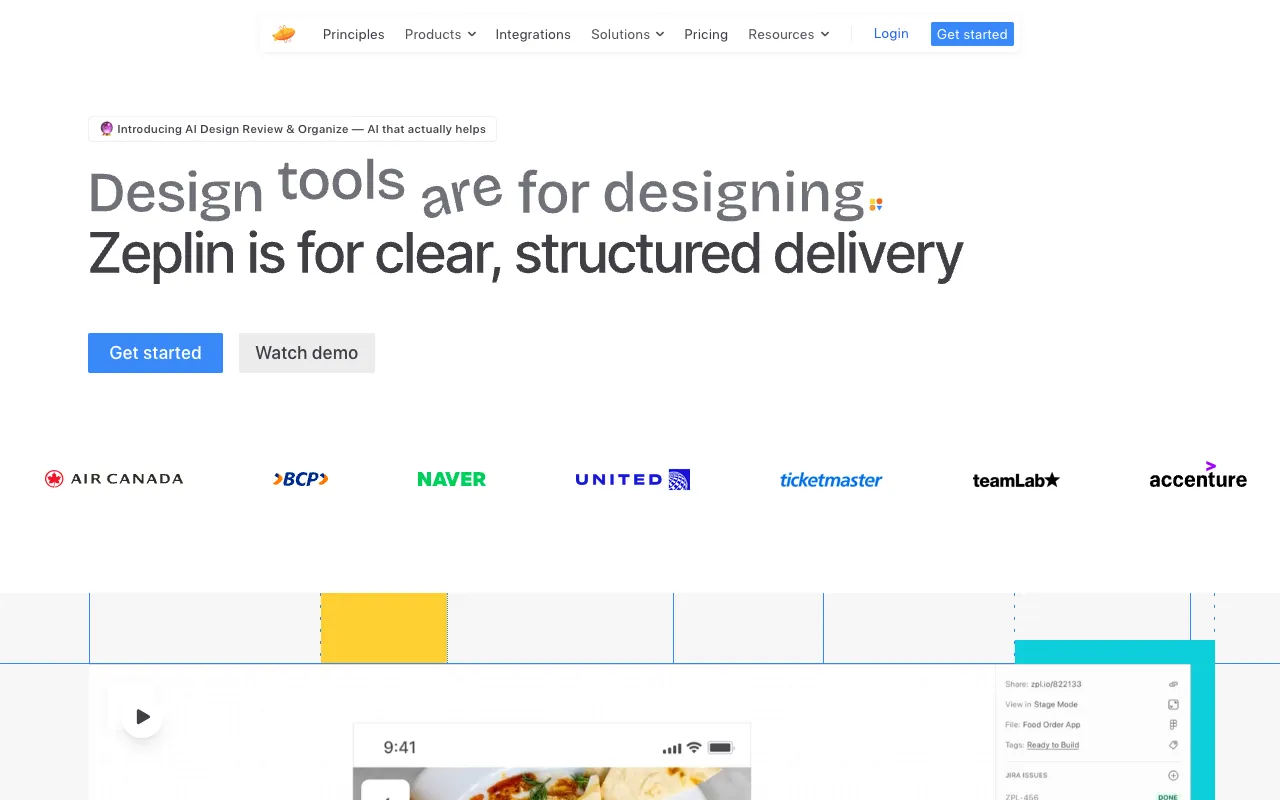
Zeplin – The Essential Collaboration Hub for Mobile App Developers
Zeplin is the industry-standard platform that transforms the chaotic design handoff process into a smooth, organized workflow. Built specifically for collaboration between designers and developers, it eliminates guesswork by providing developers with pixel-perfect designs, exact measurements, downloadable assets, and platform-specific code snippets—all in one centralized workspace. For mobile app developers working with iOS, Android, or cross-platform frameworks, Zeplin dramatically reduces friction, accelerates build time, and ensures the final product matches the original design vision.
What is Zeplin?
Zeplin is a dedicated collaboration tool that acts as the single source of truth for design implementation. Designers upload finalized screens from tools like Figma, Sketch, or Adobe XD, and Zeplin automatically generates a developer-friendly workspace. This workspace contains all the specifications a developer needs: exact dimensions, spacing, colors (with hex/RGBA values), text styles, and exportable assets in multiple densities (@1x, @2x, @3x). It's not just a viewer; it's an interactive style guide and asset library that bridges the communication gap, making it indispensable for modern mobile app development teams aiming for precision and efficiency.
Key Features of Zeplin for Mobile Developers
Automated Style Guide & Specs
Zeplin automatically extracts and organizes all colors, text styles, and spacing into a living style guide. Developers no longer need to manually inspect designs or ask designers for values. Hover over any element to see its exact dimensions, margins, padding, and font properties, ensuring pixel-perfect implementation for both iOS and Android interfaces.
Platform-Specific Code Snippets
Accelerate development with ready-to-use code snippets. Zeplin generates relevant code for colors, text styles, and measurements in Swift, Objective-C, Android (Kotlin/Java), CSS, and React Native. This feature reduces manual transcription errors and helps maintain consistency across your codebase.
Organized Asset Export
Export any icon, image, or vector directly from the design with a single click. Zeplin handles asset organization and generates exports in all required resolutions (@1x, @2x, @3x, etc.) for iOS, Android, and web. It supports SVG, PNG, and even PDF formats, streamlining asset management for multiple screen densities.
Integrated Developer Workflow
Connect Zeplin to your existing tools. Integrate with Jira, Slack, Trello, and GitHub to link designs to stories, get notifications for updates, and keep the entire team in sync. Developers can add notes, ask questions directly on designs, and mark sections as 'Done,' creating a transparent feedback loop.
Who Should Use Zeplin?
Zeplin is essential for any team building digital products, especially mobile applications. It is ideal for: **Mobile App Developers (iOS/Android/React Native)** who need accurate specs and assets; **UI/UX Designers** who want a seamless handoff process; **Product Managers** overseeing design-to-development timelines; and **Freelancers or Small Agencies** looking to present professional, organized deliverables to clients. It's particularly valuable in agile environments where design iterations are frequent and clear communication is critical.
Zeplin Pricing and Free Tier
Zeplin offers a generous **free plan** perfect for freelancers and small teams, allowing 1 project with unlimited members. Their paid plans (Starting with 'Team') unlock unlimited projects, advanced privacy controls, shared component libraries, and more sophisticated workflow integrations. This scalable model makes Zeplin accessible for individual developers while providing the advanced features needed by large enterprise teams working on multiple complex mobile app projects.
Common Use Cases
- Implementing complex mobile app UI designs from Figma with pixel-perfect accuracy
- Managing and exporting asset libraries for iOS and Android development projects
- Streamlining communication between remote designers and mobile development teams
Key Benefits
- Eliminates manual measurement and asset extraction, saving developers hours per week
- Reduces implementation errors and rework, leading to faster app release cycles
- Creates a centralized reference that improves team alignment and reduces meetings
Pros & Cons
Pros
- Drastically reduces back-and-forth communication between design and development
- Automated code snippets and specs accelerate the front-end development process
- Intuitive, developer-focused interface requires minimal learning curve
- Strong free tier makes it accessible for individuals and small projects
Cons
- Primarily a handoff tool; not designed for live prototyping or real-time co-design
- Advanced features like connected components require a paid subscription
Frequently Asked Questions
Is Zeplin free to use?
Yes, Zeplin offers a robust free plan suitable for individual developers or small teams working on a single project. It includes core features like design specs, asset export, and basic integrations.
Is Zeplin good for mobile app development?
Absolutely. Zeplin is considered one of the best tools for mobile app developers. It provides platform-specific assets (like @2x, @3x images), generates code for iOS and Android, and organizes everything a developer needs to build an app interface accurately and efficiently.
Can Zeplin generate React Native code?
Yes, Zeplin supports code snippet generation for React Native, in addition to Swift, Kotlin, and Java. This makes it an excellent tool for teams building cross-platform mobile applications.
How does Zeplin compare to just sharing Figma files?
While Figma is great for design, Zeplin is purpose-built for handoff. It presents designs in a clean, annotation-friendly format for developers, automatically extracts specs and assets, and generates code—eliminating the clutter and extra steps involved in navigating a full design file.
Conclusion
For mobile app development teams, Zeplin is more than just a tool—it's a workflow essential. By automating the tedious aspects of design handoff and providing a centralized hub for specs and assets, it empowers developers to build faster and with greater accuracy. Whether you're a solo developer or part of a large team, incorporating Zeplin into your process will reduce friction, improve team harmony, and help you ship higher-quality mobile applications. Its powerful free tier makes it easy to start realizing these benefits immediately.