Go back
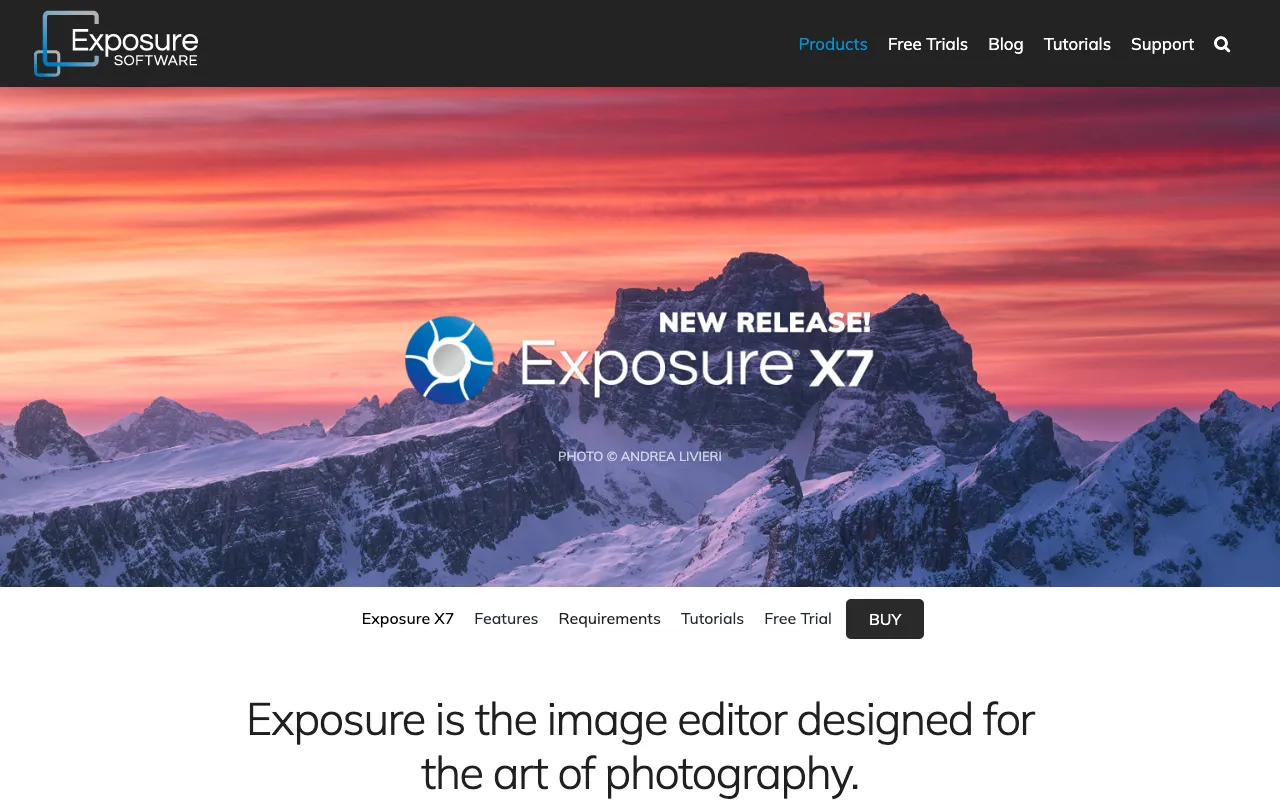
Image of Exposure – The Best Photo Editor for Authentic Film Looks & Creative Workflow

Exposure – The Best Photo Editor for Authentic Film Looks & Creative Workflow

Exposure by Alien Skin Software stands apart as the definitive desktop photo editor for photographers who prioritize artistic expression and authentic aesthetics. Unlike generic editors, Exposure is engineered from the ground up to deliver the most realistic film emulations on the market, combined with a powerful, non-destructive editing workflow and robust organizational tools. It's the creative hub for photographers—from fine art specialists to portrait and wedding professionals—who want to infuse their digital work with the timeless character of analog film while maintaining complete creative control and efficiency.

What is Exposure Photo Editor?

Exposure is a professional-grade desktop application designed specifically for photographers who value both the artistic process and final image quality. It goes beyond basic photo correction, positioning itself as a complete creative suite for applying, customizing, and perfecting film-inspired looks. At its core is an unparalleled library of meticulously crafted film emulations that replicate the grain, color response, and tonal qualities of classic and modern films. Exposure integrates this artistic engine with a comprehensive set of editing tools and a photographer-centric asset manager, creating a seamless environment from import to final export. It's the tool for photographers who see editing as an extension of their artistic vision, not just a technical step.

Key Features of Exposure Photo Editor

Legendary Film & Creative Presets

Access hundreds of premium, customizable presets that faithfully recreate the look of iconic films like Kodak Portra, Fujifilm Pro 400H, and Ilford HP5. Beyond accurate emulation, Exposure includes a vast collection of creative looks—from vintage and cinematic to modern and ethereal—providing instant inspiration and a solid starting point for any project.

Advanced Non-Destructive Editing

Work with complete freedom using Exposure's fully non-destructive editing pipeline. Every adjustment, from basic exposure and color grading to advanced grain and texture overlay, is applied as a layer. This allows for infinite experimentation, easy comparison of different looks, and the ability to revisit and tweak any edit at any time without degrading image quality.

Integrated Photo Organizer & Catalog

Manage your entire photography library within Exposure. Its built-in organizer allows you to rate, tag, keyword, and filter images efficiently. Create collections, sync edits across multiple photos, and maintain a streamlined workflow without needing to jump between separate editing and asset management applications.

Precision Color & Tone Controls

Exercise pinpoint control over your image's mood and feel. Exposure provides sophisticated tools for color grading, split toning, selective color adjustment, and advanced curve controls. These professional-grade features enable you to fine-tune presets or build your signature looks from scratch with surgical precision.

Who Should Use Exposure Photo Editor?

Exposure is the ideal creative partner for photographers whose work demands a distinct aesthetic and an efficient, inspiring workflow. It is particularly powerful for portrait and wedding photographers seeking consistent, beautiful skin tones and emotive color palettes. Fine art and landscape photographers will appreciate the nuanced control over tone and texture to realize their artistic vision. Film enthusiasts transitioning to digital, as well as commercial photographers needing to deliver unique looks for clients, find immense value in Exposure's preset library and customization depth. If your photography is defined by its style and you spend significant time crafting a specific 'look,' Exposure is designed to accelerate and enhance that process.

Exposure Pricing and Free Trial

Exposure is offered as a premium, paid desktop application with a one-time purchase license. Alien Skin Software typically does not offer a permanent free tier, but they frequently provide a fully-functional free trial period (often 30 days), allowing photographers to test all features and presets with their own work. This trial is the best way to experience the software's depth. Following the trial, users can purchase a license for the current version. The company also offers upgrade pricing for users of previous versions. For the most accurate and current pricing, visit the official Alien Skin Software website.

Common Use Cases

Key Benefits

Pros & Cons

Pros

  • Industry-leading realistic film emulations that are scientifically accurate and artistically tuned.
  • Deep, non-destructive editing framework perfect for experimentation and client revisions.
  • Combines robust editing with capable asset management, reducing app switching.
  • One-time purchase model (after the initial sale) provides long-term value without subscription fees.

Cons

  • No permanent free version is available, only a time-limited trial.
  • As a dedicated desktop application, it requires a download and installation.
  • The extensive feature set and preset library may have a learning curve for absolute beginners.

Frequently Asked Questions

Does Exposure have a free version?

Exposure does not have a permanent free version. However, Alien Skin Software offers a full-featured free trial (usually 30 days) which allows you to test all presets and editing tools with no watermarks. This is an excellent way to evaluate if its film emulations and workflow fit your photography style before purchasing a license.

Is Exposure a good editor for professional photographers?

Absolutely. Exposure is a professional-grade tool trusted by working photographers worldwide. Its strengths in delivering authentic, customizable film looks, combined with a non-destructive workflow and organizational tools, make it a superb choice for professionals in portrait, wedding, fine art, and commercial photography who need to develop and deliver a consistent, high-quality aesthetic efficiently.

Can I use Exposure as a plug-in for Lightroom or Photoshop?

Yes, in addition to being a standalone application, Exposure can also function as a plug-in for Adobe Lightroom and Photoshop. This flexibility allows photographers to integrate its powerful film emulations and creative tools directly into their existing Adobe-centric workflow, using it for specific looks before returning to their primary editor for further adjustments.

Conclusion

For photographers who view post-processing as a critical component of their artistic signature, Exposure is more than just an editor—it's a creative catalyst. Its unmatched library of realistic film emulations provides a foundation of authenticity, while its deep, non-destructive editing tools empower you to build upon that foundation to create something uniquely yours. When your goal is to move beyond basic corrections and craft images with soul, character, and a tangible aesthetic, Exposure stands as a top-tier solution. It is the definitive choice for any serious photographer committed to developing a distinctive look and streamlining their creative workflow from capture to final presentation.