Go back
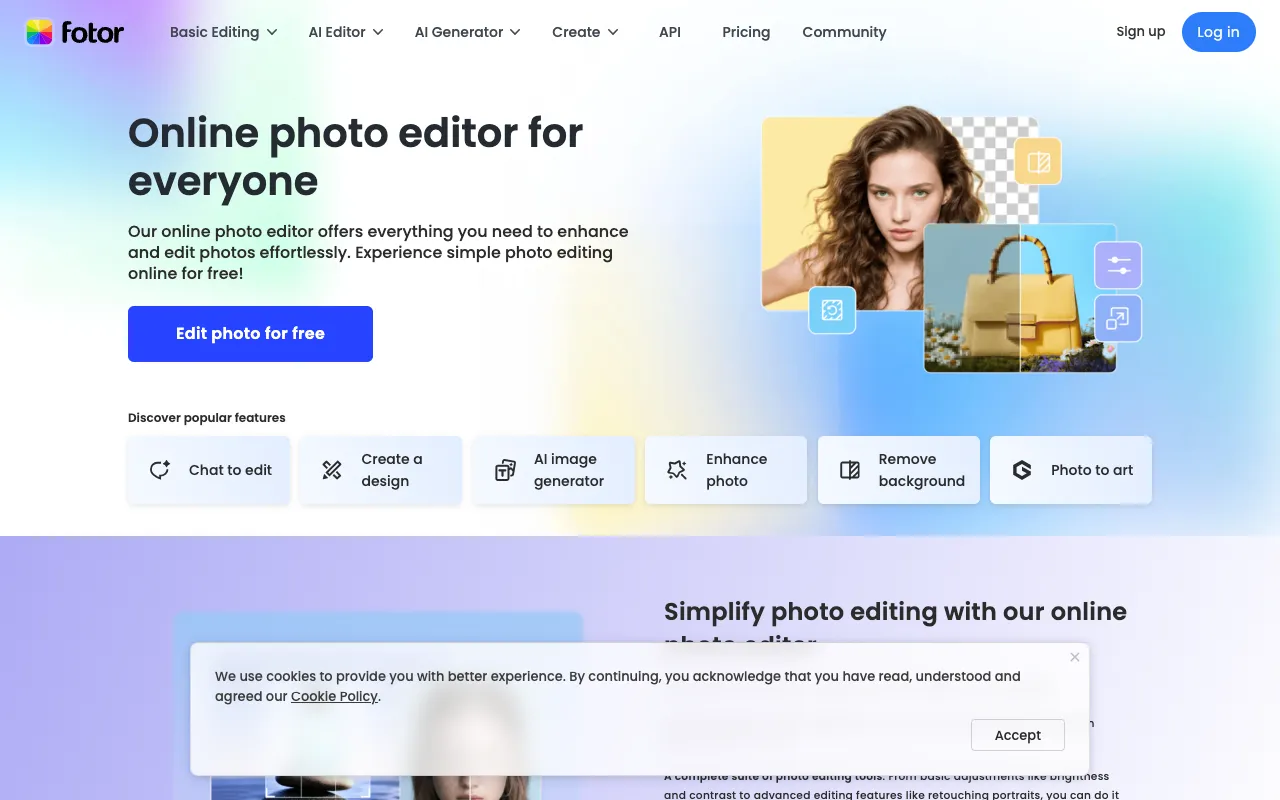
Image of Fotor – Best Online Photo Editor and Design Tool for Photographers

Fotor – Best Online Photo Editor and Design Tool for Photographers

Fotor is a versatile, web-based photo editor and design platform that empowers photographers, content creators, and small businesses to produce professional-grade visuals without complex software. It combines essential photo correction tools with advanced effects like HDR and a robust collage maker, making it an ideal all-in-one solution for quick edits and creative projects directly in your browser.

What is Fotor?

Fotor is a comprehensive online photo editing and graphic design application. It serves as a powerful alternative to desktop software, providing a wide array of features from basic brightness and contrast adjustments to sophisticated retouching, HDR enhancement, and multi-photo collage creation. Designed for accessibility, it caters to photographers seeking efficient workflow tools, social media managers needing quick design templates, and hobbyists exploring creative photo effects.

Key Features of Fotor

AI-Powered Photo Enhancement

Leverage artificial intelligence to automatically improve photo quality. Fotor's AI tools can instantly enhance colors, sharpen details, remove noise, and even upscale images while preserving quality, saving photographers hours of manual adjustment.

Professional HDR Effects

Create stunning high-dynamic-range visuals with a single click. Fotor's HDR technology merges exposure details to produce vivid, balanced images with exceptional clarity in shadows and highlights, perfect for landscape and architectural photography.

Advanced Collage and Design Maker

Go beyond basic editing with a dedicated collage creator featuring hundreds of layouts. Combine multiple photos into artistic compositions or use the design module with pre-sized templates for social media posts, banners, and marketing materials.

One-Touch Beauty Retouching

Perfect for portrait photographers, Fotor offers tools to smooth skin, remove blemishes, whiten teeth, and reshape features effortlessly. These retouching features deliver professional results without requiring expertise in complex software like Photoshop.

Who Should Use Fotor?

Fotor is ideal for photographers who need a quick, reliable online editor for client previews or social media sharing. It's equally valuable for bloggers, digital marketers, and small business owners who require a tool for creating eye-catching graphics and promotional materials without a design background. Its balance of simplicity and advanced features makes it suitable for both beginners and seasoned creatives seeking an efficient cloud-based solution.

Fotor Pricing and Free Tier

Fotor operates on a freemium model. Its robust free tier provides access to core editing tools, basic filters, effects, and the collage maker, which is sufficient for many personal and professional projects. For users requiring advanced features like batch processing, higher-resolution exports, premium templates, and an ad-free experience, Fotor offers Pro and Pro+ subscription plans with monthly or annual billing options.

Common Use Cases

Key Benefits

Pros & Cons

Pros

  • Extremely user-friendly interface ideal for photographers of all skill levels.
  • Powerful free plan includes HDR effects and core editing tools.
  • Cloud-based access allows editing from any device with an internet connection.
  • Vast library of design templates and collage layouts for content creation.

Cons

  • Advanced features and high-resolution exports require a paid subscription.
  • As a web app, performance can depend on internet connection speed.

Frequently Asked Questions

Is Fotor free to use?

Yes, Fotor offers a comprehensive free plan that includes access to its photo editor, basic retouching tools, filters, effects, HDR, and the collage maker. This is perfect for most editing tasks. For professional features like batch processing and premium assets, paid Pro plans are available.

Is Fotor good for professional photographers?

Absolutely. While it may not replace advanced RAW processors for all workflows, Fotor is an excellent tool for professional photographers needing quick edits, client previews, social media content creation, and applying creative effects like HDR. Its efficiency and cloud-based nature make it a valuable supplement to a professional toolkit.

Can I use Fotor on my phone?

Yes, in addition to the web application, Fotor offers dedicated mobile apps for iOS and Android. This allows photographers to edit, enhance, and design on the go, making it easy to process images immediately after a shoot.

Conclusion

Fotor stands out as a top-tier online photo editor by successfully balancing powerful editing capabilities with remarkable ease of use. For photographers, content creators, and marketers, it delivers professional-grade tools—from AI enhancement and HDR to collage design—directly in a web browser. Its generous free tier makes it accessible to everyone, while its premium offerings cater to growing professional needs. If you're looking for a versatile, efficient, and cost-effective visual content solution, Fotor is a compelling choice that can significantly elevate your photography and design workflow.